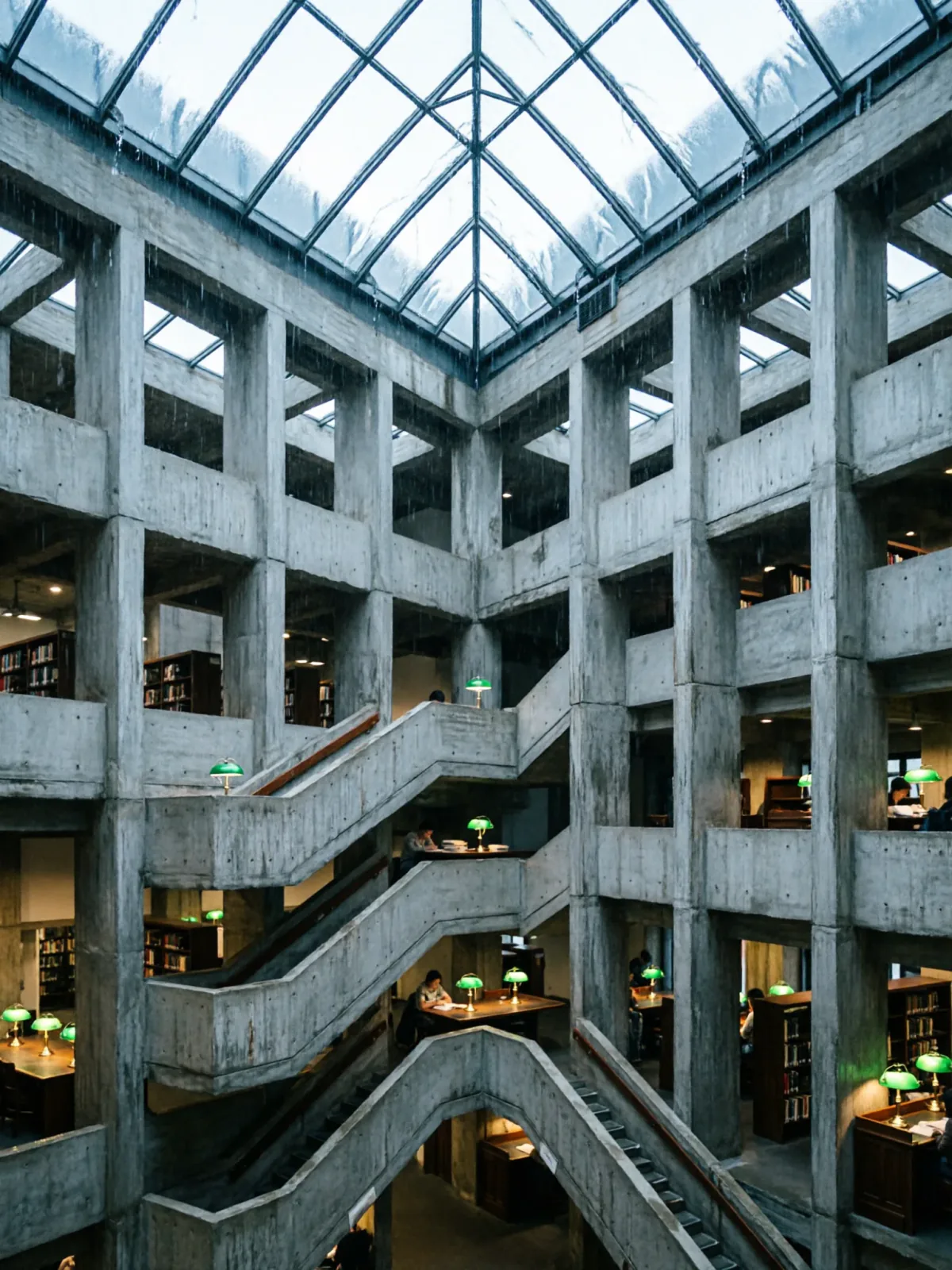
Brutalist library atrium under a rain-sheeted glass roof
Qwen Image 2Make oneCreate


Text to imageArchitecture & interiors
The exact text-to-image prompt behind this picture, made with GPT Image 2.5 Sunburst.
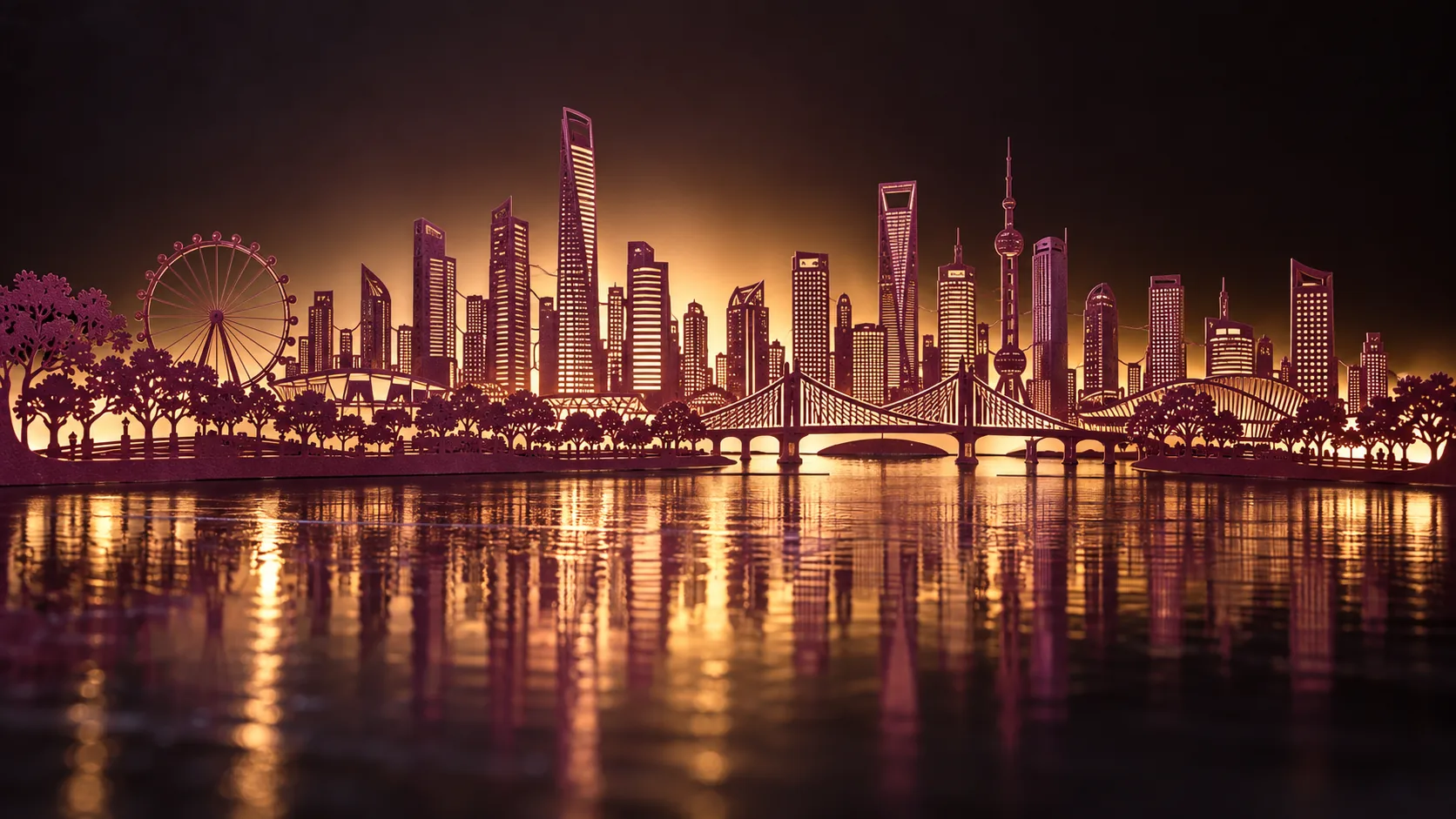
Wide 16:9 landscape frame. A single sheet paper-cut skyline of a modern riverside city, every building, bridge and tree delicately connected by fine paper lines, cut from metallic plum foil paper and lit from behind with a warm glow, soft night gloss and reflections on a dark surface, handcrafted art photography, no text.
Prompts are kept in their original English to help reproduce the example. Copy one as it is, or adapt it for your project.
Opens GPT Image 2.5 Sunburst with this prompt and the settings below filled in.
135 tested GPT Image prompts →
The exact price shows before you generate.
cut from metallic plum foil paper and lit from behind with a warm glow.handcrafted art photography sets the whole feel of the shot. Swap it for another camera style to change the vibe.no text. Leave that in, or the model may add random lettering.Inspired by an idea from @liyue_ai, collected in freestylefly/awesome-gpt-image-2 under MIT. PopNow wrote this prompt and made the example above.
Scene prompt guide
A delicate papercraft cityscape comes to life through intricate single-sheet silhouettes, shimmering foil textures, and warm backlighting. GPT Image 2.5 Sunburst renders the precision cuts cleanly while balancing the glossy, reflective foreground with glowing negative space. It succeeds because the prompt specifies physical material constraints and lighting angles instead of generic digital effects.
Wide 16:9 landscape frame. A single sheet paper-cut skyline of a modern riverside city,Defines the horizontal canvas and establishes the core subject as a unified silhouette cut from one piece. Removing it risks turning the image into a standard digital illustration or an aerial photo of a real city.
every building, bridge and tree delicately connected by fine paper lines,Forces the model to maintain the physical logic of kirigami or paper cutting, ensuring bridges and trees physically link together. Without this, buildings may float disjointedly like isolated clip art.
cut from metallic plum foil paper and lit from behind with a warm glow,Specifies the reflective sheen of plum foil and sets up high-contrast rim lighting from behind. Changing plum to copper or gold shifts the color temperature and mood entirely.
soft night gloss and reflections on a dark surface, handcrafted art photography, no text.Adds tabletop depth via reflective dark surfaces while framing the shot as real studio craft photography. The negative constraint keeps unwanted labels off the skyline cuts.
The scene relies on studio tabletop lighting and a shallow depth of field to make delicate paper crafts feel tangible.
Shifts the color palette to icy silver and pale blue dawn light for a serene winter mood.
Wide 16:9 landscape frame. A single sheet paper-cut skyline of a winter riverside town, every snowy roof, frozen bridge and pine tree delicately connected by fine paper lines, cut from icy silver foil paper and lit from behind with cool dawn mist, pale blue gloss and reflections on a dark surface, handcrafted art photography, no text.
Uses an overhead angle with warm side lighting to emphasize geometric shadows across the surface.
Wide 16:9 landscape frame. A top-down overhead paper-cut skyline of a modern riverside harbor, every dock, cargo ship and skyscraper delicately connected by fine paper lines, cut from brushed bronze foil paper and lit with directional side light casting long sharp shadows, soft gloss and reflections on a dark surface, handcrafted art photography, no text.
Replaces the modern city with historical fortress architecture and deep emerald tones for an ornate, mythical feel.
Wide 16:9 landscape frame. A single sheet paper-cut skyline of an ancient cliffside fortress, every palace dome, stone arch and cypress tree delicately connected by fine paper lines, cut from emerald metallic foil paper and lit from behind with an amber candlelight glow, soft night gloss and reflections on a dark surface, handcrafted art photography, no text.
Keep the aspect ratio at 16:9 to give the horizontal city silhouette enough breathing room across the frame without cropping the riverside edges. Set quality to high so the model renders the micro-thin structural bridge connections and delicate tree cuts cleanly. If you switch to vertical portraits for mobile wallpapers, adjust the ratio to 9:16 and ensure the skyline stacks vertically.
Replace metallic plum foil paper with another material phrase like brushed copper foil, matte navy cardstock, or iridescent gold paper. Keep the backlight description matching or contrasting your chosen material color for proper studio depth.
AI image models sometimes treat skyline elements as separate objects rather than a single craft piece. Reinforce the prompt with phrases like single continuous sheet and structural cutout framework to bind the buildings to the base plane.
Yes, replace modern riverside city with a specific landmark cluster such as London Thames skyline with Tower Bridge. Maintain the single sheet paper-cut instruction so the model converts real architecture into simplified silhouette art.