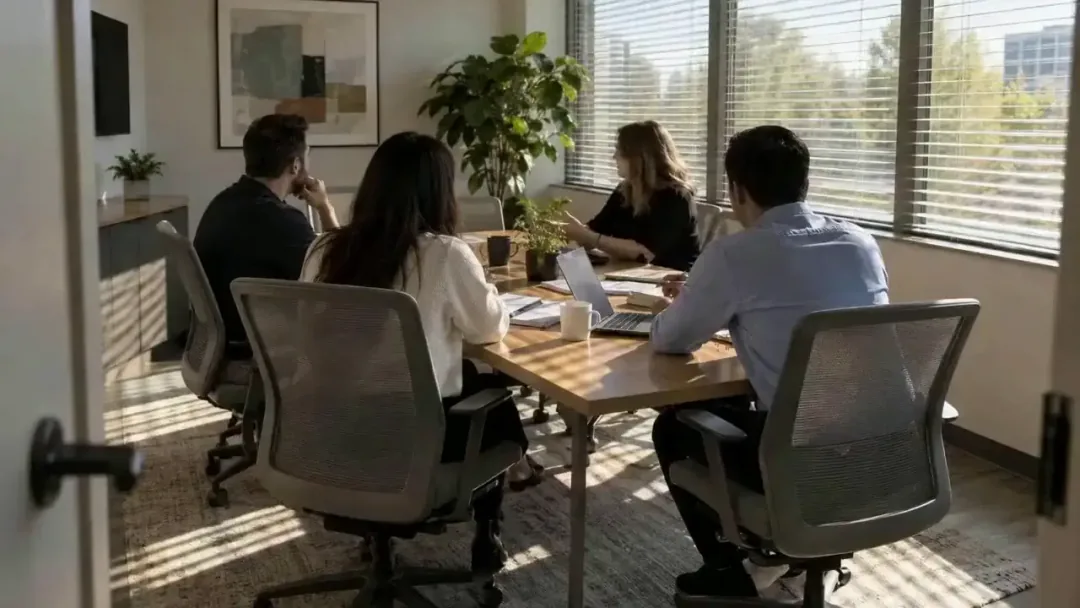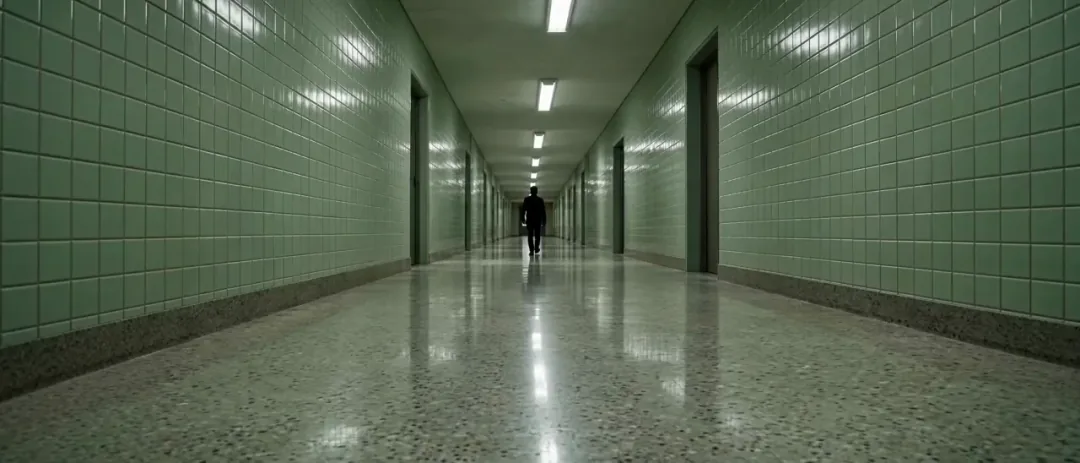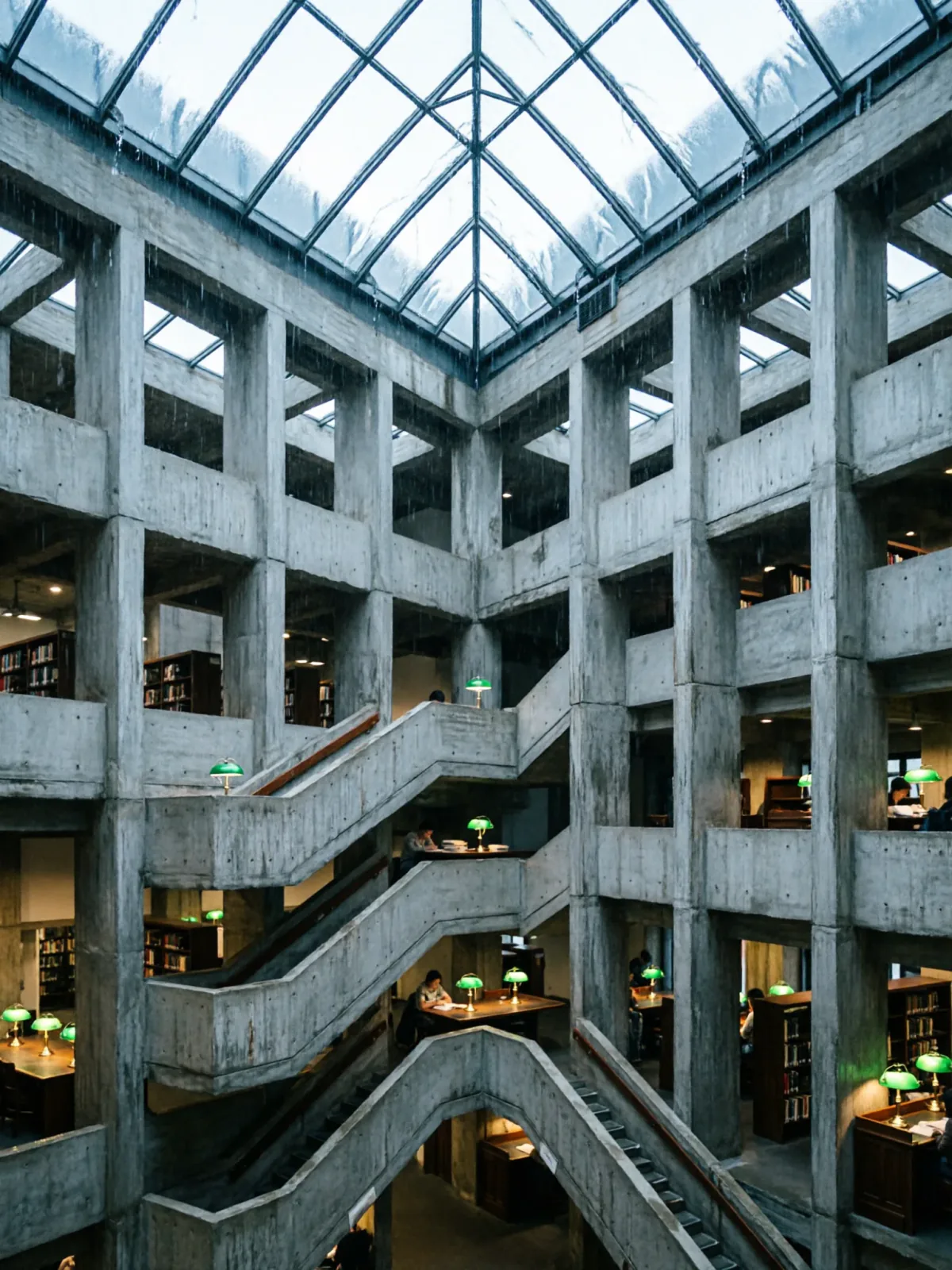
Brutalist library atrium under a rain-sheeted glass roof
Qwen Image 2Make oneCreate


Text to imageArchitecture & interiors
The exact text-to-image prompt behind this picture, made with GPT Image 2.5 Sunburst.
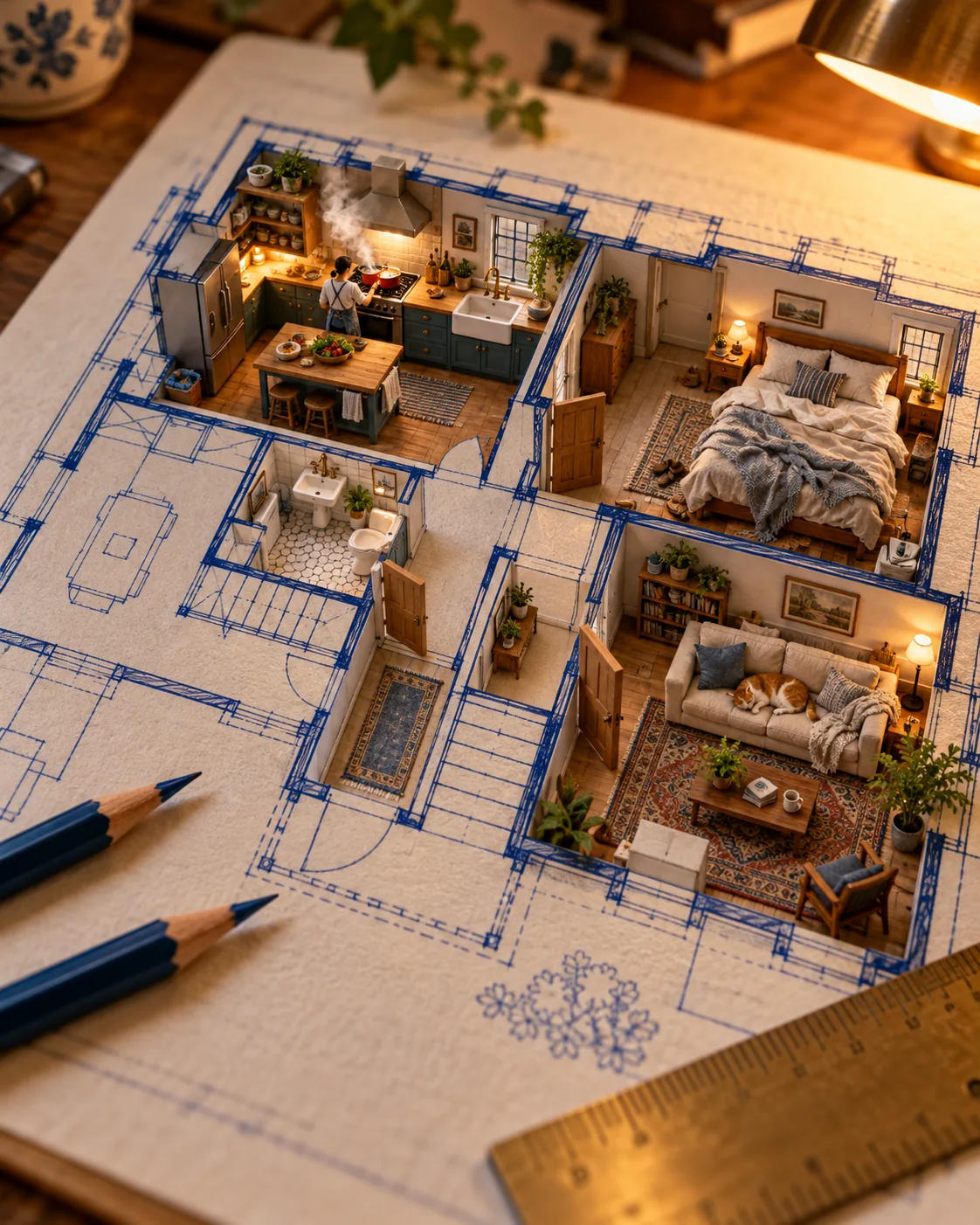
Vertical 4:5 portrait frame. An architectural floor plan drawn in blue ink on a drafting table, with some rooms rising off the paper into inhabited miniatures: a steamy kitchen with a tiny cook, a bedroom with an unmade bed, a living room with a sleeping cat, pencils and a ruler nearby, warm lamp light, macro photography, no readable text.
Prompts are kept in their original English to help reproduce the example. Copy one as it is, or adapt it for your project.
Opens GPT Image 2.5 Sunburst with this prompt and the settings below filled in.
135 tested GPT Image prompts →
The exact price shows before you generate.
warm lamp light.macro photography sets the whole feel of the shot. Swap it for another camera style to change the vibe.no readable text. Leave that in, or the model may add random lettering.Inspired by an idea from @AllaAisling, collected in jau123/nanobanana-trending-prompts under CC BY 4.0. PopNow wrote this prompt and made the example above.
Scene prompt guide
An illustrated architectural blueprint morphs into populated, dollhouse-like dioramas on a drafting board under cozy studio illumination. GPT Image 2.5 Sunburst renders this hybrid concept cleanly by isolating specific miniature vignettes against sharp ink lines. The contrast between flat technical drawings and tactile 3D interiors creates an engaging sense of depth.
Vertical 4:5 portrait frame. An architectural floor plan drawn in blue ink on a drafting table,Establishes the technical drafting workspace and two-dimensional base. Changing blue ink to sepia ink or dark blueprint paper shifts the whole era and mood of the drafting scene.
with some rooms rising off the paper into inhabited miniatures:Commands the model to transition flat lines into physical three-dimensional structures. Removing this line leaves you with a conventional flat architectural drawing.
a steamy kitchen with a tiny cook, a bedroom with an unmade bed, a living room with a sleeping cat,Provides specific micro-scenes that give life and personality to the architectural spaces. Replacing these alters the narrative, such as swapping them for an artist studio or plant conservatory.
pencils and a ruler nearby, warm lamp light, macro photography, no readable text.Establishes the miniature scale using real-world tools, applies warm atmospheric lighting, and suppresses unwanted technical lettering from appearing across the drawing.
The visual illusion depends on deliberate close-up camera angles and warm studio lighting that bridge flat technical paper with dimensional dioramas.
Swaps daylight for nocturnal atmosphere and high-contrast interior glows, perfect for dramatic presentation visuals.
Vertical 4:5 portrait frame. An architectural floor plan drawn in white chalk on dark navy blueprint paper on a drafting table, with some rooms rising off the paper into glowing nighttime miniatures: a dark kitchen lit by an open refrigerator, a bedroom bathed in soft blue moonlight, a study with a glowing desk lamp, brass dividers nearby, moody low-key lighting, macro photography, no readable text.
Changes interior architecture to landscape design, ideal for nature-focused or exterior concept renders.
Vertical 4:5 portrait frame. A landscape garden masterplan drawn in green watercolor on an oak worktable, with outdoor zones rising off the paper into lush miniatures: a courtyard with a tiny stone fountain, an orchard with miniature flowering trees, a glass greenhouse with potted ferns, pruning shears and seed packets nearby, golden afternoon sunlight, macro photography, no readable text.
Uses crisp black ink and bright diffuse lighting for a cleaner, modern design aesthetic.
Vertical 4:5 portrait frame. An architectural grid schematic drawn in black technical pen on pale vellum paper, with rooms popping upward into bright daylight miniatures: a sunny ceramics studio with tiny pottery wheels, a library lined with miniature bookshelves, a balcony with potted palms, steel callipers nearby, bright diffuse studio lighting, tilt-shift macro photography, no readable text.
Keep the aspect ratio at 4:5 portrait to emphasize the vertical lift of the miniature walls rising off the flat tabletop. Set quality to high so GPT Image 2.5 Sunburst renders clean, sharp drafting lines and fine details in the miniature figures. Use standard text-to-image mode without input pictures so the model can freely merge 2D geometry into 3D objects. Switch to 16:9 landscape only if you want an expansive, wide-angle view of the entire drafting desk.
Architectural blueprints heavily associate with technical text labels in AI training data. Keeping 'no readable text' helps, but describing the drawing as 'schematic geometry without typography' reduces stray letters even further.
Specify physical crafting materials such as balsa wood, matte cardstock, and painted resin miniatures, and include tabletop props like erasers or brass rulers to ground the physical scale.
Adding more than three vignettes often causes a cluttered frame where tiny details blur. Stick to two or three distinct rooms so GPT Image 2.5 Sunburst can render every character and prop with crisp definition.