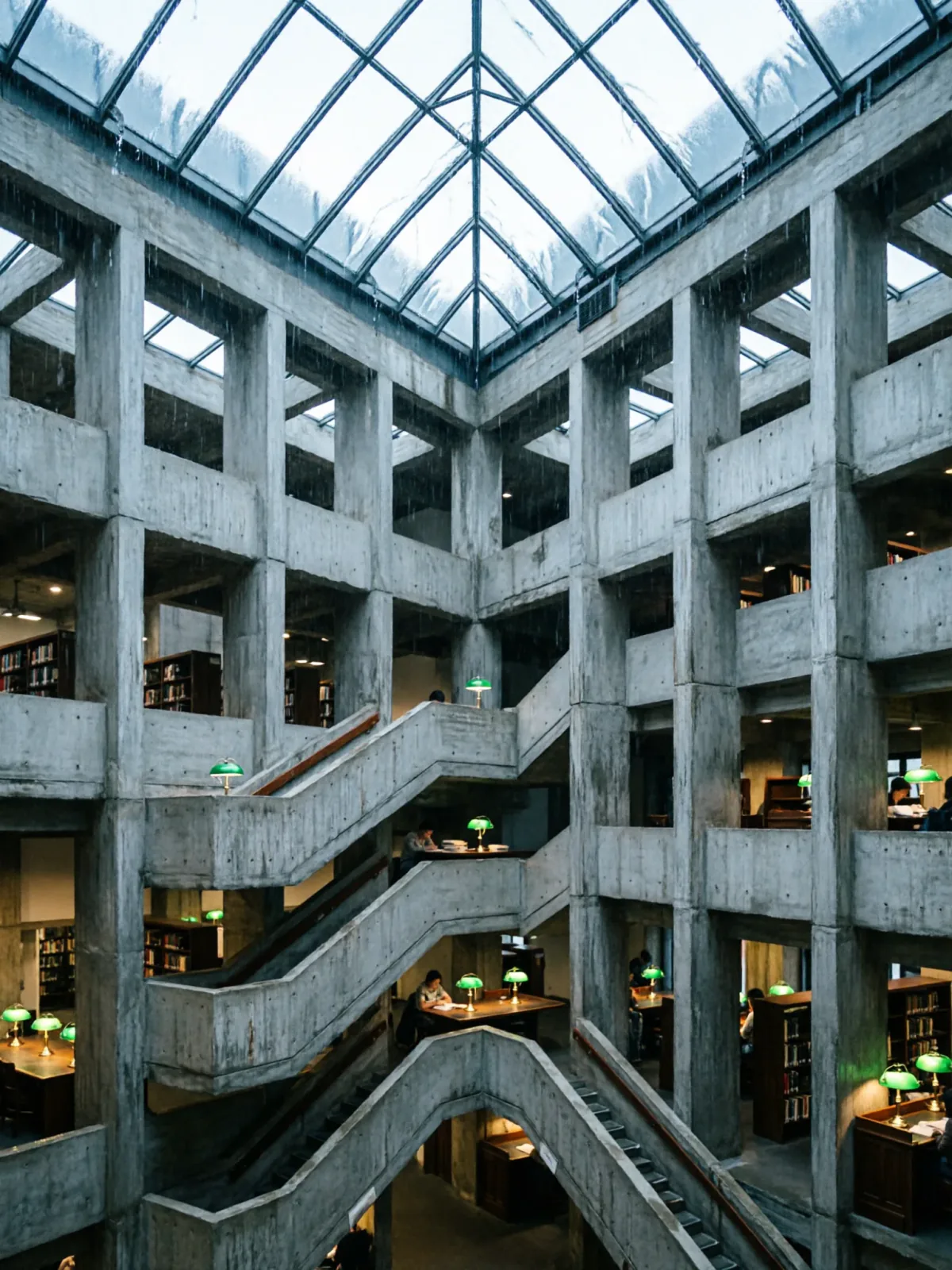
Brutalist library atrium under a rain-sheeted glass roof
Qwen Image 2Make oneCreate


Text to imageArchitecture & interiors
The exact text-to-image prompt behind this picture, made with GPT Image 2.5 Sunburst.
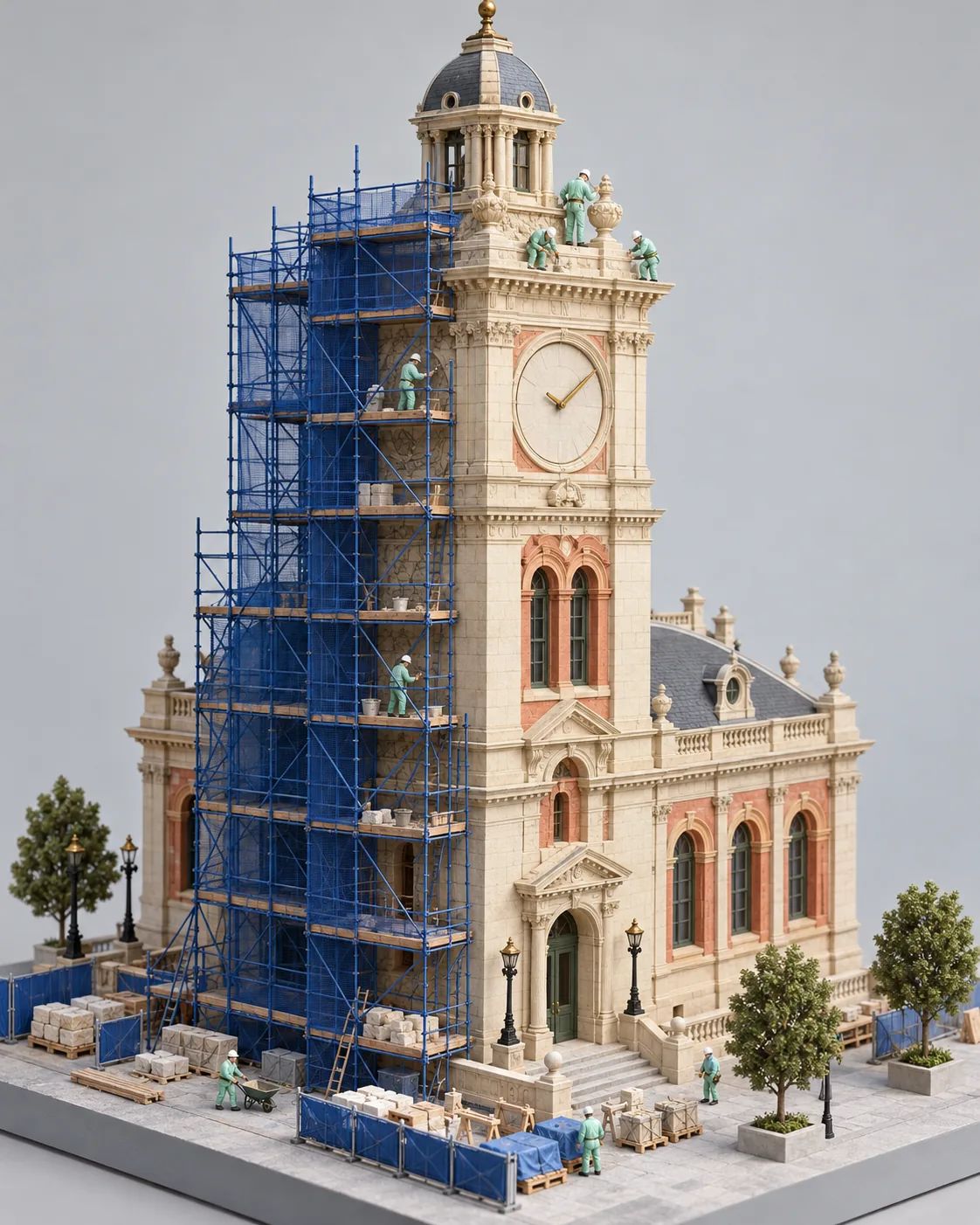
Vertical 4:5 portrait frame. An isometric architectural model presents a fictional civic clock tower midway through restoration, one half wrapped in fine cobalt scaffolding and the other revealing clean cream limestone with coral window surrounds. Tiny workers in mint coveralls repair the upper cornice, and the clock face has only simple hands. Soft gallery light, meticulous physical model photography, pale grey base, optimistic visible craftsmanship, no logos, no text.
Prompts are kept in their original English to help reproduce the example. Copy one as it is, or adapt it for your project.
Opens GPT Image 2.5 Sunburst with this prompt and the settings below filled in.
135 tested GPT Image prompts →
The exact price shows before you generate.
Soft gallery light.meticulous physical model photography sets the whole feel of the shot. Swap it for another camera style to change the vibe.no text. Leave that in, or the model may add random lettering.Inspired by an idea from @TechieBySA, collected in jau123/nanobanana-trending-prompts under CC BY 4.0. PopNow wrote this prompt and made the example above.
Scene prompt guide
A miniature isometric clock tower caught halfway through restoration: cobalt scaffolding wraps one half while the other shows clean cream limestone with coral window surrounds. It works because the prompt fixes one clear subject, a two-state split, a small color palette and soft gallery light, so GPT Image 2.5 Sunburst has few places to drift.
An isometric architectural model presents a fictional civic clock tower midway through restorationSets the object as a physical model seen from an isometric angle. 'Fictional' stops it copying a real landmark, and 'midway' tells the model to show both states. Drop 'isometric' and you get a street-level view.
one half wrapped in fine cobalt scaffolding and the other revealing clean cream limestone with coral window surroundsThis is the core idea: one side under construction, one side finished. Naming three colors keeps the palette controlled. If you remove 'half', the scaffolding tends to spread over the whole tower.
Tiny workers in mint coveralls repair the upper cornice, and the clock face has only simple hands.Small figures give the tower a sense of size and tell a story. 'Only simple hands' keeps the clock face free of numerals or odd marks. Without it, you may get garbled digits.
Soft gallery light, meticulous physical model photography, pale grey baseGallery light and a grey base make the tower look like a real handmade model on display. Swap in 'harsh sunlight' and the model look is lost, with hard shadows and a more outdoor feel.
optimistic visible craftsmanship, no logos, no text.'Optimistic' and 'craftsmanship' push toward bright, tidy, hand-built detail. The last two phrases block signage, banners and a lettered clock, which models often add to architecture scenes.
This prompt is a miniature-photography setup. The camera sits above and to one side, and the light is even and indoors.
Moves the same model to an evening mood, good for a more dramatic poster.
Vertical 4:5 portrait frame. An isometric architectural model presents a fictional civic clock tower midway through restoration, one half wrapped in fine cobalt scaffolding and the other revealing clean cream limestone with coral window surrounds. Tiny workers in mint coveralls repair the upper cornice. Warm evening spotlight, tiny glowing windows, dark grey base, meticulous physical model photography, no logos, no text.
Changes the camera position to make the tower feel tall and monumental.
Vertical 4:5 portrait frame. A physical architectural model of a fictional civic clock tower midway through restoration, photographed from a low corner angle looking up. One half is wrapped in fine cobalt scaffolding, the other shows clean cream limestone with coral window surrounds. Tiny workers in mint coveralls stand on the scaffold. Soft gallery light, pale grey base, no logos, no text.
Swaps the central subject while keeping the split-state idea and palette.
Vertical 4:5 portrait frame. An isometric architectural model presents a fictional stone footbridge midway through restoration, one half wrapped in fine cobalt scaffolding and the other revealing clean cream limestone with coral railings. Tiny workers in mint coveralls repair the central arch. Soft gallery light, meticulous physical model photography, pale grey base, no logos, no text.
Keep the 4:5 vertical ratio: a tall tower fills the frame well and leaves room for the base. Keep quality on high, since fine scaffolding bars, small workers and limestone texture all depend on detail. For a wide scene such as a bridge or a whole street, switch to a landscape ratio. If you only need a quick draft of the idea, a lower quality setting is enough before you commit to a final render.
It stops the model from copying a famous clock tower and lets it design its own shape. You get a cleaner, more original model, and you avoid details that clash with the cobalt, cream and coral palette.
Replace the three color phrases directly: cobalt scaffolding, cream limestone, coral window surrounds and mint coveralls. Change one at a time, for example to 'sage green scaffolding', so you can see what each swap does.
Yes, it handles text well, so it can also write it when asked. Here 'no logos, no text' tells it to leave signs and lettering out, and 'simple hands' keeps the clock face clean.