To make an AI short film, start with one sentence about what happens, split it into three to six short scenes, give every character a fixed look before you shoot anything, then turn each scene into a 4 to 10 second clip and play the clips back to back with music. The part that decides whether it feels like a film rather than a pile of clips is the middle: characters and places that stay the same from shot to shot.
This guide walks through the whole process with a real example, a 12-second, three-scene film called A little borrowed weather, and shows what each step costs. You can do every step in the AI film maker, which keeps the script, the cast, the storyboard and the takes in one project.
Step 1: write one idea, then break it into beats
A short film needs a change: something is one way at the start and different at the end. One line is enough if it has that change in it. Our example started as:
From that line come three beats, one per scene:
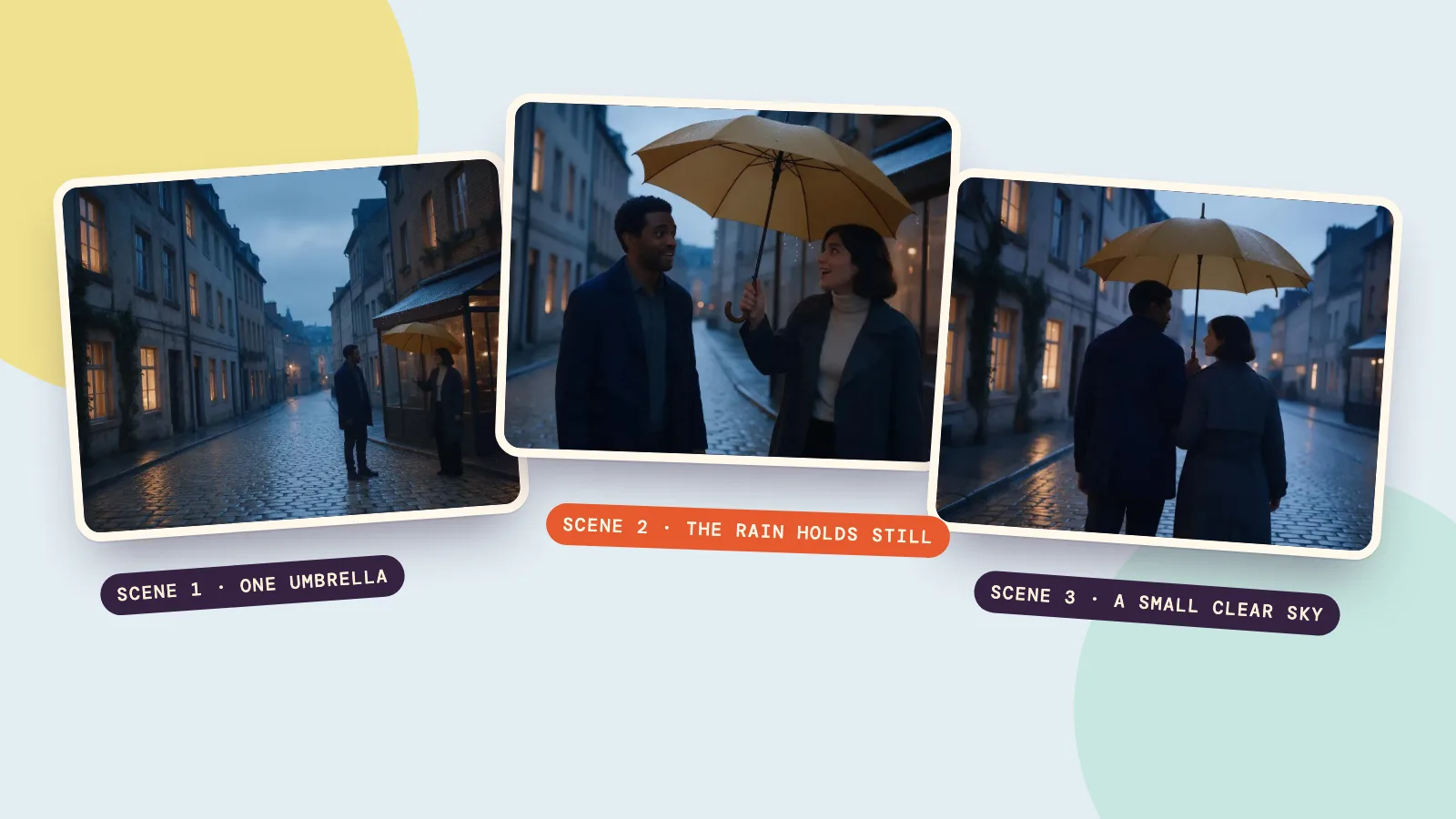
- One umbrella. A woman under a shop awning opens a yellow umbrella; a man waits in the rain a few steps away. She lifts it slightly: an invitation.
- The rain holds still. He steps under it. As they smile, the raindrops outside the rim hang in the air for a moment.
- A small clear sky. They walk away together, and a small pocket of dry air follows them while the rain keeps falling everywhere else.
Keep each beat to one action you could describe in two sentences. AI video models are good at one clear thing happening in one place; a beat that needs a cut in the middle should become two scenes. For a 30-second film, plan five or six scenes of about 5 seconds; for a 12-second piece like ours, three scenes of 4 seconds are plenty.
If you'd rather not write the beats yourself, Filmmaker's AI writer turns the one-line idea into scenes and shots, with action, framing and camera moves, and you can rewrite any of it before anything is filmed. If you already have a script, paste it in and every line of dialogue is kept word for word.
Step 2: lock the look of every character and place
This is the step most first attempts skip, and it's why the woman in scene 2 ends up with different hair from the woman in scene 1. Before you film, write a fixed description for each character and make a reference picture from it:
- Sofia: a 32-year-old Spanish woman with olive skin and a dark shoulder-length bob, in a cream turtleneck under a charcoal trench coat and black trousers.
- Andre: a 36-year-old Portuguese man with dark brown skin and short tight curls, clean-shaven, in a navy wool coat over a gray shirt.
Then write one style line that every shot shares. Ours was: modern romantic magical realism, a rain-slick European street, charcoal tailoring and one mustard-yellow umbrella, silver-blue twilight with amber window reflections. The single strong color (that umbrella) does a lot of work: it ties the three shots together even when the framing changes.
In Filmmaker each character gets a reference sheet before shooting starts, such as front, side and back views plus a close-up, and every shot is made with those references attached. Places and props can have reference pictures too, so the same street looks like the same street in every scene. A reference portrait with Seedream 5.0 Pro costs 36 credits.
Step 3: storyboard each shot as a first frame
Instead of asking a video model to invent each scene from text, make a still first frame for every shot and approve it. This is your storyboard, and it's the cheapest place to fix mistakes: a wrong frame costs a picture, a wrong clip costs a video.
Here are the three first frames from the example, each made with both character references attached:
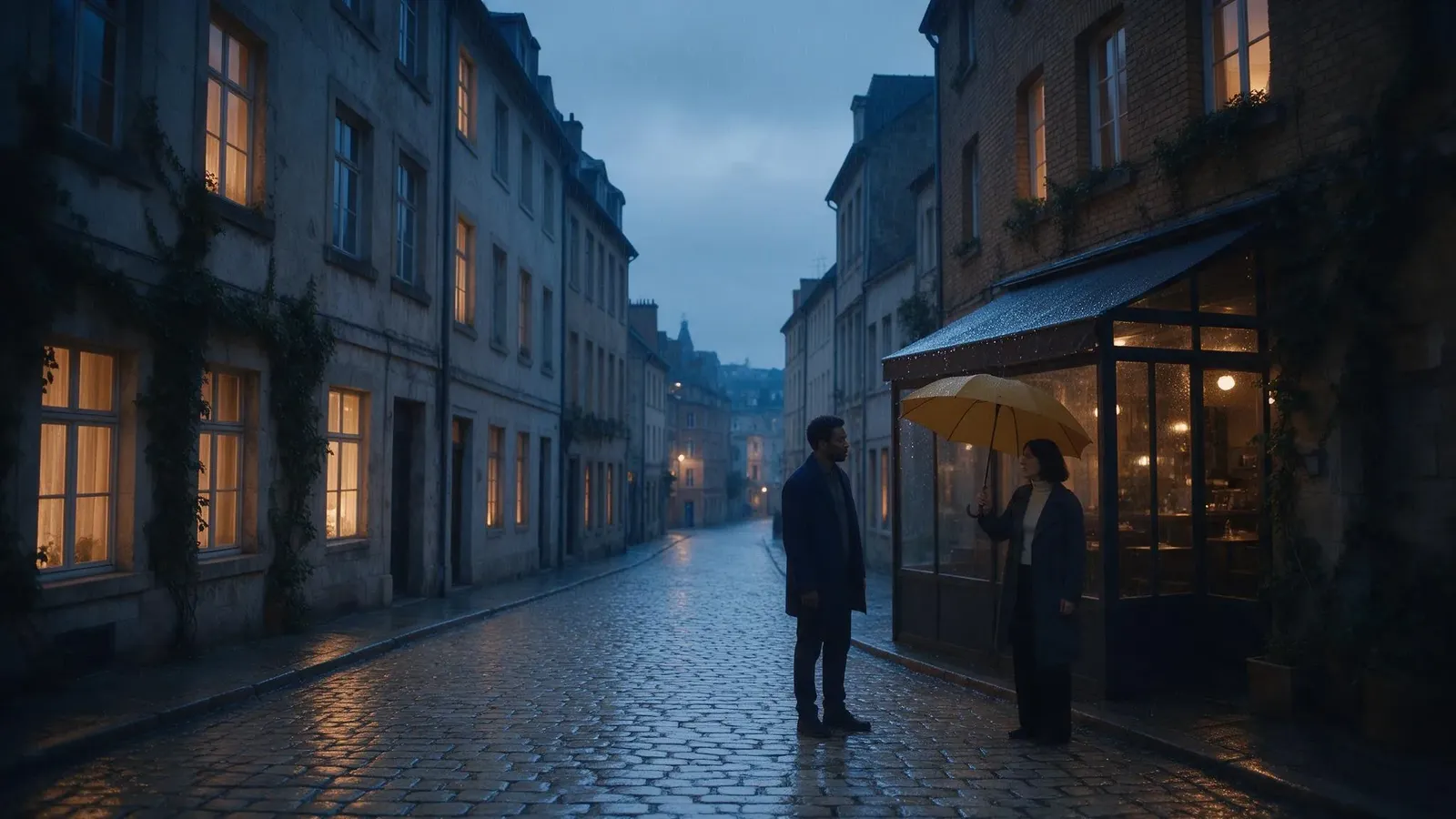
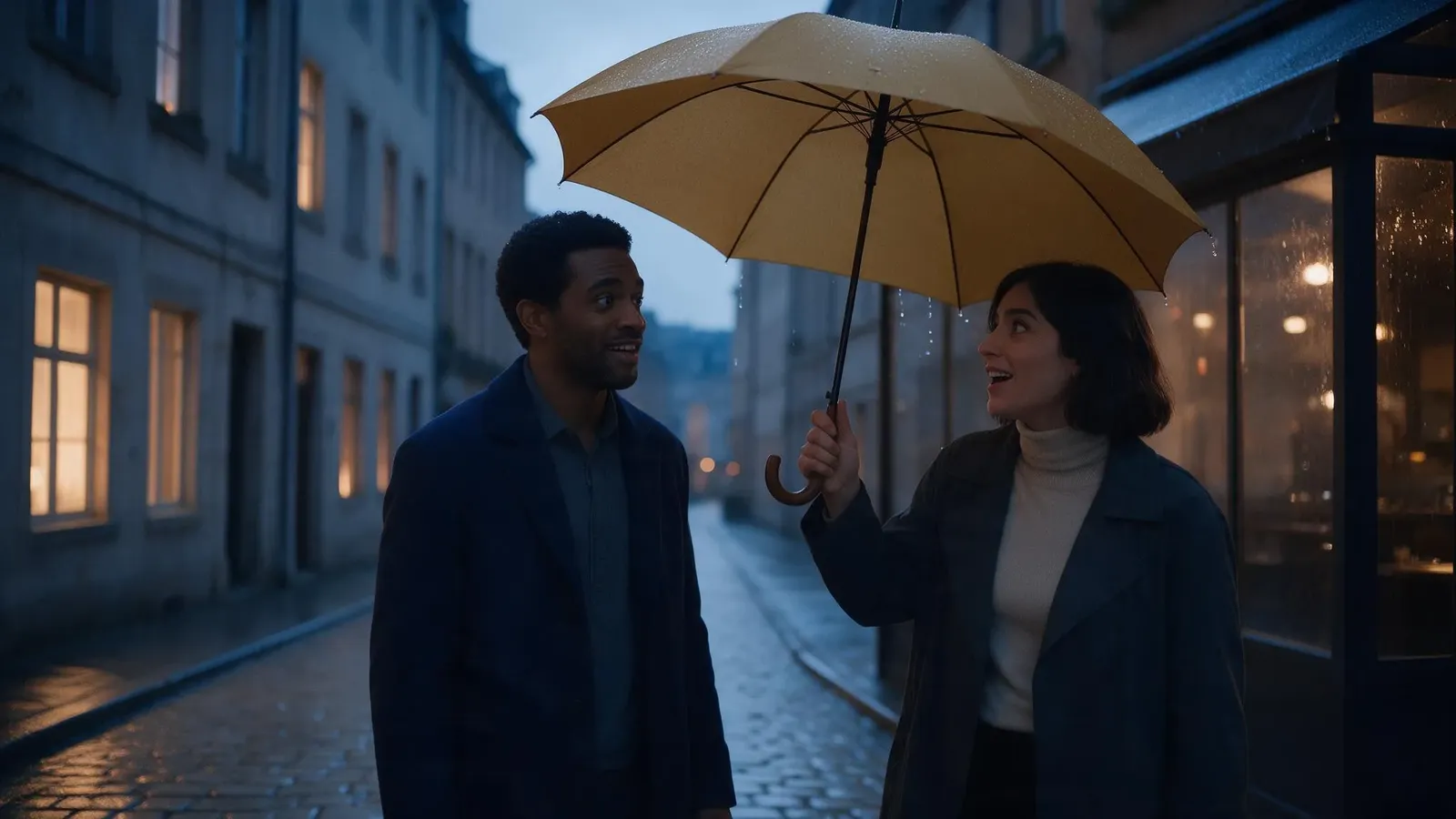
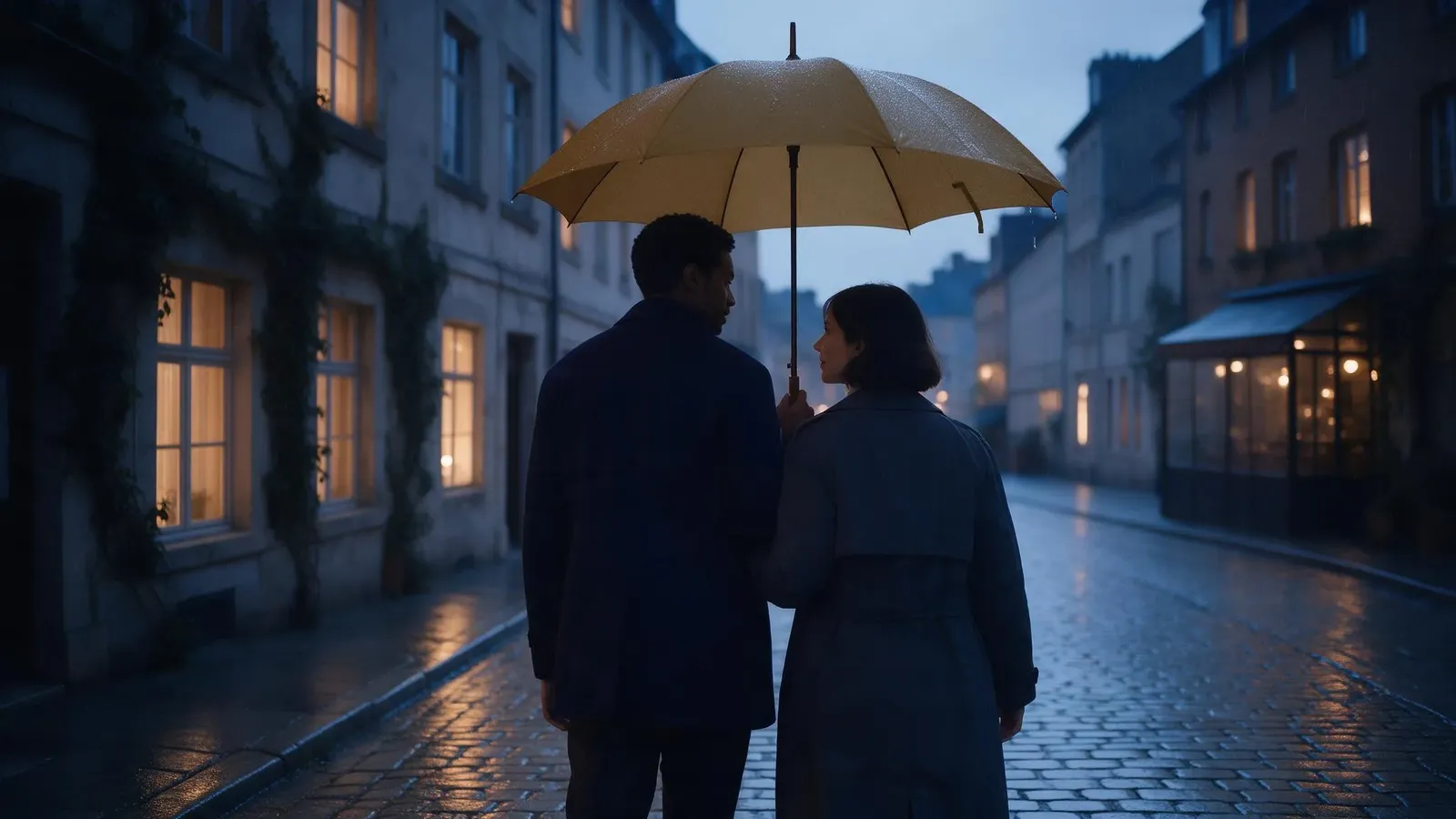
Vary the framing from shot to shot (wide, medium, then a view from behind) so the cut feels intentional. If two consecutive shots use the same framing, the jump between them looks like a glitch. Each storyboard frame edited from the references costs 36 credits.
Step 4: turn each frame into a clip
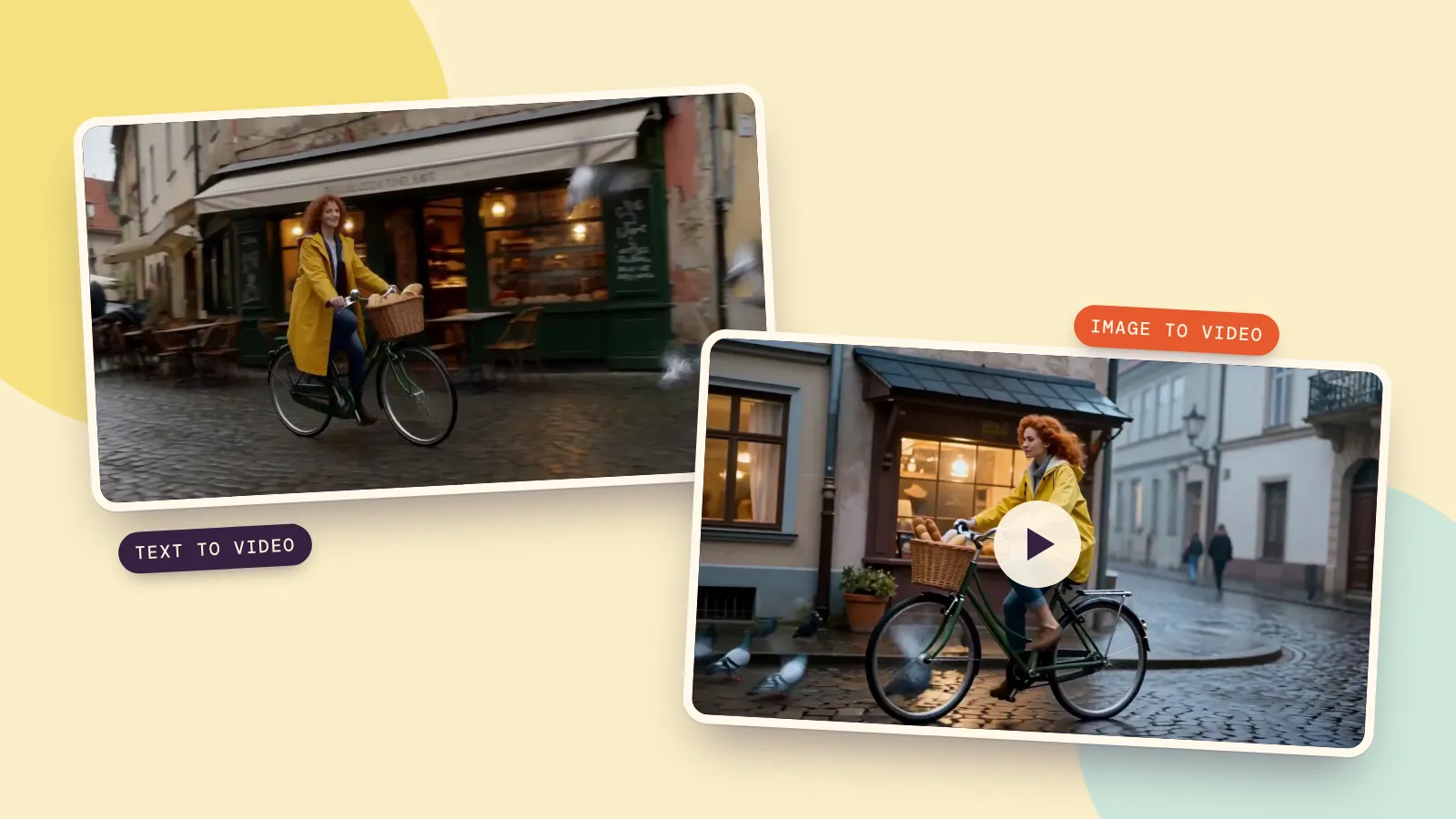
Now animate every frame with image to video. Because the clip starts from a frame you already approved, the face, outfit and setting carry over, and you only describe what moves: "Andre steps beside Sofia; a few raindrops outside the umbrella rim hang motionless in the air."
A few habits that save credits:
- Shoot one scene first. Check the motion and the look on scene 1 before you shoot the rest.
- Keep the camera simple. One move per shot (a slow push in, a tracking shot) reads better than a sweep that changes direction.
- Compare takes. Make a second take of a shot you're unsure about and keep the better one; Filmmaker keeps every take, so you can switch back later.
With MiniMax H3, a 5-second shot from a first frame costs 185 credits. Shots that fail are refunded.
Step 5: cut it together with music and captions
Line the clips up in story order, trim the first and last half-second of any clip where the motion starts or settles awkwardly, and add one music track under the whole film. For a quiet piece like ours, a soft piano or strings track at low volume works better than anything with a strong beat. Add captions if there's dialogue or a line of narration, then export one MP4.
In Filmmaker the cut is assembled for you from the picked takes; putting it together costs nothing, and you can still change any single shot later. Rewrite a scene and it shows which frames, shots and parts of the cut are affected and what redoing them costs, so the rest of the film stays as it is.
What a short film costs
On the default settings, a 30-second film with two characters and six 5-second shots needs two character portraits, six storyboard frames, six shots and one music track. The AI film maker shows that total on one button before it makes anything, and you pay only for what is made. To try one shot before you commit to a whole film, the AI movie generator directs a single cinematic scene from one sentence.
FAQ
Can AI make a whole short film?
Yes. AI can write the scenes, keep the characters consistent, draw the storyboard and film every shot, but the results are best when you approve each stage before the next one: the beats, then the cast, then the frames, then the clips.
How long should my first AI short film be?
Aim for 12 to 30 seconds: three to six scenes of 4 to 5 seconds each. That's long enough to tell a small story with a clear change and short enough to reshoot a scene without much cost.
How do I keep the same character in every scene?
Write one fixed description for each character, make a reference picture from it before you film, and attach that reference to every shot. Starting each clip from an approved first frame keeps faces and outfits from drifting.
Can I make an AI short film from my own script?
Yes. Paste the script or upload it, and it is split into scenes and shots with the dialogue kept word for word. You can also split it by paragraph and arrange the shots yourself.