




Americana Aesthetic AI Photo Generator: Road Trip 70s
Golden-hour roadside scenes on faded film.
- From a description only
- Best shape: 3:2 · 16:9
Works on
- Seedream 5.0 Pro
- Qwen Image 3.0
- Nano Banana 2.1
- Seedream 5.0 Flash
About Road Trip 70s
Road Trip 70s is the classic road-trip look: low golden-hour sun, a warm flare across the lens, faded 1970s color film, an open highway or desert or coastline, and a dusty pastel sky. It feels like summer in a place where the roads go on forever.
The style gives your subject a landscape and a time of day. You decide what stands in it: a man leaning on a pickup at a gas station, a woman on a motel balcony, a dog in the back of a convertible, a diner sign at the edge of town, a lighthouse on a sunburnt coast. The faded film color keeps everything soft and nostalgic rather than saturated.
It is a natural fit for travel content, outdoor and denim brands, country and indie music artwork, and anything that should feel open-ended and a little wistful. With a recommended wide 3:2 frame, it also makes strong website headers and banners.
If you want the sun even lower and warmer, you do not need the Golden hour finish — this style already has it. For a more modern, cooler take on wide landscapes, try Movie Still.
Subjects to paste as they are: “a man in a denim jacket leaning on a pickup at a desert gas station”, “a woman reading a map on the hood of a camper van”, “a neon diner sign at the edge of a small town”. A vehicle or a sign plus a wide landscape is the classic combination.
Finishes that work on top: Film grain for a dustier print, Soft glow for a hazier heat. Golden hour is disabled because the style already uses it.
Tips
- Always give a place: a highway shoulder, a motel, a desert road, a small-town main street. The style is about landscape.
- Vehicles and signs sit perfectly in this look. A pickup, a camper van or a roadside sign adds instant context.
- Keep the subject in the lower half of your description of the scene; the sky and horizon are part of the picture.
- For portraits, choose 3:2 and describe the person at a distance. The style is strongest when the land is visible.
- Heat haze, dust and long shadows all fit; add “dusty air” or “long shadows across the road” if you want more atmosphere.
What the style adds
Your words go where it says “your subject”. Everything else is added for you.
your subject, golden-hour roadside scene, warm sun flare, faded 1970s color film, wide open landscape, dusty pastel sky, relaxed road-trip mood
Models and price
- Seedream 5.0 Pro36 credits
- Qwen Image 3.030 credits
- Nano Banana 2.148 credits
- Seedream 5.0 Flash29 credits
One 1K image from a description. The button always shows the exact price before you spend anything.
How to use Road Trip 70s
- Describe itWrite who or what should be in the picture. A small action and a clear place work best.
- Pick a shapeKeep the suggested ratio and model, or change them in the bar at the bottom.
- Paint itPress “Paint it”. The price is on the button before you spend anything.
Questions about Road Trip 70s
Can I use Road Trip 70s on my own photo?
Not yet. This style works from a description: write what you want to see and the style adds the look.
How much does one Road Trip 70s image cost?
29 credits for one 1K image on Seedream 5.0 Flash. 2K costs more, and the button shows the exact price before you run it.
Is this style tied to a country or a people?
The name refers to a photographic tradition — roadside, golden-hour, 1970s color film. The template only describes light, film and landscape; it never describes who the subject is.
Why can’t I add Golden hour on top?
Because the style already uses golden-hour light. Stacking it again would repeat the same instruction, so the combination is disabled.
Does it work for fashion?
Very well for denim, workwear and outdoor clothing. Describe the outfit and put the person in a wide landscape, and the faded film color does the rest.
Similar styles
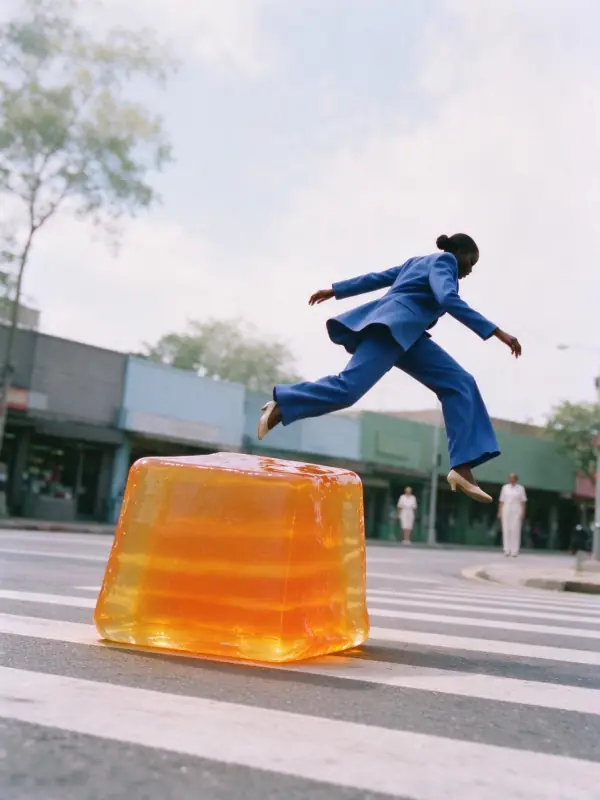 Airy Film
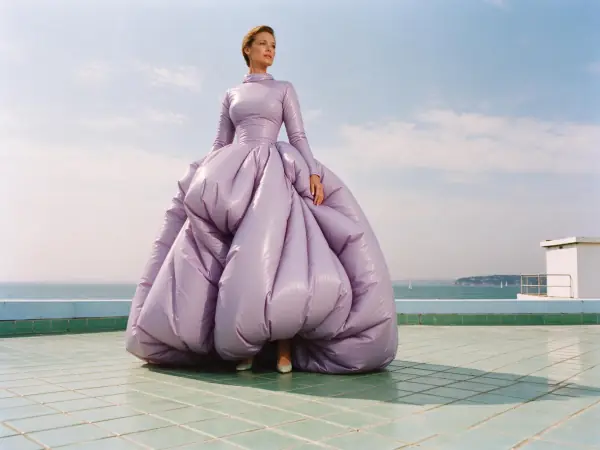 Riviera Film
 Romance Glow
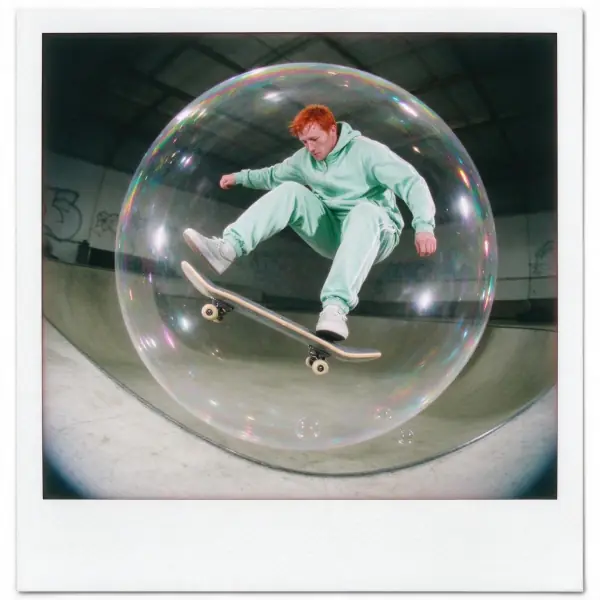 Instant Film
Bring it to life
Effects that turn a still in this look into a short video.
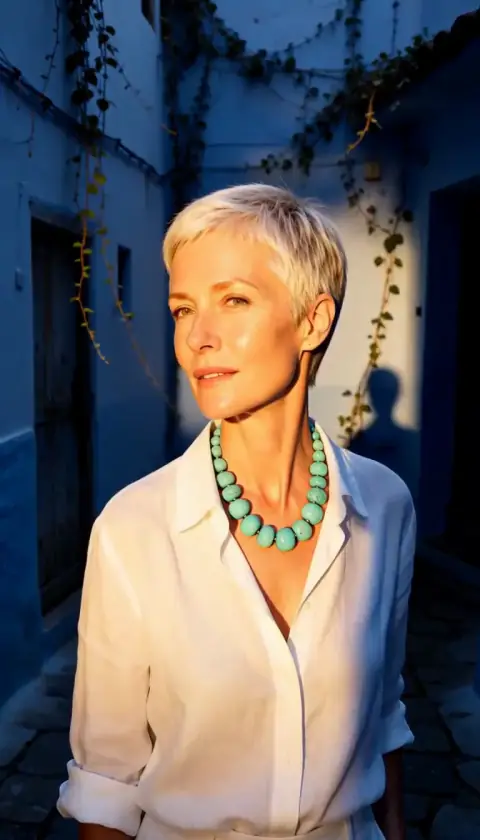 Golden Hour
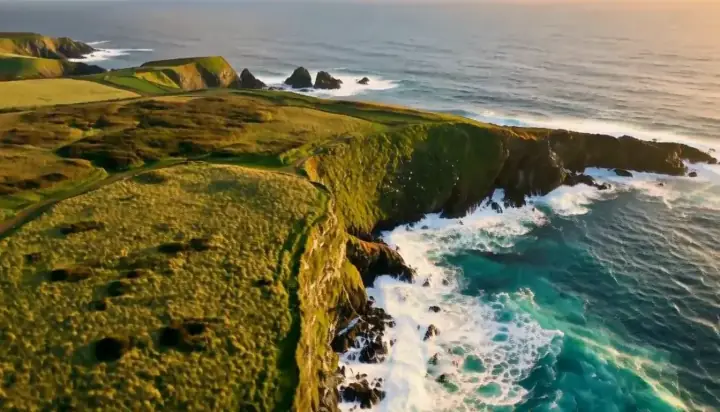 Drone Rise
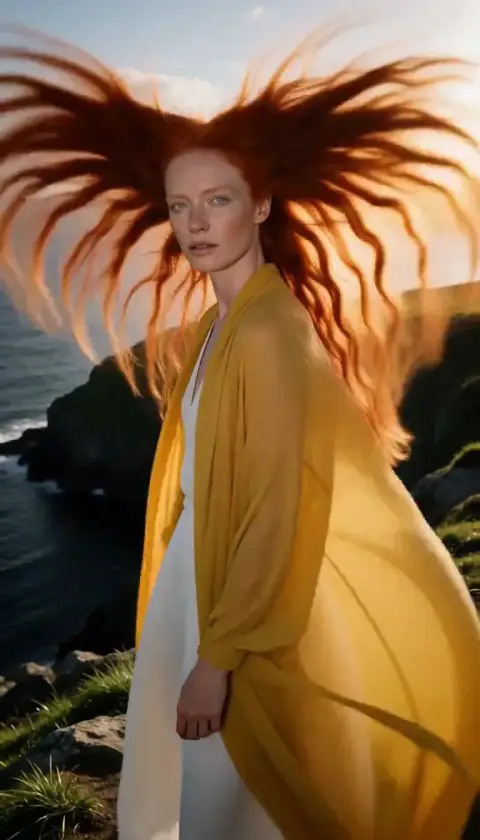 Hair in the Wind