


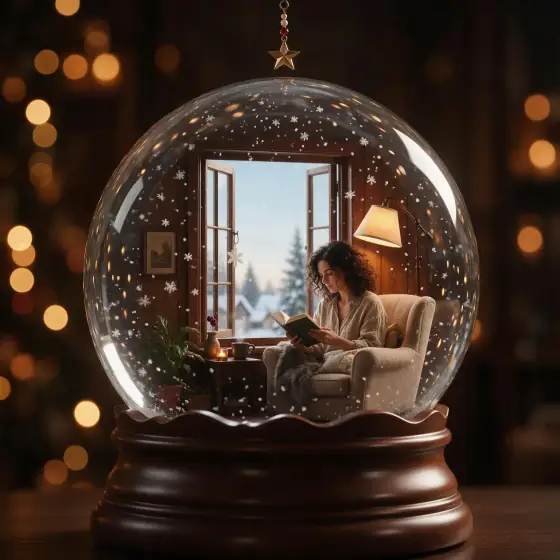

Holiday Snow Globe AI Generator: Snow Globe
Sealed in glass with swirling snow.
- From a description only
- Best shape: 1:1 · 3:4
Works on
- Seedream 5.0 Pro
- Qwen Image 3.0
- Nano Banana 2.1
- Seedream 5.0 Flash
About Snow Globe
Snow Globe places your subject inside a small world of glass: snowflakes swirling through clear water, curved reflections sliding across the dome, a polished wooden base below and warm string lights glowing out of focus behind. It is festive without being loud — the calm, magical moment right after someone gives the globe a shake.
You write the subject; the style supplies the glass and the snow. Miniature scenes are its sweet spot: a lighthouse on a snowy rock, a cat on a tiny windowsill, a cabin in the pines, a man in a winter coat under a lamp post. The style keeps the outfit and details you wrote and shrinks them into a keepsake.
Use it for holiday cards and campaigns, gift ideas, seasonal product shots, winter social posts, invitations and cozy wallpapers. For a real scene that only looks tiny, use Tiny World; for glowing glass sculptures, Blown Glass; for handmade wool figures, Felt & Yarn.
Subjects to paste as they are: “a small white lighthouse on a snowy rock”, “a red cabin among snowy pine trees”, “a man in a wool coat and scarf under a street lamp”. Small, self-contained scenes fit the dome best.
Finishes that work on top: Soft glow for a dreamy glow around the lights, Golden hour for a warm evening version.
Tips
- Think small and self-contained: one building, one character, one tree. The dome frames it.
- Snow is built in. Add “with a tiny glowing window” or “with a string of lights” for extra warmth.
- Not only for winter: try “a beach house with swirling glitter” for a summer twist.
- If the base picks up lettering, run it again. The style asks for a plain wooden base.
- Add a warm light source inside the globe — “a lit cabin window”, “a tiny street lamp” — and the whole dome glows.
What the style adds
Your words go where it says “your subject”. Everything else is added for you.
your subject, sealed inside a glass snow globe, swirling snowflakes suspended in clear water, curved reflections on the glass, polished wooden base, warm string-light bokeh behind, festive miniature charm
Models and price
- Seedream 5.0 Pro36 credits
- Qwen Image 3.030 credits
- Nano Banana 2.148 credits
- Seedream 5.0 Flash29 credits
One 1K image from a description. The button always shows the exact price before you spend anything.
How to use Snow Globe
- Describe itWrite who or what should be in the picture. A small action and a clear place work best.
- Pick a shapeKeep the suggested ratio and model, or change them in the bar at the bottom.
- Paint itPress “Paint it”. The price is on the button before you spend anything.
Questions about Snow Globe
Can I use Snow Globe on my own photo?
Not yet. This style works from a description: write what you want to see and the style adds the look.
How much does one Snow Globe image cost?
29 credits for one 1K image on Seedream 5.0 Flash. 2K costs more, and the button shows the exact price before you run it.
Will this style change how the person looks?
It changes the scale, not the person. People appear as small figures inside the globe that keep the outfit and details you wrote.
Can I get it without snow?
Snow is part of the style, but you can tone it down with “a few drifting snowflakes” or swap it for “swirling golden glitter” in your subject.
Similar styles
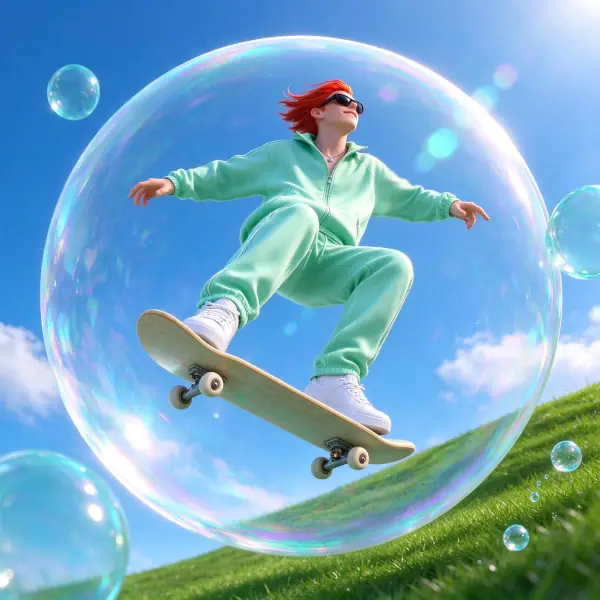 Aqua Gloss
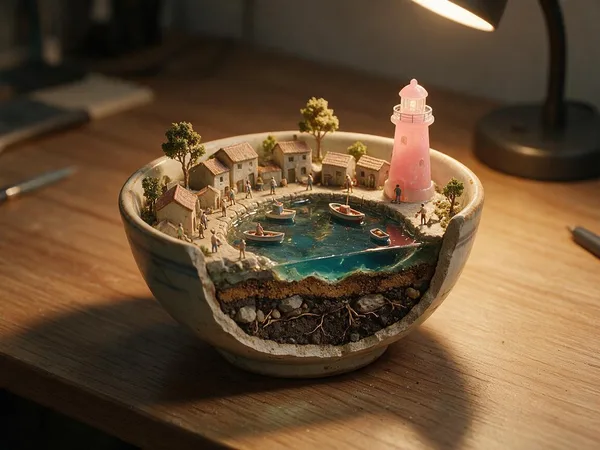 Desk Diorama
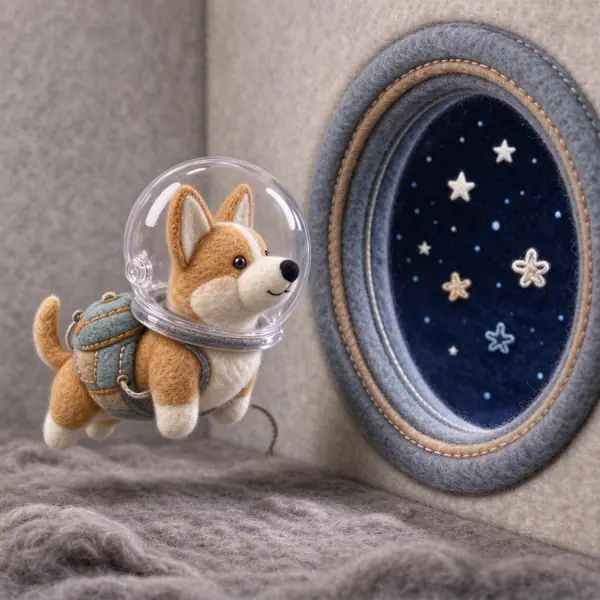 Felt & Yarn
 Plush Toy
Bring it to life
Effects that turn a still in this look into a short video.
 Snowfall
 Slow Push-In