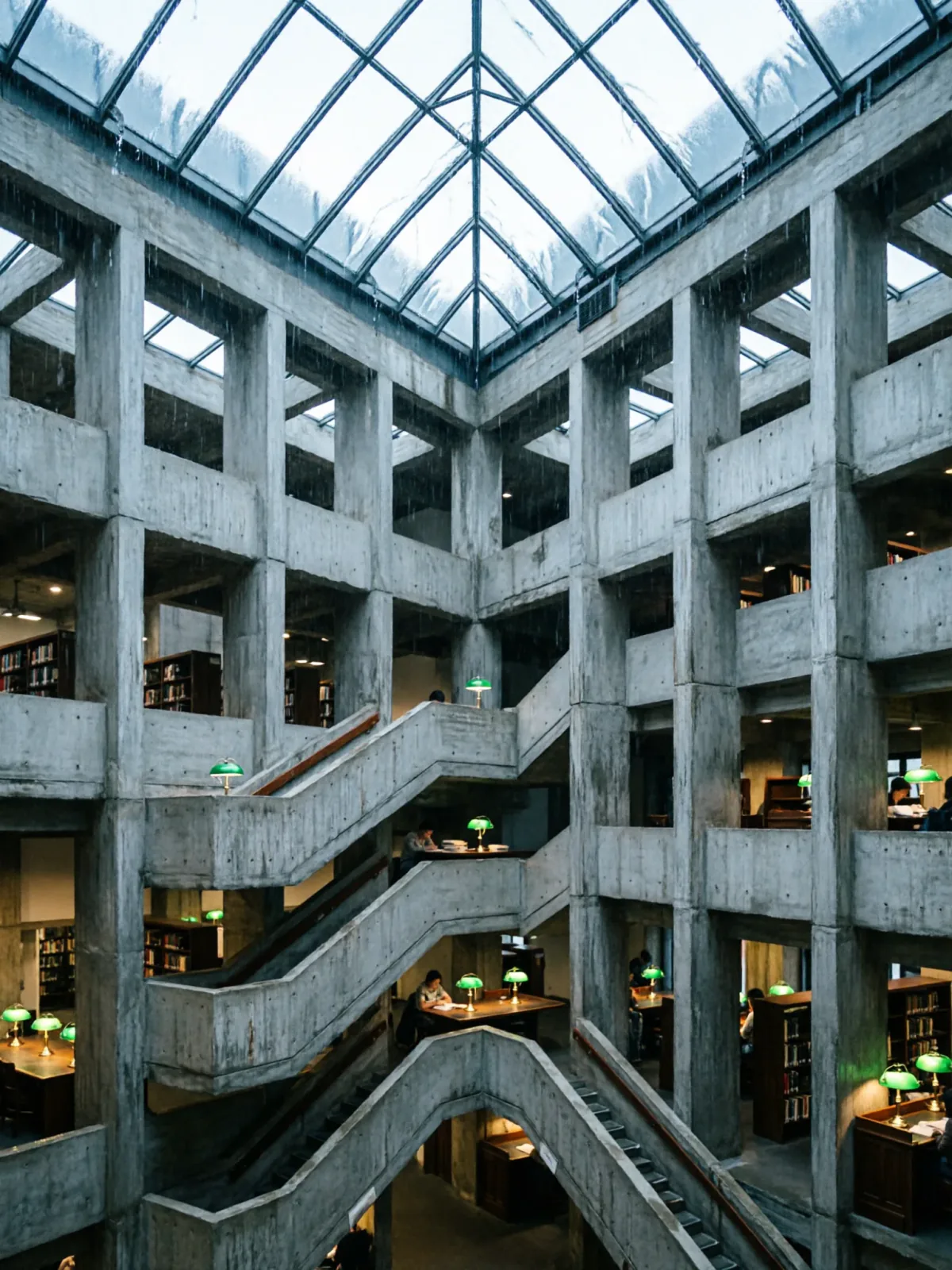
Brutalist library atrium under a rain-sheeted glass roof
Qwen Image 2Make oneCreate


Text to imageArchitecture & interiors
The exact text-to-image prompt behind this picture, made with GPT Image 2.5 Sunburst.
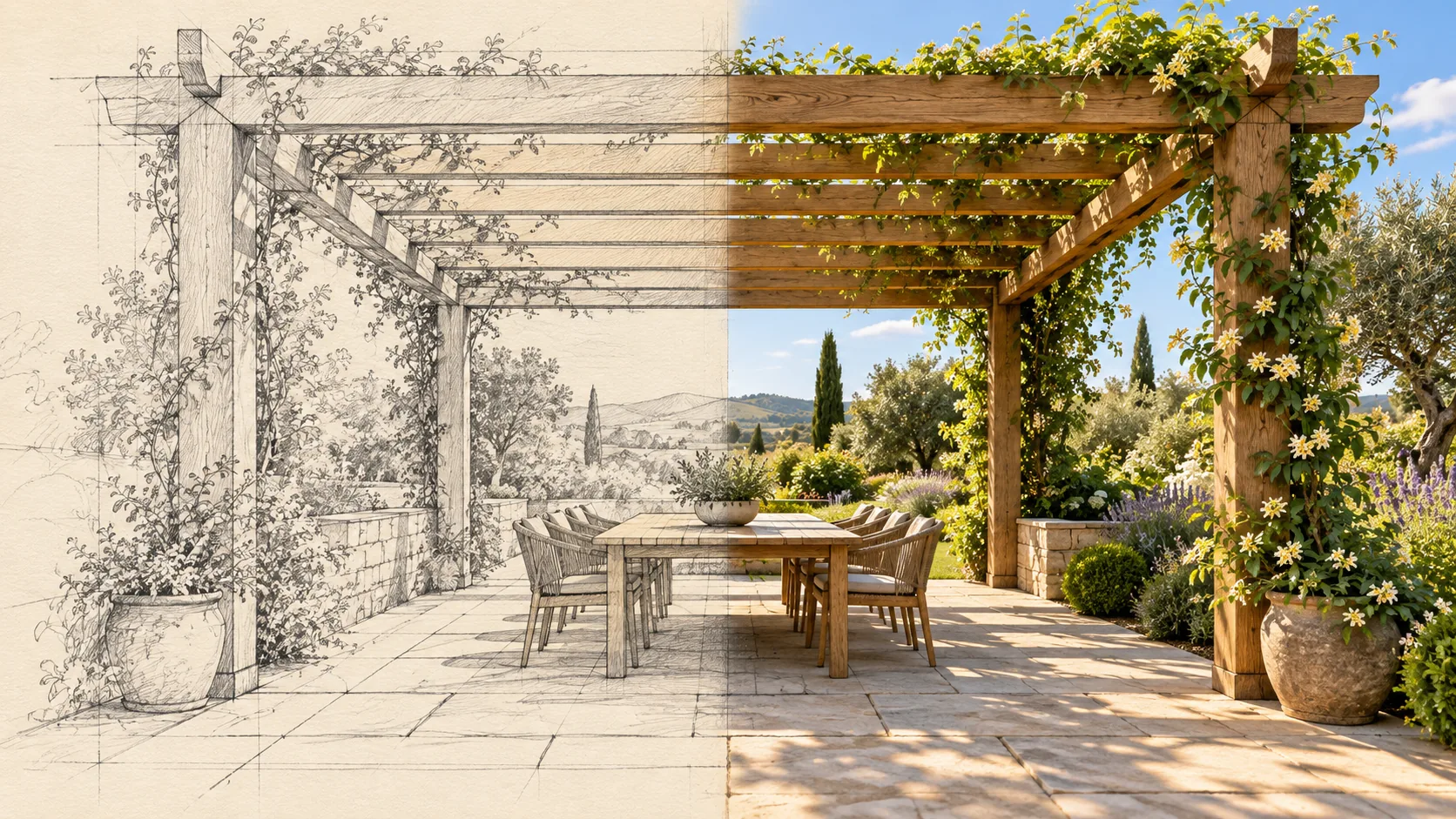
Wide 16:9 landscape frame. A single timber garden pergola transitions seamlessly at the center from graphite architectural sketch on cream paper into a completed oak structure with sage climbing plants. Align every beam and paving joint across the transition, keeping one continuous perspective rather than separate panels. Raking summer sunlight on the finished half, fine pencil construction strokes at left, architectural mixed media visualization, elegant material clarity, no text.
Prompts are kept in their original English to help reproduce the example. Copy one as it is, or adapt it for your project.
Opens GPT Image 2.5 Sunburst with this prompt and the settings below filled in.
135 tested GPT Image prompts →
The exact price shows before you generate.
Raking summer sunlight on the finished half.no text. Leave that in, or the model may add random lettering.Inspired by an idea from @iamaiistudio, collected in Evolink-AI/awesome-gpt-image-2-API-Prompts under CC0 1.0. PopNow wrote this prompt and made the example above.
Scene prompt guide
A split architectural concept merging a hand-drawn graphite drawing on the left with a photorealistic oak garden pergola on the right. GPT Image 2.5 Sunburst excels here because it resolves complex geometric alignment across hybrid artistic mediums without splitting the image into two disconnected cutouts.
Wide 16:9 landscape frame. A single timber garden pergola transitions seamlessly at the centerIt defines the broad horizontal format and establishes the pergola as a single unified structure instead of two separate scenes. Removing it risks a portrait crop or two distinct buildings side by side.
from graphite architectural sketch on cream paper into a completed oak structure with sage climbing plants.It contrasts raw drawing materials against realistic finished timber and foliage. Without this, the model may blend drawing and photo styles across the whole frame rather than dividing sketch from reality.
Align every beam and paving joint across the transition, keeping one continuous perspective rather than separate panels.This instruction prevents vertical dividing lines or mismatched angles where paper meets real life. Dropping it causes broken rafters and misaligned ground pavers at the center seam.
Raking summer sunlight on the finished half, fine pencil construction strokes at left,It gives dramatic late-day shadows to the finished side while preserving drafting guidelines on the left. Changing this to diffuse light flattens the wooden textures and dims the contrast.
architectural mixed media visualization, elegant material clarity, no text.It reinforces high rendering fidelity while keeping drafting notes or blueprint labels from appearing on the cream paper. Removing this often introduces messy AI gibberish lettering.
The composition balances precise linear perspective with directional outdoor light to make the surreal transition feel physically believable.
Shifts the finished half to a crisp winter dusk to test cool outdoor light against warm paper tones.
Wide 16:9 landscape frame. A single timber garden pergola transitions seamlessly at the center from graphite architectural sketch on drafting paper into a completed cedar structure dusted with winter snow and dormant vines. Align every beam and stone joint across the transition, keeping one continuous perspective. Soft winter twilight on the finished half, light pencil hatching at left, architectural mixed media visualization, no text.
Uses an upward vantage point to focus the transition entirely on roof rafters and open sky.
Wide 16:9 landscape frame. A low-angle worm-eye perspective of a single timber garden pergola transitions seamlessly overhead from graphite architectural sketch on cream paper into a completed oak canopy with creeping ivy. Align all overhead joists across the transition, keeping one continuous upward perspective. Dappled midday sunlight on the finished side, architectural mixed media visualization, no text.
Replaces the garden structure with a modern pool pavilion while keeping the sketch-to-reality split.
Wide 16:9 landscape frame. A single minimalist poolside cabana transitions seamlessly at the center from graphite architectural sketch on cream vellum into a completed teak pavilion with linen curtains and blue water reflections. Align every structural post and deck plank across the transition, keeping one continuous perspective. Direct afternoon sunlight on the finished half, architectural mixed media visualization, no text.
Keep the aspect ratio set to 16:9, as the wide horizontal canvas is necessary to provide enough room for the sketch to resolve before morphing into the finished structure. Set quality to high to preserve sharp pencil hatching and crisp wood grain details. If you adapt this concept for mobile wallpapers, switch to 9:16 and change the transition direction from horizontal to vertical.
Models often interpret split descriptions as a side-by-side collage. Using phrases like 'dissolves seamlessly' and emphasizing continuous paving joints helps the model render one unified environment rather than two independent frames.
Yes. Change 'at left' to 'at top' and specify that pencil guidelines start at the rafters and dissolve downward into finished landscaping at the ground level, ideally paired with a 9:16 aspect ratio.
Replace 'graphite architectural sketch on cream paper' with 'cyan blueprint drafting with white ruled construction lines and faint geometric axes', keeping the perspective continuity instructions intact.