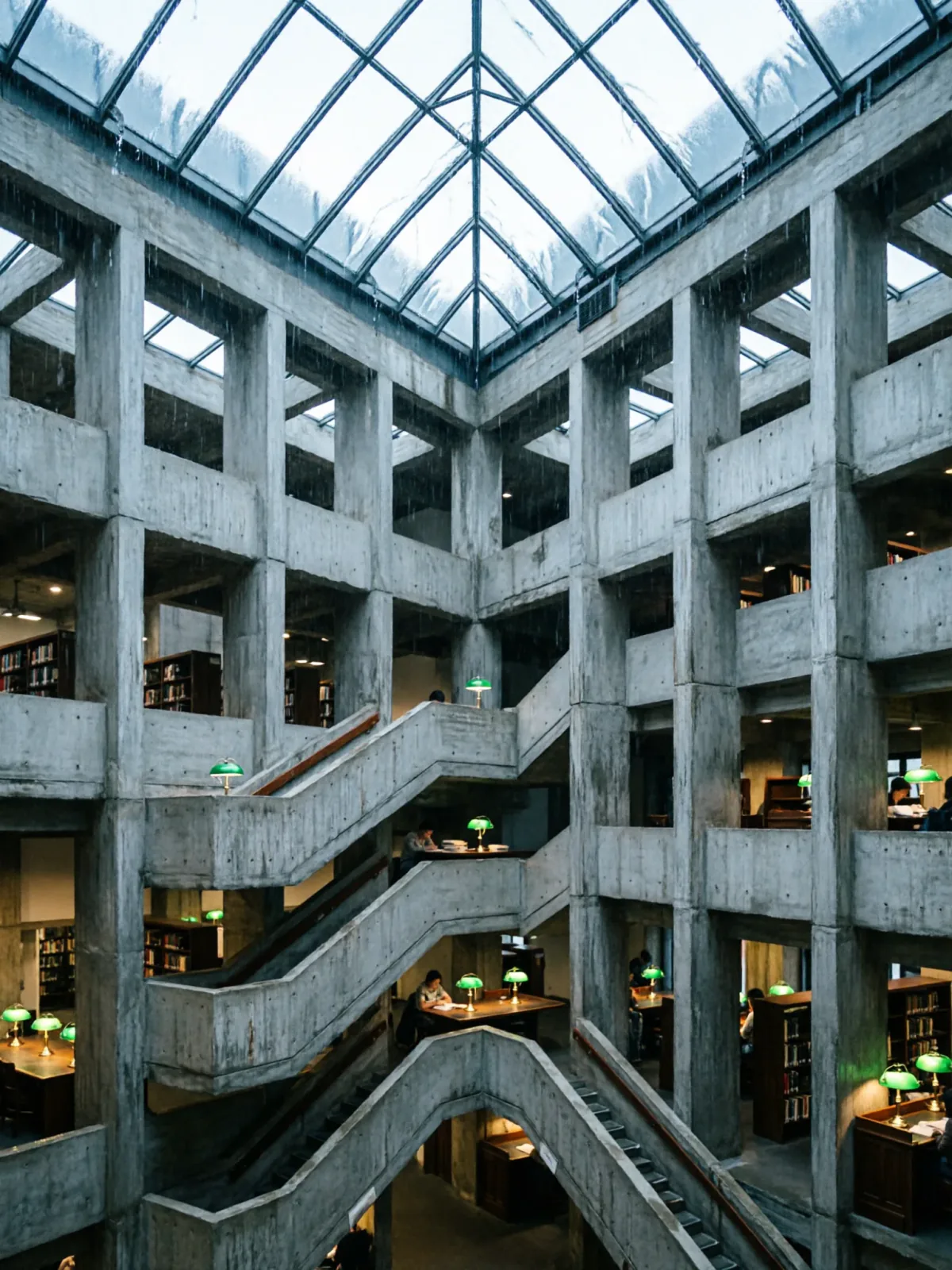
Brutalist library atrium under a rain-sheeted glass roof
Qwen Image 2Make oneCreate


Text to imageArchitecture & interiors
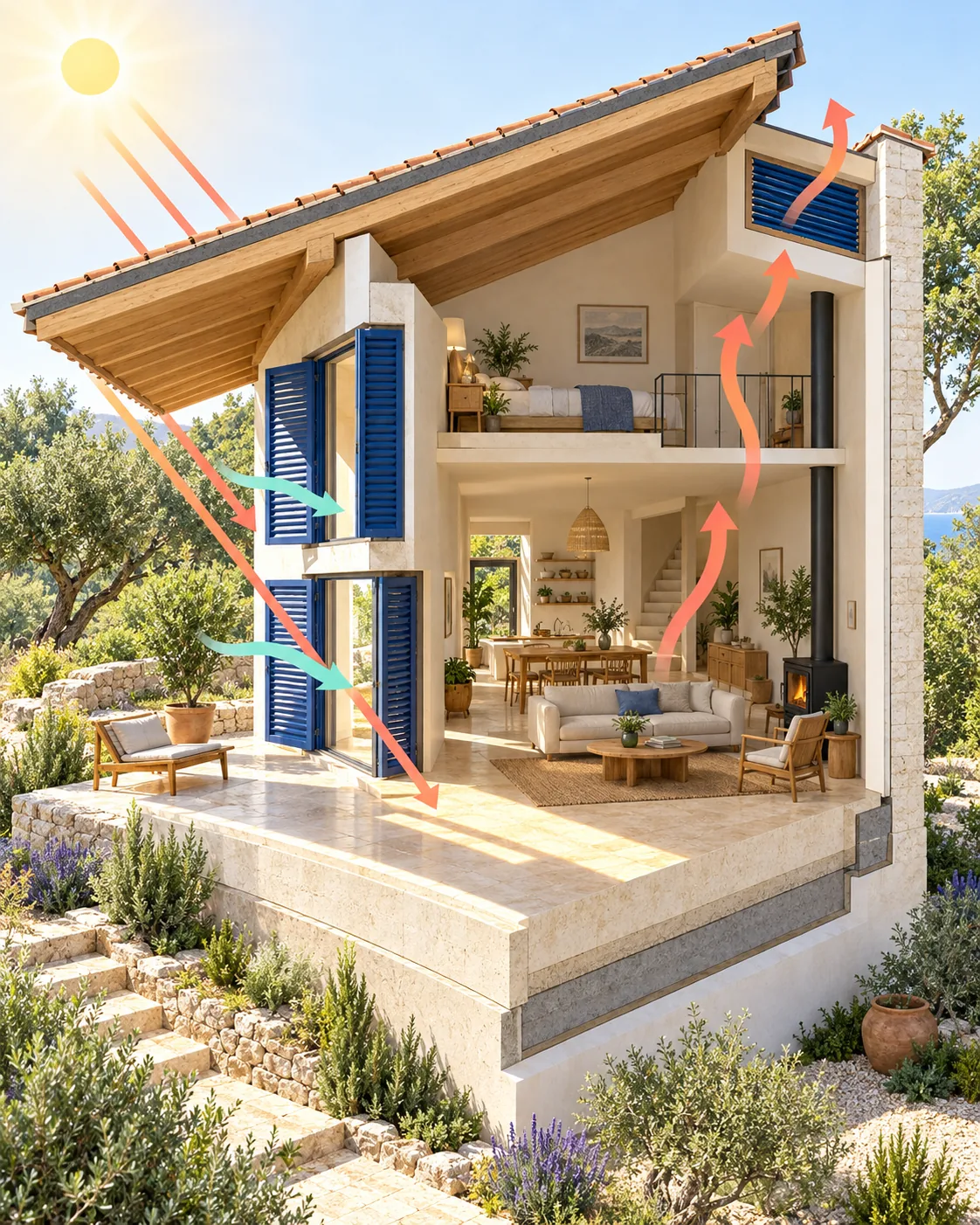
The exact text-to-image prompt behind this picture, made with GPT Image 2.5 Sunburst.
Vertical 4:5 portrait frame. A precise architectural cutaway reveals a compact passive solar house with a thick cream masonry floor, deep roof overhang, cobalt thermal shutters and a high ventilation opening. Simple unlettered coral and mint arrows show sunlight entering and warm air rising through the interior. Clean axonometric rendering on ivory, bright summer illumination, realistic oak furniture and planted surroundings, welcoming educational clarity, no text.
Prompts are kept in their original English to help reproduce the example. Copy one as it is, or adapt it for your project.
Opens GPT Image 2.5 Sunburst with this prompt and the settings below filled in.
135 tested GPT Image prompts →
The exact price shows before you generate.
no text. Leave that in, or the model may add random lettering.Inspired by an idea from Jared Liu, collected in YouMind-OpenLab/awesome-seedream-4.5 under CC BY 4.0. PopNow wrote this prompt and made the example above.
Scene prompt guide
A detailed architectural section illustration showcases a passive solar home demonstrating airflow and thermal mass on an ivory backdrop. GPT Image 2.5 Sunburst renders clean geometric structure lines while neatly balancing realistic domestic staging with instructional diagram graphics. Explicitly color-coding the thermal elements and specifying unlettered arrows prevents visual clutter and keeps the cross-section crisp and informative.
Vertical 4:5 portrait frame. A precise architectural cutaway reveals a compact passive solar houseIt instructs the model to peel away the exterior wall and present an upright slice through the building. Without cutaway, the model will output an ordinary exterior cottage photo instead of an explanatory section.
with a thick cream masonry floor, deep roof overhang, cobalt thermal shutters and a high ventilation opening.This establishes the tangible eco-design features that make the building technically believable. Removing these items leaves an empty shell without clear architectural logic or identifiable passive cooling elements.
Simple unlettered coral and mint arrows show sunlight entering and warm air rising through the interior.It adds visual storytelling to explain how the building functions passively. Specifying coral and mint gives distinct, non-competing colors for thermal flow, while unlettered prevents garbled AI typography.
Clean axonometric rendering on ivory, bright summer illumination, realistic oak furniture and planted surroundings, welcoming educational clarity, no text.These words set the graphic poster aesthetic, warm sun angles, and neutral backdrop. Specifying no text reinforces clean diagramming, preventing the model from adding fake labels or dimension markers.
The cutaway style relies on an orthographic angle and directional sunlight to separate interior living zones from thermal engineering concepts.
Switches the season to winter with low sun angles and cold-weather thermal retention details.
Vertical 4:5 portrait frame. A precise architectural cutaway reveals a compact passive solar house with a thick slate thermal floor, insulated exterior blinds, and double-glazed south windows. Simple unlettered amber and cyan arrows show low winter sunlight warming the floor slab and heat circulating through the interior. Clean axonometric rendering on ivory, crisp winter daylight, snowy garden surroundings, welcoming educational clarity, no text.
Adapts the section cutaway style to an underground earth-sheltered home to showcase subterranean cooling and daylight shafts.
Vertical 4:5 portrait frame. A precise architectural cutaway reveals an earth-sheltered subterranean home with layered rammed earth walls, green sod roof, and a central lightwell courtyard. Simple unlettered ochre and sky-blue arrows show natural daylight bouncing into living quarters and stale air venting upward. Clean axonometric rendering on ivory, soft diffused daylight, native grasses, welcoming educational clarity, no text.
Shifts to an eye-level cutaway perspective to emphasize the interior living space scale and furnishings.
Vertical 4:5 portrait frame. A precise eye-level cross-section reveals the interior of a compact passive solar house with a polished concrete floor, timber rafters, and open clerestory windows. Simple unlettered gold and teal arrows show solar thermal radiation warming the room and cross breezes cooling the loft. Architectural rendering on warm ivory, radiant morning sunlight, potted ficus plants, welcoming educational clarity, no text.
Keep the aspect ratio at 4:5 to give the vertical building slice adequate headroom for the roof overhang and high ventilation louvers. Maintain high quality in text-to-image mode so linework, arrow edges, and small interior furnishings remain sharp rather than painterly. If you need a wide panoramic presentation board showing landscape berms, switch to a horizontal ratio like 16:9 while retaining high quality.
Generative models often add illegible pseudo-labels to architectural sections. Explicitly specify unlettered arrows and end your prompt with phrases like no text, no dimension markers, diagrammatic graphics only to suppress generated writing.
If the model renders closed exterior walls, the word cutaway was overshadowed. Move exposed interior cross-section cutaway to the very beginning of the prompt and describe what is visible inside the rooms immediately after.
Yes, simply replace coral and mint with specific color pairs like crimson and navy or gold and pale blue. Pair a warm tone for incoming solar heat and a cool tone for rising or venting air.