A skill is a ready-made style for one kind of job, such as a product launch video, a pitch deck or a landing page. Your assistant follows its playbook, and PopNow makes the pictures, clips, music and voice it needs. Skills are free; only what PopNow makes uses your credits.
Step 1: Pick a style
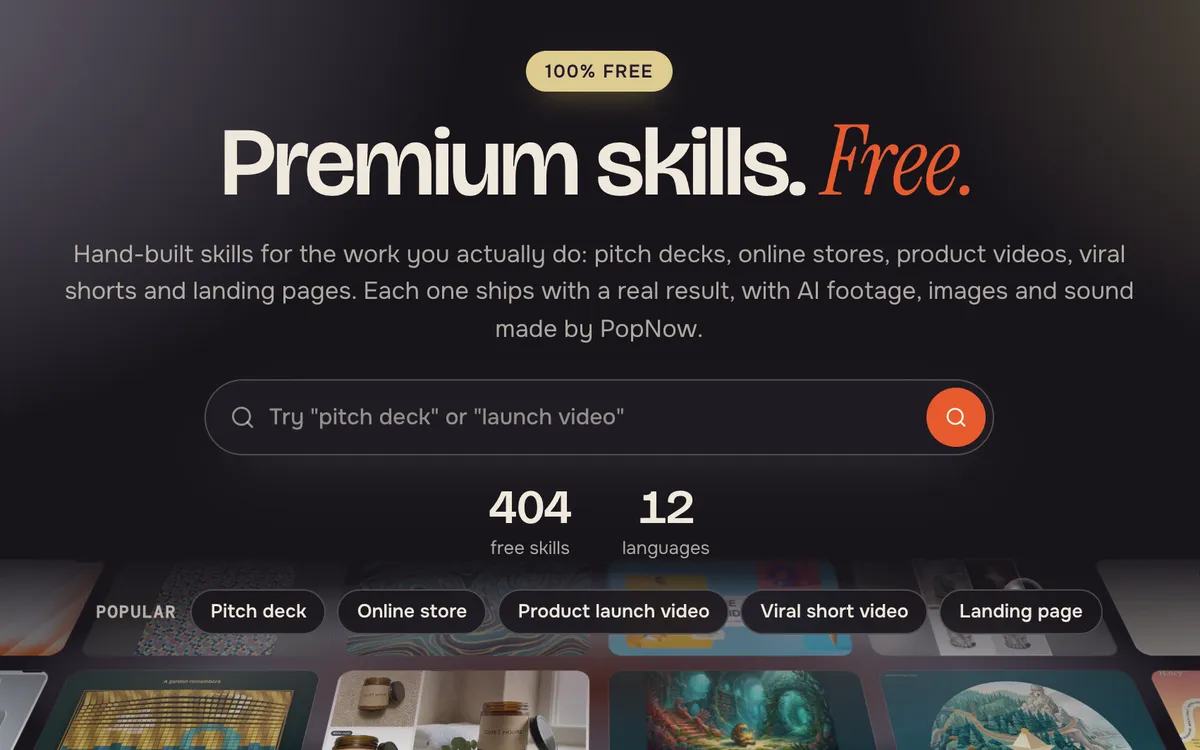
Open Skills and browse by what you want to make. Each skill page shows real results made with it, what you get and what it is good for.
Step 2: Send it to your assistant
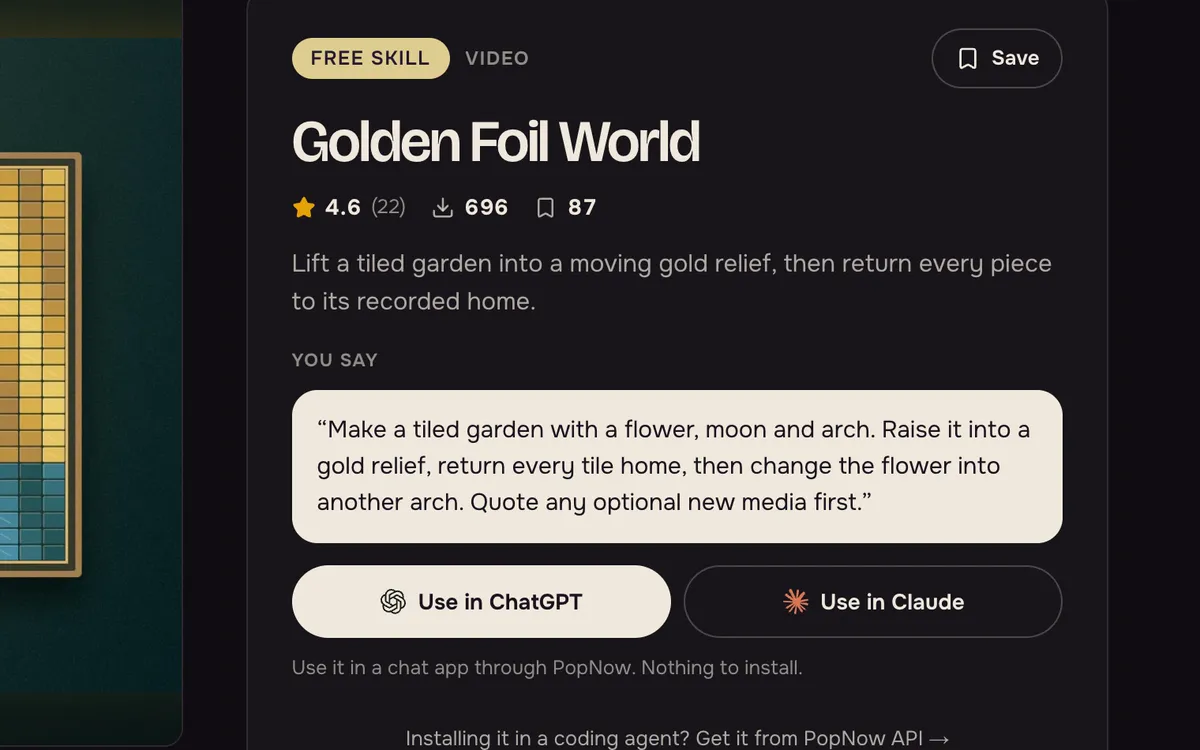
Press Use in Claude or Use in ChatGPT. If PopNow isn't connected yet, the steps to connect come first. Then copy the ready-made sentence, paste it into a new chat and add your details.
Step 3: Approve the price
Your assistant plans the work with you and checks the price before PopNow makes anything. Small jobs start right away; bigger ones wait for your yes.
FAQ
Are skills free?
Yes. Using a skill is free with a PopNow account. Only the images, video, music or voice made through PopNow use your credits, and each one is quoted first.
Do I need to install anything?
No. Connect PopNow to ChatGPT or Claude once, then name the skill or describe the job in a chat. Your assistant finds the skill through PopNow.
Can I use what I make commercially?
Yes. What you make is yours, including client work. The skill itself is for your own use and should not be resold or redistributed.