




3D Clay AI Generator: Soft Clay
Rounded matte clay with tiny fingerprints.
- Works on your own photo
- Best shape: 1:1
Works on
- Seedream 5.0 Pro
- Qwen Image 3.0
- Nano Banana 2.1
- Seedream 5.0 Flash
About Soft Clay
It turns any subject into a character. A man with a tiny coffee cup, a woman walking a dachshund, a ginger cat on a cushion, a lighthouse on a little island, a stack of pancakes — all come back as friendly clay figures you want to pick up.
Use it for app illustrations, onboarding screens, stickers, social posts, presentation visuals and playful branding. The consistent lighting and palette make it easy to build a whole set of matching images.
Subjects to paste as they are: “a man holding a tiny coffee cup on a park bench”, “a ginger cat on a round cushion with a ball of yarn”, “a stack of pancakes with a pat of butter”. Simple, chunky subjects turn into the cutest clay figures.
Finishes that work on top: Golden hour adds warm, low light across the clay, and Soft glow makes the whole scene softer and sweeter. Film grain gives it a stop-motion film texture.
Tips
- Describe simple, chunky objects. Clay suits bold shapes more than fine detail.
- Pets and food are instant winners in this style.
- Give the subject one small prop to hold or sit on; props become part of the charm.
- Pastel backdrops are built in. If you want a scene instead, describe a simple setting like a kitchen table or a garden.
- Tiny scale props are charming: a miniature bicycle, a tiny umbrella, a small stack of books.
What the style adds
Your words go where it says “your subject”. Everything else is added for you.
your subject, stylized 3D render in soft matte clay, rounded forms, subtle fingerprint texture, gentle studio lighting, pastel backdrop
Models and price
- Seedream 5.0 Pro36 credits
- Qwen Image 3.030 credits
- Nano Banana 2.148 credits
- Seedream 5.0 Flash29 credits
One 1K image from a description. The button always shows the exact price before you spend anything.
How to use Soft Clay
- Describe itWrite who or what should be in the picture. A small action and a clear place work best. Or switch to “My photo” and drop in a picture you have the right to use.
- Pick a shapeKeep the suggested ratio and model, or change them in the bar at the bottom.
- Paint itPress “Paint it”. The price is on the button before you spend anything.
Questions about Soft Clay
Can I use Soft Clay on my own photo?
Yes. Switch to “My photo” at the bottom, drop in a picture you have the right to use, and the style redraws it while keeping the composition and pose.
How much does one Soft Clay image cost?
29 credits for one 1K image on Seedream 5.0 Flash. 2K costs more, and the button shows the exact price before you run it.
Will it change what people look like?
It changes the medium to clay, so everyone becomes a stylized figure, but it never describes faces or bodies. Clothing, pose and setting stay as you described them.
Can I make a matching set?
Yes. Keep the style and ratio the same and vary only the subject; the lighting and palette stay consistent.
Why choose a square frame?
Clay characters read best centered in a square frame, which also suits avatars and stickers.
Can I make app illustrations with it?
Yes. The soft light and pastel backdrop suit onboarding screens and empty states. Keep the style and ratio fixed and change only the subject to build a matching set.
Similar styles
 Plush Toy
 3D Icon
 Holo Foil
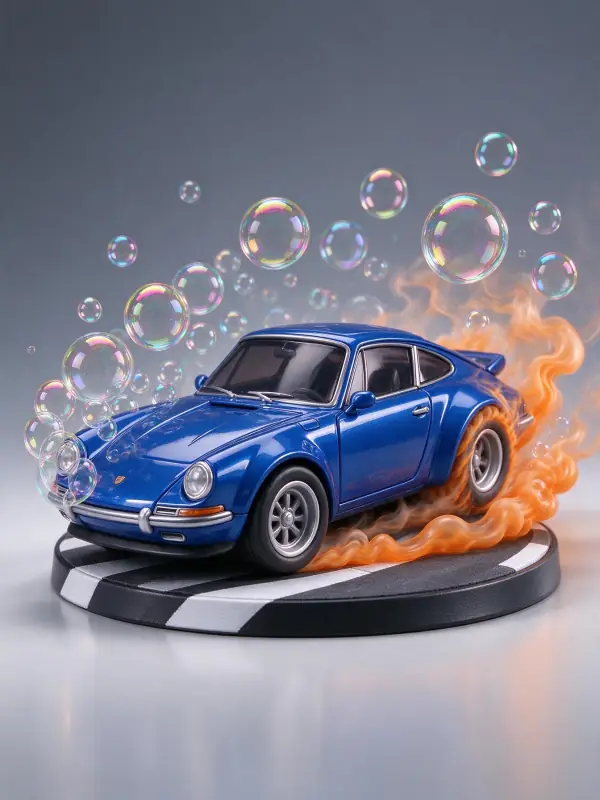 Vinyl Figure
Bring it to life
Effects that turn a still in this look into a short video.
 Orbit Rush
 Slow Push-In