


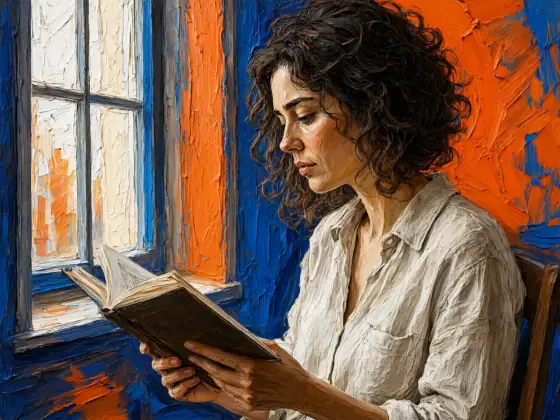

Palette Knife Oil Painting AI Generator: Palette Knife
Thick ridges of hot orange and cobalt paint.
- Works on your own photo
- Best shape: 4:3 · 3:4
Works on
- Seedream 5.0 Pro
- Qwen Image 3.0
- Nano Banana 2.1
- Seedream 5.0 Flash
About Palette Knife
Palette Knife paints your subject with a blade instead of a brush: thick oil paint pushed and scraped into sculpted ridges, flat planes of color catching the light at their edges, and a bold palette built on hot orange against cobalt blue. The framing is cropped and dynamic, as if the painter stepped in close and worked fast. You can almost feel the texture under your fingers.
Use it for art prints and wall decor, restaurant and café branding, book and album covers, gallery-style social posts and gifts. For wild color laid down flat, use Wild Color; for traditional glazing and chiaroscuro, Old Master Oil; for bright outdoor sunlight, Impressionist.
Subjects to paste as they are: “a café terrace on a cobbled street at night”, “a bunch of sunflowers in a blue jug on a table”, “a sailboat on choppy water under a stormy sky”. Strong light makes the ridges of paint stand out.
Finishes that work on top: Golden hour for an even warmer glow.
Tips
- Strong light makes the texture: street lamps, low sun, window light. Flat light gives flat paint.
- Keep the subject bold. The knife does not do fine detail, so choose clear shapes.
- Steer the palette if you like: “in teal and coral”, “in ochre and ultramarine”. Hot orange and cobalt is the default.
- Flowers and food are a joy in thick paint — try sunflowers, lemons or a bowl of cherries.
What the style adds
Your words go where it says “your subject”. Everything else is added for you.
thick palette-knife oil painting of your subject, sculpted ridges of paint, bold hot orange and cobalt, raw energetic texture, cropped dynamic framing
Models and price
- Seedream 5.0 Pro36 credits
- Qwen Image 3.030 credits
- Nano Banana 2.148 credits
- Seedream 5.0 Flash29 credits
One 1K image from a description. The button always shows the exact price before you spend anything.
How to use Palette Knife
- Describe itWrite who or what should be in the picture. A small action and a clear place work best. Or switch to “My photo” and drop in a picture you have the right to use.
- Pick a shapeKeep the suggested ratio and model, or change them in the bar at the bottom.
- Paint itPress “Paint it”. The price is on the button before you spend anything.
Questions about Palette Knife
Can I use Palette Knife on my own photo?
Yes. Switch to “My photo” at the bottom, drop in a picture you have the right to use, and the style redraws it while keeping the composition and pose.
How much does one Palette Knife image cost?
29 credits for one 1K image on Seedream 5.0 Flash. 2K costs more, and the button shows the exact price before you run it.
Why is the subject cropped so close?
Close, dynamic framing is part of the look. For more room around the subject, add “wide view” or “full figure” to your subject.
How is it different from Old Master Oil?
Old Master Oil is smooth, glazed and dark, with soft transitions. Palette Knife is thick, bright and raw, with every stroke left visible.
Similar styles
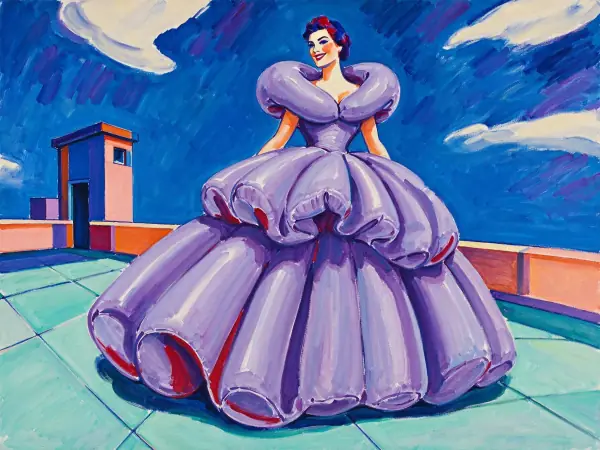 Wild Color
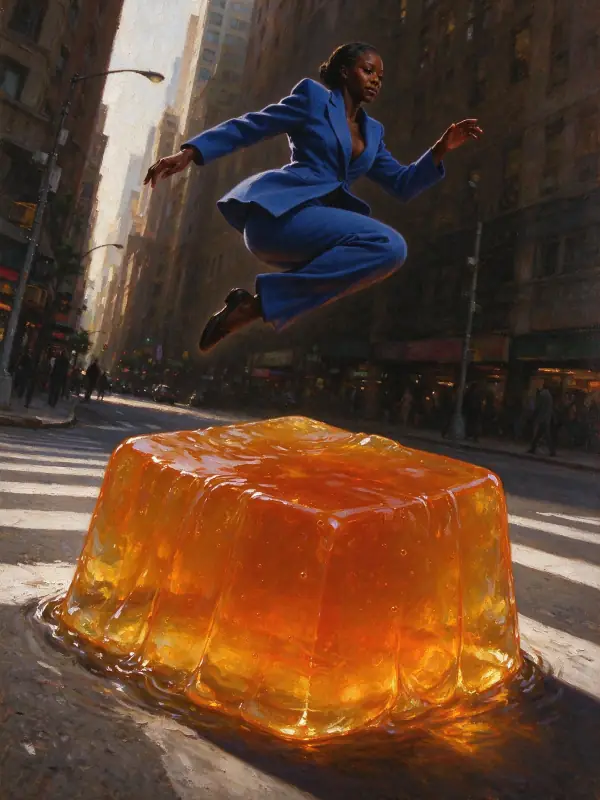 Old Master Oil
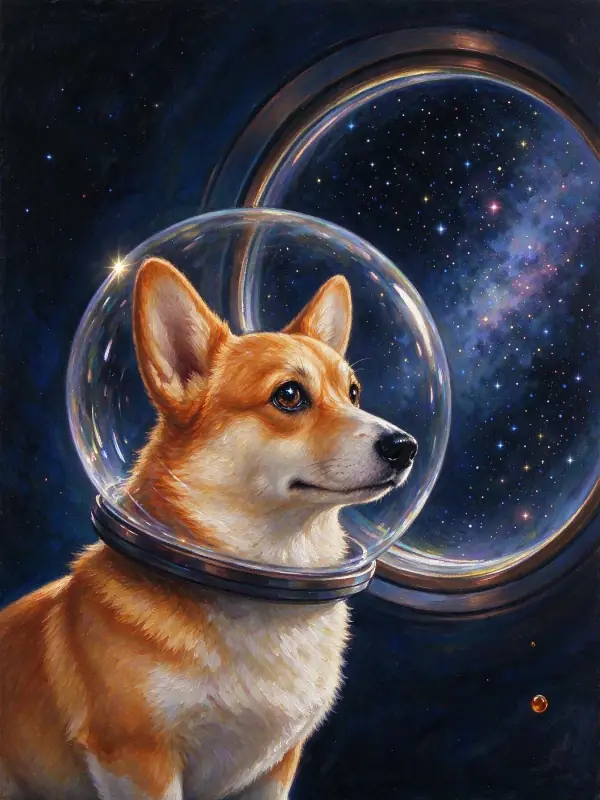 Modern Oil
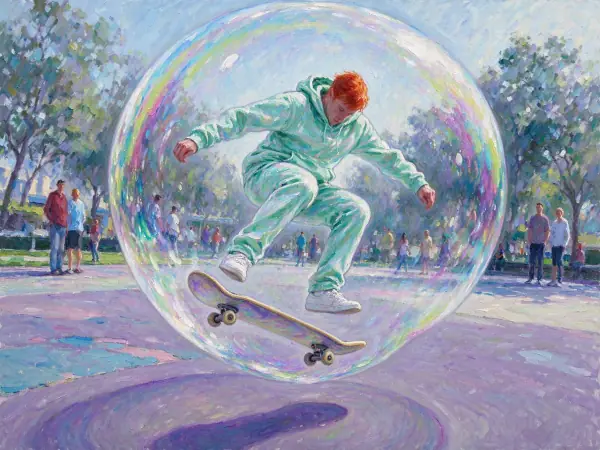 Impressionist
Bring it to life
Effects that turn a still in this look into a short video.
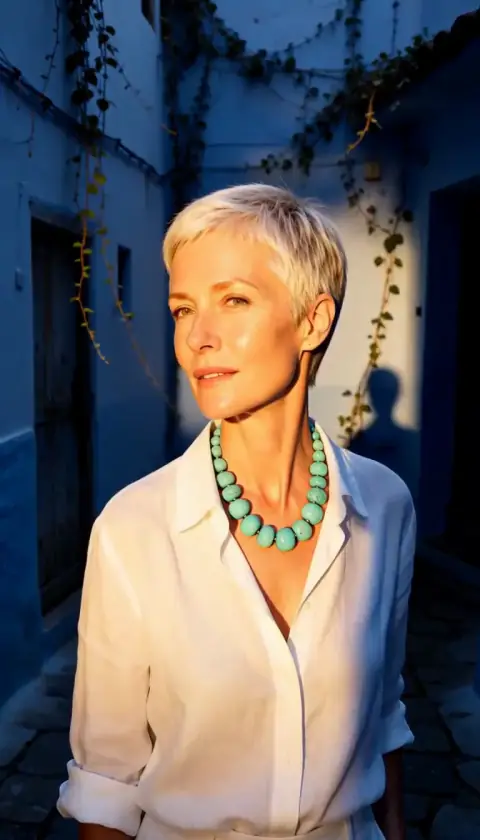 Golden Hour
 Slow Push-In