


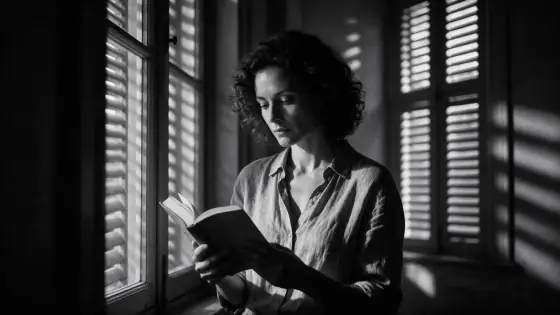

Film Noir AI Photo Generator: Film Noir
Hard light, deep shadows, black and white.
- Works on your own photo
- Best shape: 16:9 · 3:2
Works on
- Seedream 5.0 Pro
- Qwen Image 3.0
- Nano Banana 2.1
- Seedream 5.0 Flash
About Film Noir
Film Noir is black and white with teeth. One hard key light from the side, shadows that fall to true black, stripes of light slicing across a wall through blinds, fine grain and high contrast. It is the look of detective films and late-night street photography, and it makes almost anything feel important.
The style handles the light and the tones; you bring the subject and a place for the shadows to fall. A man in a hat lighting a cigarette in a doorway, a woman at a desk with a phone, a cat on a staircase, a lighthouse against a storm — each comes back graphic and dramatic, with the texture of real film.
Use it for book covers, posters, music artwork, moody portraits and any image that should feel timeless. Because there is no color to distract, composition matters more than usual: give the subject a clear shape and let the dark do the rest.
Subjects to paste as they are: “a man in a fedora lighting a match in a doorway”, “a woman at a desk with an old telephone, seen in profile”, “a spiral staircase with a single cat on the steps”. Hats, doorways, stairs and blinds give the hard light shapes to cut.
Finishes that work on top: Film grain adds even more texture. Golden hour, Soft glow and Black & white are disabled here because they either fight the hard light or repeat it.
Tips
- Mention a surface for the slatted light — a wall, a door, a desk. The blind shadows are the signature of the style.
- Silhouettes and profiles look fantastic. Try “seen in profile” or “standing in a doorway”.
- Hats, coats, smoke, rain and street lamps all belong here; they add shape and texture in black and white.
- Do not add the Black & white or Golden hour finishes — the first repeats this style, the second fights it.
- Rain on glass, cigarette smoke and wet pavement look spectacular in hard black-and-white light.
What the style adds
Your words go where it says “your subject”. Everything else is added for you.
your subject, black-and-white noir photograph, hard single key light, deep shadows, slatted light patterns on the wall, fine grain, high contrast
Models and price
- Seedream 5.0 Pro36 credits
- Qwen Image 3.030 credits
- Nano Banana 2.148 credits
- Seedream 5.0 Flash29 credits
One 1K image from a description. The button always shows the exact price before you spend anything.
How to use Film Noir
- Describe itWrite who or what should be in the picture. A small action and a clear place work best. Or switch to “My photo” and drop in a picture you have the right to use.
- Pick a shapeKeep the suggested ratio and model, or change them in the bar at the bottom.
- Paint itPress “Paint it”. The price is on the button before you spend anything.
Questions about Film Noir
Can I use Film Noir on my own photo?
Yes. Switch to “My photo” at the bottom, drop in a picture you have the right to use, and the style redraws it while keeping the composition and pose.
How much does one Film Noir image cost?
29 credits for one 1K image on Seedream 5.0 Flash. 2K costs more, and the button shows the exact price before you run it.
Does it change the person’s appearance?
No. It only changes light, shadow, contrast and grain. The template never describes faces, bodies or identity.
How is it different from the Black & white finish?
The Black & white finish simply renders another style in black and white. Film Noir is a complete lighting setup: hard key light, deep shadows and slatted patterns.
Is it good for book covers?
Yes. The strong contrast survives small thumbnail sizes, and the dark areas leave space for a title. Use 3:2 or crop to portrait after generating if your cover needs it.
Similar styles
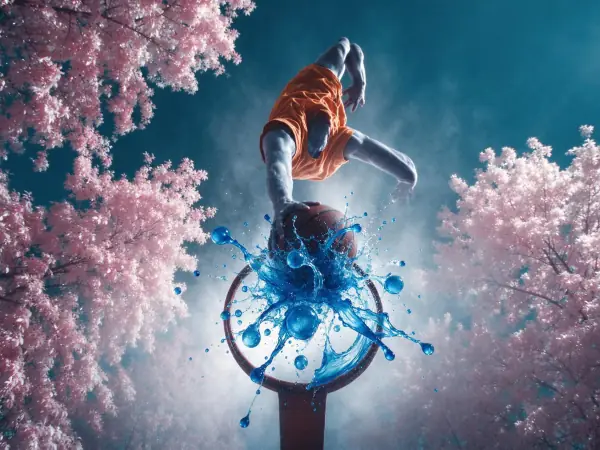 Infrared Dream
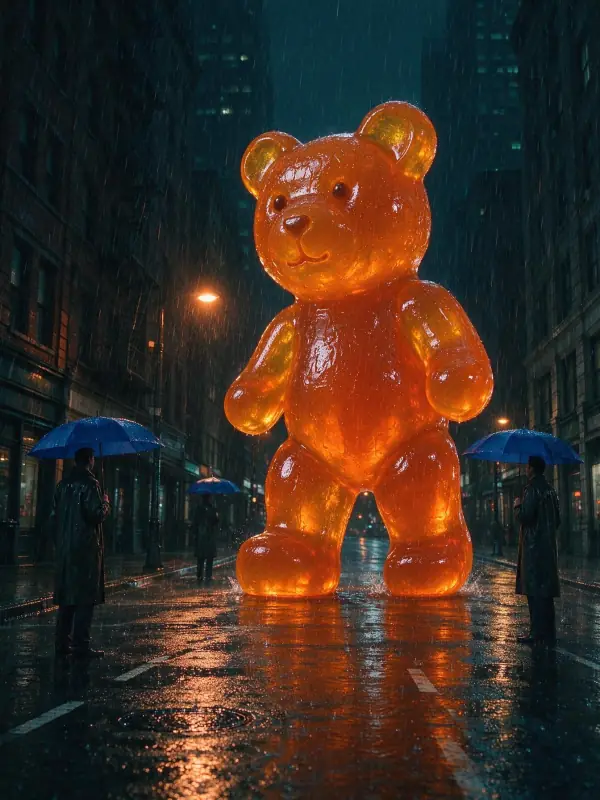 Sodium Night
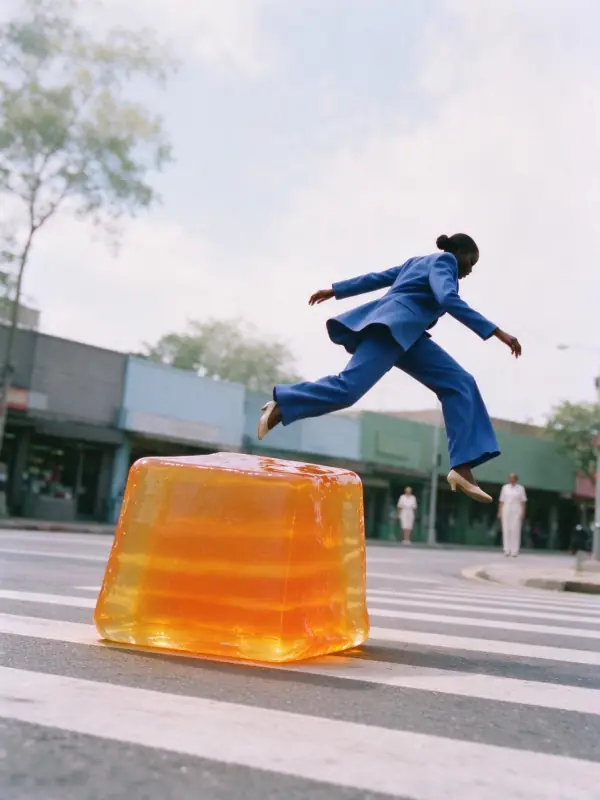 Airy Film
 Instant Film
Bring it to life
Effects that turn a still in this look into a short video.
 Rain Falls
 Slow Push-In