Nano Banana 2.1 toy figure promptFigure in a Glass Bottle
An image-edit prompt for Nano Banana 2.1: you upload a picture and this text says what to change.
Fill in the blanks
Change any box and the prompt below updates. Copy it, or make one with your version.
Prompt
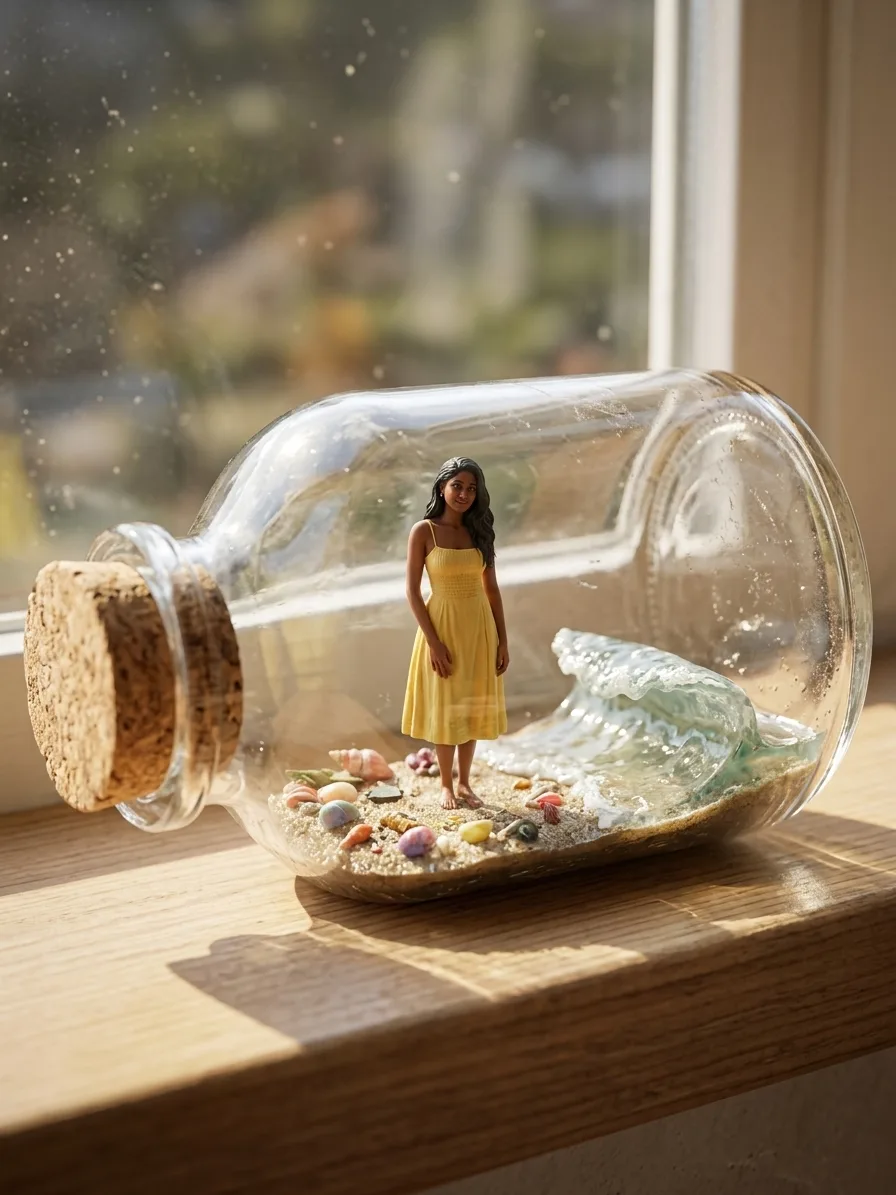
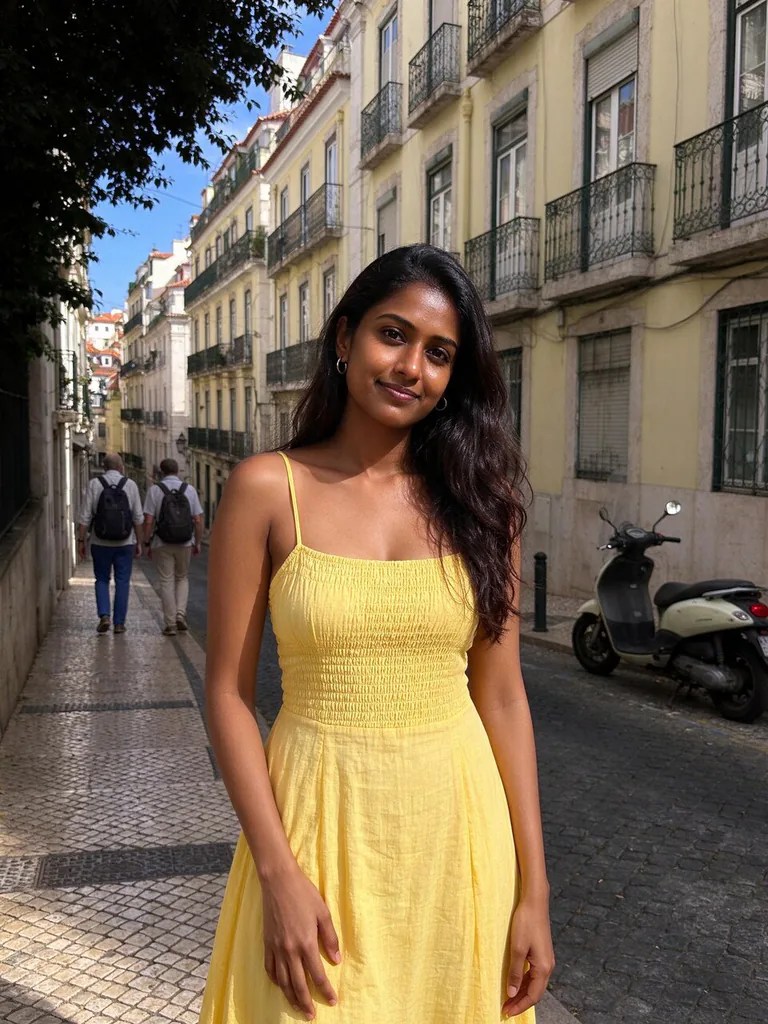
Turn the person in image 1 into a 1/7 scale collectible figure, keeping the face, hair, skin tone and outfit recognisable, and place it in a tiny beach with sand, seashells and a small curling wave diorama sealed inside a clear souvenir glass bottle with a cork stopper. The bottle lies on a sunny windowsill. Realistic glass reflections and refraction, warm natural light, macro product photo, shallow depth of field.
Prompts stay in English, the language these models follow best. Copy it as it is, or change a few words.
A tiny collectible figure of the person in your photo, sealed inside a clear glass bottle on a sunny windowsill, is what Nano Banana 2.1 makes from this prompt. The prompt works because it names one edit, keeps the face and outfit fixed, and then describes the glass, the light and the macro camera so the model shows the bottle as a real object.
This edit expects one clear photo of a single adult, taken from the front, so the model has a face and outfit to carry into the figure.
Works: one adult facing the camera with head and shoulders in view
The model needs a readable face and hairline to carry into the figure, and a front view gives it the most detail to copy.
Works: a plain or simple background behind the person
The person is rebuilt as a small figure, so a simple background keeps the edges clean and avoids leftover shapes showing through the glass.
Avoid: group photos or several people in the frame
The prompt says 'the person in image 1', so the model may pick the wrong face or blend several faces into one figure.
Avoid: sunglasses, hats or masks that hide the face
Hidden features cannot be kept recognisable, so the figure will drift from the real person even though the prompt asks for the face to stay the same.
What each instruction does
subject and scaleTurn the person in image 1 into a 1/7 scale collectible figure
It sets the job: turn image 1 into a figure at 1/7 scale. Remove it and the model may paint a new scene with the person in it, instead of a small collectible.
identity lockkeeping the face, hair, skin tone and outfit recognisable
This is the identity lock. Without it, the face, hair and outfit can drift into a generic figure, so the result looks like someone else even when the scale and bottle are right.
miniature sceneplace it in a tiny beach with sand, seashells and a small curling wave diorama
This describes the miniature world: a beach with sand, shells and a curling wave. Change these nouns to set a new scene, and the bottle contents will change to match while the glass stays the same.
container and settingsealed inside a clear souvenir glass bottle with a cork stopper. The bottle lies on a sunny windowsill.
This sets the container and the setting. Remove 'sealed inside' and the figure may sit beside the bottle, and removing 'sunny windowsill' flattens the light the glass needs for its reflections.
lighting and camera lookRealistic glass reflections and refraction, warm natural light, macro product photo, shallow depth of field.
These words set the camera and light. Without 'macro product photo' the model may frame the bottle as a full room scene, and without 'shallow depth of field' the background competes with the figure.
Other edits in the same pattern
Snowy village globe
Swaps the beach for a snowy village, a snow globe and cool winter light, for a holiday gift card.
Prompt
Turn the person in image 1 into a 1/7 scale collectible figure, keeping the face, hair, skin tone and outfit recognisable, and place it in a tiny snowy village with pine trees and a frozen pond diorama sealed inside a clear snow globe with a silver base. The globe sits on a wooden desk by a window in soft morning light. Realistic glass reflections and refraction, cool winter light, macro product photo, shallow depth of field.
Autumn park jar
Changes the season to autumn with a wooden-lid jar and golden light, for a cosy seasonal post.
Prompt
Turn the person in image 1 into a 1/7 scale collectible figure, keeping the face, hair, skin tone and outfit recognisable, and place it in a tiny autumn park with fallen leaves, a wooden bench and a small pond diorama sealed inside a clear glass jar with a wooden lid. The jar sits on a mossy stone by a garden path in soft golden light. Realistic glass reflections and refraction, warm autumn light, macro product photo, shallow depth of field.
Mountain campsite bottle
Moves the scene to a mountain campsite with a wooden stopper, for an outdoor or travel theme.
Prompt
Turn the person in image 1 into a 1/7 scale collectible figure, keeping the face, hair, skin tone and outfit recognisable, and place it in a tiny mountain campsite with a small red tent, pine trees and a campfire diorama sealed inside a clear glass bottle with a wooden stopper. The bottle lies on a wooden table by a window in cool morning light. Realistic glass reflections and refraction, soft daylight, macro product photo, shallow depth of field.
Model and settings
Keep 3:4 and 1k for this prompt, since the example was made in that portrait frame with one input picture in image-to-image mode. The tall shape suits a single figure standing in a bottle, so keep it unless you want a wider scene. Use 1k for quick tests and move to a higher resolution only once the face and bottle look right. If you want a landscape postcard look, switch to a wider ratio, but expect the bottle to become smaller in the frame.
Seedream 5.0 ProPick this when you have several photos of the same person, since it accepts up to ten references to keep the face and outfit steady across a figure series.
FLUX.2 ProPick this when you want the glass or the cork in an exact colour, since its tagline offers hex colour control with photoreal results.
When the edit misses
The face or hair drifts away from the person in image 1.
Keep 'keeping the face, hair, skin tone and outfit recognisable' word for word, and add 'exactly as in image 1' right after 'the face'. If it still drifts, use a sharper, front-facing input photo.
The person appears full size beside the bottle, not inside it.
Keep 'sealed inside a clear souvenir glass bottle' and '1/7 scale' together, and add 'figure no bigger than the bottle' if the model keeps the person large.
The edit is ignored and the output looks like the original photo with a filter.
Start the prompt with 'Turn the person in image 1 into a 1/7 scale collectible figure' and do not shorten it, since that clause is the main instruction the model follows.
The bottle's light and shadows do not match the windowsill.
Add 'light from the window on the left' after 'sunny windowsill', so the highlights and shadows on the glass point the same way.
Questions about this edit prompt
Can Nano Banana 2.1 keep my face the same when I turn a photo into a bottle figure?
The prompt asks the model to keep the face, hair, skin tone and outfit recognisable, which is the part to check first. Compare the figure with your input picture at full size and, if the face has drifted, try a sharper, front-facing photo with even light.
What photo works best as image 1 for this bottle figure prompt?
A clear, well-lit photo of one adult facing the camera works best, with the head and shoulders fully in view. Hats, sunglasses and crowded backgrounds make the figure harder to read inside the small bottle.
Why does the glass look flat in my result?
The glass depends on the words 'Realistic glass reflections and refraction' and on the window light. Keep those words at the end of the prompt and do not remove 'sunny windowsill', since the light source gives the reflections something to show.
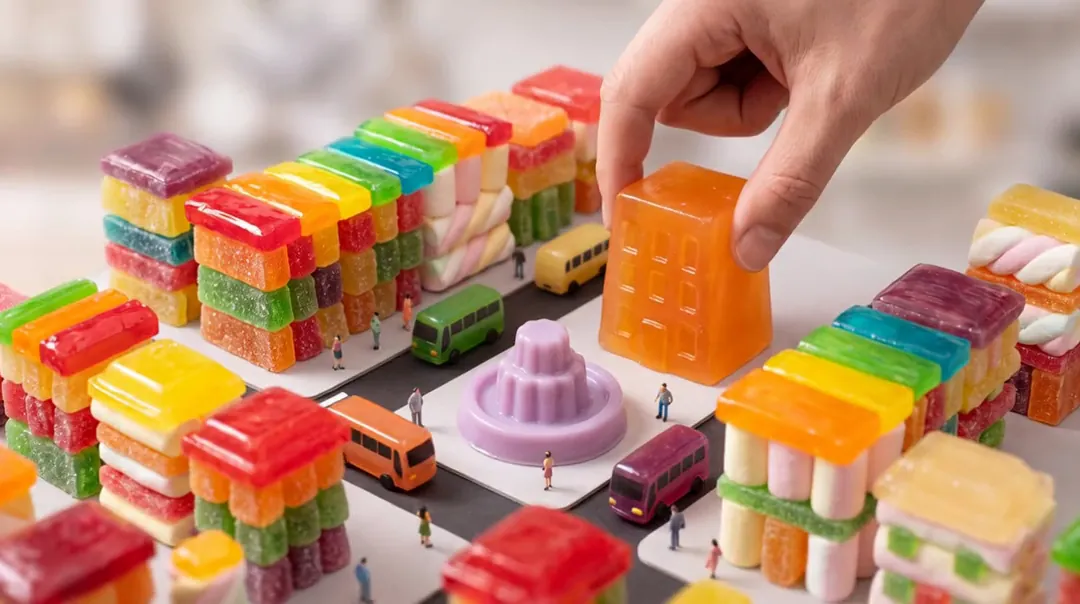
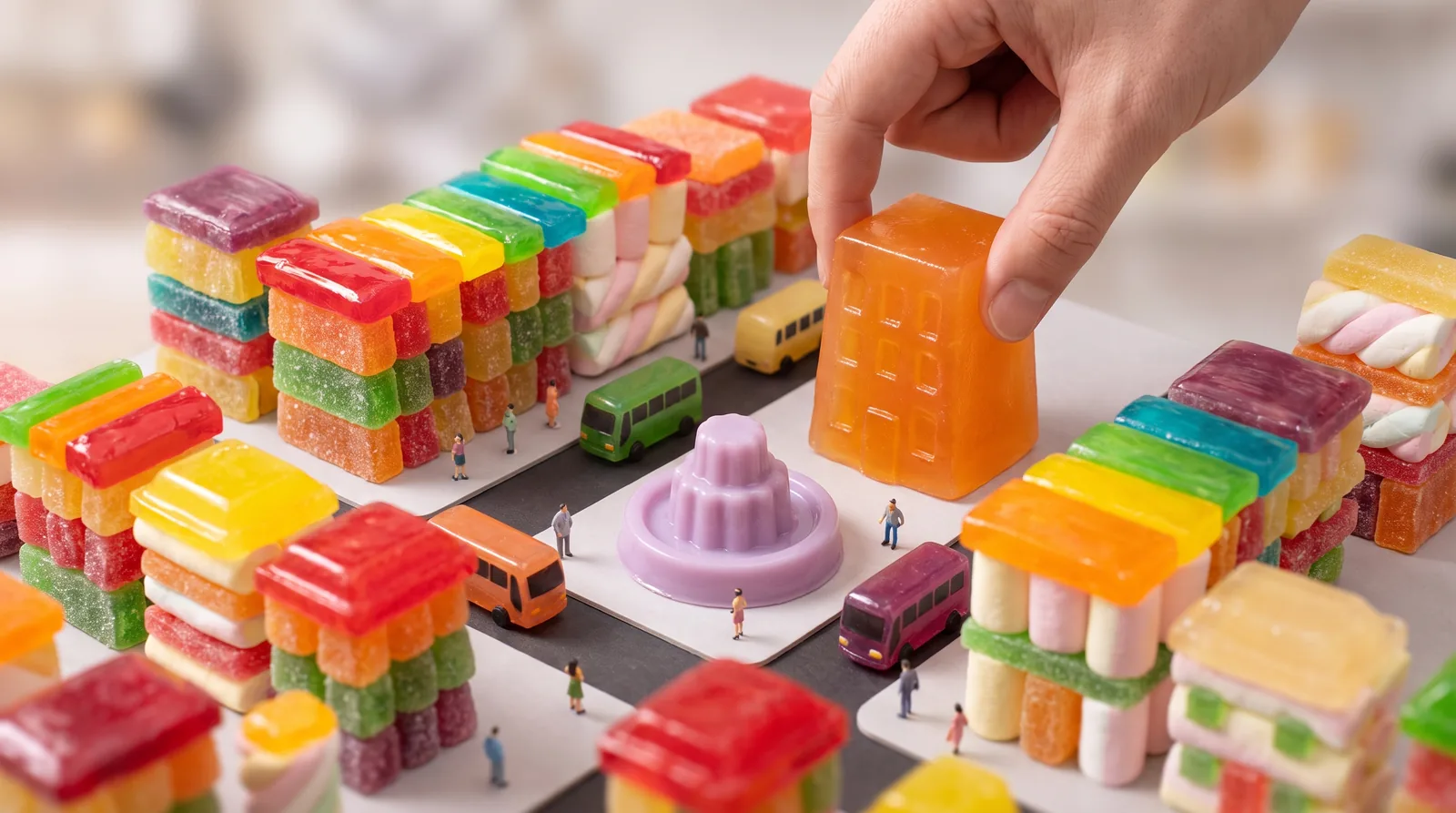
Tilt-shift miniature diorama photograph of a candy-colored city block built from gummy candy, marshmallows and jelly: tiny jelly buses, little pedestrians, a lilac jelly fountain in a square, rooftops of glossy hard candy; a giant real human hand gently places one more translucent tangerine jelly building into the block. Shallow depth of field, soft studio light, highly detailed, no text, no logos.
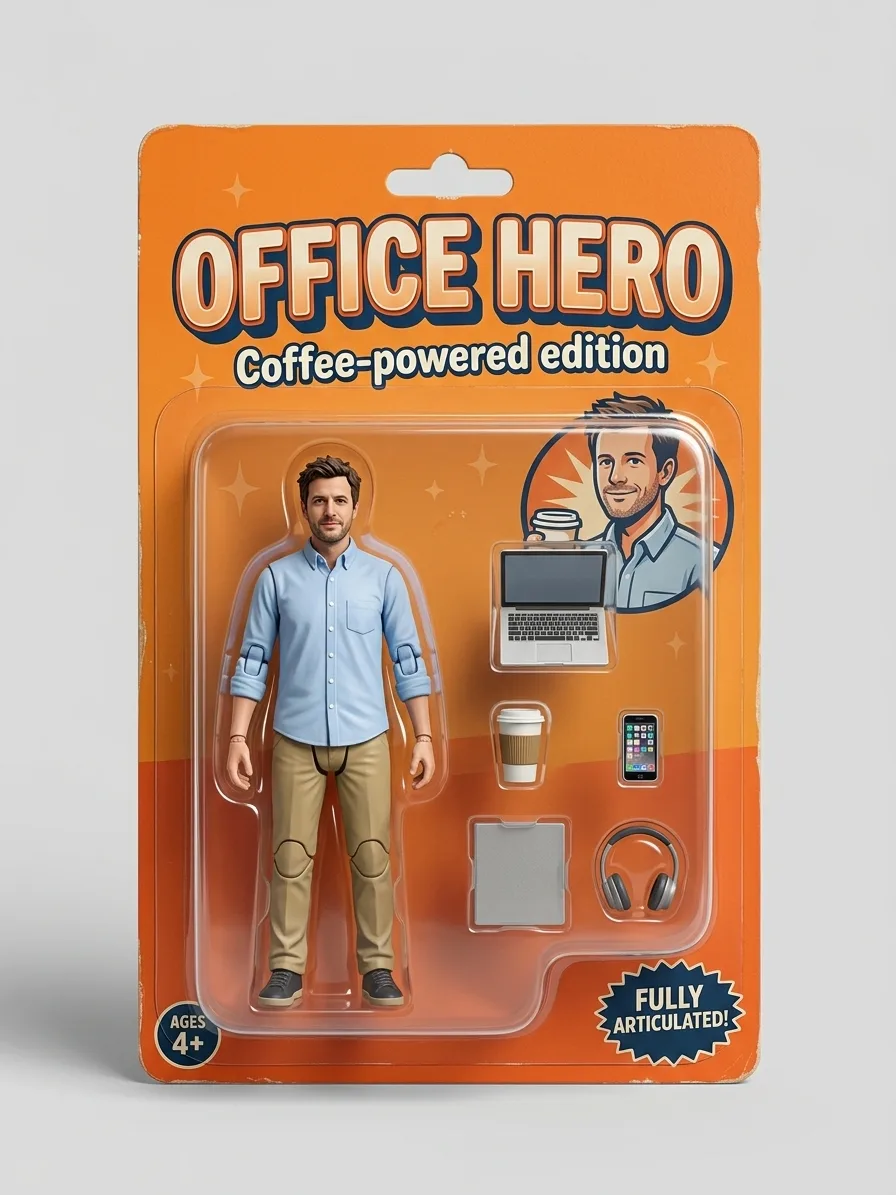
Turn the person in image 1 into a full-body collectible action figure sealed in a retail blister pack. Keep the face, hairstyle, skin tone and outfit recognisable from image 1, sculpted as a 1/12 scale painted plastic figure with visible joint lines at the shoulders, elbows and knees. The cardboard backing card is tangerine orange with a bold title at the top that reads "OFFICE HERO" and a small subtitle "Coffee-powered edition". Inside the clear plastic bubble, beside the figure, sit its accessories in their own molded slots: a laptop, a coffee cup, a phone and a pair of headphones. Studio product photo of the sealed package on a plain light background, soft shadow, sharp focus. No brand logos.
The giant hand gently sets the orange jelly building down into the candy city block, the jelly wobbles as it lands, tiny jelly buses roll along the streets and the lilac fountain bubbles; tilt-shift miniature look, slow camera drift, no text.
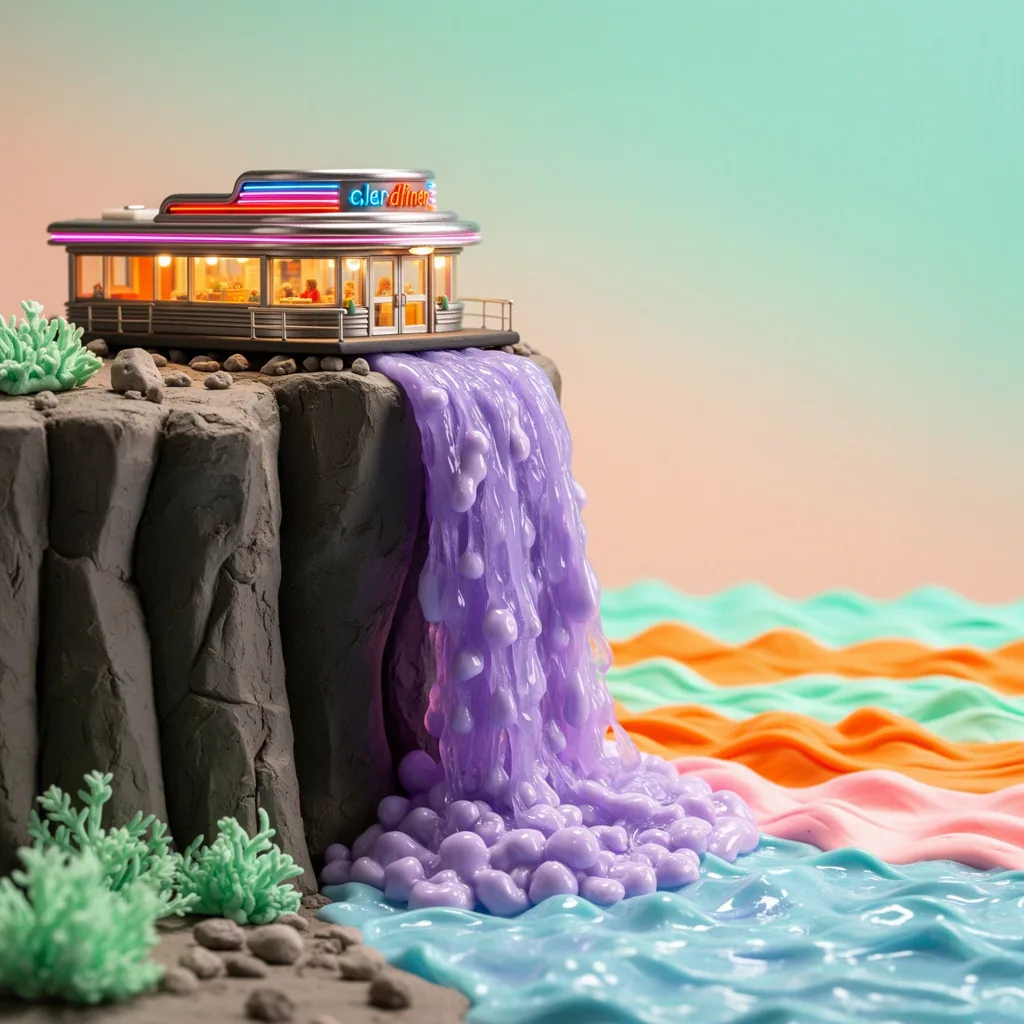
Stop-motion claymation film still: a tiny retro diner perched on a cliff edge, with a waterfall of wobbling lilac jelly pouring off the cliff into a candy-colored sea; handmade plasticine textures with visible fingerprints, miniature set lighting, tangerine and mint palette, charming and detailed, no text.
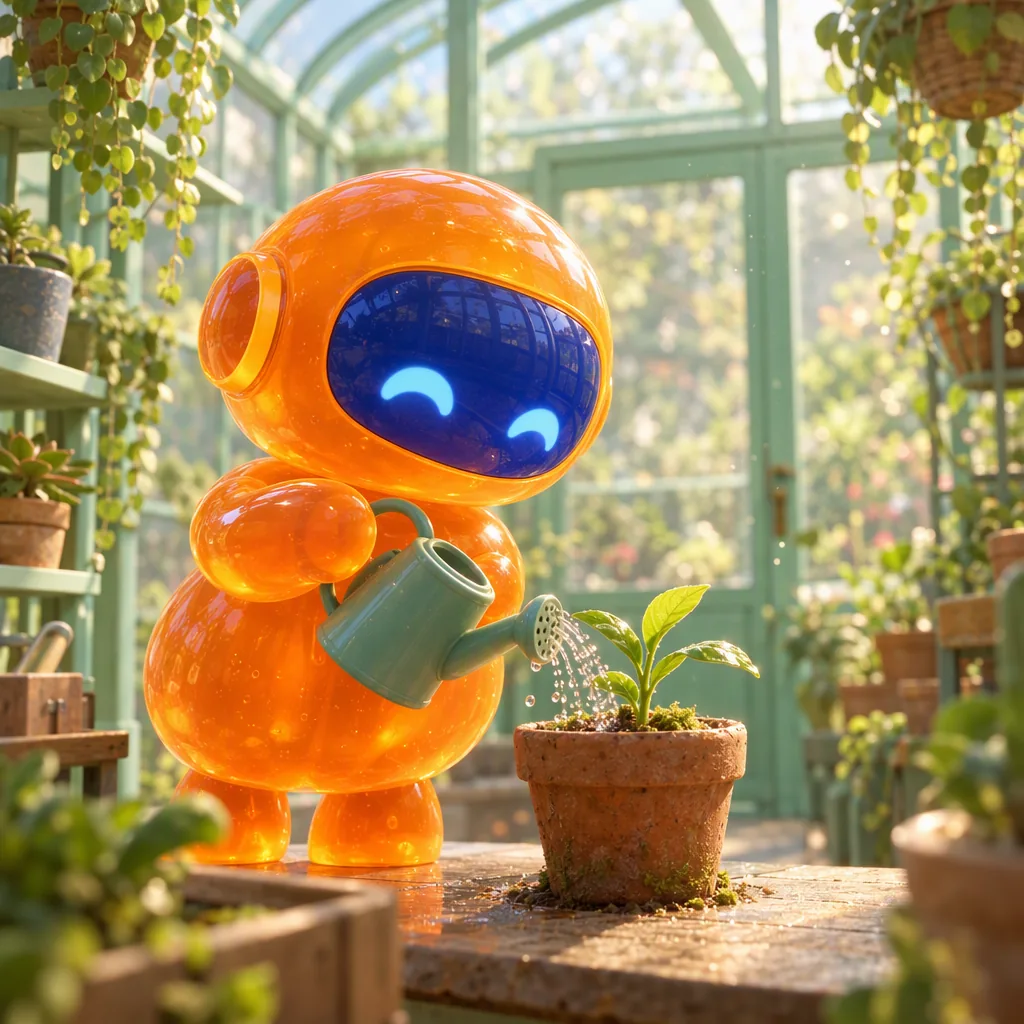
Polished 3D animated film still: a small round robot made of glossy tangerine jelly, with a cobalt visor face, carefully waters a tiny plant with a watering can inside a mint-green glass greenhouse; soft subsurface glow through the jelly body, dust motes in warm light, shallow depth of field, charming feature-animation quality, no text.
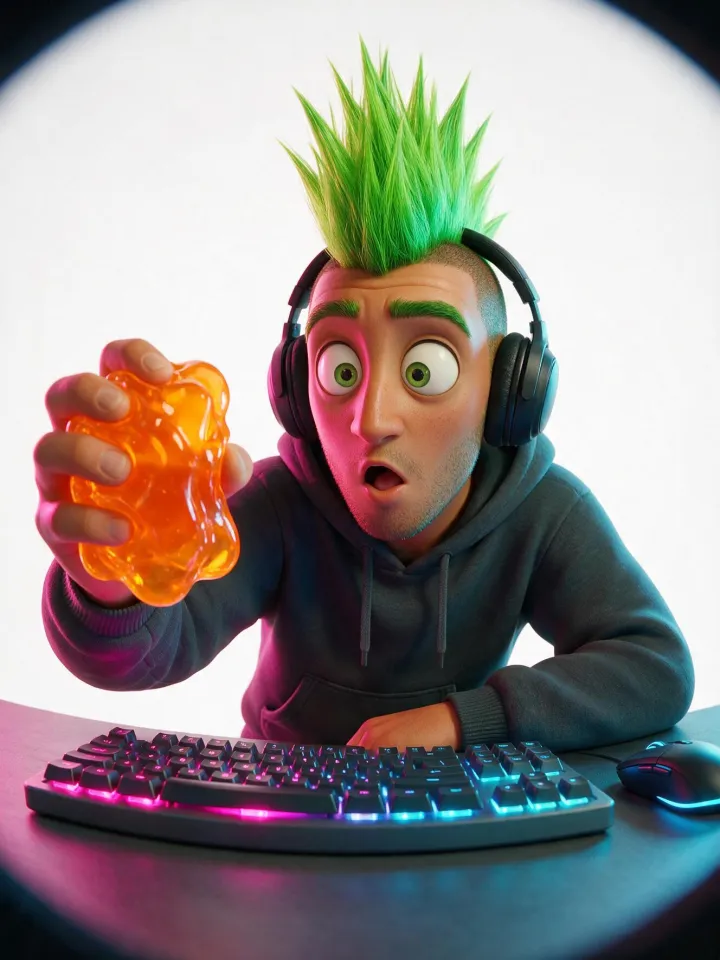
Stylized 3D animated film character render with soft studio lighting, fisheye lens shot up close, playful distortion. A fictional adult man, an adult in his late twenties to thirties. Overall look: a striking adult with a bold, unusual look and one or two strongly pronounced features. Look: a tall spiked mohawk in bright green. Expression: a surprised, wide-eyed look. Wearing a comfy hoodie. Shown as a game streamer with a headset and a glowing keyboard. Setting: on a pure white seamless studio background with soft even light. Every chosen trait reads clearly at thumbnail size, with a playful, characterful casting-photo vibe, never grotesque and never mocking. Playful twist: holding a wobbling translucent orange jelly that catches the light. Lighting: magenta and cyan neon gel lighting. Clean, polished rendering. No text or logos. Every person in the picture is a fictional adult, fully clothed.
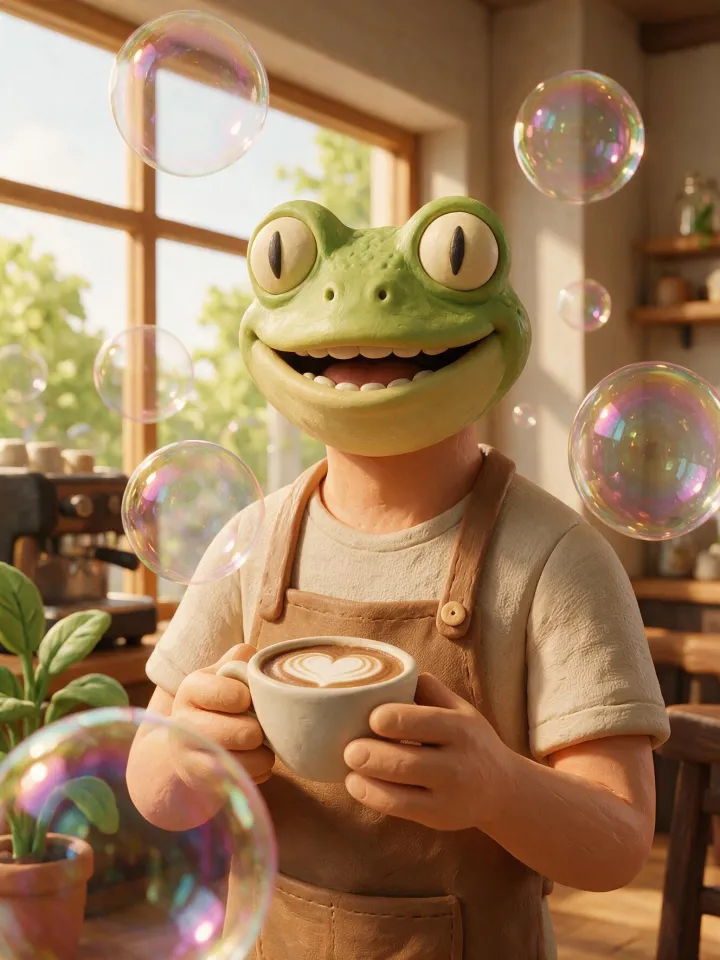
Claymation stop-motion character made of plasticine with a handmade texture, head and shoulders, centered and facing the camera. A humanoid character with the head of a frog on an adult human figure, an adult in their late twenties to thirties. Expression: a big warm smile. Wearing a canvas apron over a casual shirt. Shown as a barista holding a latte cup. Setting: in a cozy café by a big sunny window. Playful twist: giant iridescent soap bubbles floating around them, real and glossy. Clean, polished rendering. No text or logos. Every person in the picture is a fictional adult, fully clothed.
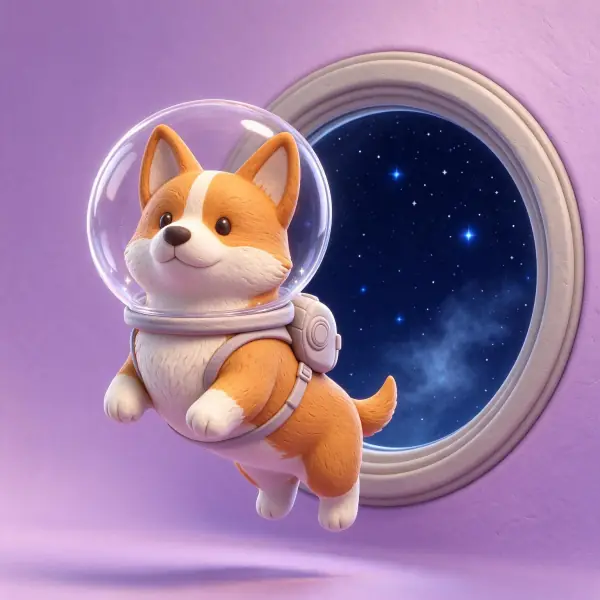
a corgi wearing a clear bubble space helmet floating past a round porthole full of stars, stylized 3D render in soft matte clay, rounded forms, subtle fingerprint texture, gentle studio lighting, pastel backdrop, adults fully clothed, no text, no logos




 Nano Banana ProMake one