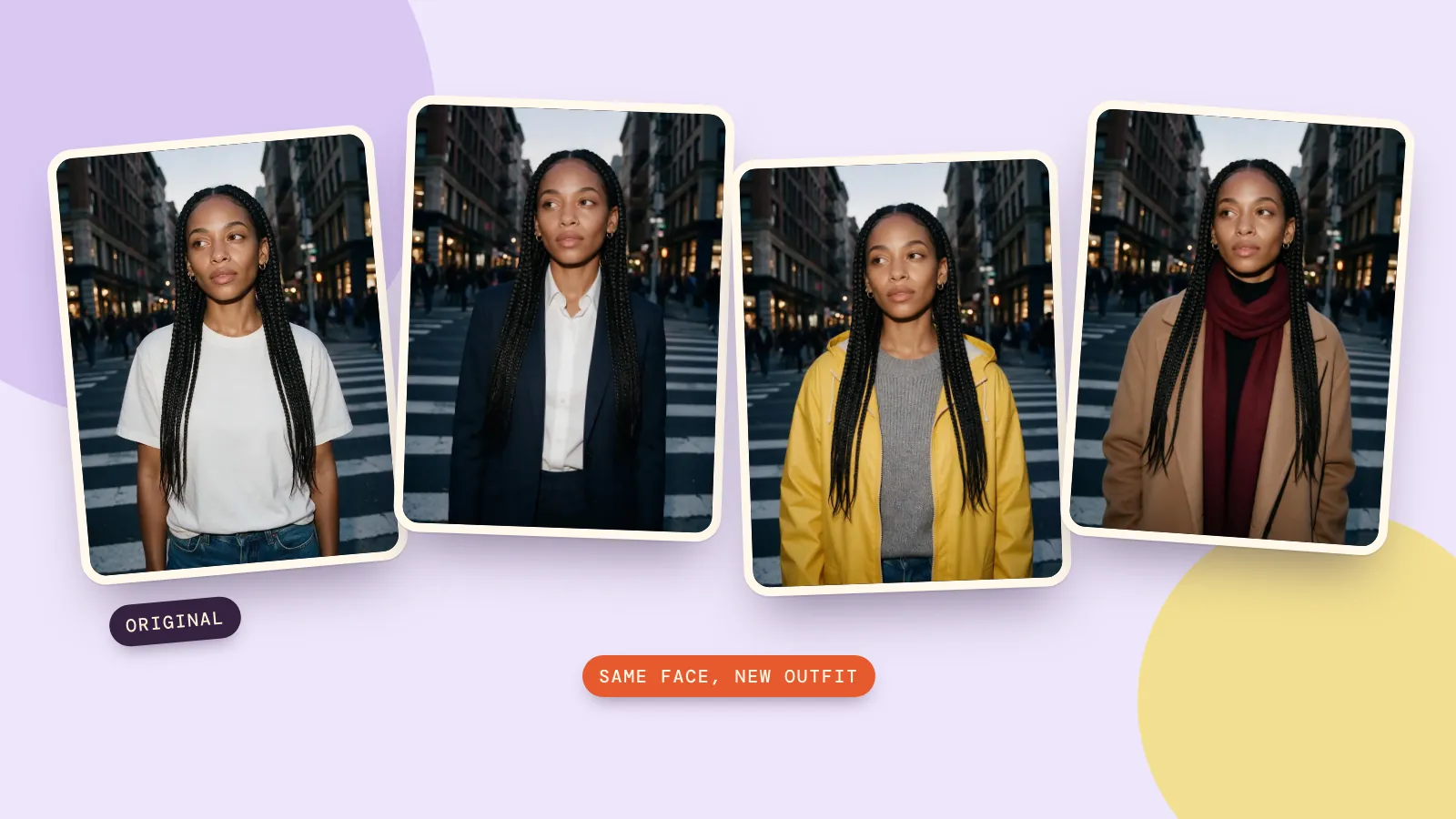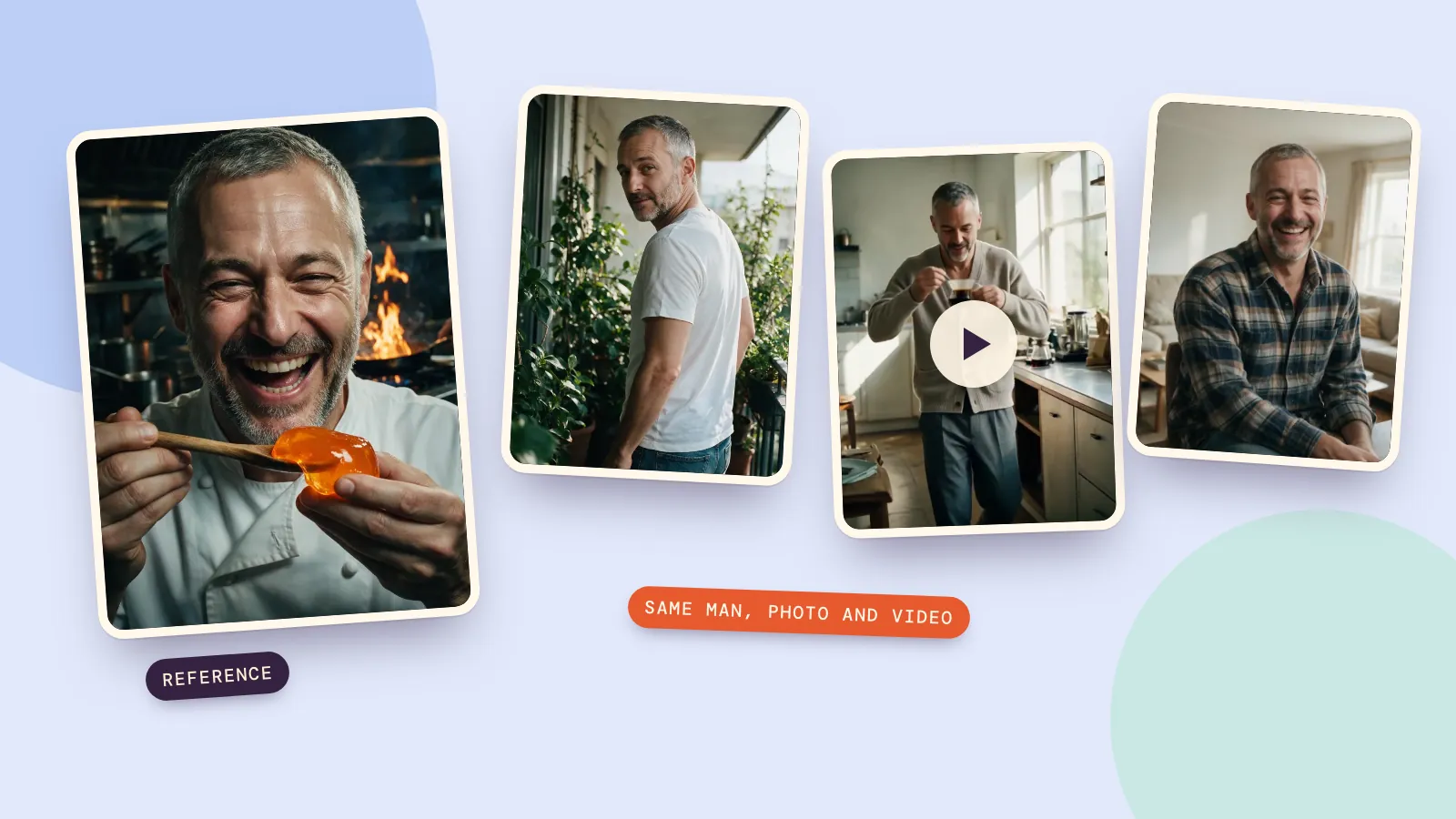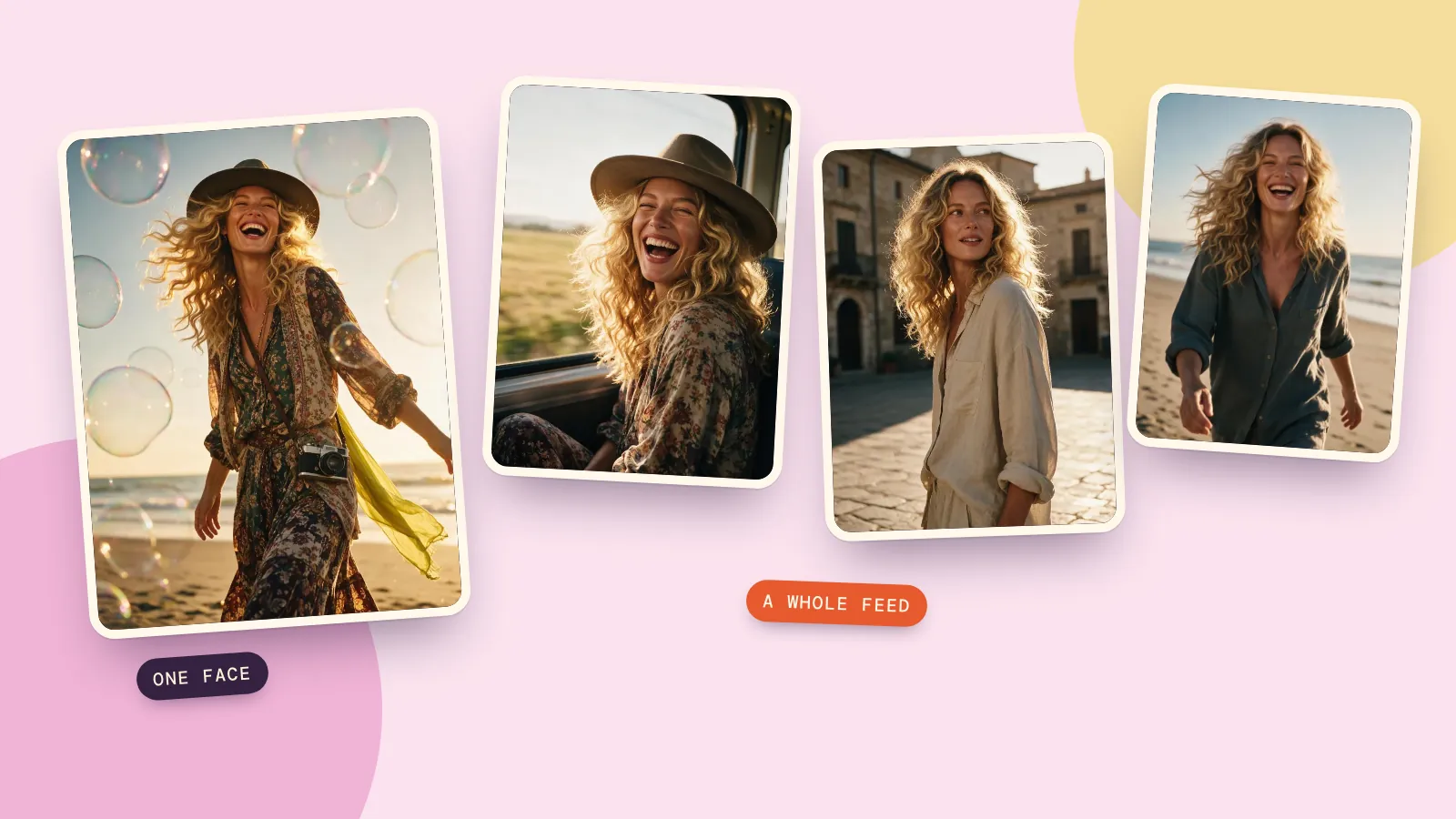
No, not in the way most people mean. As of October 2026, Claude doesn't create photos, paintings or illustrations. Anthropic's own help page puts it plainly: Claude "doesn't generate photos or illustrations the way image-generation tools do" (Claude Help Center).
That isn't the whole story, though. Claude can draw with code, build charts and diagrams, read images you give it, and write very good prompts for the models that do make pictures. Put those together and you can get almost any image you want in a minute or two. This guide shows exactly what Claude produced when we asked it for a picture, and the two ways to turn a Claude conversation into a real image.
What you get when you ask Claude for a picture
Here's what happens with the requests people try most often:
| You ask Claude for | What you get back |
|---|---|
| A photo of a person, place or product | A description, or a prompt you can paste into an image model. No image file. |
| A logo, icon or badge | SVG code that renders as a flat vector graphic |
| A chart from your numbers | A chart drawn with code, in the chat or as a file |
| An edit to a photo you uploaded | A description of the edit and what to change. Your photo stays as it was. |
| A video | Nothing to watch. It can write a video prompt or a shot list. |
The pattern: Claude's output is always text. Sometimes that text is code a browser can draw, which is why the logo and chart rows work. A photo can't be written as a few lines of code, so that row never does.
What Claude can draw on its own
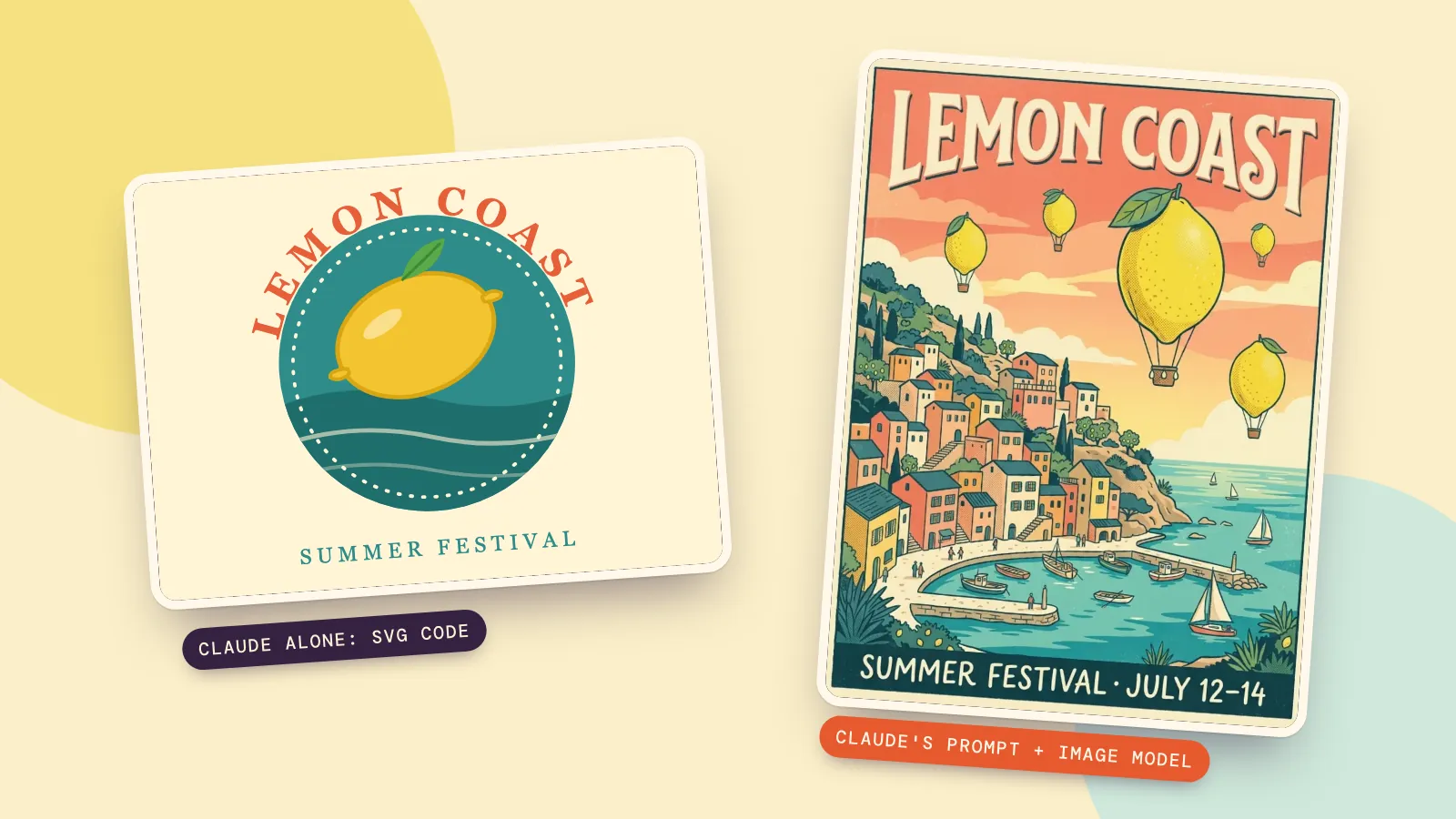
We asked Claude for "a simple badge for a summer festival called Lemon Coast, as an SVG". It answered with about 30 lines of SVG code. Saved as a file and opened in a browser, this is what it looks like:
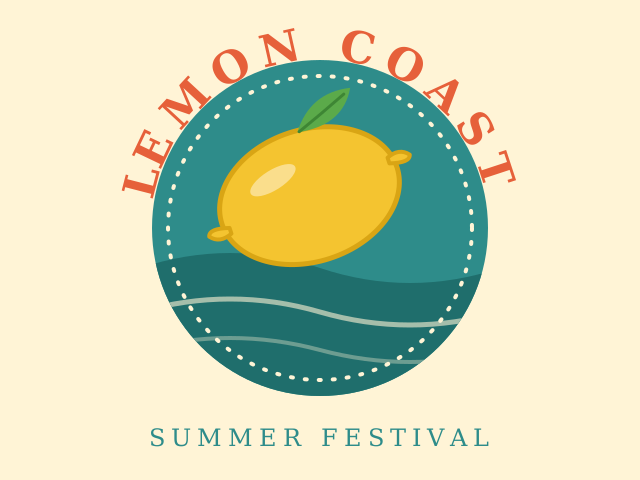
This is genuinely useful for logos, icons, simple illustrations, diagrams and website graphics, because you can ask for changes in plain words and the file stays editable. Claude can also show charts, diagrams and small interactive visuals right inside the chat; the help page linked above lists that feature as being in beta on the web and desktop apps.
What it can't do is anything with real light, texture or a real-looking face. For that you need an image model.
Why Claude can't make photos
Claude is a language model. It can take images in, and it understands them well (ask it what's wrong with your product photo and you'll get a sharp answer), but everything it sends back is text. Photo-like images come from a different kind of model that is trained to paint pixels from a description. Anthropic hasn't released one of those, so on its own Claude has nothing to hand the job to.
The useful part: the hard bit of using an image model is writing a clear, specific description. That is exactly what Claude is good at.
Way 1: let Claude write the prompt, then generate it
This works today, in any Claude plan, and takes about a minute.
- Tell Claude what the image is for and which model you'll use. For example: "Write one paragraph prompt for Nano Banana 2.1: a vintage travel poster for a made-up summer festival called Lemon Coast. Put the exact headline text in the prompt."
- Read the prompt it gives you. Check that any words you want on the image are spelled exactly as you want them.
- Paste it into an image generator, pick a model and generate.
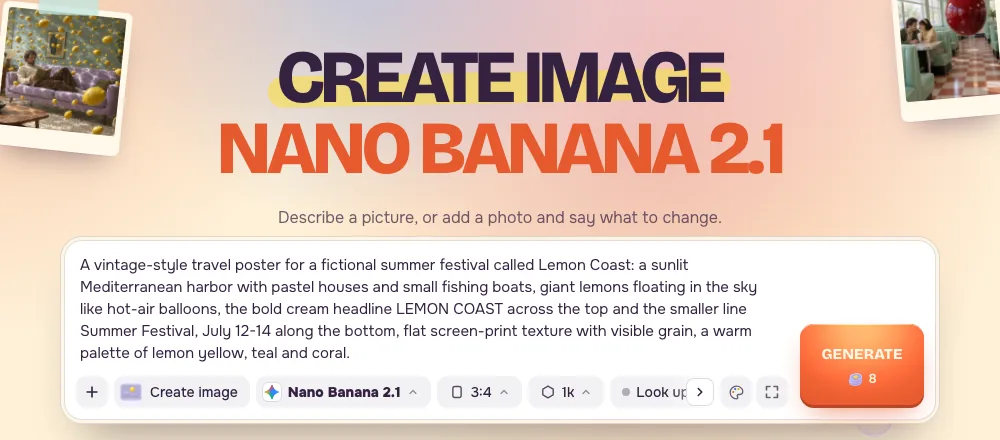
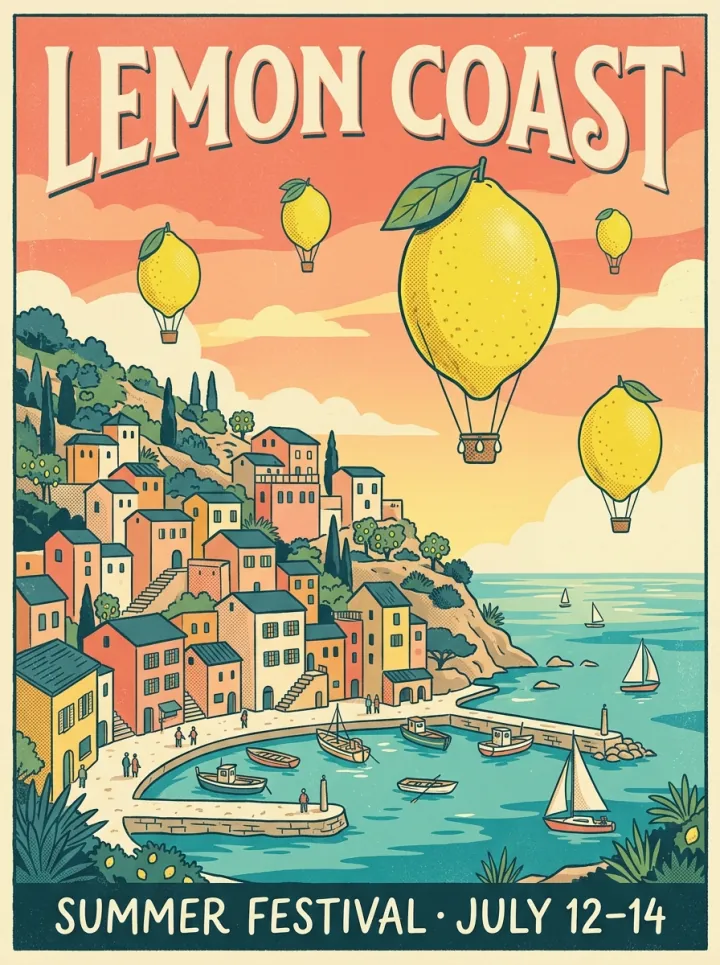
Here's the prompt Claude wrote for us, word for word, and what Nano Banana 2.1 made from it on the first try:
A vintage-style travel poster for a fictional summer festival called Lemon Coast: a sunlit Mediterranean harbor with pastel houses and small fishing boats, giant lemons floating in the sky like hot-air balloons, the bold cream headline LEMON COAST across the top and the smaller line Summer Festival, July 12-14 along the bottom, flat screen-print texture with visible grain, a warm palette of lemon yellow, teal and coral.
Both lines of text came out spelled correctly, which is the part image models used to get wrong. One 1K image with this model costs 8 credits on PopNow.
We ran the same prompt on Seedream 5.0 Pro to see how much the model matters:
Nano Banana 2.1: bolder, flatter, closer to a real screen print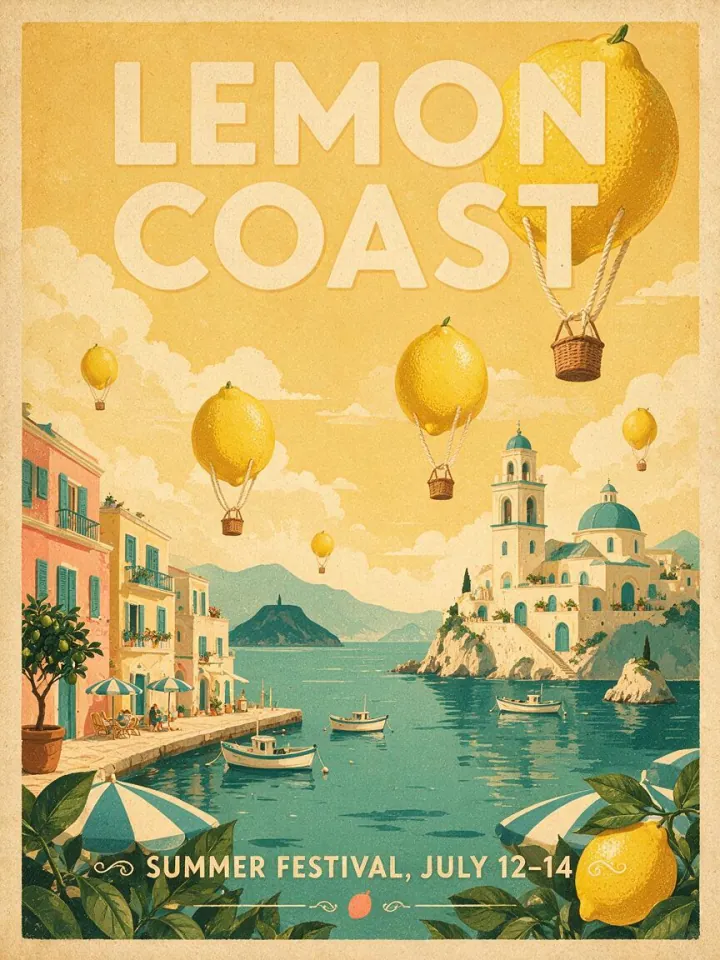 Seedream 5.0 Pro: softer and more faded, with a lemon tucked behind the headline
A few things make Claude's prompts work better:
- Name the model. Claude adjusts the length and wording. Some models like one dense paragraph; others like short tags.
- Put exact text in the prompt. Say "the headline reads LEMON COAST" instead of "a catchy title".
- Describe the light and the camera for photos: "soft morning window light, 35mm, shallow depth of field" does more than "beautiful, 8K, masterpiece".
- Ask for three variations and pick one. Claude is quick at rewriting, and you only pay when you generate.
If you want to see which wording works for which model, the prompt library shows real prompts next to the images they produced.
Way 2: connect an image tool to Claude
Claude can also call outside tools through connectors built on the Model Context Protocol, an open standard for plugging tools into AI assistants (modelcontextprotocol.io). When an image service offers an MCP server, you add its address to Claude once, and from then on Claude can generate the picture itself and show it in the conversation.
Anthropic's help center says custom connectors work in the Claude web app, Claude Desktop and Cowork on Free, Pro, Max, Team and Enterprise plans, with Free accounts limited to one custom connector (how to add one). In the settings it's Customize, then Connectors, then Add custom connector.
PopNow's own connector is not open yet. When it is, Claude will be able to create images and videos with any model on PopNow without leaving the chat; the PopNow MCP page shows how it will work and what you'll need. Until then, Way 1 gets you the same pictures with one copy and paste.
Which way should you use?
- You need a logo, icon, diagram or chart: ask Claude directly for SVG or a chart. No image model needed.
- You need a photo, illustration or poster today: let Claude write the prompt and generate it in an image generator.
- You want to change a photo you already have: describe the change to Claude, then run it in a photo editor such as Edit Image, which takes your photo plus one sentence.
- You make images inside Claude every day: a connector saves the copy and paste. Add one when the service you use offers it.
FAQ
Why can't Claude generate images?
Claude is a language model, so everything it returns is text. It can write code that draws simple graphics and it can describe any image in detail, but photo-like pictures come from a separate kind of model, and Anthropic hasn't released one.
Is there an official Claude image generator?
No. Pages offering a "Claude image generator" are third-party tools that pair Claude, or another chatbot, with a separate image model. That's the same idea as Way 1 or Way 2 above.
Can Claude edit my photos?
It can look at a photo and tell you what to change, and it can write the instruction for you. It can't change the pixels itself. Paste its instruction into a photo editor like Edit Image to get the edited file.
Can Claude make videos?
No. It can write a video prompt, a shot list or a script. To turn those into a clip, use a video model, for example in the video generator.
How much does it cost to turn Claude's prompt into an image?
Writing the prompt costs nothing extra beyond your Claude plan. Generating it on PopNow costs 8 credits for one 1K image with Nano Banana 2.1, and new accounts get free credits to try it. The price is shown before you generate.