Nano Banana 2.1 storyboard prompt9-Panel Product Ad Storyboard
An image-edit prompt for Nano Banana 2.1: you upload a picture and this text says what to change.
Fill in the blanks
Change any box and the prompt below updates. Copy it, or make one with your version.
Prompt
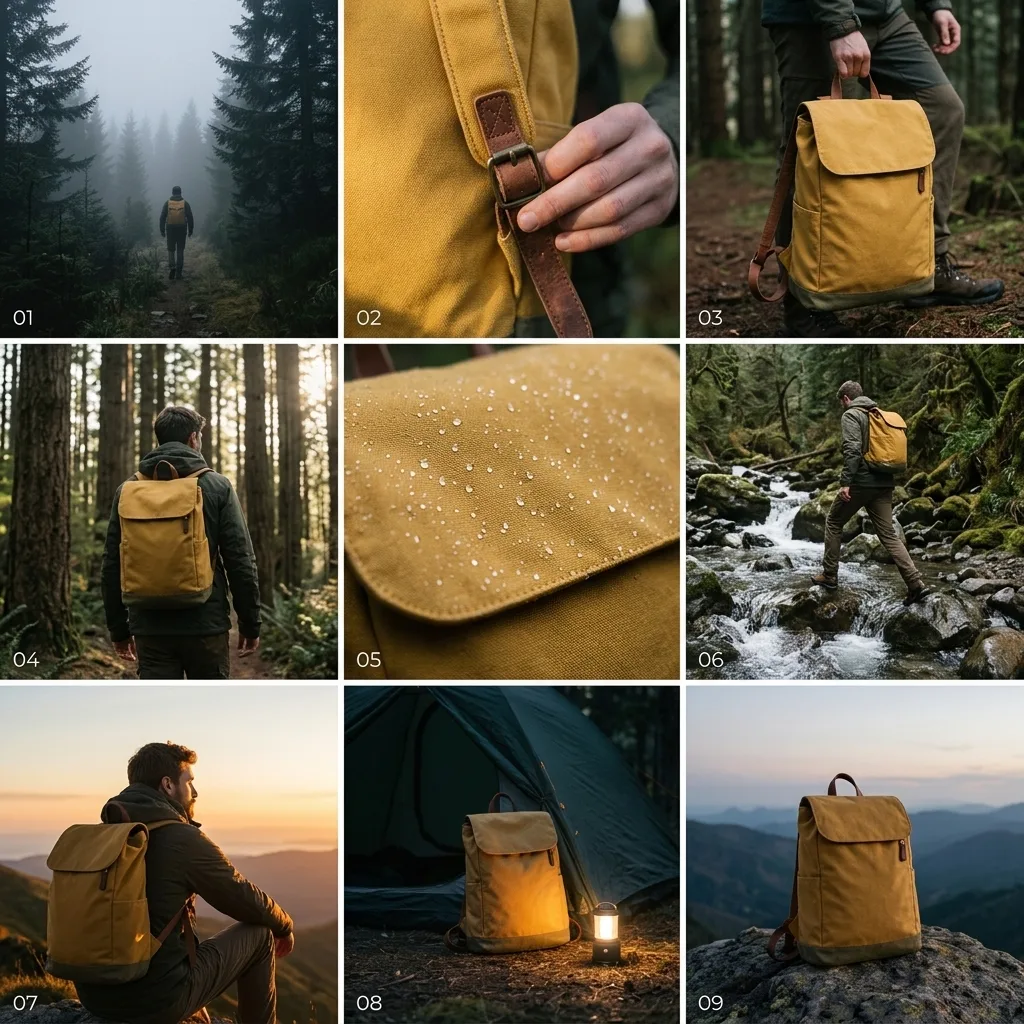
Using the product in image 1, create a 3x3 storyboard for a 15-second commercial. Keep the product exactly the same in every panel: shape, colour, straps and buckles. Panels in order: 1 wide shot of a misty trail at dawn, 2 close-up of the buckle, 3 a hiker lifting the pack, 4 walking through a forest, 5 rain on the fabric, 6 crossing a stream, 7 sunset on a ridge, 8 the pack resting by a tent, 9 hero shot of the pack on a rock. Cinematic colour grading, consistent light, a small shot number in each panel, thin white gutters, no other text.
Prompts stay in English, the language these models follow best. Copy it as it is, or change a few words.
Keep the product exactly the same in every panel: shape, colour, straps and buckles is the line that keeps your photo recognisable. Leave it in, whatever else you change.
Asking for create a 3x3 storyboard gets several panels in one picture. Describe each panel in order.
This is a fill-in template: swap the parts in braces, like {shots}, in the boxes above and keep the rest word for word.
A full commercial pitch board is generated directly from a single reference photograph using Nano Banana 2.1. By mapping out nine sequential panels and locking specific visual attributes, the model keeps the product consistent across multiple lighting setups and storytelling angles. It turns one catalog image into an actionable narrative outline.
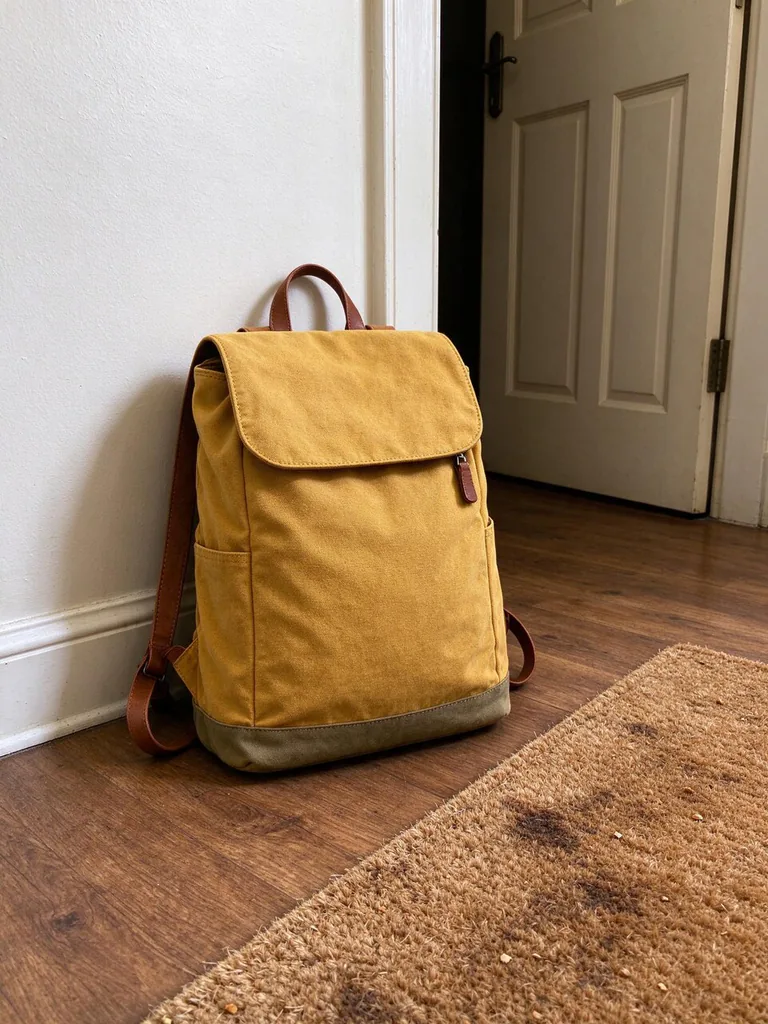
This edit requires a clear, well-isolated product photograph so the model can accurately replicate small hardware and fabric textures across nine frames.
Works: Clean studio pack shots
A full-view product photograph on a neutral background gives the AI clear views of shape, straps, and hardware.
Works: Crisp three-quarter angles
Showing both the front and side profile helps the model reconstruct the item correctly across varied perspective shots.
Avoid: Obscured or worn items
If parts of the product are hidden behind props or cropped off, the AI will invent inconsistent replacement details.
Avoid: Busy or chaotic backgrounds
Complex scenes make it harder for the model to isolate the item identity from surrounding clutter.
What each instruction does
task and grid formatUsing the product in image 1, create a 3x3 storyboard for a 15-second commercial.
It establishes the input photo as the core reference and sets up a nine-panel grid layout. Removing this leads to a single image instead of a sequence.
consistency constraintKeep the product exactly the same in every panel: shape, colour, straps and buckles.
This phrase forces the AI to lock key design details across varied perspectives. Without these specific nouns, the product alters between frames.
sequential shot listPanels in order: 1 wide shot of a misty trail at dawn, 2 close-up of the buckle, 3 a hiker lifting the pack, 4 walking through a forest, 5 rain on the fabric, 6 crossing a stream, 7 sunset on a ridge, 8 the pack resting by a tent, 9 hero shot of the pack on a rock.
It provides the concrete narrative progression from panel one through panel nine. Altering this list changes the story arc and pacing.
style and border finishCinematic colour grading, consistent light, a small shot number in each panel, thin white gutters, no other text.
This specifies clean grid borders, numbered panels, uniform grading, and suppresses unwanted advertising typography across the grid.
Other edits in the same pattern
Running Shoe Urban Launch
Use this variant with a studio sneaker photo to generate an urban athletic commercial sequence.
Prompt
Using the product in image 1, create a 3x3 storyboard for a 15-second commercial. Keep the product exactly the same in every panel: silhouette, sole pattern, laces and colorway. Panels in order: 1 runner tying laces at dawn, 2 close-up of sole hitting wet asphalt, 3 sprinting past neon storefronts, 4 splashing through a puddle, 5 close-up of breathable mesh, 6 crossing a suspension bridge, 7 dusk skyline stride, 8 untying laces on concrete steps, 9 hero shot on a clean pedestal. Cinematic colour grading, consistent light, a small shot number in each panel, thin white gutters, no other text.
Espresso Machine Kitchen Narrative
Use this variant with a countertop kitchen appliance to pitch an artisanal morning routine advertisement.
Prompt
Using the product in image 1, create a 3x3 storyboard for a 15-second commercial. Keep the product exactly the same in every panel: metallic body, dials, portafilter and logo badge. Panels in order: 1 dark morning kitchen wide shot, 2 hand turning chrome dial, 3 beans falling into hopper, 4 steam wand hissing, 5 rich espresso pouring into glass cup, 6 latte art pouring, 7 morning sunlight hitting the counter, 8 person enjoying the drink, 9 hero shot of the clean machine. Cinematic colour grading, consistent light, a small shot number in each panel, thin white gutters, no other text.
Wireless Headphone Commuter Journey
Use this variant with electronics images to demonstrate noise-cancellation and commuter lifestyle narratives.
Prompt
Using the product in image 1, create a 3x3 storyboard for a 15-second commercial. Keep the product exactly the same in every panel: headband curve, ear cushion texture, buttons and matte finish. Panels in order: 1 commuter putting on headphones on a quiet platform, 2 close-up of finger tapping the side button, 3 crowded subway car blurred around listener, 4 looking out rainy train window, 5 walking through busy city terminal, 6 close-up of metallic hinge detail, 7 golden hour rooftop view, 8 resting headphones around neck, 9 hero shot on minimalist desk. Cinematic colour grading, consistent light, a small shot number in each panel, thin white gutters, no other text.
Model and settings
Keep the 1:1 aspect ratio because a square canvas fits a 3x3 grid with perfectly balanced frames. Set resolution to 1k for rapid iteration, and consider higher output resolution if shot numbers or fine product textures need extra clarity. Feed in exactly one clean input image featuring the complete product so the model has an unambiguous visual reference to track.
Nano Banana ProSwitch to Nano Banana Pro when you need stricter layout planning for dense multi-panel grids and higher-definition storyboard text.
When the edit misses
Product changes color, straps, or silhouette across different panels
Add strict negative enforcement or restate exact materials, such as 'exact navy canvas fabric and matte black buckles in all panels'.
The model generates a single complex scene instead of a grid
Explicitly prepend 'grid of 9 distinct frames arranged in 3 rows and 3 columns' to clarify the required layout structure.
Random advertising slogans and text appear across the images
Ensure the prompt ends with 'no other text, no logos, clean image panels' to suppress AI-generated marketing copy.
Questions about this edit prompt
How do I ensure the product looks identical in every panel?
List the core physical features explicitly, including materials, colors, and hardware elements. Providing an input picture with clear lighting and a neutral background helps the model lock onto those features across all nine frames.
Can I change the aspect ratio for widescreen commercial pitches?
Yes, you can change the ratio to 16:9, but a 3x3 grid will result in widescreen individual panels. If you switch to widescreen, consider changing the prompt structure to a 2x4 or 1x3 layout for better panel proportions.
Why are the shot numbers missing or illegible?
Small digits on multi-panel grids require sufficient pixel density. Ensure your prompt specifies 'clear numeric labels 1 to 9 in panel corners' and use higher resolution settings to keep the text crisp.
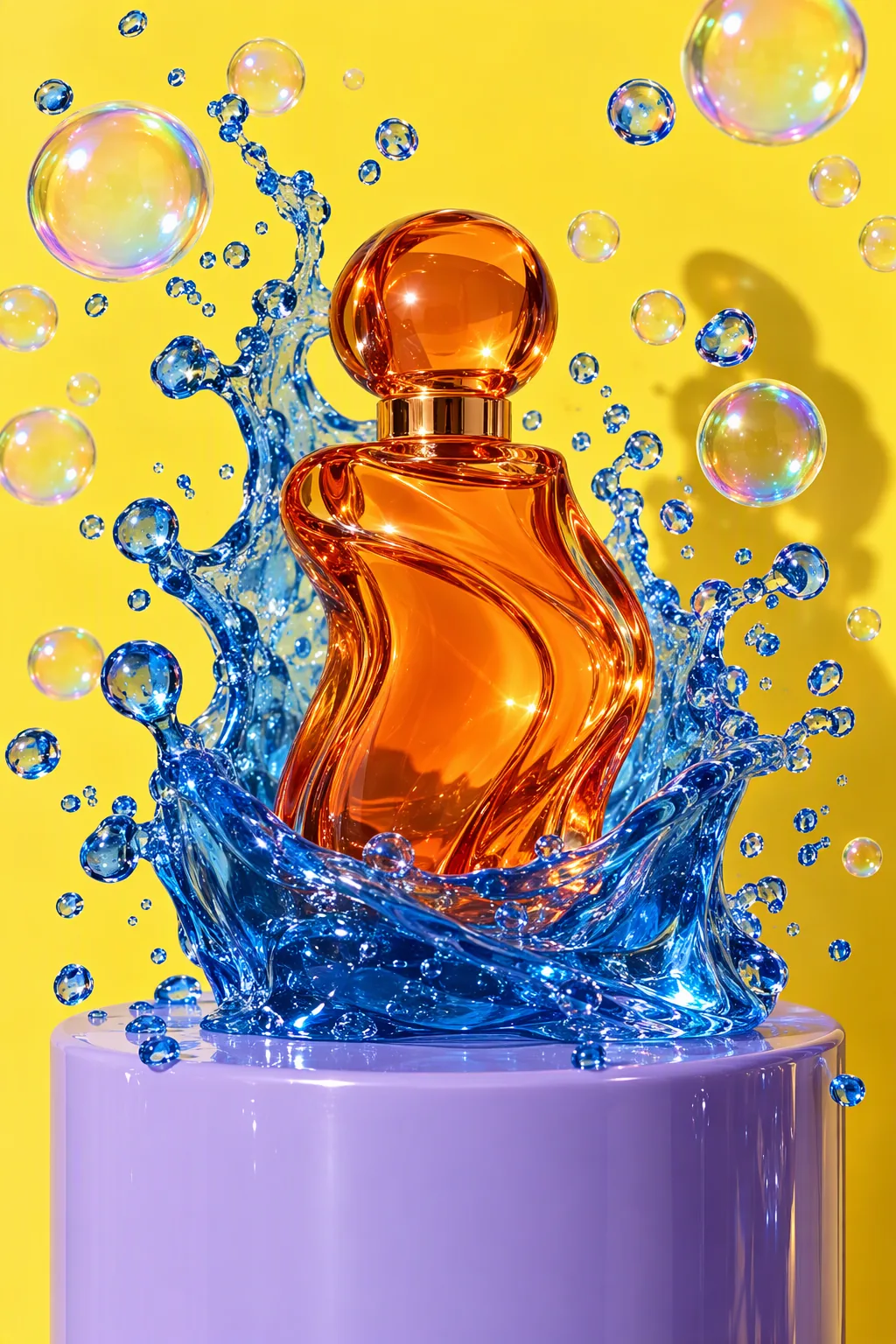
Studio product advertisement photograph: a sculptural perfume bottle made of tangerine-orange glass stands on a glossy lilac plinth; a wave of clear cobalt-blue jelly erupts around it, frozen mid-splash, with dozens of perfect iridescent soap bubbles suspended in the air. Solid lemon-yellow seamless backdrop, hard flash key light with a crisp shadow, glossy specular highlights, macro detail on the jelly droplets, luxury beauty campaign look. No text, no logos, no brand names.
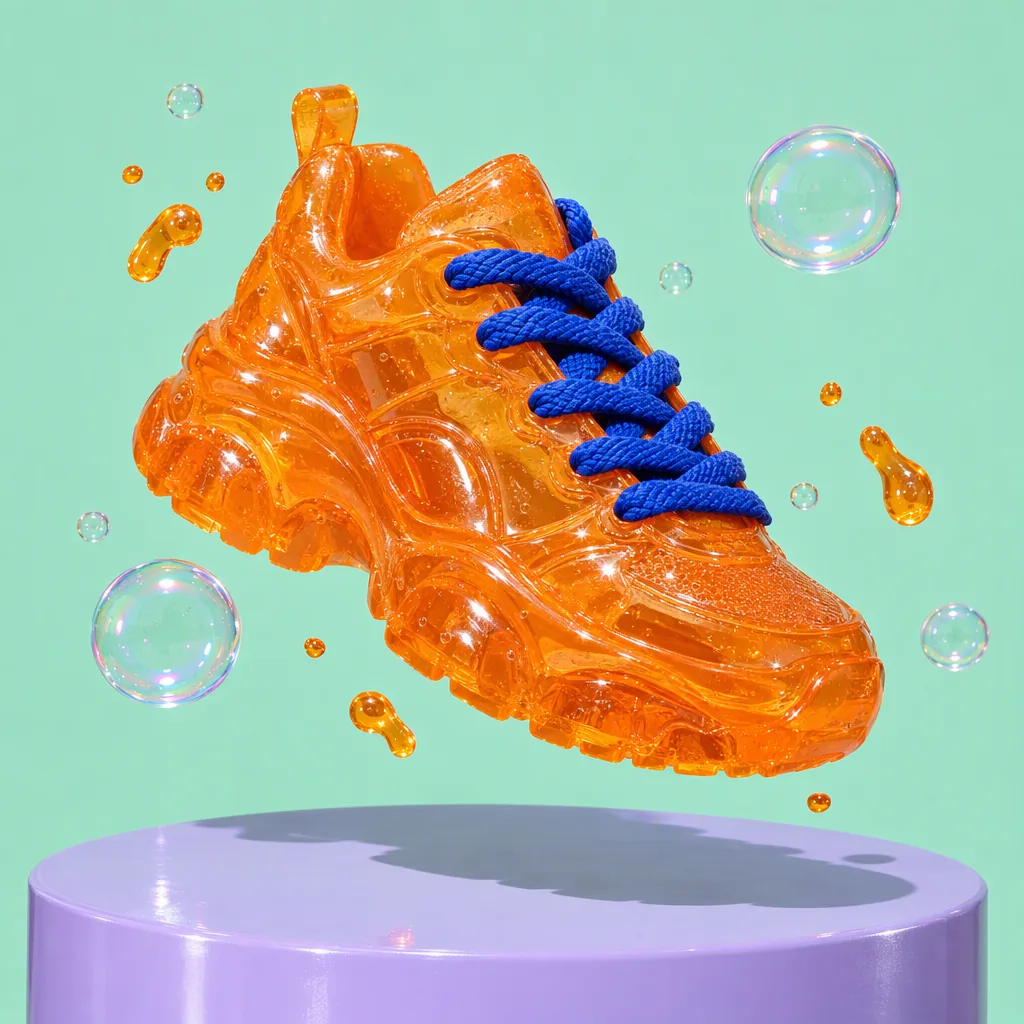
Product advertisement photograph: a chunky sneaker made entirely of translucent tangerine jelly with thick cobalt-blue laces floats above a glossy lilac plinth, tiny jelly droplets and soap bubbles orbiting it, hard flash with a crisp shadow, solid mint background, ultra-detailed material texture. No text, no logos, no brand marks.
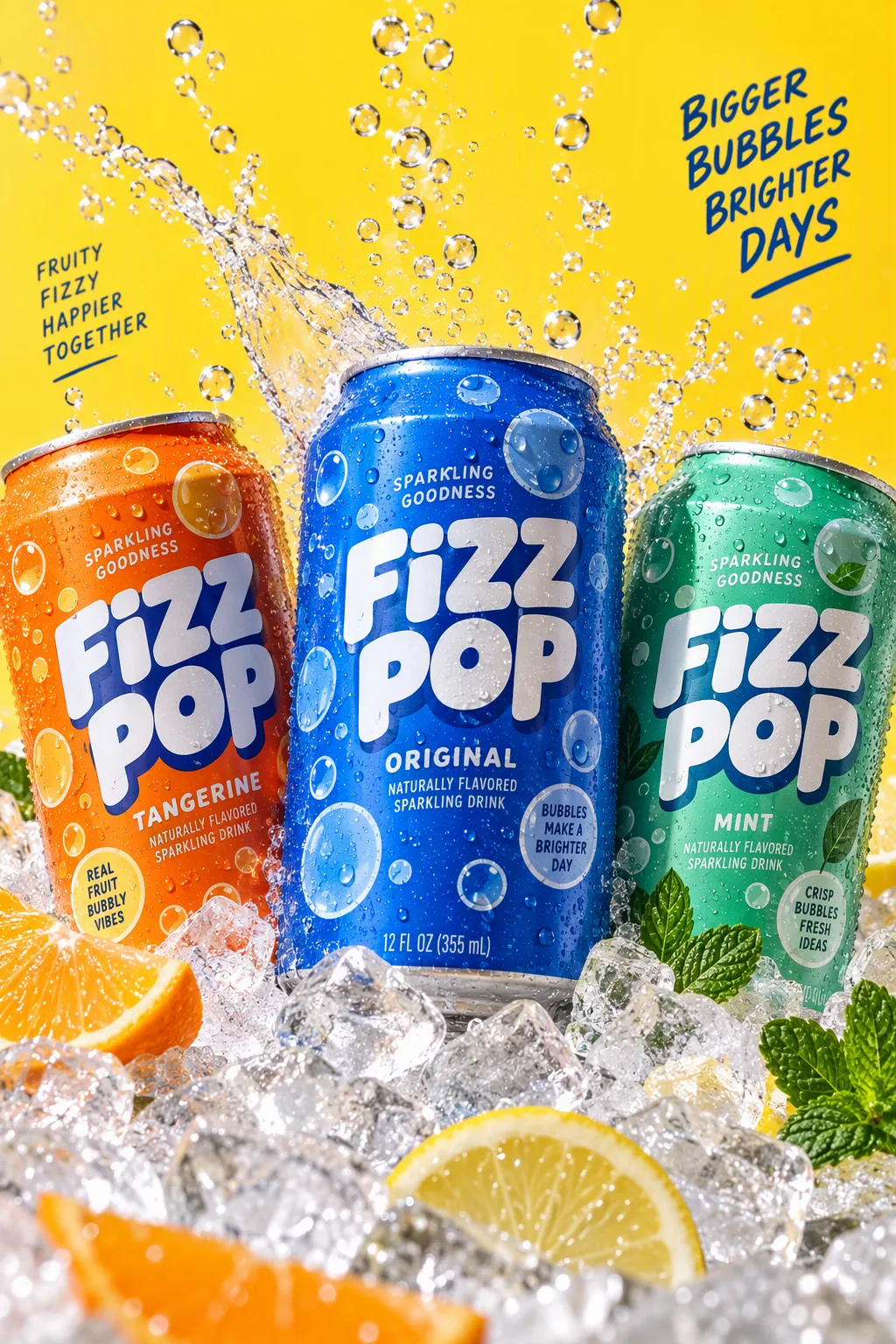
Packaging hero shot: three cans of a fictional sparkling drink called "FIZZ POP" in tangerine, cobalt and mint, covered in playful bubble graphics, nestled in crushed ice with streams of bubbles rising and a splash frozen mid-air; lemon-yellow backdrop, hard studio flash, condensation droplets, crisp legible label text, commercial photography.
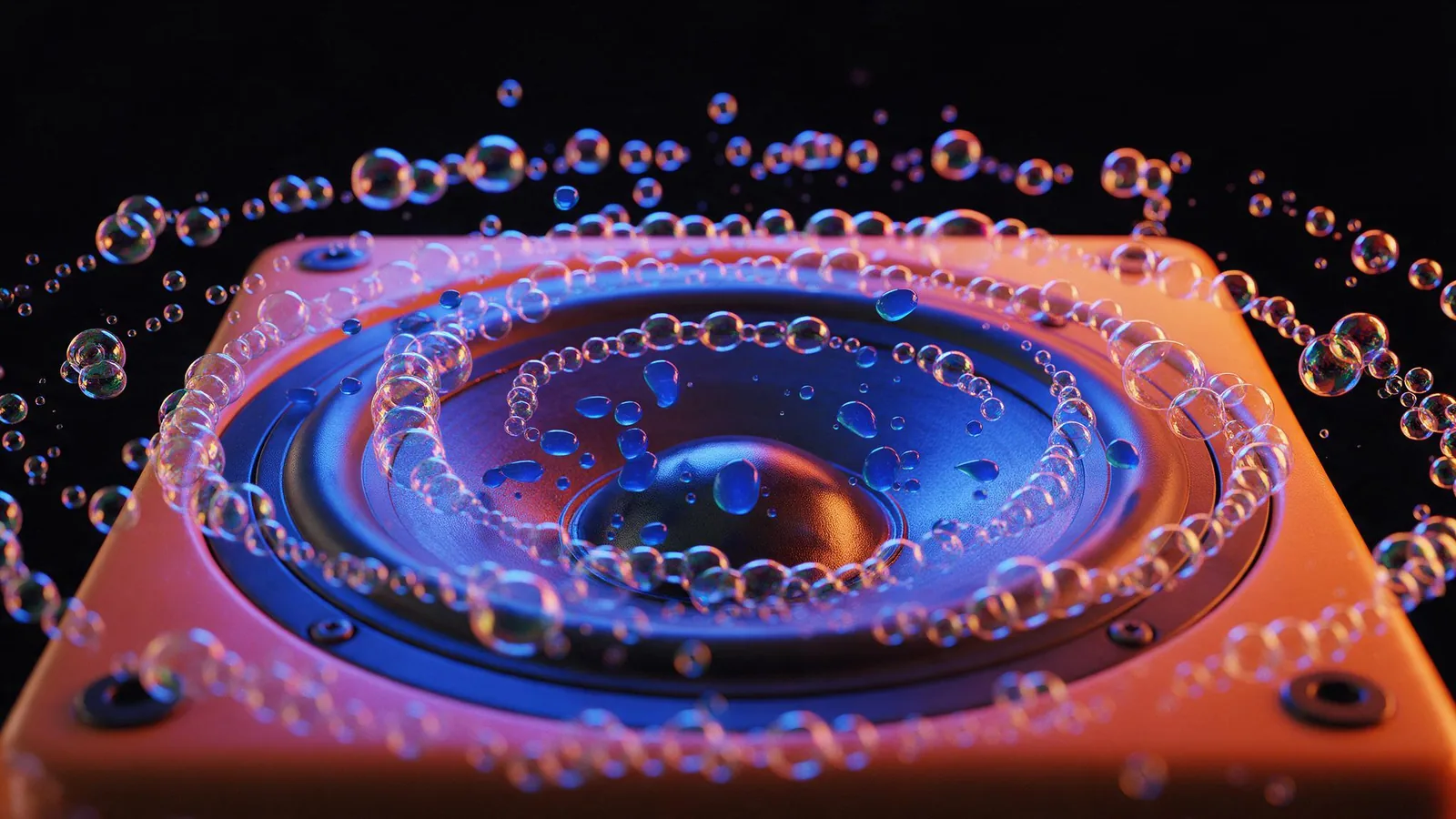
Macro product photograph of a glossy speaker cone set in a tangerine cabinet, pumping out a stream of iridescent soap bubbles that ripple outward in rhythmic rings, small drops of cobalt-blue jelly bouncing on the speaker grille; cobalt and tangerine gel lighting on a black background, music-visualizer energy, photorealistic, no text, no logos.
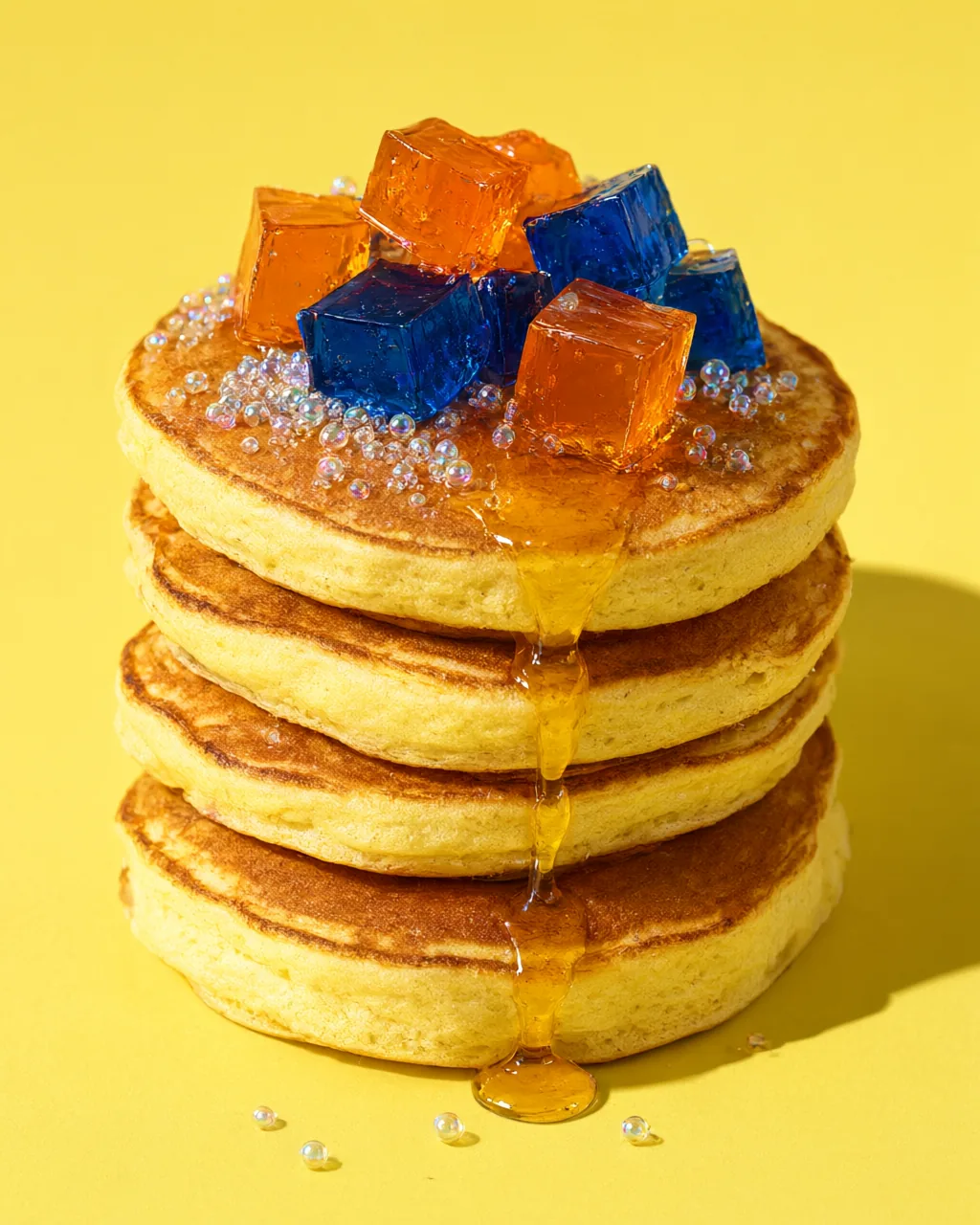
Macro food photograph: a tall stack of fluffy pancakes topped with wobbling cubes of tangerine and cobalt jelly, a slow drip of golden syrup, tiny glossy sugar spheres that look like soap bubbles, lemon-yellow background, hard flash with a crisp shadow, mouth-watering editorial food styling, photorealistic, no text.
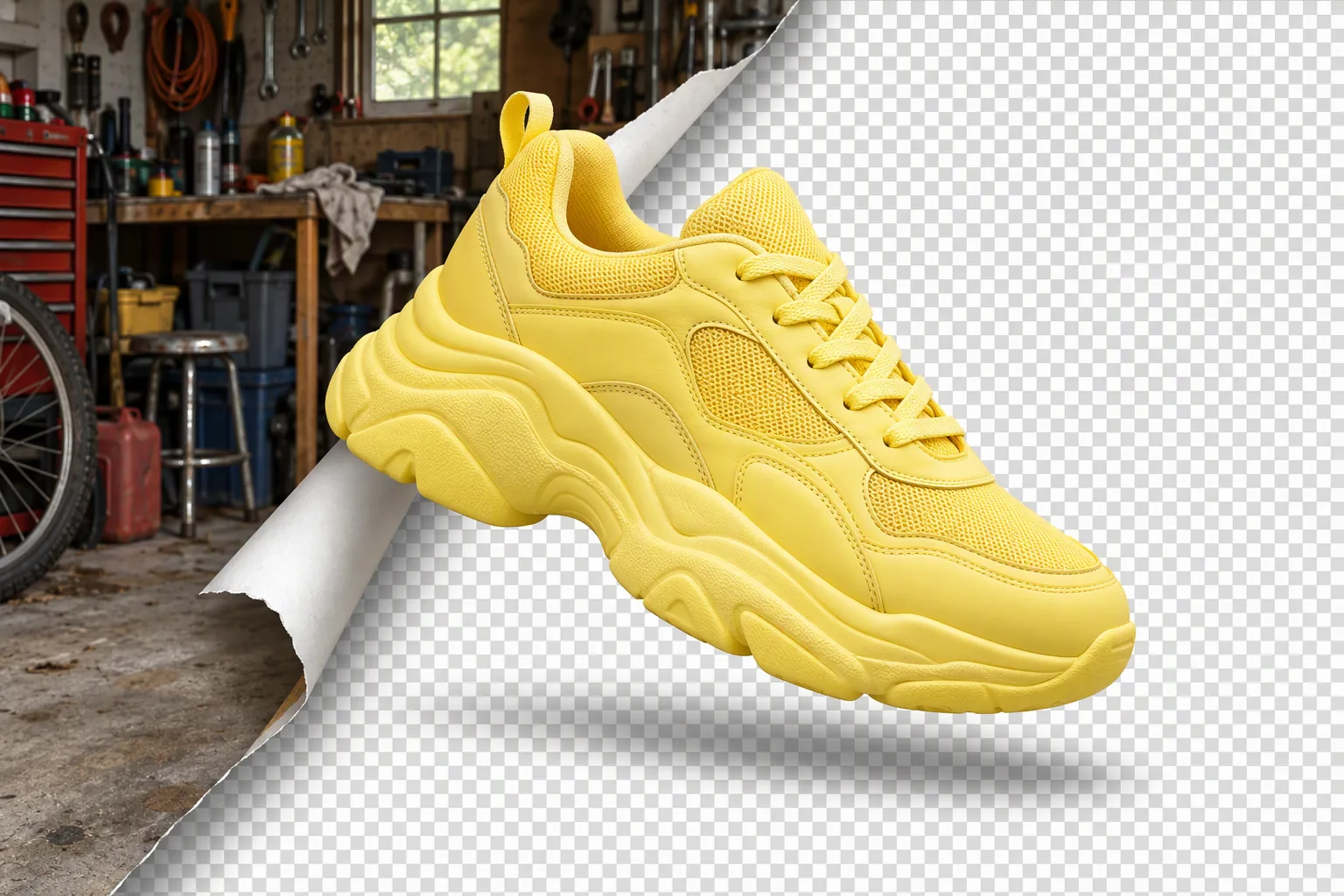
Product photo concept: a chunky lemon-yellow sneaker floats in the center while its original cluttered garage background peels away like a sticker from one corner, revealing a clean grey-and-white transparency checkerboard underneath; crisp cut-out edges, soft shadow, playful graphic still life, photorealistic, no text, no logos.
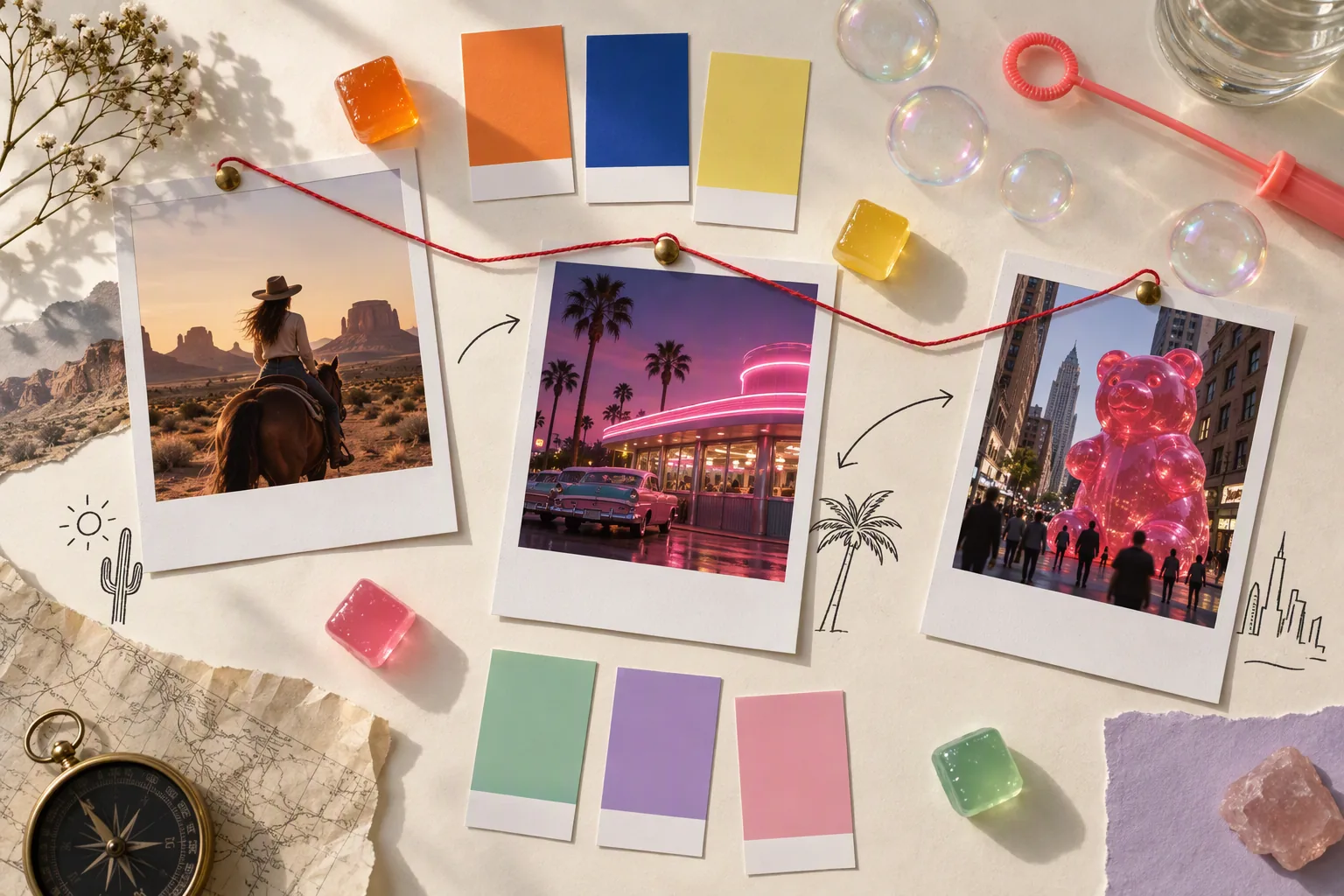
Top-down flat-lay photograph of a creative moodboard on a cream paper table: instant photos of a desert horse rider, a pink neon diner and a giant gummy bear in a city street, color swatch chips in tangerine, cobalt, lemon, mint, lilac and pink, a few small glossy jelly cubes, a soap-bubble wand, hand-drawn arrows and thin red string connecting the photos like a storyboard; soft window light, editorial still life, no readable text, no logos.
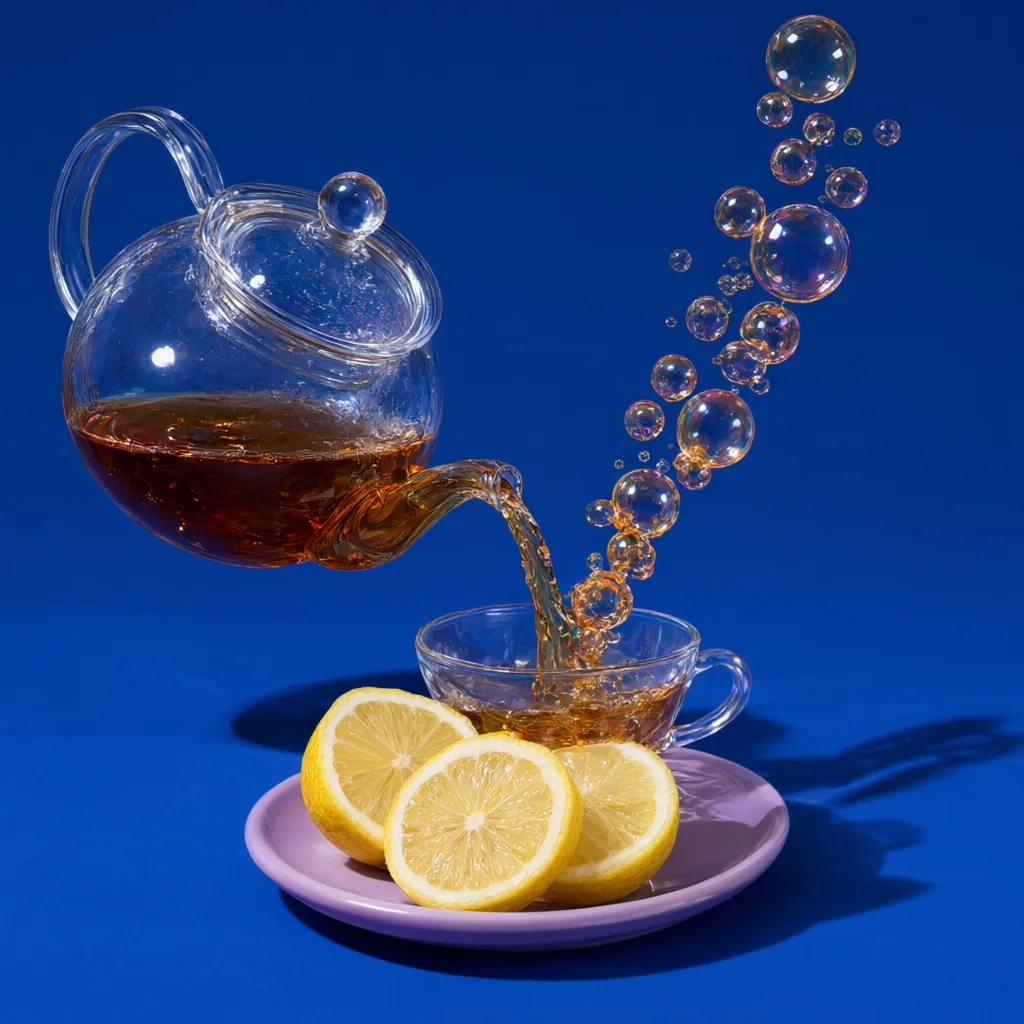
Studio product photograph: a clear glass teapot pours tea into a cup, but the stream of tea turns into a rising chain of amber soap bubbles that float up and away; solid cobalt-blue backdrop, hard flash with a crisp shadow, a few lemon slices on a lilac saucer, ultra-detailed glass reflections, photorealistic, no text, no logos.