An image-edit prompt for Nano Banana 2.1: you upload a picture and this text says what to change.
Fill in the blanks
Change any box and the prompt below updates. Copy it, or make one with your version.
Prompt
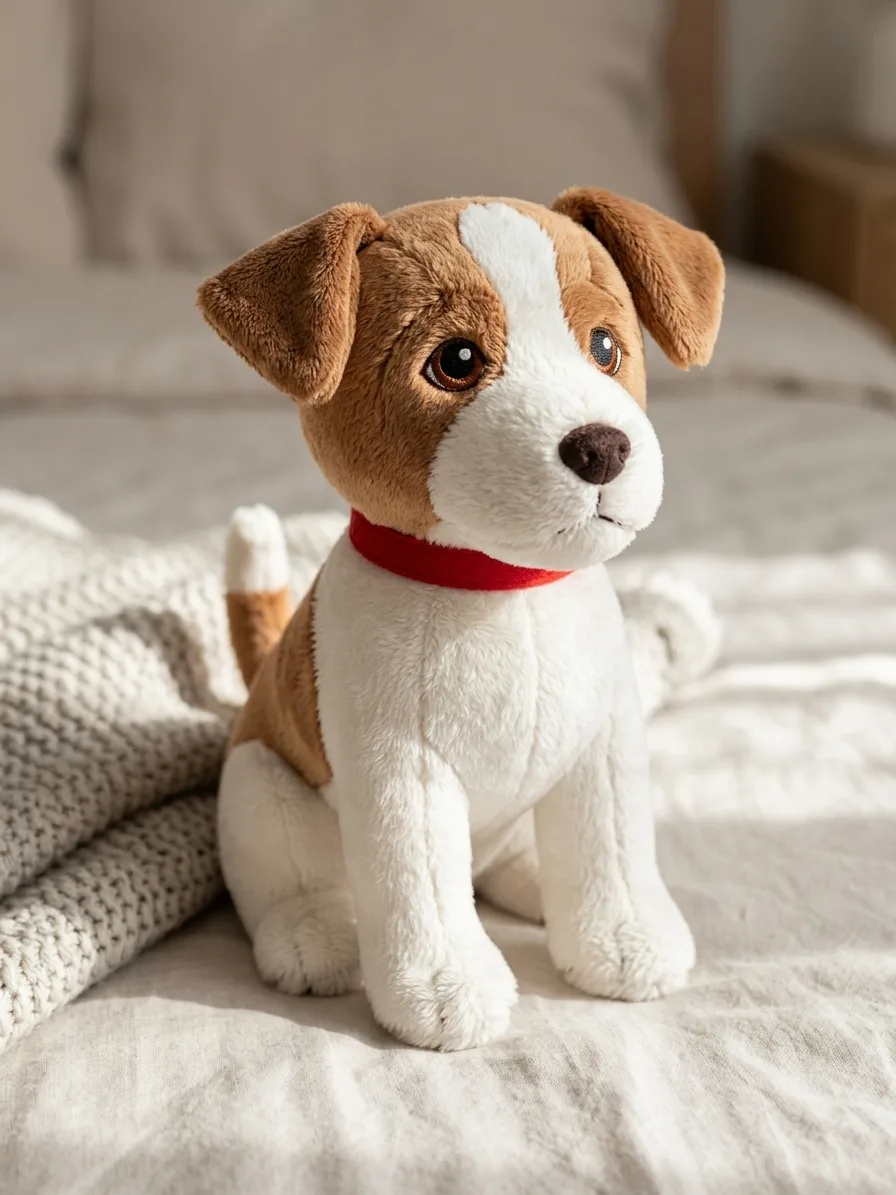
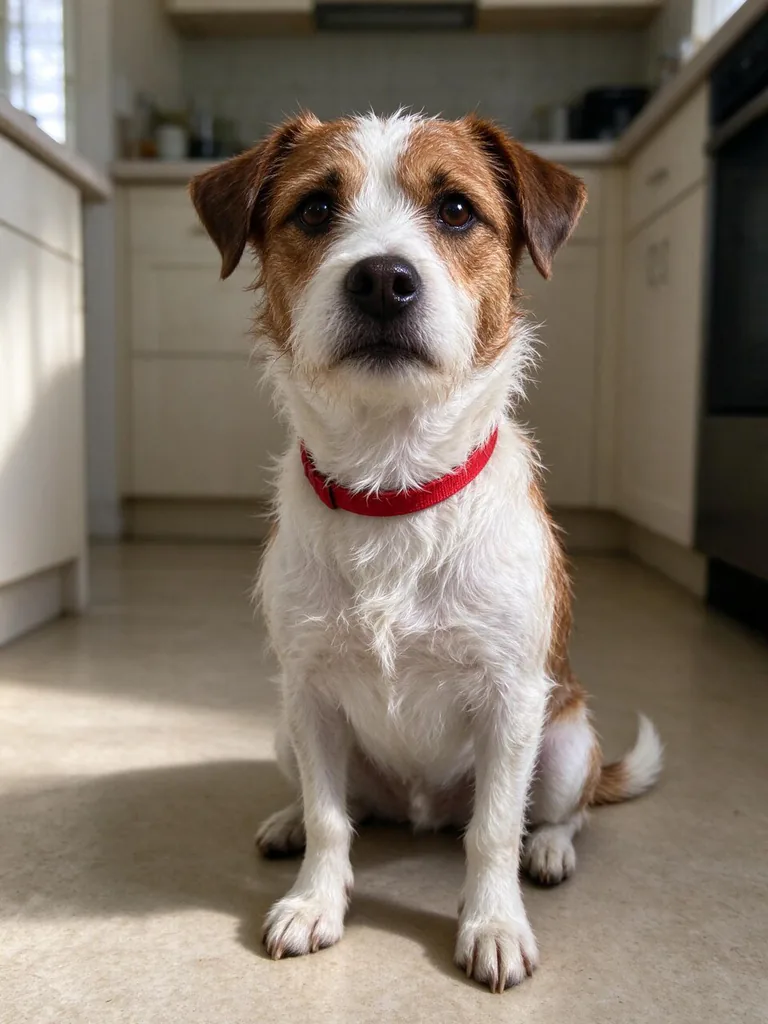
Turn the animal in image 1 into a soft, fluffy plush toy. Keep its markings, ear shape, eye colour and collar exactly where they are in image 1, simplified into cute rounded plush proportions with a slightly oversized head. Material: short soft minky fabric covered in fine fuzz, visible seams, and a tiny embroidered nose and eyes. The plush sits on a neatly made bed next to a folded knit blanket. Soft daylight, gentle shadows, shallow depth of field, photorealistic product photo.
Prompts stay in English, the language these models follow best. Copy it as it is, or change a few words.
Keep its markings, ear shape, eye colour and collar exactly where they are in image 1 is the line that keeps your photo recognisable. Leave it in, whatever else you change.
Change the material in short soft minky fabric covered in fine fuzz, visible seams, and a tiny embroidered nose and eyes and the rest of the scene follows it.
This is a fill-in template: swap the parts in braces, like {where}, in the boxes above and keep the rest word for word.
A real pet transforms into a handcrafted stuffed animal while keeping its distinct fur patterns and collar. Nano Banana 2.1 reads image 1 for key visual identifiers and translates biological features into realistic sewing materials like minky cloth and thread stitches.
This edit relies on a clear, well-lit photo of your pet with easily recognizable coat patterns and accessories.
Works: Clear eye-level pet portraits
Close-up or medium shots where the face, ears, and chest markings are fully visible give the model enough detail to embroider accurately.
Works: High-contrast fur patterns
Pets with distinct spots, tuxedo patterns, or stripes translate cleanly into distinct fabric panels.
Avoid: Dark pets in dim lighting
If the pet's face blends into a dark background, the model will struggle to place the facial features and seams properly.
Avoid: Heavy motion blur or occluded faces
Blurry fur or covered ears cause the generator to guess the anatomy, often leading to generic toy shapes that look nothing like your pet.
What each instruction does
transformation instructionTurn the animal in image 1 into a soft, fluffy plush toy.
This establishes the core edit instruction, telling the model to convert the living subject of image 1 into a manufactured stuffed object rather than just a cartoon filter.
feature preservation ruleKeep its markings, ear shape, eye colour and collar exactly where they are in image 1,
This anchors the pet's identity across the edit so the toy still looks unmistakably like the specific pet rather than a generic toy.
proportion restylingsimplified into cute rounded plush proportions with a slightly oversized head.
This guides the anatomy shift from realistic pet proportions to the exaggerated, charming look typical of commercial plushies.
texture and fabric detailsMaterial: short soft minky fabric covered in fine fuzz, visible seams, and a tiny embroidered nose and eyes.
Specifying stitched thread and minky fabric forces the model to generate tangible textile textures instead of smooth plastic or digital 3D clay.
setting and lighting contextThe plush sits on a neatly made bed next to a folded knit blanket. Soft daylight, gentle shadows, shallow depth of field, photorealistic product photo.
This establishes a believable domestic environment and product photography lighting, grounding the newly created plush toy in a realistic scene.
Other edits in the same pattern
Felted wool desktop miniature
Swaps minky fabric for needle-felted wool textures on an office desk setting.
Prompt
Turn the animal in image 1 into a needle-felted wool miniature figure. Keep its markings, ear shape, eye colour and collar exactly where they are in image 1, simplified into compact handcrafted proportions. Material: dense fuzzy wool roving with stray fibrous texture and small black glass bead eyes. The figure stands on an oak wooden desk beside a small potted succulent. Natural window light, shallow depth of field, macro photography.
Crochet amigurumi plush
Changes the manufacturing technique to knitted yarn stitches for a DIY amigurumi look.
Prompt
Turn the animal in image 1 into a handmade crochet amigurumi plush toy. Keep its markings, ear shape, eye colour and collar exactly where they are in image 1, adapted into distinct yarn color blocks. Material: chunky cotton yarn with visible tight spiral stitches and plastic safety eyes. The amigurumi rests on a cozy armchair with a soft cushion. Warm indoor lighting, gentle shadows, photorealistic product photo.
Vintage mohair collectible
Applies an antique collector style with distressed mohair fabric and glass eyes.
Prompt
Turn the animal in image 1 into a classic vintage mohair jointed teddy-style pet. Keep its markings, ear shape, eye colour and collar exactly where they are in image 1, rendered in aged plush materials. Material: distressed dense mohair fur, stitched thread mouth, glass eyes, and antiqued brass hardware on its collar. Placed on an antique wooden shelf. Soft warm ambient light, photorealistic still life.
Model and settings
Keep the aspect ratio at 3:4 for an upright portrait layout that frames the seated plush and bed background comfortably. Use 1k resolution for fast drafting, then consider raising resolution if you want ultra-sharp stitching details. Make sure you provide exactly one clear pet picture as image 1 so the model accurately transfers markings, eyes, and collar details.
Nano Banana ProChoose Nano Banana Pro when you want complex 4K edits with intricate stitching patterns planned cleanly across the toy surface.
When the edit misses
The output looks like a real pet with plastic eyes instead of a fabric toy
Strengthen material descriptors by replacing generic words with phrases like chunky visible seams, flat minky cloth panels, and embroidered thread nose.
Unique fur markings or collar details from the source photo disappear
Explicitly list the specific colors and spots from image 1 directly inside the prompt, such as white chest patch and red nylon collar.
The background replaces your pet instead of turning the pet into an object
Ensure image 1 is attached as the input reference and keep the phrase Turn the animal in image 1 at the very start of your prompt.
Questions about this edit prompt
Can I use this edit prompt for pets other than dogs and cats?
Yes, it works well on rabbits, birds, and guinea pigs. Just make sure the original photo clearly shows their distinct features, such as feather crests or long ears, so the prompt can convert them into fabric shapes.
How do I make the toy look like smooth velvet instead of fluffy fabric?
Replace short soft minky fabric covered in fine fuzz with smooth matte velvet fabric with subtle sheen. The model will remove the outer fuzz and produce a cleaner, sheen-covered plush texture.
Why did the background change from my original room photo?
The prompt explicitly specifies a neatly made bed and folded knit blanket. If you prefer to keep your original room, remove the bed description and add keep the exact background from image 1 instead.
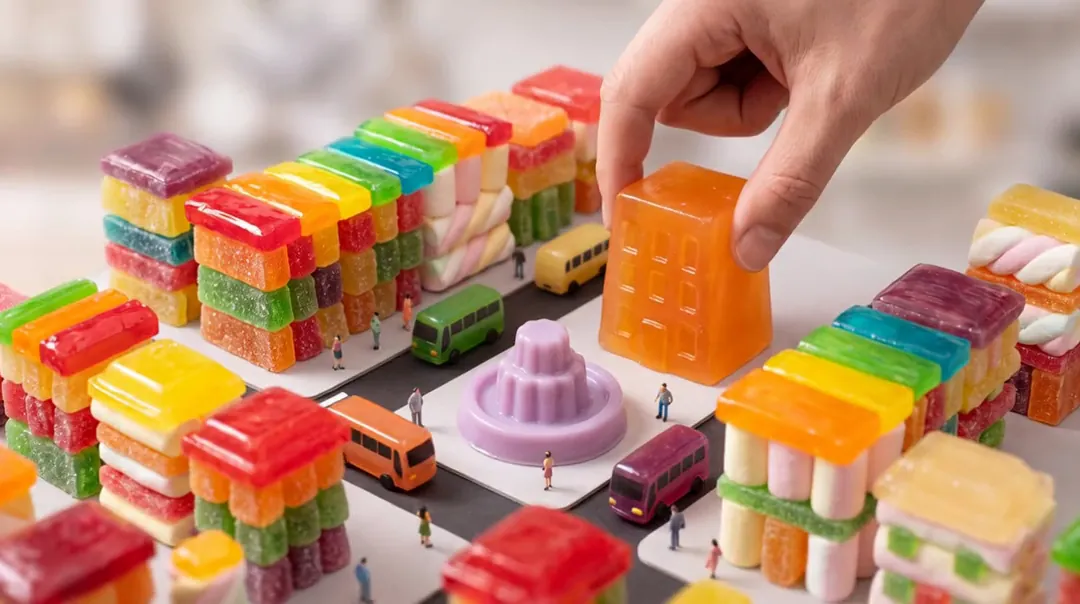
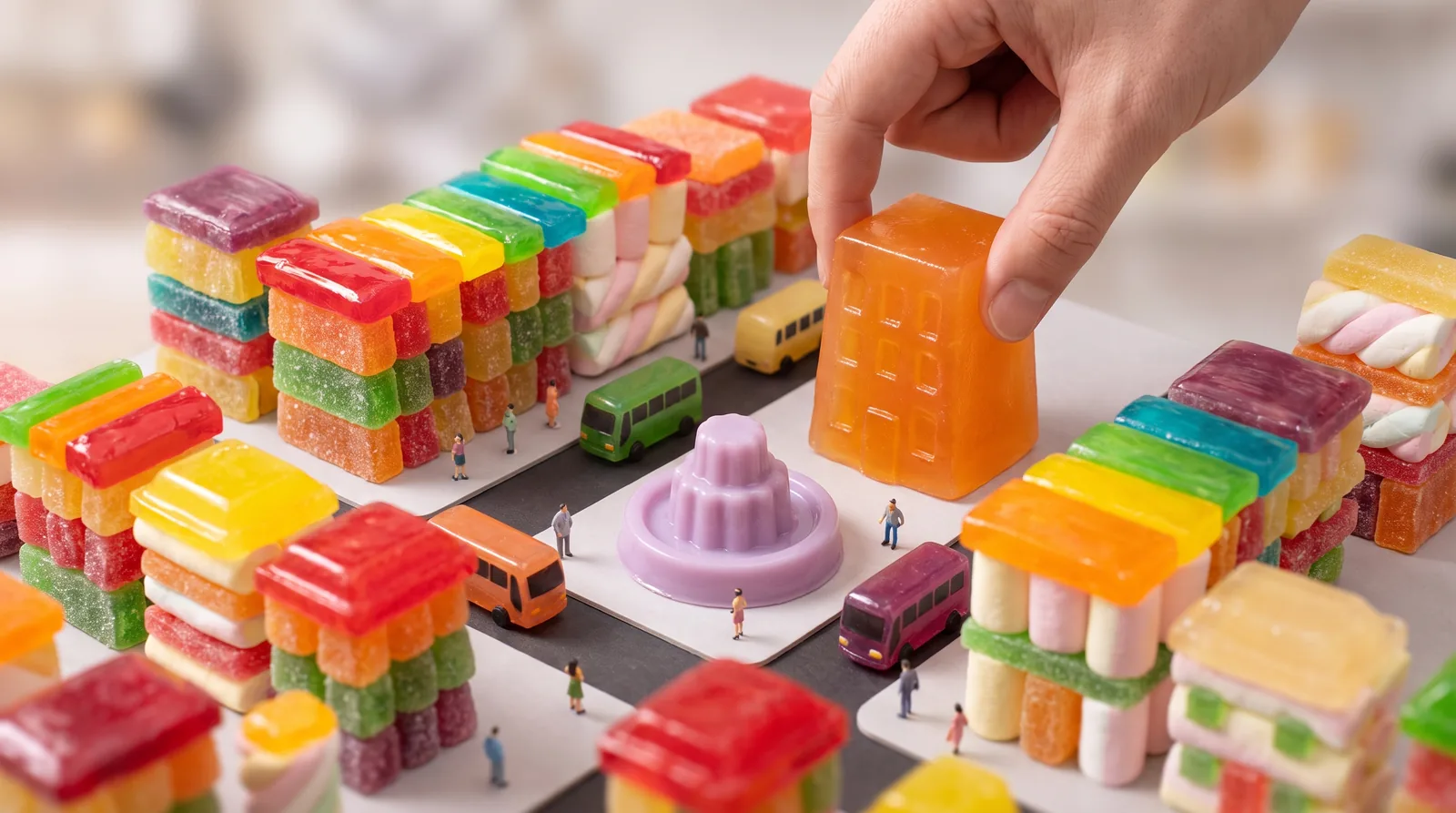
Tilt-shift miniature diorama photograph of a candy-colored city block built from gummy candy, marshmallows and jelly: tiny jelly buses, little pedestrians, a lilac jelly fountain in a square, rooftops of glossy hard candy; a giant real human hand gently places one more translucent tangerine jelly building into the block. Shallow depth of field, soft studio light, highly detailed, no text, no logos.
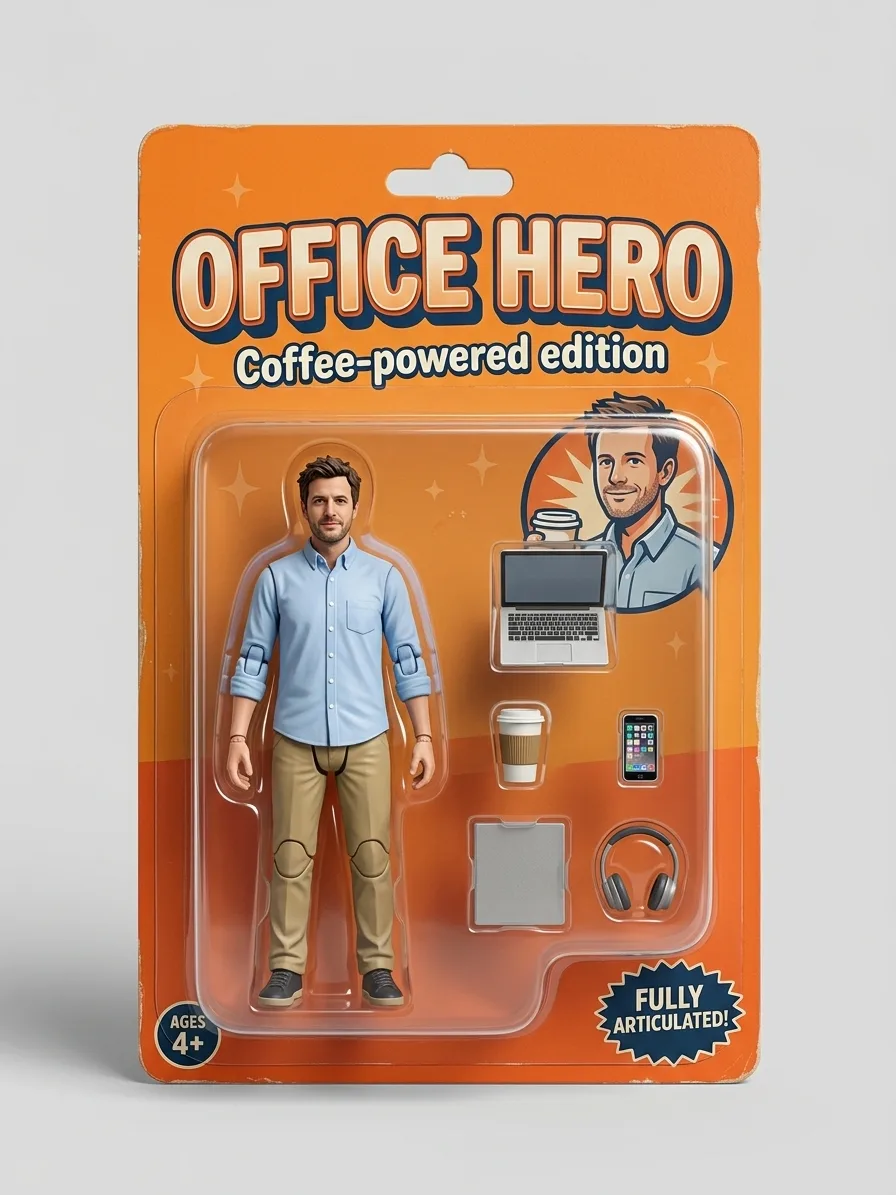
Turn the person in image 1 into a full-body collectible action figure sealed in a retail blister pack. Keep the face, hairstyle, skin tone and outfit recognisable from image 1, sculpted as a 1/12 scale painted plastic figure with visible joint lines at the shoulders, elbows and knees. The cardboard backing card is tangerine orange with a bold title at the top that reads "OFFICE HERO" and a small subtitle "Coffee-powered edition". Inside the clear plastic bubble, beside the figure, sit its accessories in their own molded slots: a laptop, a coffee cup, a phone and a pair of headphones. Studio product photo of the sealed package on a plain light background, soft shadow, sharp focus. No brand logos.
The giant hand gently sets the orange jelly building down into the candy city block, the jelly wobbles as it lands, tiny jelly buses roll along the streets and the lilac fountain bubbles; tilt-shift miniature look, slow camera drift, no text.
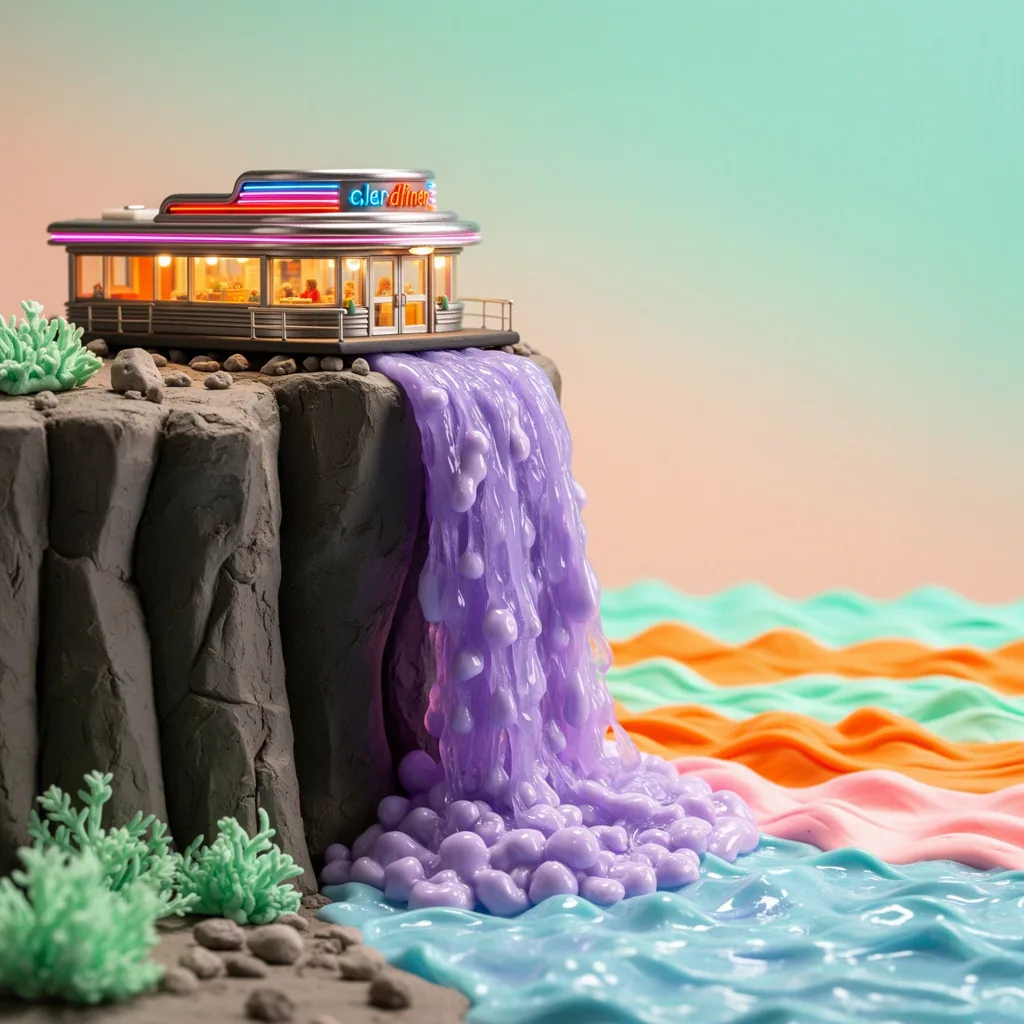
Stop-motion claymation film still: a tiny retro diner perched on a cliff edge, with a waterfall of wobbling lilac jelly pouring off the cliff into a candy-colored sea; handmade plasticine textures with visible fingerprints, miniature set lighting, tangerine and mint palette, charming and detailed, no text.
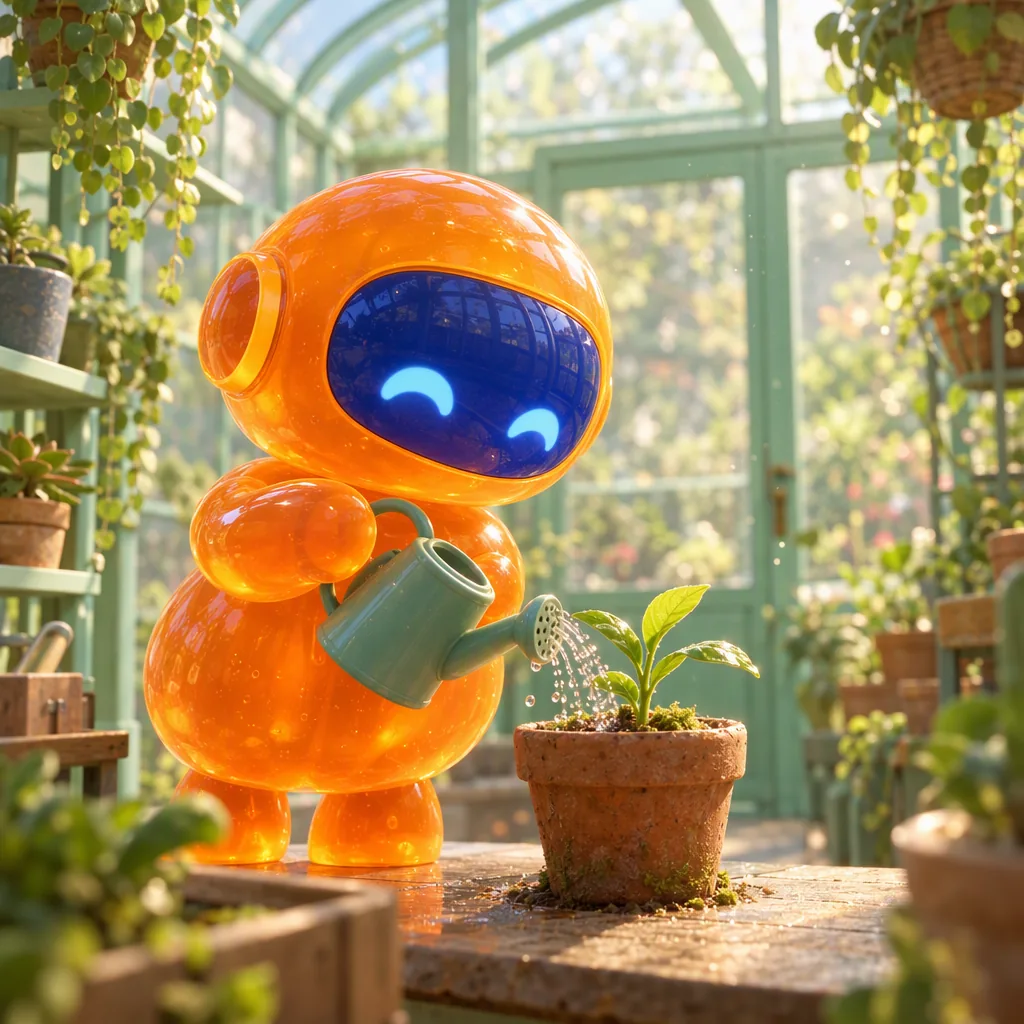
Polished 3D animated film still: a small round robot made of glossy tangerine jelly, with a cobalt visor face, carefully waters a tiny plant with a watering can inside a mint-green glass greenhouse; soft subsurface glow through the jelly body, dust motes in warm light, shallow depth of field, charming feature-animation quality, no text.
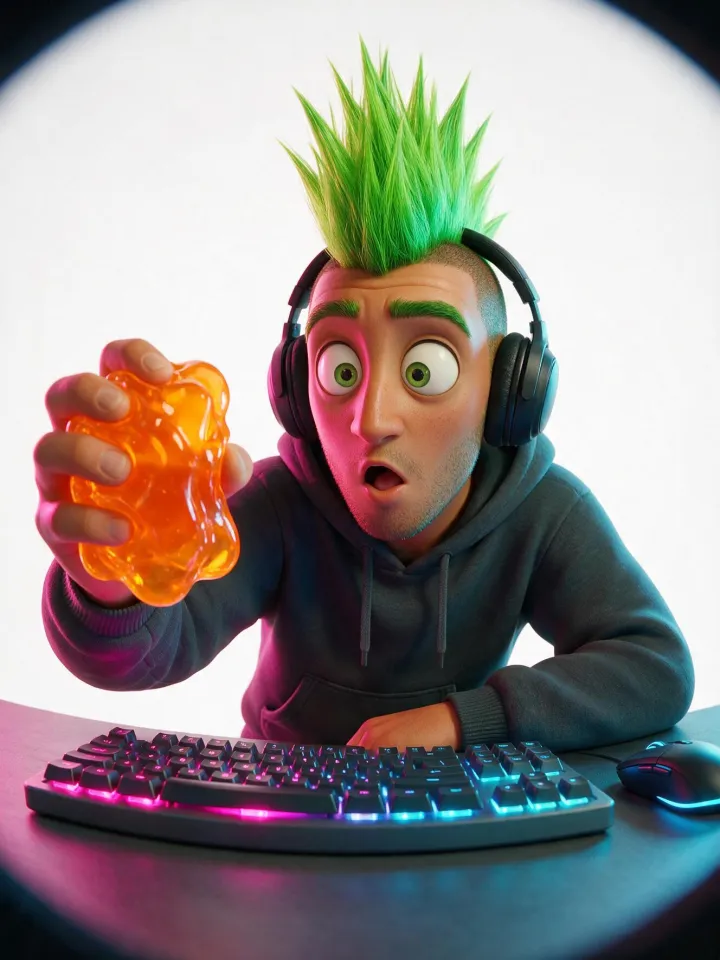
Stylized 3D animated film character render with soft studio lighting, fisheye lens shot up close, playful distortion. A fictional adult man, an adult in his late twenties to thirties. Overall look: a striking adult with a bold, unusual look and one or two strongly pronounced features. Look: a tall spiked mohawk in bright green. Expression: a surprised, wide-eyed look. Wearing a comfy hoodie. Shown as a game streamer with a headset and a glowing keyboard. Setting: on a pure white seamless studio background with soft even light. Every chosen trait reads clearly at thumbnail size, with a playful, characterful casting-photo vibe, never grotesque and never mocking. Playful twist: holding a wobbling translucent orange jelly that catches the light. Lighting: magenta and cyan neon gel lighting. Clean, polished rendering. No text or logos. Every person in the picture is a fictional adult, fully clothed.
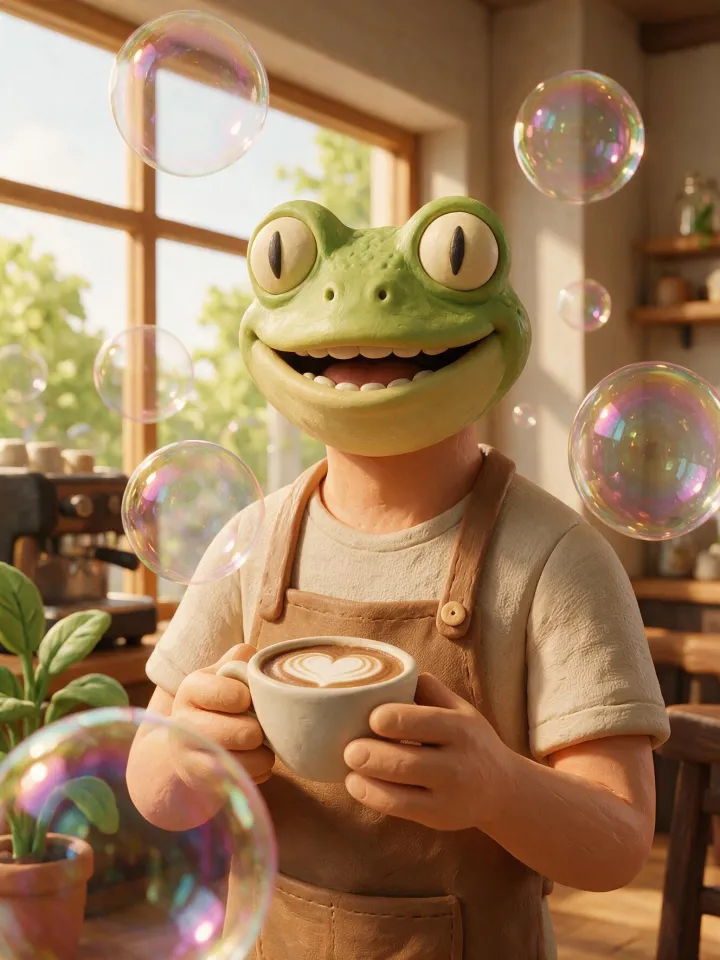
Claymation stop-motion character made of plasticine with a handmade texture, head and shoulders, centered and facing the camera. A humanoid character with the head of a frog on an adult human figure, an adult in their late twenties to thirties. Expression: a big warm smile. Wearing a canvas apron over a casual shirt. Shown as a barista holding a latte cup. Setting: in a cozy café by a big sunny window. Playful twist: giant iridescent soap bubbles floating around them, real and glossy. Clean, polished rendering. No text or logos. Every person in the picture is a fictional adult, fully clothed.
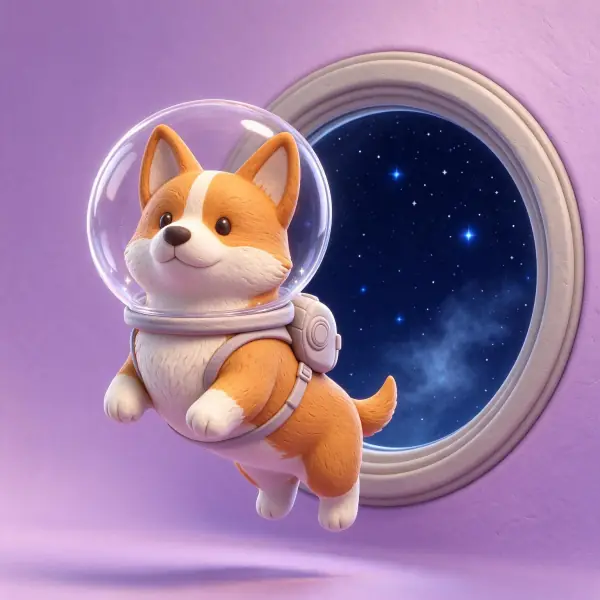
a corgi wearing a clear bubble space helmet floating past a round porthole full of stars, stylized 3D render in soft matte clay, rounded forms, subtle fingerprint texture, gentle studio lighting, pastel backdrop, adults fully clothed, no text, no logos



 Nano Banana ProMake one