An image-edit prompt for Nano Banana 2.1: you upload a picture and this text says what to change.
Fill in the blanks
Change any box and the prompt below updates. Copy it, or make one with your version.
Prompt
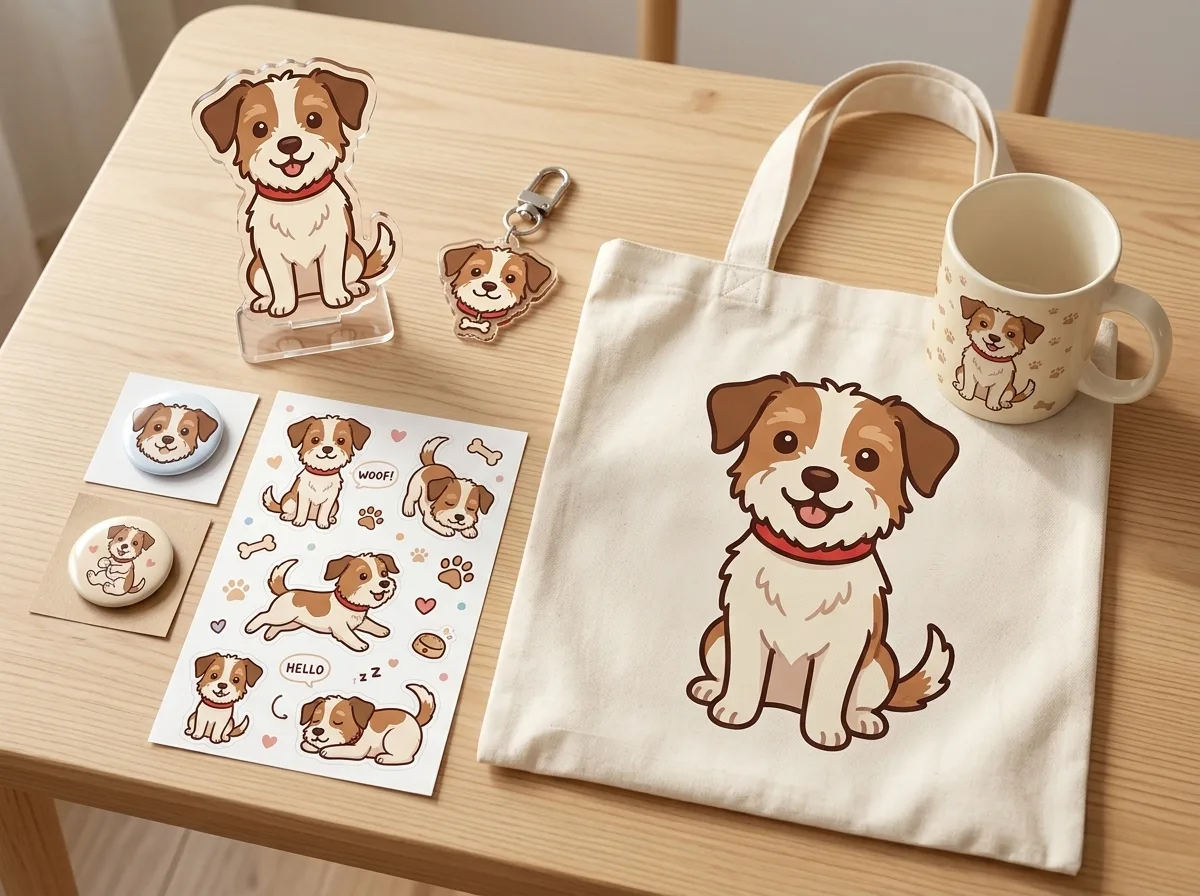
Turn the animal in image 1 into a cute illustrated character, keeping its markings and red collar, and show a full merch set designed around it, laid out on a light wooden table: an acrylic standee, a keychain, two round pin badges, a sticker sheet, a tote bag and a mug. The same character art on every item, one consistent colour palette, realistic product photo, soft daylight, no brand logos.
Prompts stay in English, the language these models follow best. Copy it as it is, or change a few words.
The same character art on every item, one consistent colour palette is the line that keeps one person looking the same everywhere. Describe them once, in detail, at the start.
This is a fill-in template: swap the parts in braces, like {items}, in the boxes above and keep the rest word for word.
keeping its markings and red collar is the line that keeps your photo recognisable. Leave it in, whatever else you change.
A single pet photo turned into a cute illustrated character and placed across a full merch set: an acrylic standee, keychain, pin badges, sticker sheet, tote bag and mug, all on a light wooden table. Nano Banana 2.1 works here because it keeps the animal's markings and red collar in the cartoon while holding one colour palette across every item, and its sharp output keeps the product shots clean.
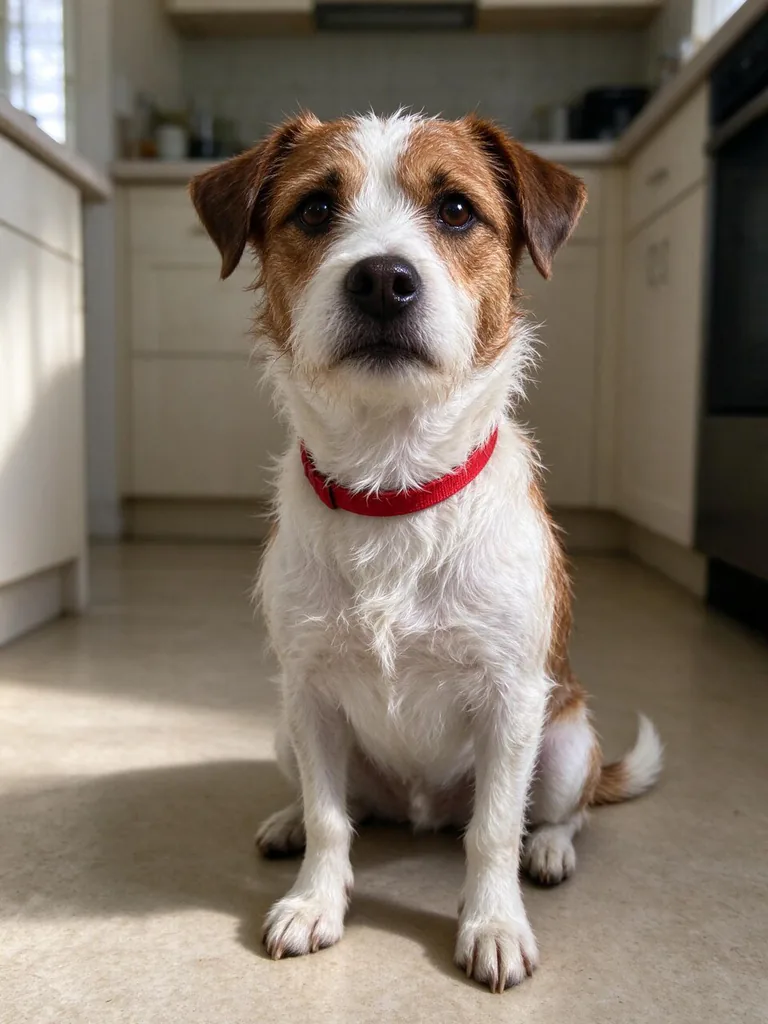
The edit expects one clear photo of a single animal, with its markings and collar visible, since the prompt points to it as image 1.
Works: a sharp, well-lit photo of one pet facing the camera
The model needs to read the face, markings and collar clearly to carry them into the cartoon version.
Works: a red collar or other distinct marking that is fully visible
The prompt asks the model to keep these details, so they must appear in the input picture for it to keep them.
Avoid: group photos with several animals
The prompt treats image 1 as one animal, and the model may merge or drop the others when turning them into a single character.
Avoid: heavily cropped or blurry shots
Missing ears, collar or markings leave the model guessing, and the character will drift away from the real pet.
What each instruction does
character transformationTurn the animal in image 1 into a cute illustrated character, keeping its markings and red collar
It sets the transformation: the real animal becomes a cute illustrated character. Removing it would leave the model free to invent a new creature, and the 'keeping' clause is what ties the art back to the pet.
scene and layoutshow a full merch set designed around it, laid out on a light wooden table
It sets the scene: a light wooden table with the whole set laid out together. Swapping the table changes the mood of the photo, while removing the layout words risks the items being scattered or shown one at a time.
product lineupan acrylic standee, a keychain, two round pin badges, a sticker sheet, a tote bag and a mug
This is the product list, and each named piece is one item the model must draw. Dropping a name removes that item from the set, and adding a piece with no clear description may produce a generic shape rather than the character.
cross-item consistencyThe same character art on every item, one consistent colour palette
This keeps seven pieces looking like one range instead of separate drawings. Remove it and each item can come out with its own style, so the same character art and palette are what make the set feel like a product line.
photo style and limitsrealistic product photo, soft daylight, no brand logos
This sets the photo style: realistic product photography with soft daylight and no brand logos. Changing realistic to illustrated turns the mockup into artwork, and losing the daylight line invites harsh shadows; dropping the logo line can add invented marks to the mug.
Other edits in the same pattern
Autumn Park Set
It changes the place, season and palette to warm autumn tones, which suits a seasonal drop of the same merch range.
Prompt
Turn the animal in image 1 into a cute illustrated character, keeping its markings and collar, and show a merch set designed around it, laid out on a mossy stone bench in an autumn park: an acrylic standee, a keychain, two round pin badges, a sticker sheet and a tote bag. The same character art on every item, one warm colour palette, realistic product photo, soft golden light, no brand logos.
Winter Cafe Set
It changes the art to watercolour, the palette to cool blues and the scene to a winter cafe, which suits a gift-style range built around a mug and coaster.
Prompt
Turn the animal in image 1 into a soft watercolour character, keeping its markings and collar, and show a merch set designed around it, laid out on a white ceramic tray in a winter cafe: a mug, a coaster, a sticker sheet, a notebook and a keychain. The same character art on every item, one cool blue palette, realistic product photo, warm window light, no brand logos.
Pastel Sticker Set
It keeps the same edit but switches the art to flat pastel and the table to marble, which suits a lighter range built mostly around stickers and phone cases.
Prompt
Turn the animal in image 1 into a flat pastel cartoon character, keeping its markings and collar, and show a merch set designed around it, laid out on a pale marble table: two sticker sheets, an enamel pin, a phone case and a tote bag. The same character art on every item, one consistent pastel palette, realistic product photo, bright soft daylight, no brand logos.
Model and settings
Keep the 4:3 ratio and 1k resolution from the example, since a landscape frame suits a spread of seven pieces on one table. Keep the mode on image-to-image with one input picture, because the prompt refers to image 1 and a second picture could pull the animal's look away from the original. If you only want the standee or one badge as the hero shot, switch to a taller ratio and keep the rest of the prompt unchanged.
Nano Banana ProNano Banana Pro plans the layout first, so it suits this seven-piece spread if the details on the items, such as dense text or labels, matter more than a quick edit.
Seedream 5.0 ProSeedream 5.0 Pro takes up to ten references and is built for high-detail edits, so it is the better pick if you add more photos of the pet to lock in its look.
When the edit misses
The markings or collar drift away from the real animal.
Keep 'keeping its markings and red collar' word for word, and if the collar is not red, change 'red' to the actual colour.
The edit is ignored and the model draws a generic animal.
Keep 'Turn the animal in image 1' at the front of the prompt and use an input picture where the animal is clearly visible.
The cartoon clashes with the realistic product photo, and the lighting does not match across the items.
Add 'matching soft shadows under every item' after 'soft daylight' so each piece sits in the same light.
The seven pieces get crowded, or some are dropped from the layout.
Keep the 4:3 ratio, or cut the list to fewer pieces such as dropping the mug, before changing the rest of the prompt.
Questions about this edit prompt
Will Nano Banana 2.1 keep my pet looking like itself in the cartoon?
It can keep the markings and collar when they are clear in the input picture, since the prompt asks it to hold them. A sharp, front-facing photo gives the model more to copy, so the character looks more like the real animal.
Why does every item in the merch set use the same character design?
The sentence 'The same character art on every item, one consistent colour palette' tells the model to apply one design across all the pieces. If the items come out different, repeat that sentence and name the palette you want, such as cool blues or warm autumn tones.
Can I use this prompt with a photo of a dog or a cat?
Yes, the prompt only refers to 'the animal in image 1', so a dog, cat or other single pet works. Check that its markings and collar are visible, and change 'red collar' if your pet wears a different one.
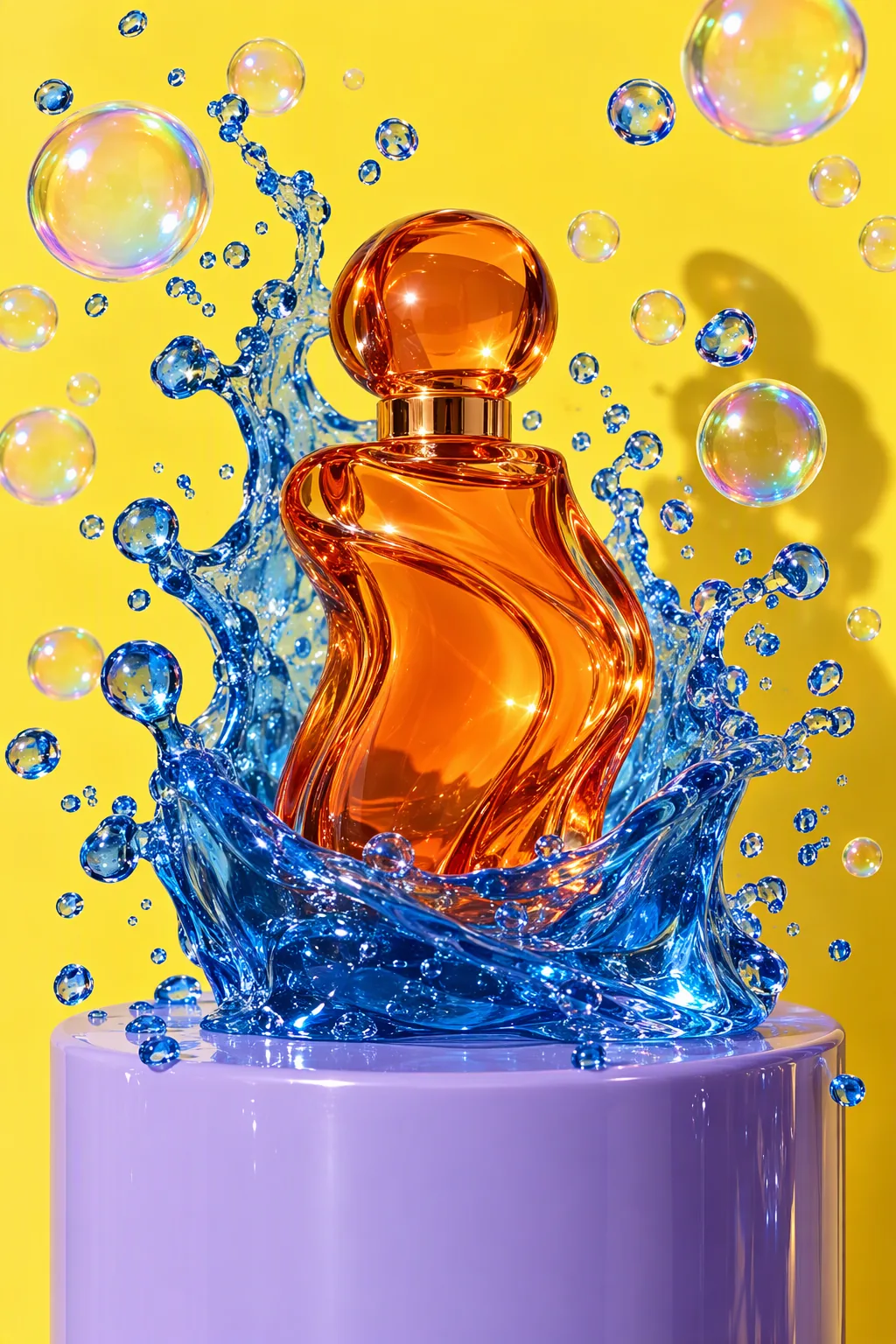
Studio product advertisement photograph: a sculptural perfume bottle made of tangerine-orange glass stands on a glossy lilac plinth; a wave of clear cobalt-blue jelly erupts around it, frozen mid-splash, with dozens of perfect iridescent soap bubbles suspended in the air. Solid lemon-yellow seamless backdrop, hard flash key light with a crisp shadow, glossy specular highlights, macro detail on the jelly droplets, luxury beauty campaign look. No text, no logos, no brand names.
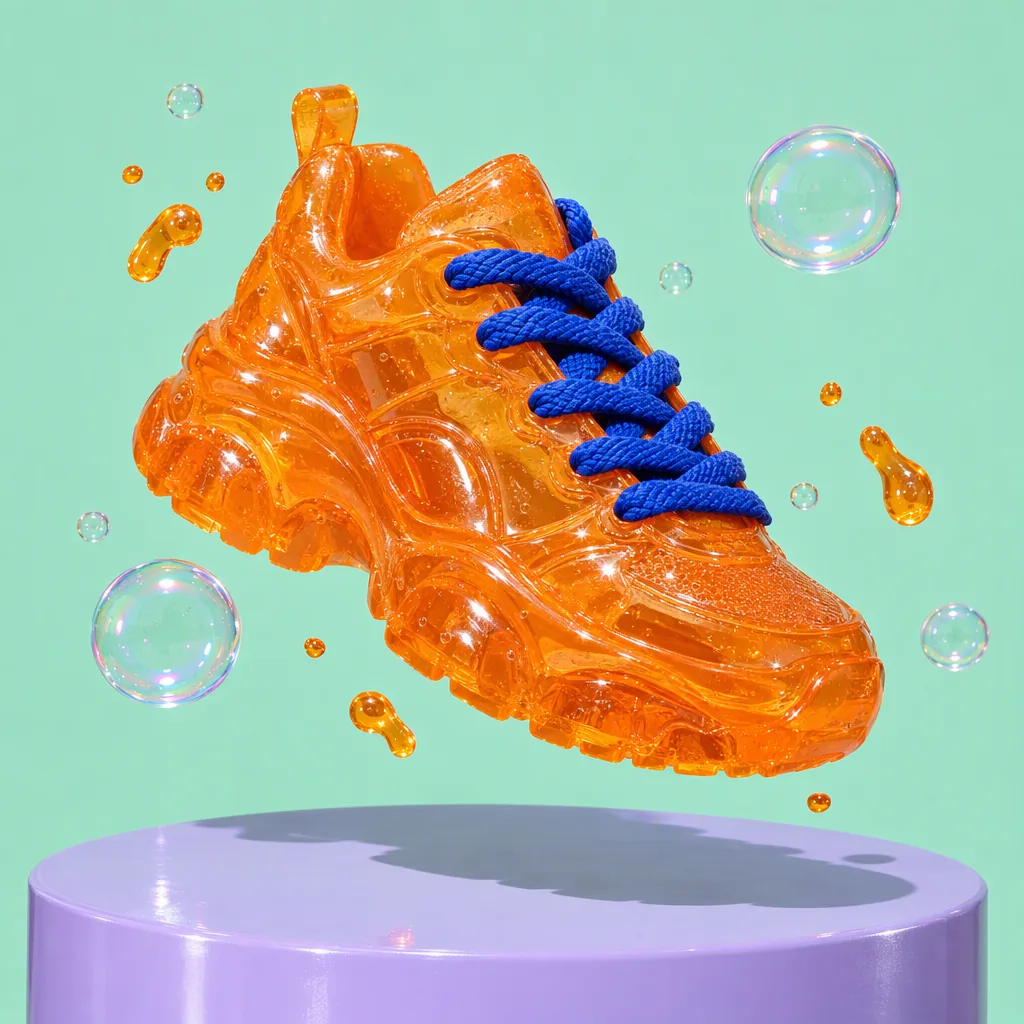
Product advertisement photograph: a chunky sneaker made entirely of translucent tangerine jelly with thick cobalt-blue laces floats above a glossy lilac plinth, tiny jelly droplets and soap bubbles orbiting it, hard flash with a crisp shadow, solid mint background, ultra-detailed material texture. No text, no logos, no brand marks.
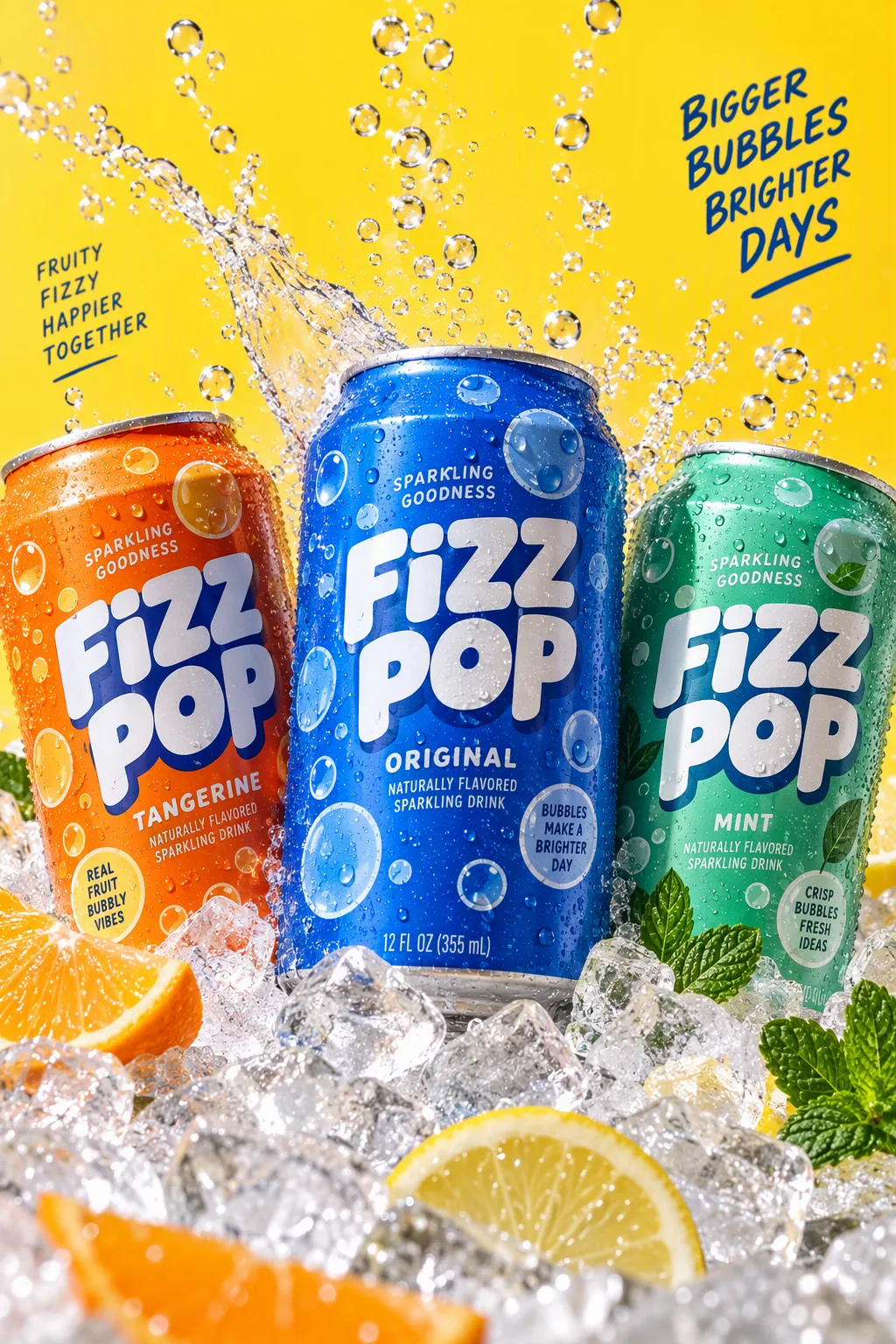
Packaging hero shot: three cans of a fictional sparkling drink called "FIZZ POP" in tangerine, cobalt and mint, covered in playful bubble graphics, nestled in crushed ice with streams of bubbles rising and a splash frozen mid-air; lemon-yellow backdrop, hard studio flash, condensation droplets, crisp legible label text, commercial photography.
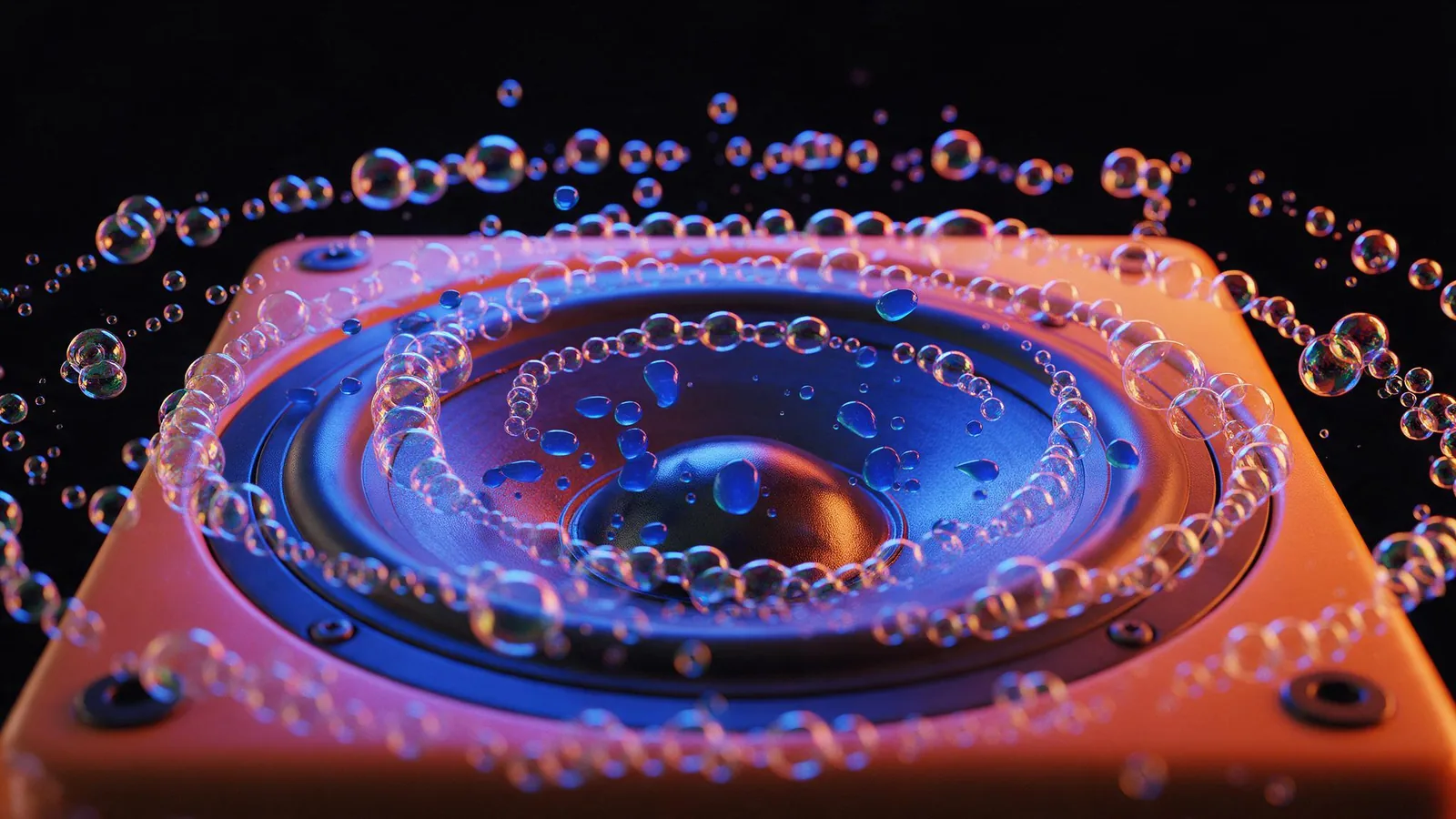
Macro product photograph of a glossy speaker cone set in a tangerine cabinet, pumping out a stream of iridescent soap bubbles that ripple outward in rhythmic rings, small drops of cobalt-blue jelly bouncing on the speaker grille; cobalt and tangerine gel lighting on a black background, music-visualizer energy, photorealistic, no text, no logos.
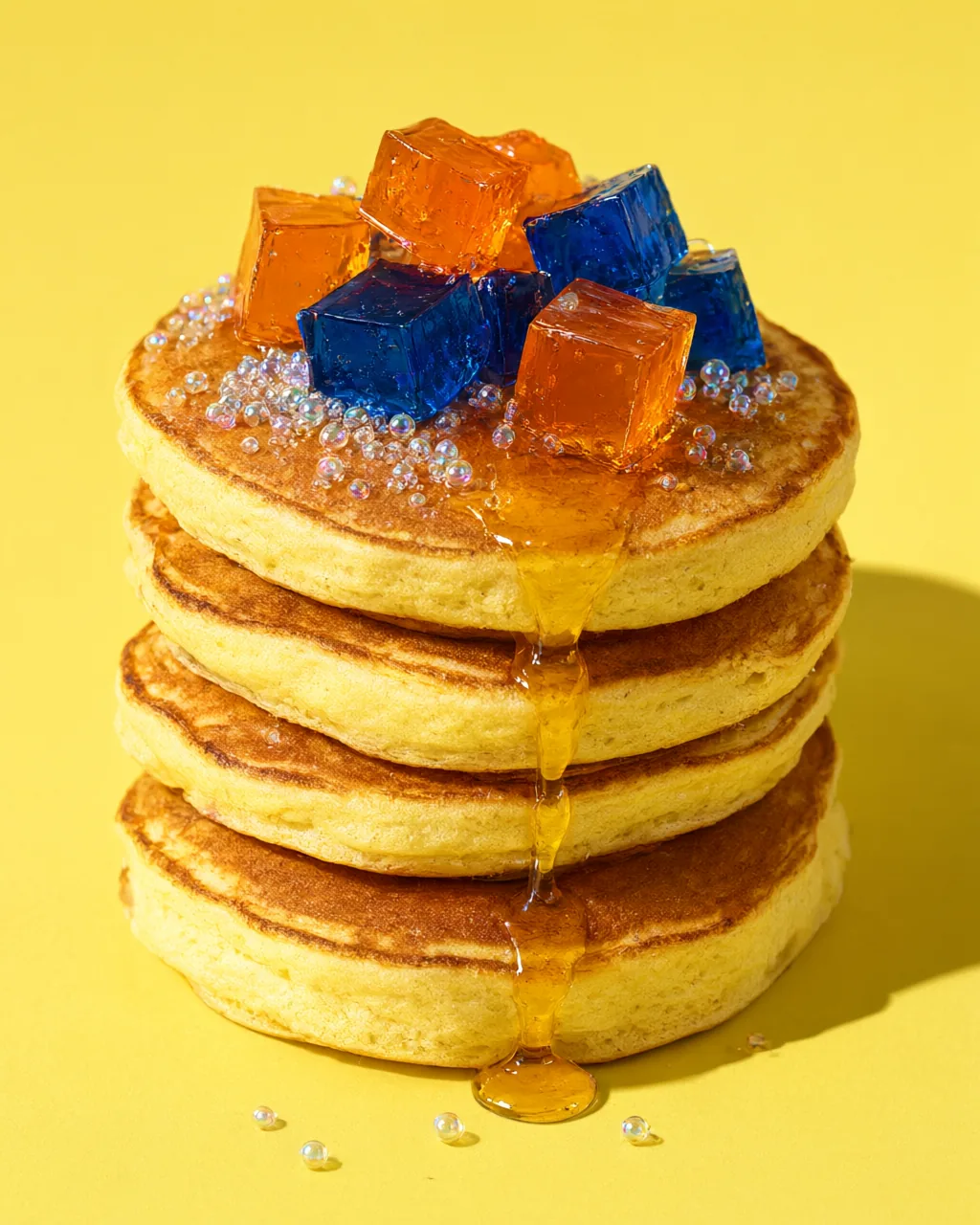
Macro food photograph: a tall stack of fluffy pancakes topped with wobbling cubes of tangerine and cobalt jelly, a slow drip of golden syrup, tiny glossy sugar spheres that look like soap bubbles, lemon-yellow background, hard flash with a crisp shadow, mouth-watering editorial food styling, photorealistic, no text.
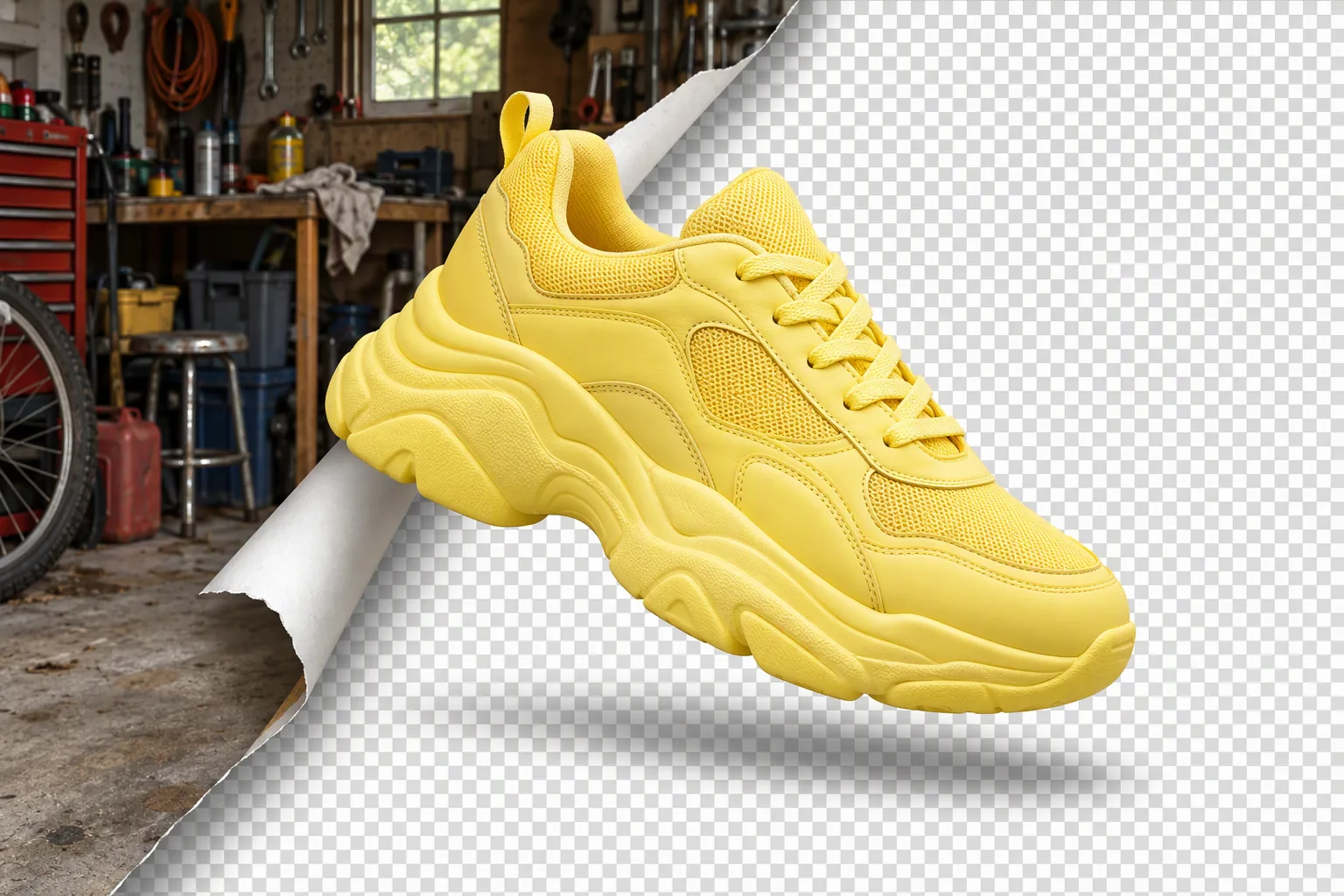
Product photo concept: a chunky lemon-yellow sneaker floats in the center while its original cluttered garage background peels away like a sticker from one corner, revealing a clean grey-and-white transparency checkerboard underneath; crisp cut-out edges, soft shadow, playful graphic still life, photorealistic, no text, no logos.
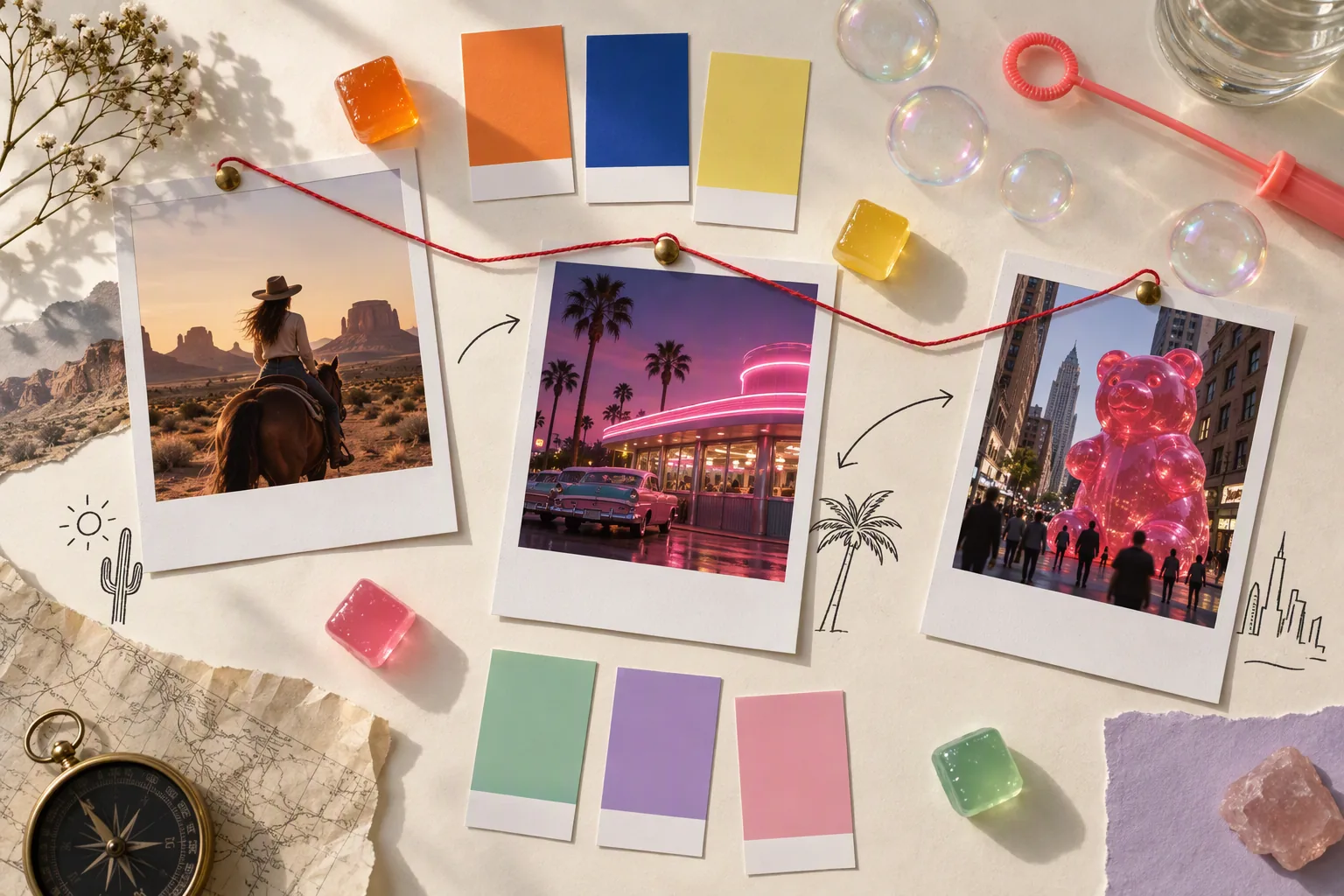
Top-down flat-lay photograph of a creative moodboard on a cream paper table: instant photos of a desert horse rider, a pink neon diner and a giant gummy bear in a city street, color swatch chips in tangerine, cobalt, lemon, mint, lilac and pink, a few small glossy jelly cubes, a soap-bubble wand, hand-drawn arrows and thin red string connecting the photos like a storyboard; soft window light, editorial still life, no readable text, no logos.
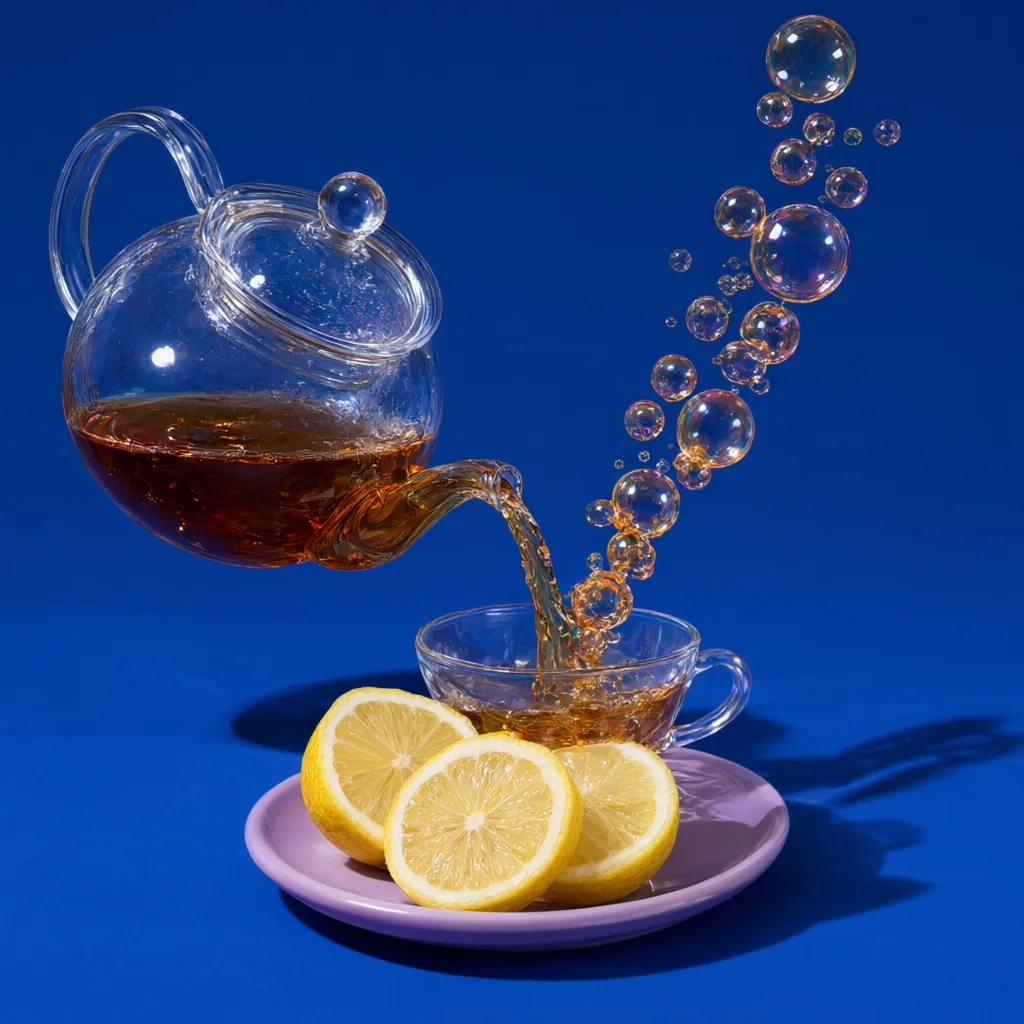
Studio product photograph: a clear glass teapot pours tea into a cup, but the stream of tea turns into a rising chain of amber soap bubbles that float up and away; solid cobalt-blue backdrop, hard flash with a crisp shadow, a few lemon slices on a lilac saucer, ultra-detailed glass reflections, photorealistic, no text, no logos.