Nano Banana 2.1 toy figure promptPet Plush Claw Machine
An image-edit prompt for Nano Banana 2.1: you upload a picture and this text says what to change.
Fill in the blanks
Change any box and the prompt below updates. Copy it, or make one with your version.
Prompt
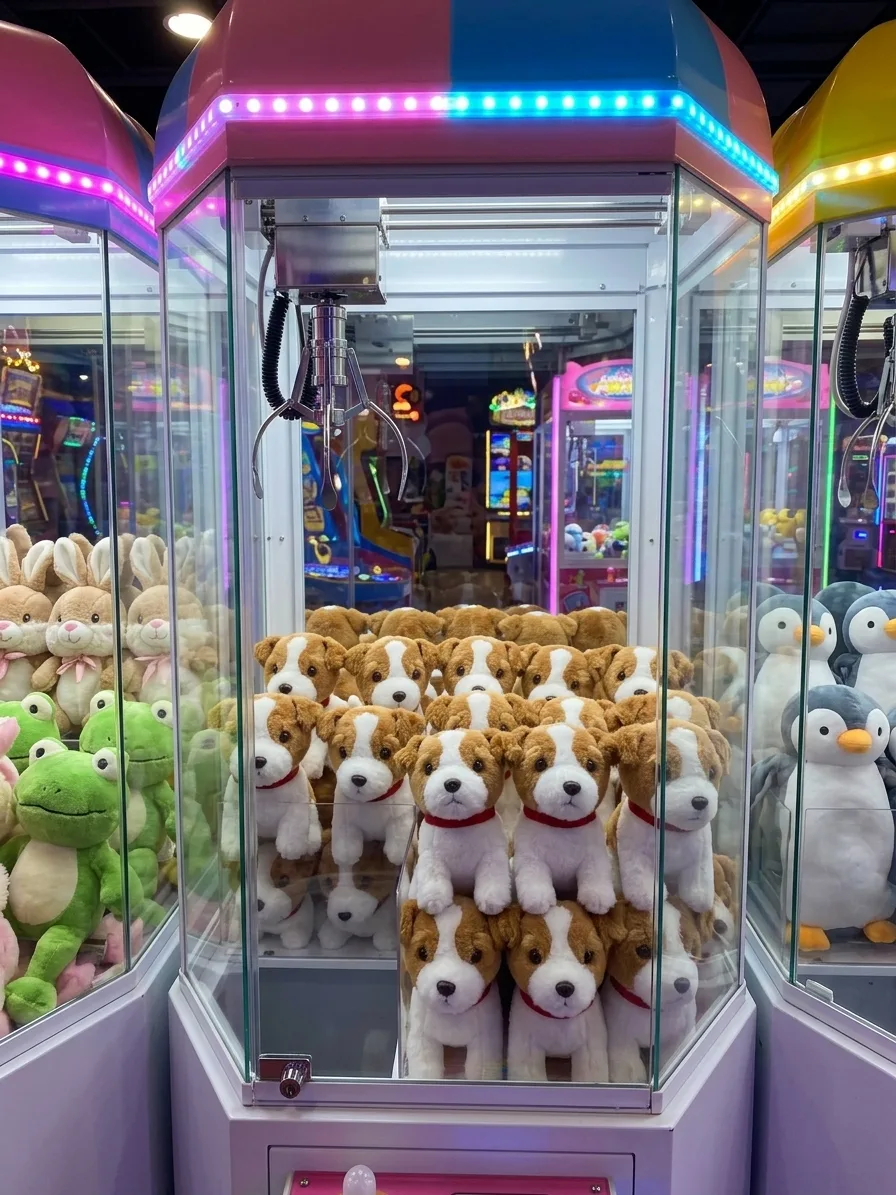
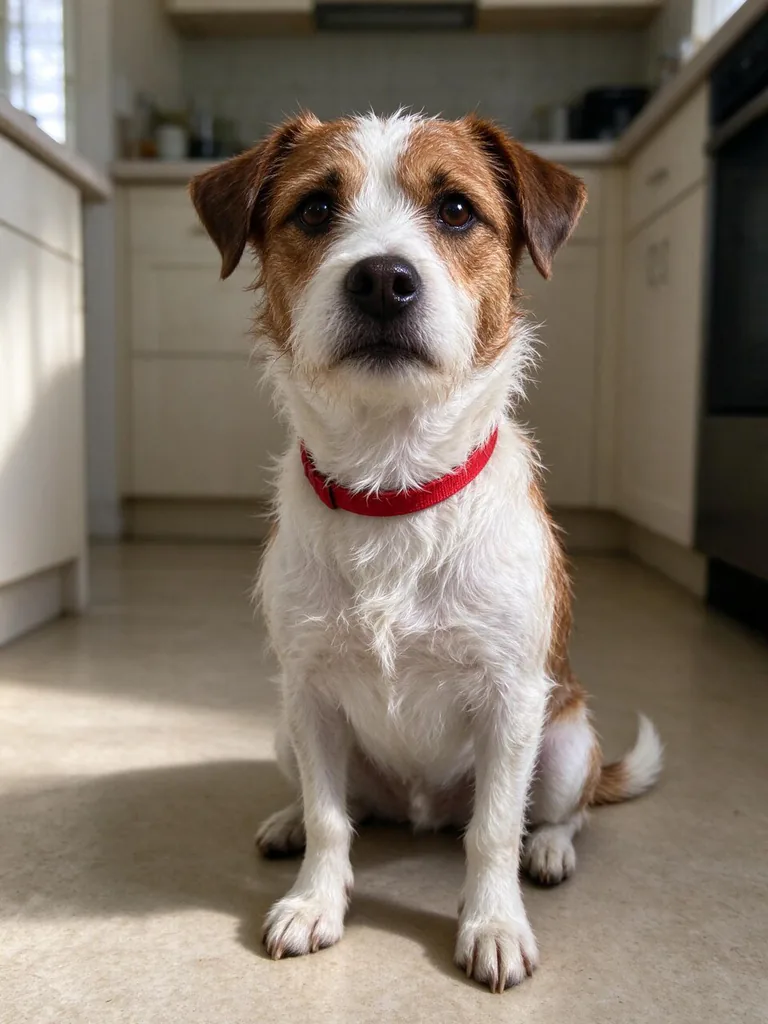
Make the animal in image 1 into a cute, simplified plush toy with its real markings and collar, and fill the glass case of a claw machine with a pile of identical plush copies of it. The claw hangs just above the pile. On both sides stand more claw machines full of plush toys of other animals: bunnies, frogs and penguins. A bright arcade with colourful LED trim, the machines' top sections painted in candy colours and the lower sections white, background softly blurred. Eye-level photo through the glass with gentle reflections, no text, no logos.
Prompts stay in English, the language these models follow best. Copy it as it is, or change a few words.
with its real markings and collar is the line that keeps your photo recognisable. Leave it in, whatever else you change.
The one odd detail, fill the glass case of a claw machine with a pile of identical plush copies of it, is what makes people stop scrolling. Swap it for your own.
This is a fill-in template: swap the parts in braces, like {others}, in the boxes above and keep the rest word for word.
A real pet photograph turns into an arcade claw machine crammed full of matching plush toys using Nano Banana 2.1. The prompt preserves distinctive coat patterns and collars while converting living fur into stitched fabric duplicates stacked beneath a metal prize claw.
This edit relies on clear pet features from image 1 so it can accurately reproduce unique coat markings onto simplified plushies.
Works: Clear pet portraits
A well-lit, close or medium shot of your cat, dog, or rabbit showing face and chest markings clearly.
Works: Visible unique collars
Photos where collar tags, patterns, or distinct neckband colors are in plain view to carry over to the toys.
Avoid: Obscured or blurry subjects
Action shots, extreme motion blur, or heavy shadows that mask coat patterns make the plushies look generic.
Avoid: Multi-pet photos
Pictures with multiple animals confuse the duplicator and blend different fur coats into messy hybrid toys.
What each instruction does
subject transformation directiveMake the animal in image 1 into a cute, simplified plush toy with its real markings and collar
This instructs the model to translate your specific pet into a fabric doll while preserving distinguishing identification markers like spots, fur patterns, and neck accessories.
environment and multiplication rulefill the glass case of a claw machine with a pile of identical plush copies of it.
It duplicates the transformed toy across the central prize chamber. Omitting this leaves a single isolated doll instead of a packed arcade game tub.
scene depth setupThe claw hangs just above the pile. On both sides stand more claw machines full of plush toys of other animals: bunnies, frogs and penguins.
This establishes arcade context and mechanical apparatus, preventing the AI from generating a flat product showcase or a confusing pile of mixed breeds.
lighting and atmosphereA bright arcade with colourful LED trim, the machines' top sections painted in candy colours and the lower sections white, background softly blurred.
These words create the vibrant arcade environment and ensure narrow depth of field, keeping visual focus squarely on your custom pet toys.
camera and surface finishEye-level photo through the glass with gentle reflections, no text, no logos.
This adds realism through subtle glass surface reflections while preventing scrambled artificial machine lettering and faux brand watermarks.
Other edits in the same pattern
Vending Machine Capsule Variant
Switching the claw machine to a Japanese capsule toy dispenser for smaller collectable miniature edits.
Prompt
Make the animal in image 1 into a cute, simplified mini vinyl figurine with its real markings and collar, and fill the clear globe of a retro gashapon capsule machine with identical copies inside transparent plastic spheres. Eye-level shot in a vibrant toy store with soft lighting, no text, no logos.
Retail Toy Shelf Variant
Shifting the setting from a noisy arcade to an organized, aesthetic boutique retail display.
Prompt
Make the animal in image 1 into a cute, simplified plush toy with its real markings and collar, and stack rows of identical copies on a boutique toy store shelf. Soft pastel shelving, warm ambient shop lighting, shallow depth of field, clean glass reflections, no text, no logos.
Mystery Blind Box Variant
Trading soft plush fabric for collectible flocked vinyl models on a display counter.
Prompt
Make the animal in image 1 into a cute, simplified flocked figurine with its real markings and collar, standing unboxed alongside identical packaged copies on a glossy display counter. Neon trim, soft backdrop bokeh, crisp retail lighting, no text, no logos.
Model and settings
Maintain the i2i mode with 1 input picture representing your pet. Keep the 3:4 aspect ratio to showcase the vertical height of the claw drop mechanism and the stacked pile below. Setting resolution to 1k provides crisp toy stitching and glass highlights without distortion, while 4K output from Nano Banana 2.1 can be chosen if you need large-format prints.
Nano Banana ProUse Nano Banana Pro if you want stricter control over complex layout planning and dense multi-machine arcade framing across 4K edits.
When the edit misses
The pet stays photorealistic instead of turning into a stitched plush doll
Add the words 'felt texture, visible seams, button eyes' directly after 'simplified plush toy' in the prompt.
The original pet fur markings are replaced with generic solid colors
Strengthen the instruction by changing 'its real markings' to 'exact coat pattern, spot placement, and fur colors matching image 1'.
Random text or gibberish brand names appear on the arcade glass and marquee
Ensure 'no text, no logos' is placed at the end, or append 'unlabeled clean marquee panels' to the arcade description.
Questions about this edit prompt
Can I use this prompt with pets other than dogs and cats?
Yes, it works well with rabbits, ferrets, birds, and guinea pigs. Ensure your source photo clearly shows their distinct beak, feather, or fur patterns so the generated plushies remain instantly recognizable.
Why are some toys in the pile showing different fur patterns?
The model sometimes adds variety if it misunderstands the replication command. Ensure the prompt explicitly retains 'identical plush copies of it' to enforce uniform duplication across the entire heap.
How do I make the claw actively grab one of the plush toys?
Change 'The claw hangs just above the pile' to 'The metal claw is clamped around one plush toy, lifting it slightly above the pile'.
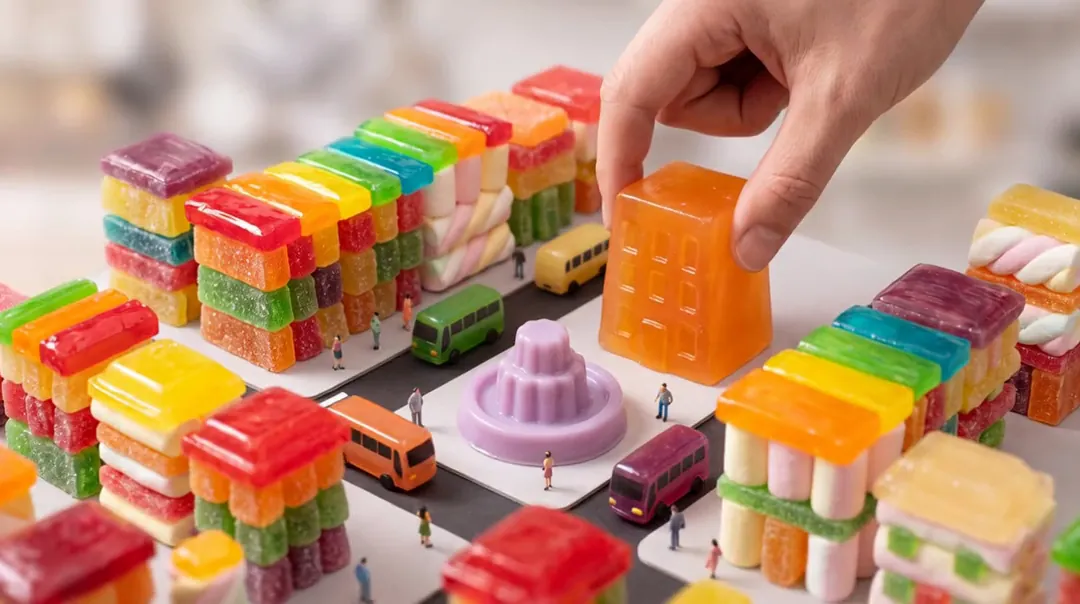
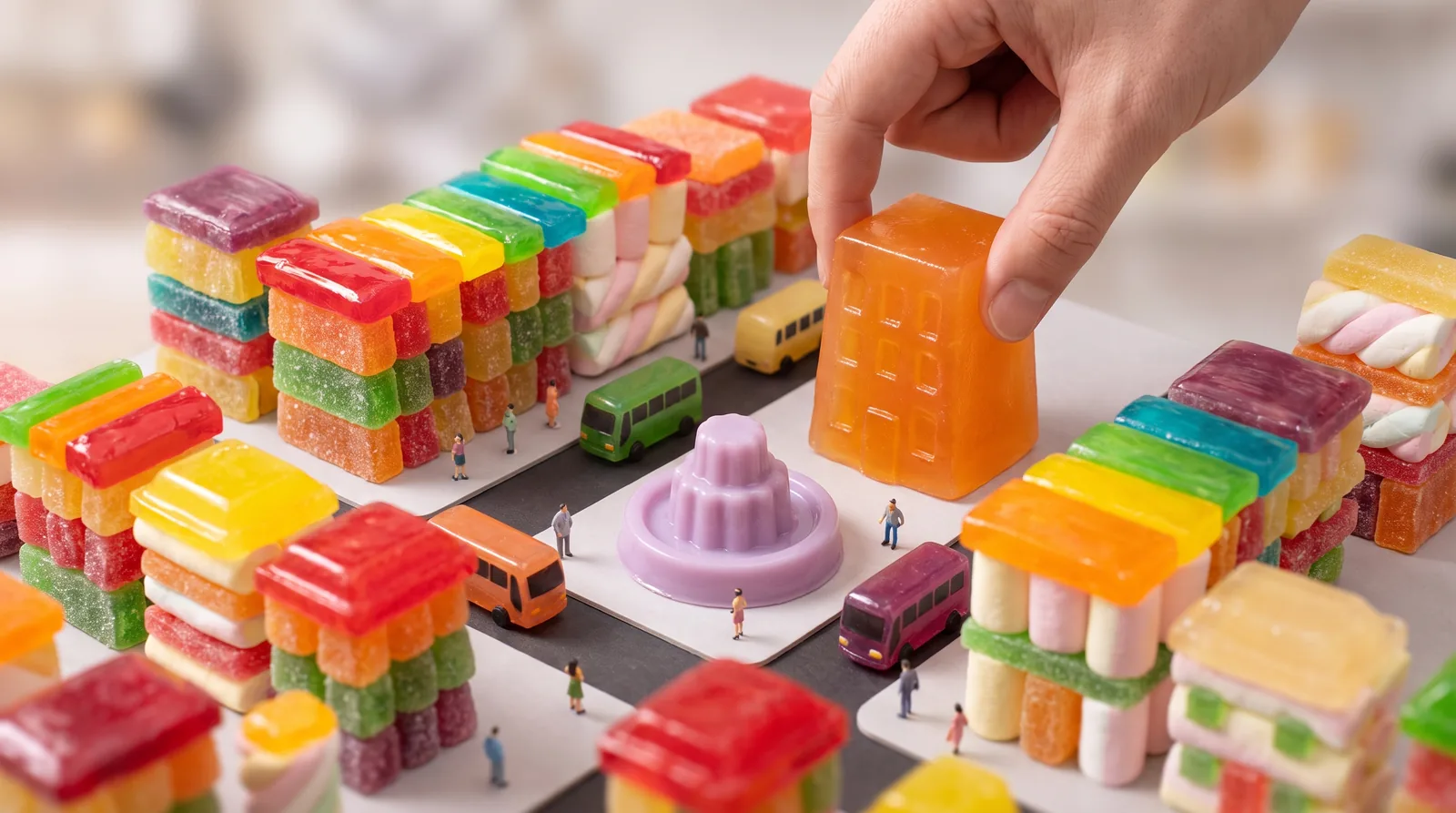
Tilt-shift miniature diorama photograph of a candy-colored city block built from gummy candy, marshmallows and jelly: tiny jelly buses, little pedestrians, a lilac jelly fountain in a square, rooftops of glossy hard candy; a giant real human hand gently places one more translucent tangerine jelly building into the block. Shallow depth of field, soft studio light, highly detailed, no text, no logos.
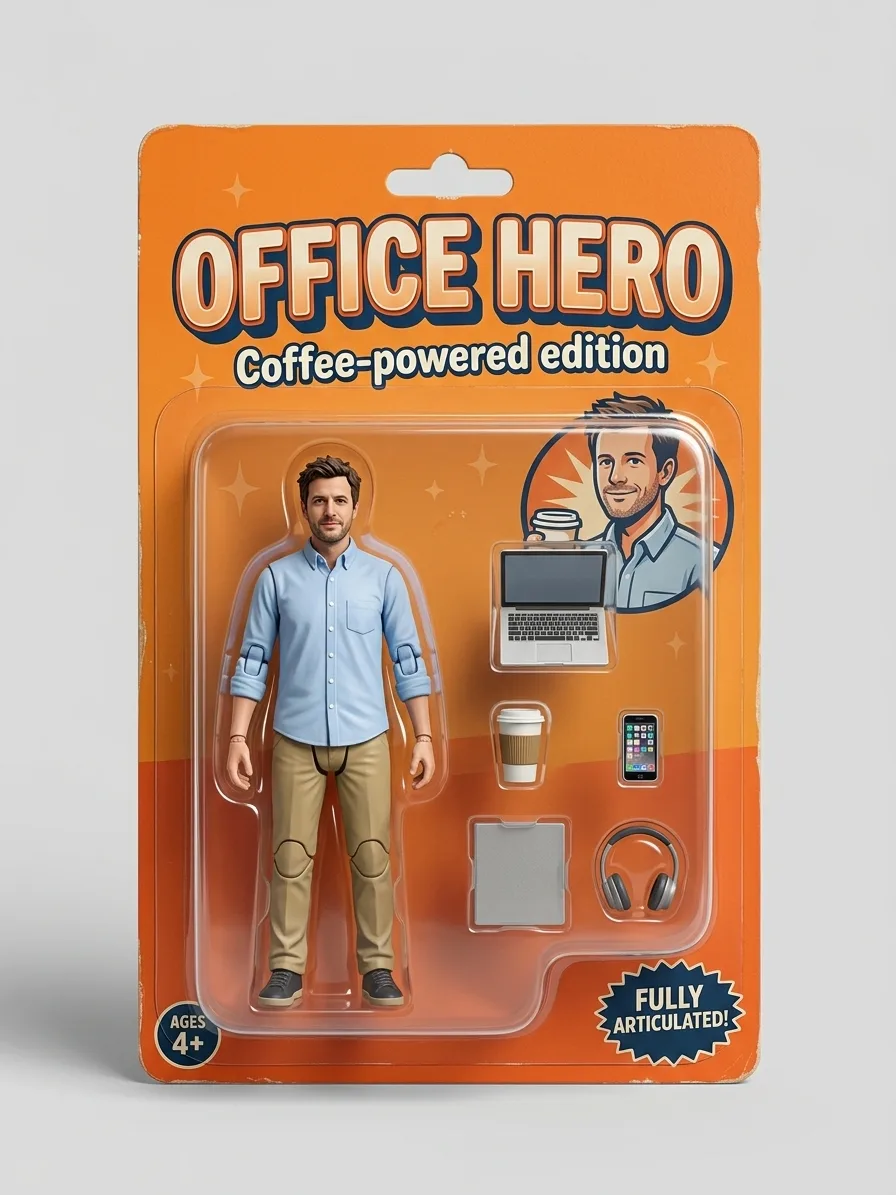
Turn the person in image 1 into a full-body collectible action figure sealed in a retail blister pack. Keep the face, hairstyle, skin tone and outfit recognisable from image 1, sculpted as a 1/12 scale painted plastic figure with visible joint lines at the shoulders, elbows and knees. The cardboard backing card is tangerine orange with a bold title at the top that reads "OFFICE HERO" and a small subtitle "Coffee-powered edition". Inside the clear plastic bubble, beside the figure, sit its accessories in their own molded slots: a laptop, a coffee cup, a phone and a pair of headphones. Studio product photo of the sealed package on a plain light background, soft shadow, sharp focus. No brand logos.
The giant hand gently sets the orange jelly building down into the candy city block, the jelly wobbles as it lands, tiny jelly buses roll along the streets and the lilac fountain bubbles; tilt-shift miniature look, slow camera drift, no text.
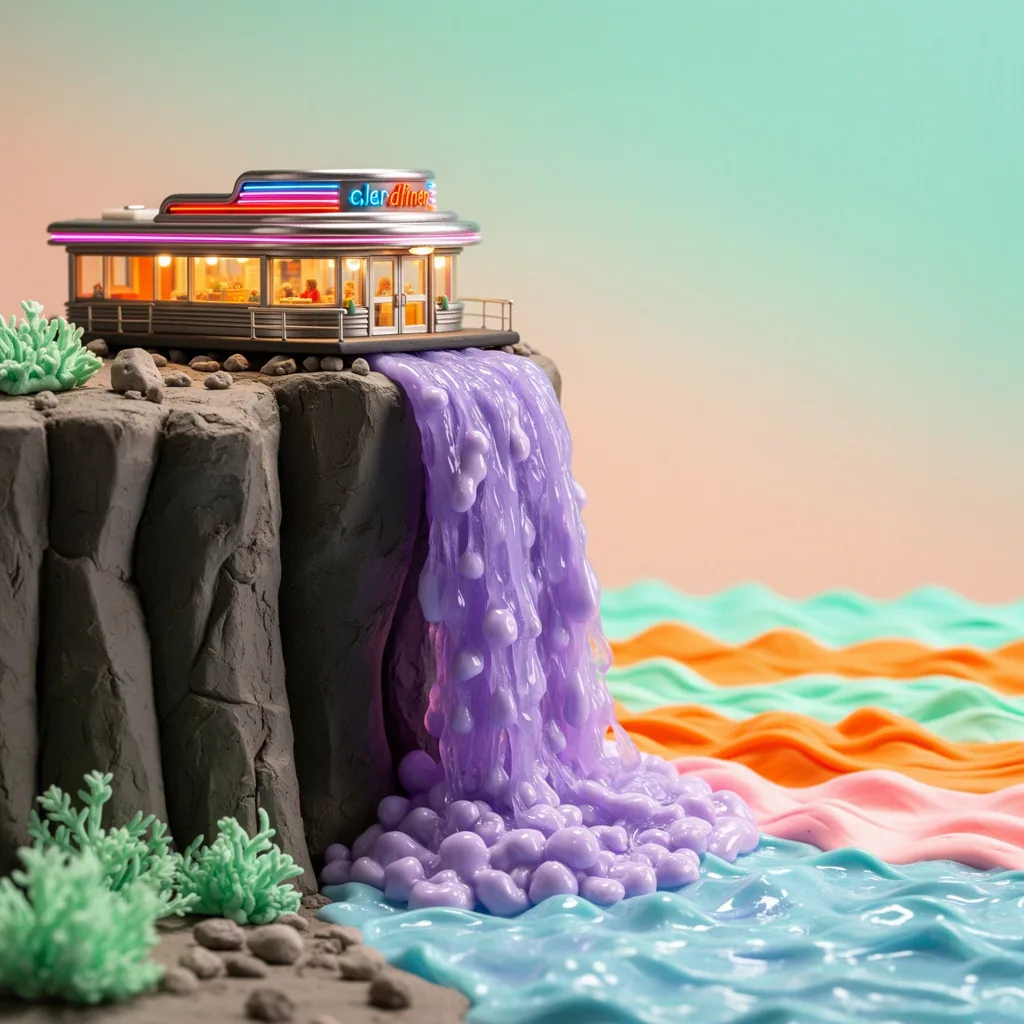
Stop-motion claymation film still: a tiny retro diner perched on a cliff edge, with a waterfall of wobbling lilac jelly pouring off the cliff into a candy-colored sea; handmade plasticine textures with visible fingerprints, miniature set lighting, tangerine and mint palette, charming and detailed, no text.
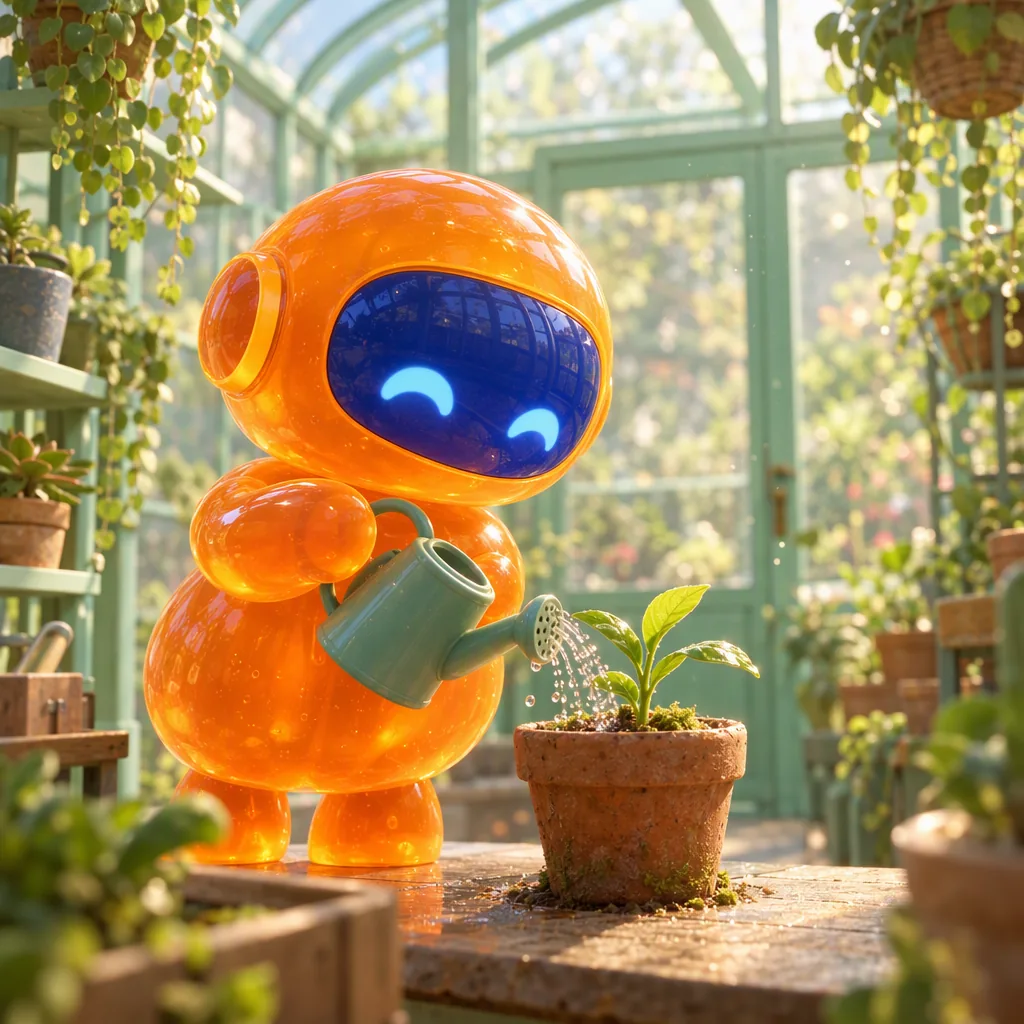
Polished 3D animated film still: a small round robot made of glossy tangerine jelly, with a cobalt visor face, carefully waters a tiny plant with a watering can inside a mint-green glass greenhouse; soft subsurface glow through the jelly body, dust motes in warm light, shallow depth of field, charming feature-animation quality, no text.
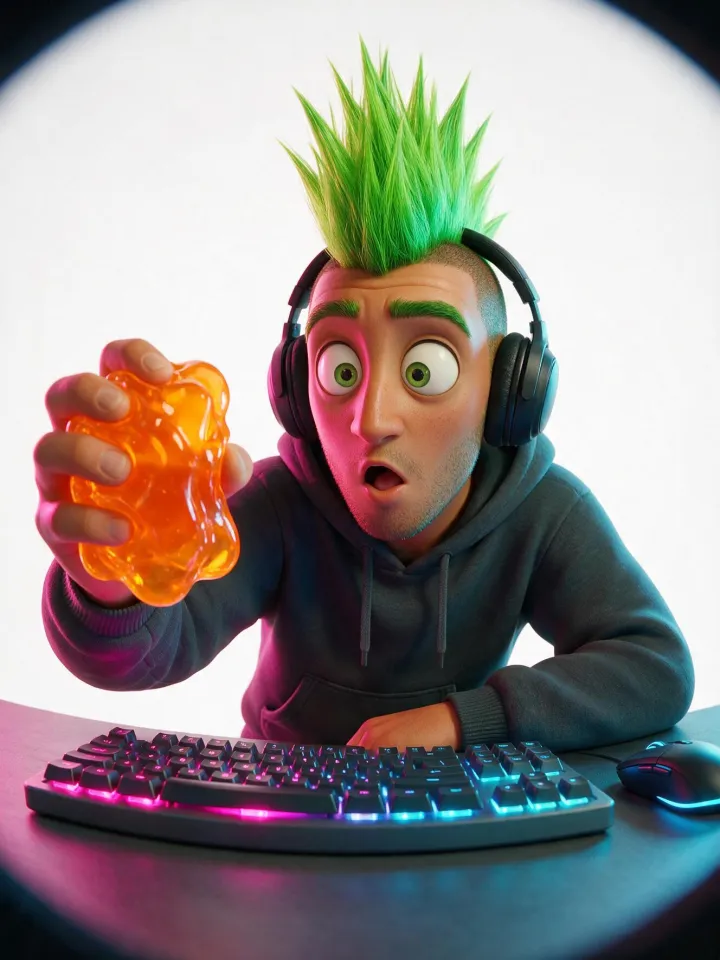
Stylized 3D animated film character render with soft studio lighting, fisheye lens shot up close, playful distortion. A fictional adult man, an adult in his late twenties to thirties. Overall look: a striking adult with a bold, unusual look and one or two strongly pronounced features. Look: a tall spiked mohawk in bright green. Expression: a surprised, wide-eyed look. Wearing a comfy hoodie. Shown as a game streamer with a headset and a glowing keyboard. Setting: on a pure white seamless studio background with soft even light. Every chosen trait reads clearly at thumbnail size, with a playful, characterful casting-photo vibe, never grotesque and never mocking. Playful twist: holding a wobbling translucent orange jelly that catches the light. Lighting: magenta and cyan neon gel lighting. Clean, polished rendering. No text or logos. Every person in the picture is a fictional adult, fully clothed.
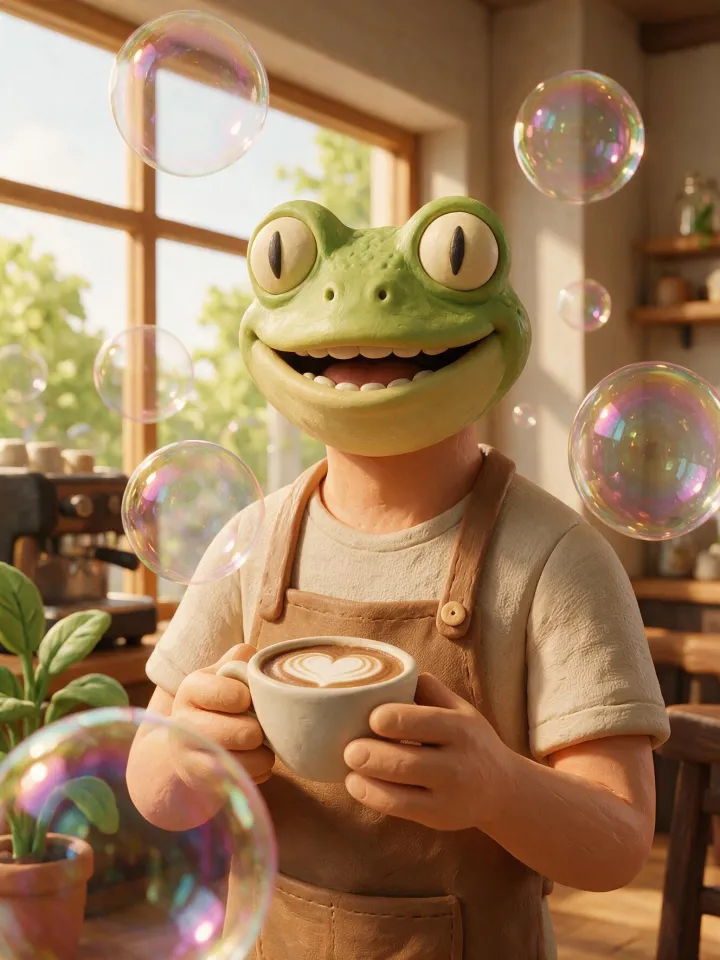
Claymation stop-motion character made of plasticine with a handmade texture, head and shoulders, centered and facing the camera. A humanoid character with the head of a frog on an adult human figure, an adult in their late twenties to thirties. Expression: a big warm smile. Wearing a canvas apron over a casual shirt. Shown as a barista holding a latte cup. Setting: in a cozy café by a big sunny window. Playful twist: giant iridescent soap bubbles floating around them, real and glossy. Clean, polished rendering. No text or logos. Every person in the picture is a fictional adult, fully clothed.
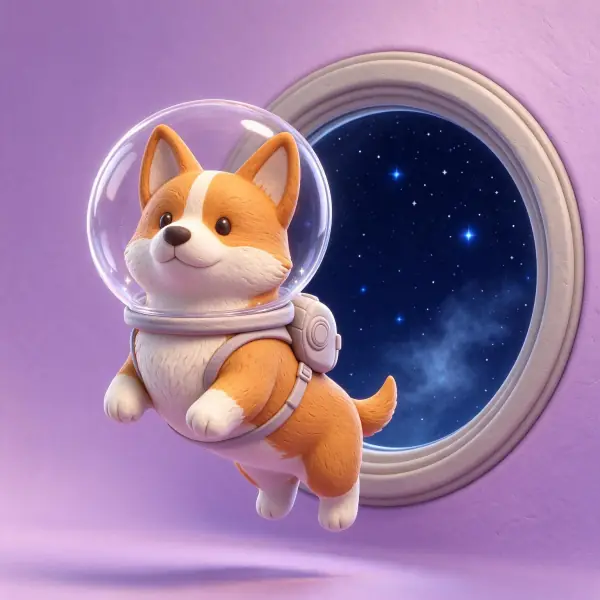
a corgi wearing a clear bubble space helmet floating past a round porthole full of stars, stylized 3D render in soft matte clay, rounded forms, subtle fingerprint texture, gentle studio lighting, pastel backdrop, adults fully clothed, no text, no logos



 Nano Banana ProMake one