Nano Banana 2.1 image edit promptJewellery Collection from a Pattern
An image-edit prompt for Nano Banana 2.1: you upload a picture and this text says what to change.
Fill in the blanks
Change any box and the prompt below updates. Copy it, or make one with your version.
Prompt
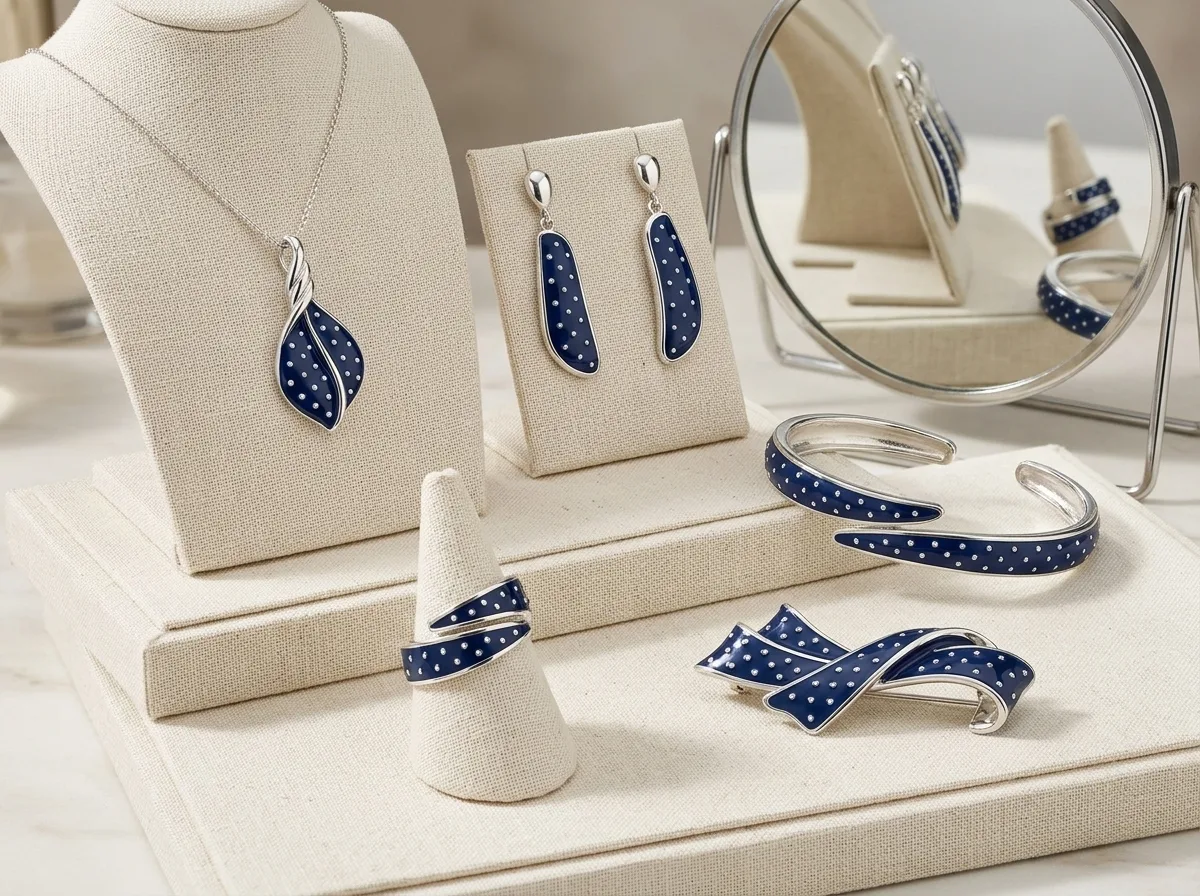
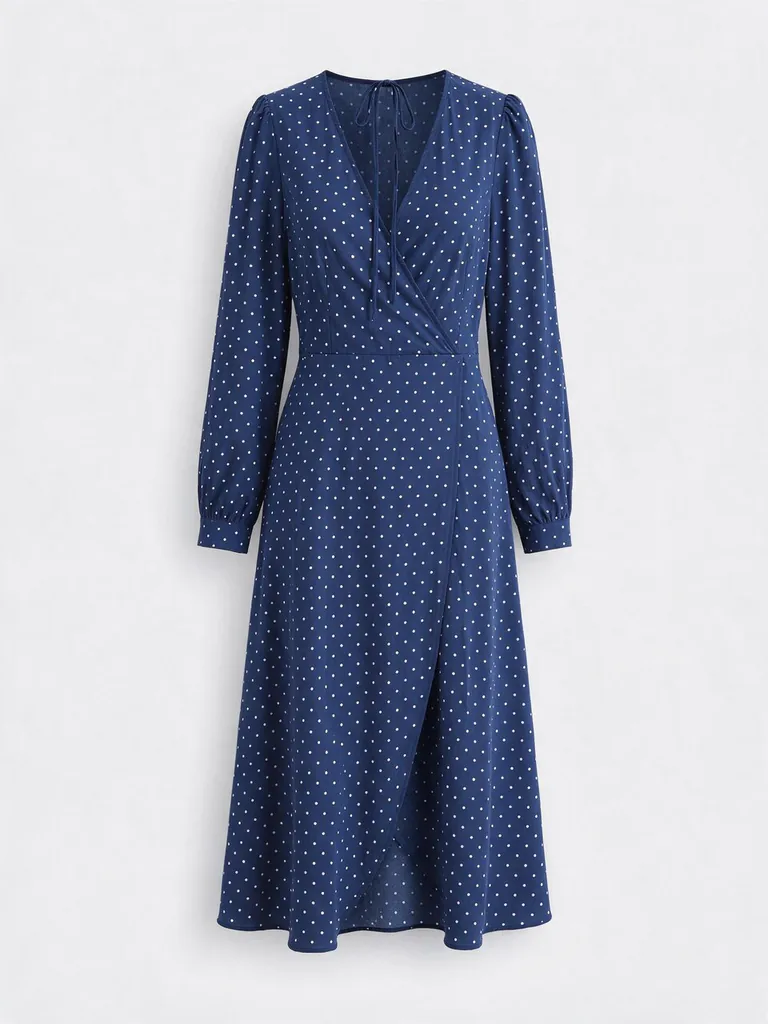
Design a five-piece jewellery collection inspired by the dress in image 1, taking its colours, pattern and shapes: a pendant necklace, drop earrings, a ring, a bangle and a brooch in navy enamel with tiny white pearl dots. Show the set on a cream linen jewellery display with a small round mirror, soft studio light, photoreal metal and enamel, tasteful luxury product photo, no text.
Prompts stay in English, the language these models follow best. Copy it as it is, or change a few words.
A coordinated five-piece luxury jewellery suite is generated directly from the visual motifs of an uploaded dress. Nano Banana 2.1 translates the garment's palette, geometric lines, and recurring motifs into polished metal, enamel, and pearl ornaments arranged on a high-end display tray.
This prompt needs an input image containing clear visual patterns, distinct color blocks, or repeatable decorative shapes to transfer onto jewellery.
Works: High-contrast patterned garments
Dresses, scarves, or textiles with clear floral, polka dot, or geometric prints give the model sharp motifs to convert into enamel and metalwork.
Works: Architectural or ceramic tile details
Photos of mosaics, embroidered fabrics, or wallpapers provide structured patterns that easily translate into ring bands and pendant shapes.
Avoid: Blurry or poorly lit clothing photos
Low-resolution or dark input images obscure subtle patterns, causing the model to guess generic colors and standard geometric shapes.
Avoid: Plain monochrome garments without texture
Solid single-color fabrics offer no distinctive motifs or pattern references, leaving the resulting jewellery flat and uninspired.
What each instruction does
reference extraction instructionDesign a five-piece jewellery collection inspired by the dress in image 1, taking its colours, pattern and shapes:
Directs the model to sample color palettes and graphic elements from the uploaded image rather than copying the fabric directly. Removing this results in generic jewellery unrelated to your source file.
item inventory and material definitiona pendant necklace, drop earrings, a ring, a bangle and a brooch in navy enamel with tiny white pearl dots.
Specifies the exact count, types of jewellery, and surface materials to prevent random item counts or plain metallic finishes. Modifying these words lets you switch metals, gemstones, or accessory types.
staging and background contextShow the set on a cream linen jewellery display with a small round mirror,
Places the entire collection together in a cohesive retail flat lay with props. Omitting the staging description often causes pieces to float on void backgrounds or appear worn by multiple models.
lighting and quality controlsoft studio light, photoreal metal and enamel, tasteful luxury product photo, no text.
Enforces commercial studio lighting, realistic reflections on metal surfaces, and keeps unwanted branding or typography off the final image.
Other edits in the same pattern
Gold Botanical Suite from Floral Fabric
Swaps navy enamel for gold and pastel gemstones, ideal for spring textile references.
Prompt
Design a four-piece jewellery collection inspired by the floral print in image 1, taking its petal shapes and pastel tones: a collar necklace, stud earrings, a cocktail ring and a cuff bracelet in brushed yellow gold with rose quartz accents. Show the set on a raw beige travertine slab with soft morning light, luxury product photo, no text.
Art Deco Platinum Set from Tile Pattern
Shifts materials to platinum and onyx, best suited for structured architectural inputs.
Prompt
Design a five-piece jewellery collection inspired by the geometric tile in image 1, taking its angular lines and symmetry: a choker necklace, geometric drop earrings, a signet ring, a hinged bangle and a lapel pin in polished platinum with black onyx inlay. Show the set on dark velvet inside a presentation box, crisp studio lighting, luxury product photo, no text.
Minimalist Silver Set from Ceramic Glaze
Reduces piece count and focuses on fluid, organic forms derived from ceramic vessels.
Prompt
Design a three-piece jewellery collection inspired by the ceramic vase in image 1, taking its speckled glaze and curved silhouette: a sculptural pendant, huggie earrings and an open cuff in sterling silver with turquoise enamel details. Show the set on an off-white ribbed ceramic tray, diffuse daylight, luxury editorial photo, no text.
Model and settings
Keep the mode on i2i with exactly one reference image uploaded. The 4:3 aspect ratio provides ample horizontal width to arrange all five pieces naturally across the display tray without crowding. Keep resolution at 1k for fast concept generation, or select higher output resolutions when you need fine surface reflection details on the enamel and pearls for client presentations.
Nano Banana ProPick Nano Banana Pro when you want structured multi-item flat lays planned cleanly without items overlapping or clipping off the canvas edges.
Seedream 5.0 ProChoose Seedream 5.0 Pro when you want to supply multiple reference photos, such as matching a dress pattern alongside a specific earring clasp style.
When the edit misses
The edit generates the dress itself rather than jewellery pieces.
Strengthen the opening phrase to specify jewellery creation and explicitly state to extract only motifs from image 1 rather than rendering clothing.
Pieces from the five-item list are missing or merged together.
Explicitly list each item separated by commas and add arranged side-by-side with clear spacing on the display tray to the prompt.
Incompatible lighting leaves metal surfaces looking matte and plastic.
Ensure photoreal metal and enamel is paired with specular studio highlights and clean reflections in the style section.
Questions about this edit prompt
How does Nano Banana 2.1 use my reference photo for jewellery?
The model analyzes the colors, geometry, and surface details of your uploaded picture and applies those visual rules to decorative metalcraft instead of recreating the original object.
Can I request specific metals like rose gold or silver instead?
Yes. Replace navy enamel with your desired metal and finish, such as 18k yellow gold, brushed rose gold, or oxidised sterling silver.
Why are some jewellery pieces overlapping on the tray?
Specifying too many items in a narrow space causes crowding. Use a 4:3 aspect ratio and include words like arranged neatly with generous spacing on the tray.
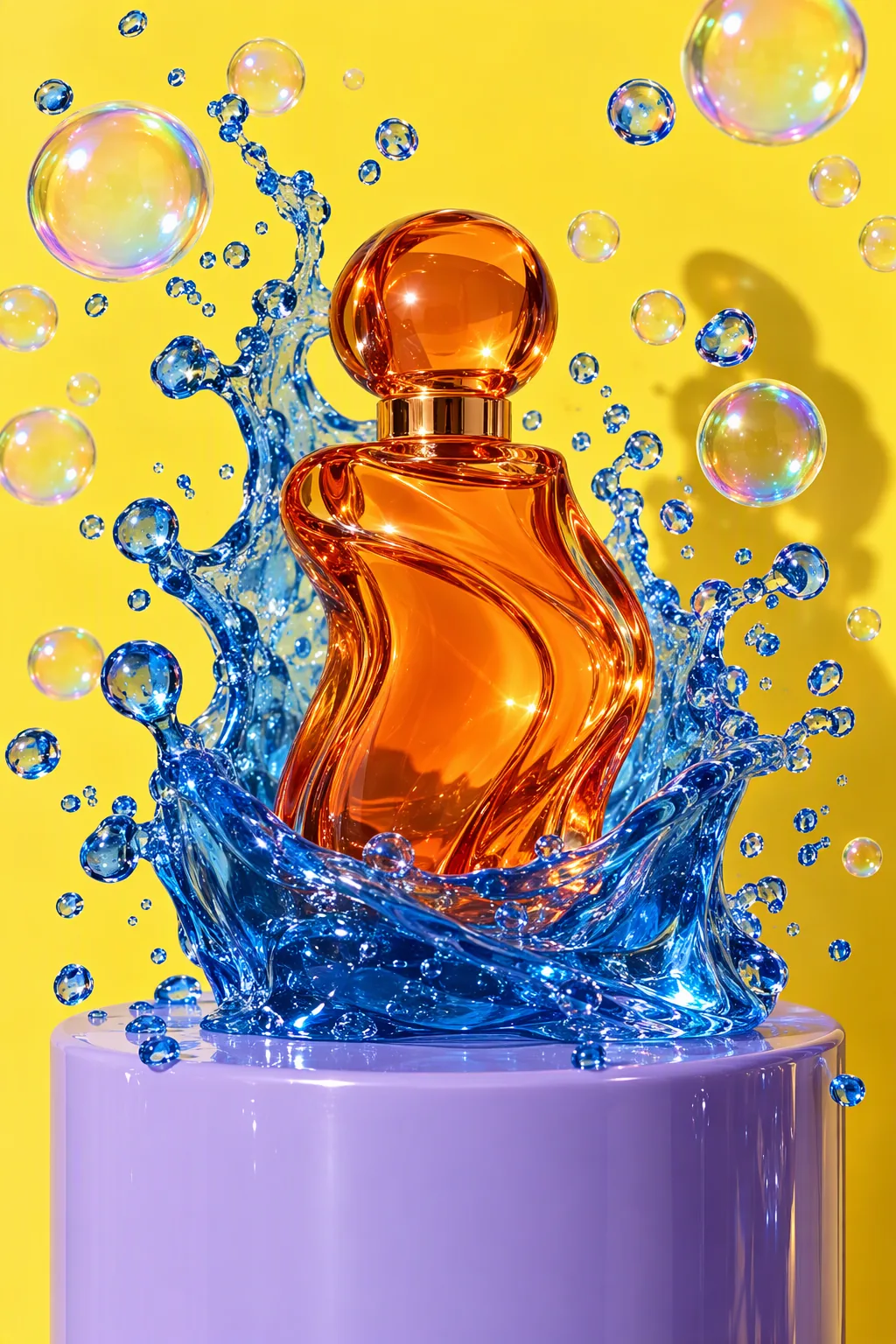
Studio product advertisement photograph: a sculptural perfume bottle made of tangerine-orange glass stands on a glossy lilac plinth; a wave of clear cobalt-blue jelly erupts around it, frozen mid-splash, with dozens of perfect iridescent soap bubbles suspended in the air. Solid lemon-yellow seamless backdrop, hard flash key light with a crisp shadow, glossy specular highlights, macro detail on the jelly droplets, luxury beauty campaign look. No text, no logos, no brand names.
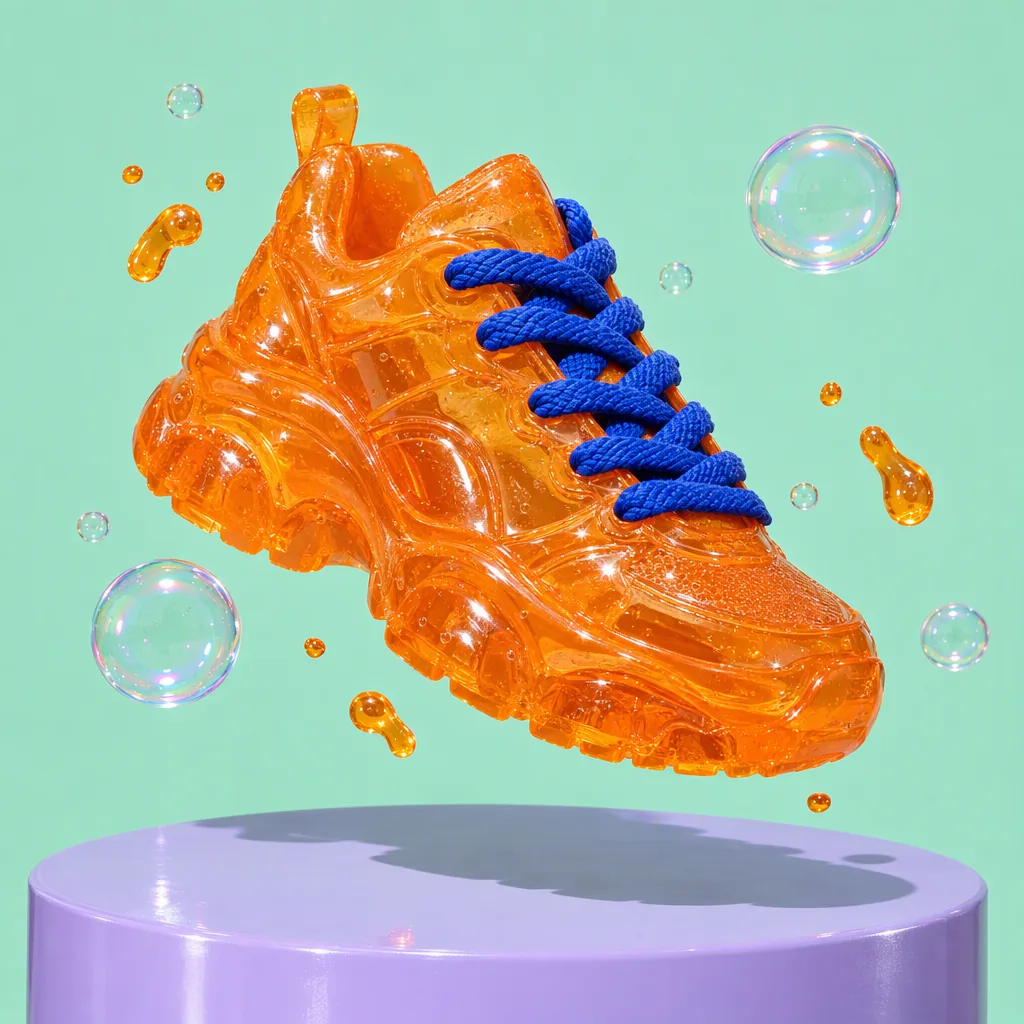
Product advertisement photograph: a chunky sneaker made entirely of translucent tangerine jelly with thick cobalt-blue laces floats above a glossy lilac plinth, tiny jelly droplets and soap bubbles orbiting it, hard flash with a crisp shadow, solid mint background, ultra-detailed material texture. No text, no logos, no brand marks.
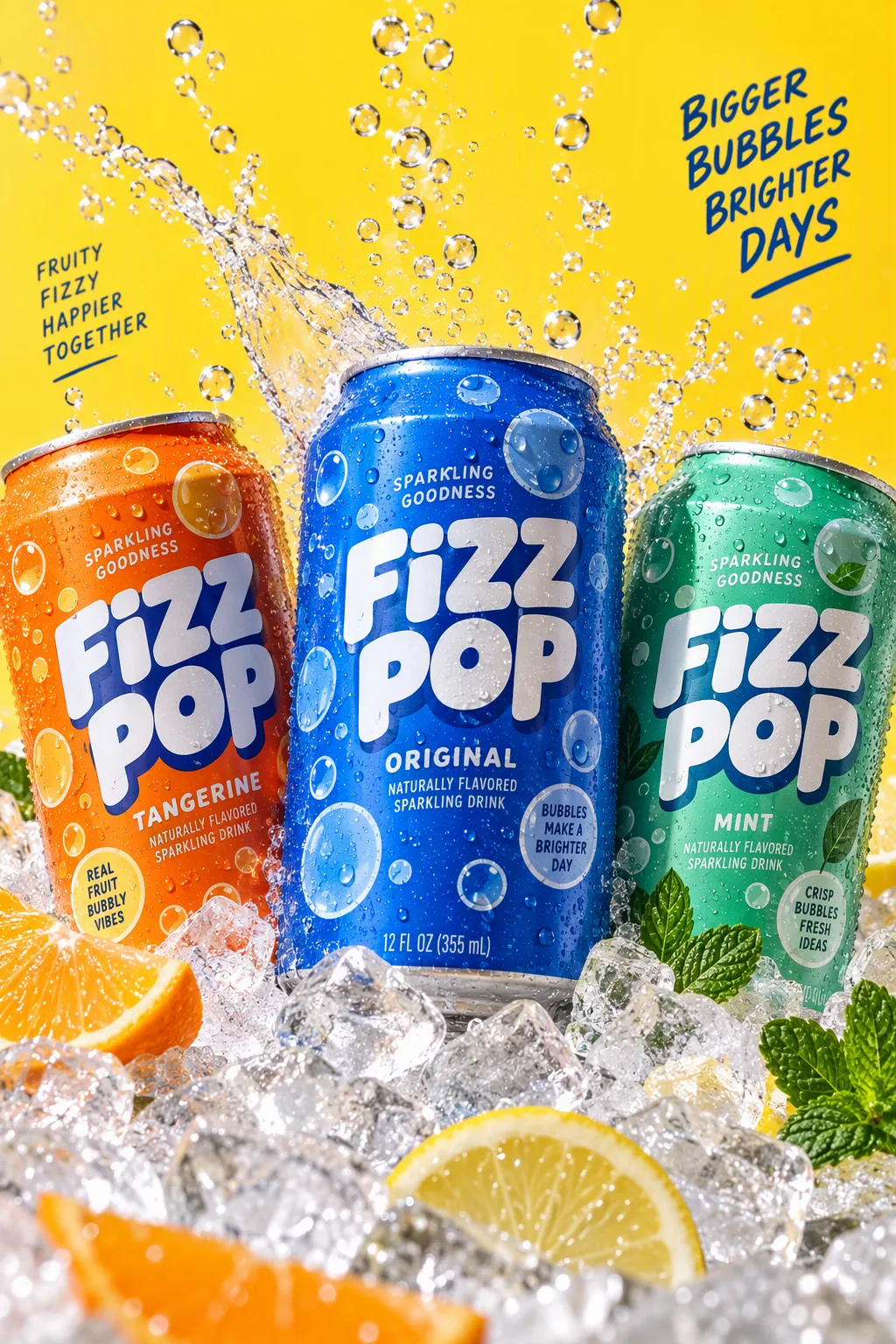
Packaging hero shot: three cans of a fictional sparkling drink called "FIZZ POP" in tangerine, cobalt and mint, covered in playful bubble graphics, nestled in crushed ice with streams of bubbles rising and a splash frozen mid-air; lemon-yellow backdrop, hard studio flash, condensation droplets, crisp legible label text, commercial photography.
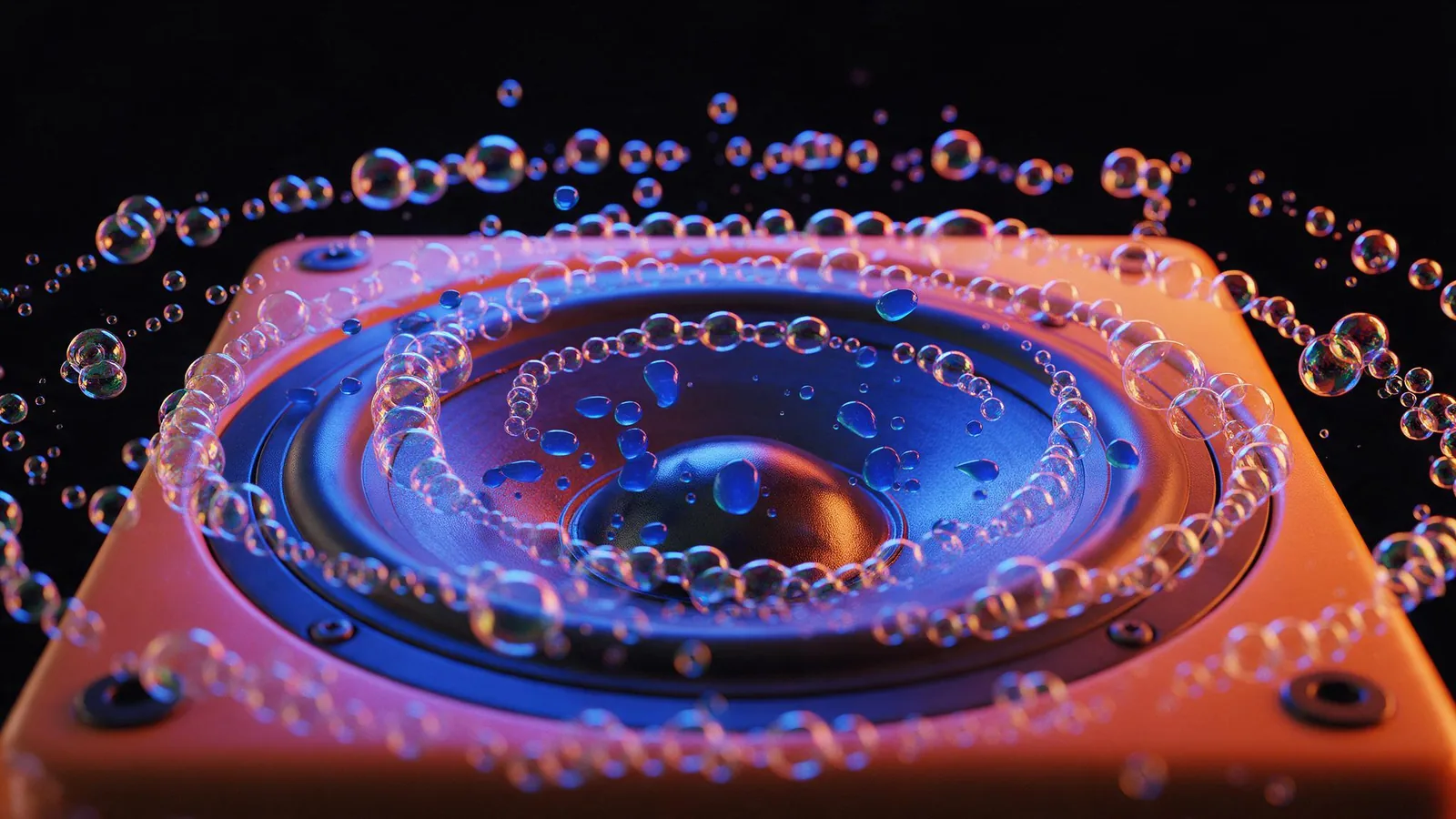
Macro product photograph of a glossy speaker cone set in a tangerine cabinet, pumping out a stream of iridescent soap bubbles that ripple outward in rhythmic rings, small drops of cobalt-blue jelly bouncing on the speaker grille; cobalt and tangerine gel lighting on a black background, music-visualizer energy, photorealistic, no text, no logos.
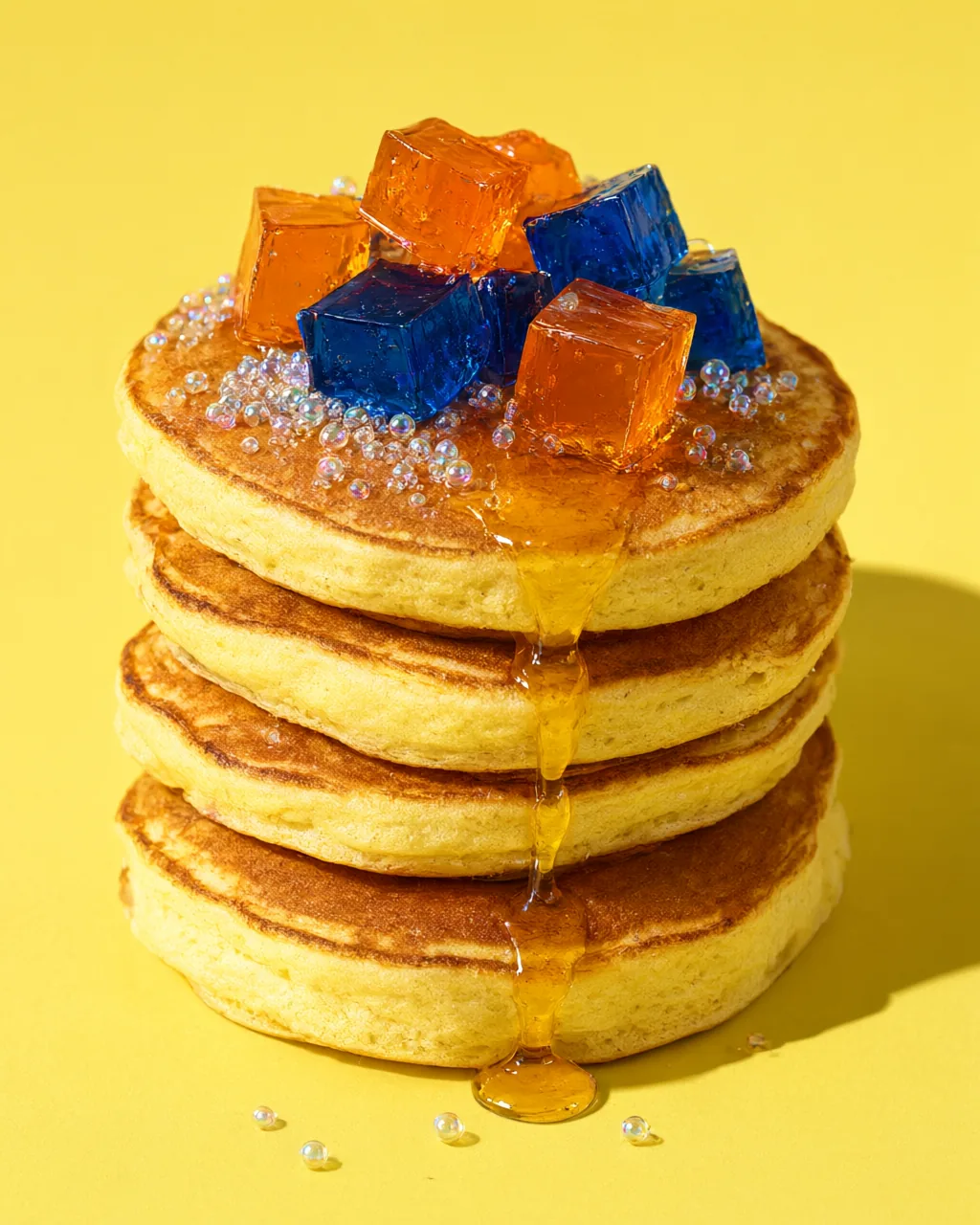
Macro food photograph: a tall stack of fluffy pancakes topped with wobbling cubes of tangerine and cobalt jelly, a slow drip of golden syrup, tiny glossy sugar spheres that look like soap bubbles, lemon-yellow background, hard flash with a crisp shadow, mouth-watering editorial food styling, photorealistic, no text.
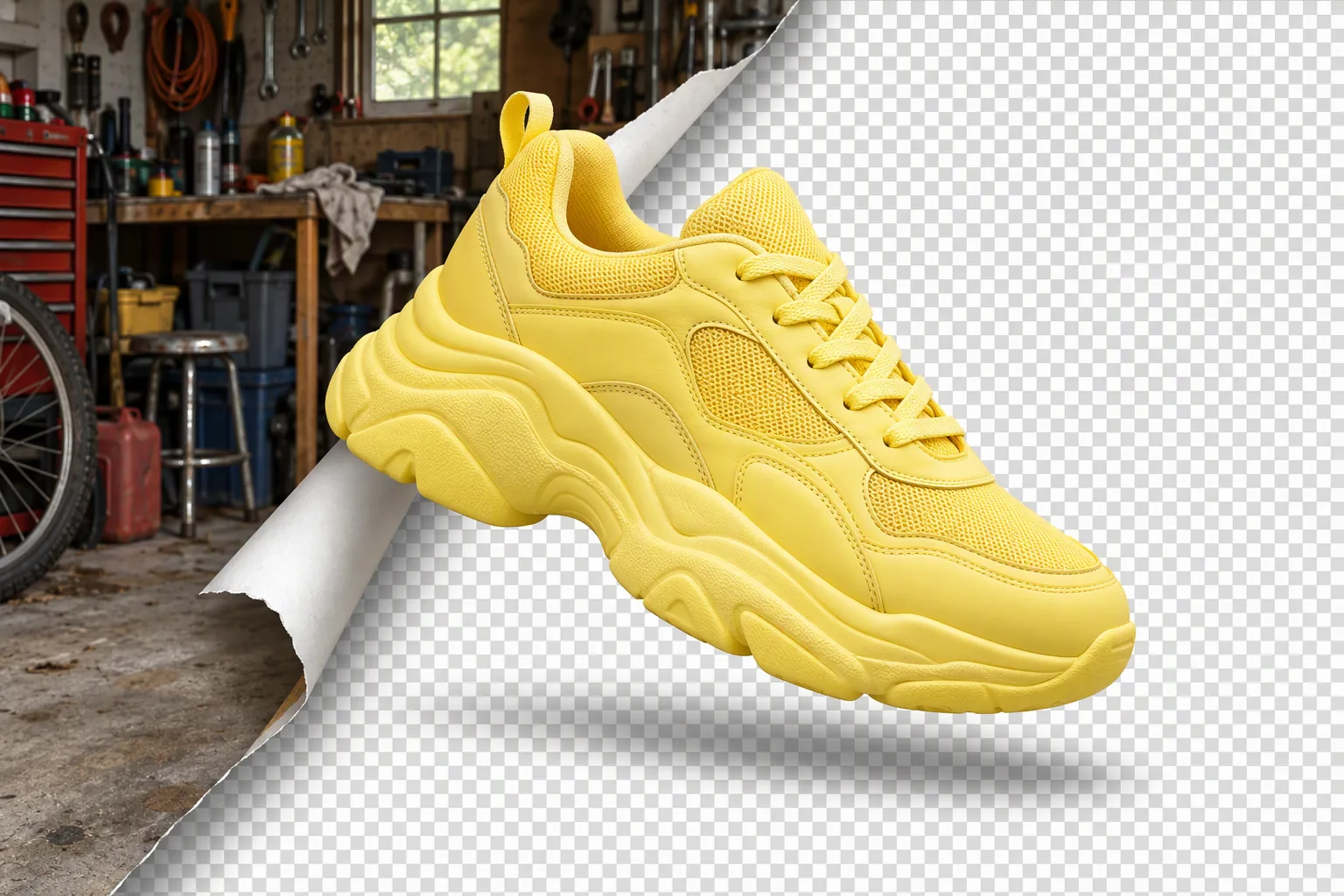
Product photo concept: a chunky lemon-yellow sneaker floats in the center while its original cluttered garage background peels away like a sticker from one corner, revealing a clean grey-and-white transparency checkerboard underneath; crisp cut-out edges, soft shadow, playful graphic still life, photorealistic, no text, no logos.
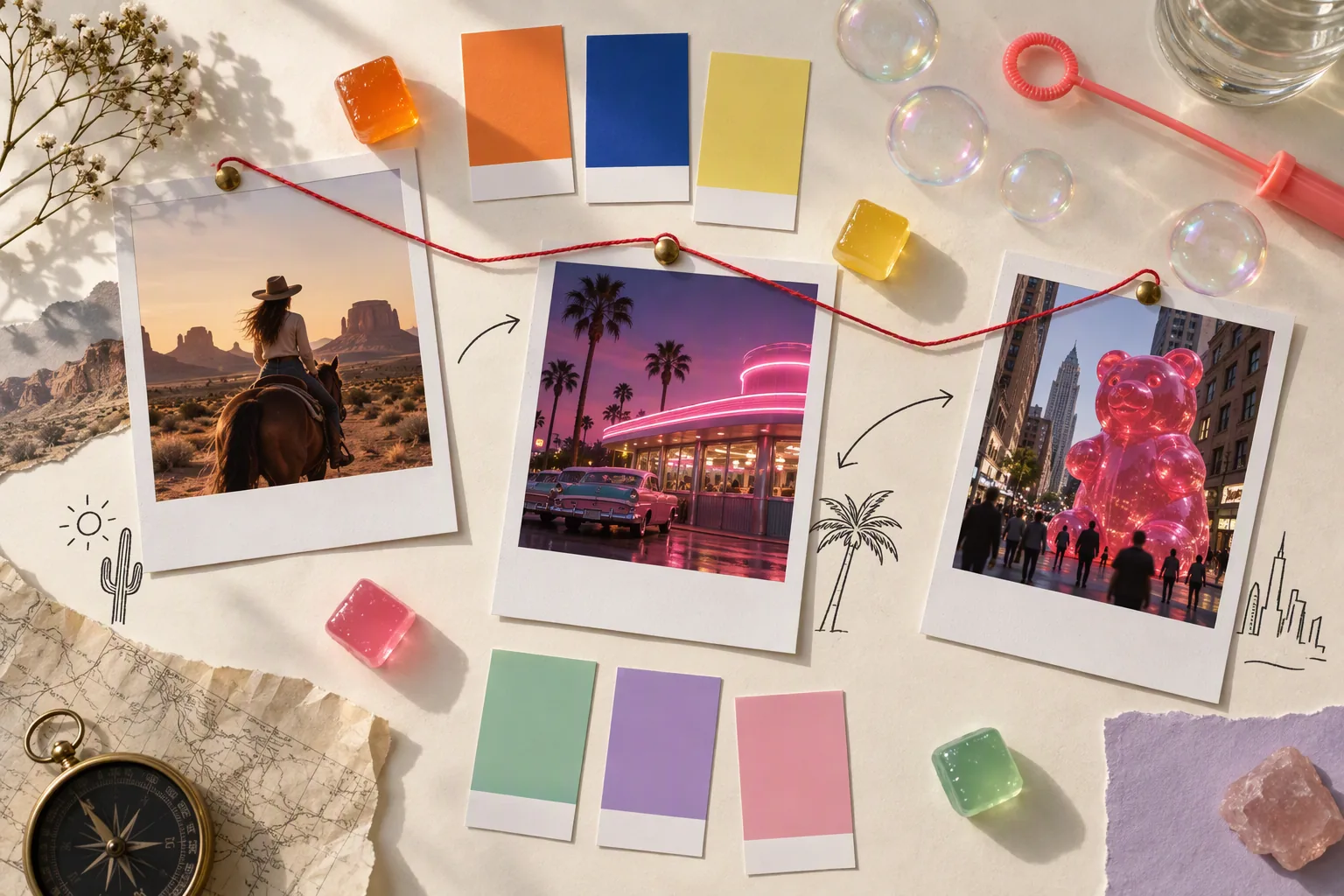
Top-down flat-lay photograph of a creative moodboard on a cream paper table: instant photos of a desert horse rider, a pink neon diner and a giant gummy bear in a city street, color swatch chips in tangerine, cobalt, lemon, mint, lilac and pink, a few small glossy jelly cubes, a soap-bubble wand, hand-drawn arrows and thin red string connecting the photos like a storyboard; soft window light, editorial still life, no readable text, no logos.
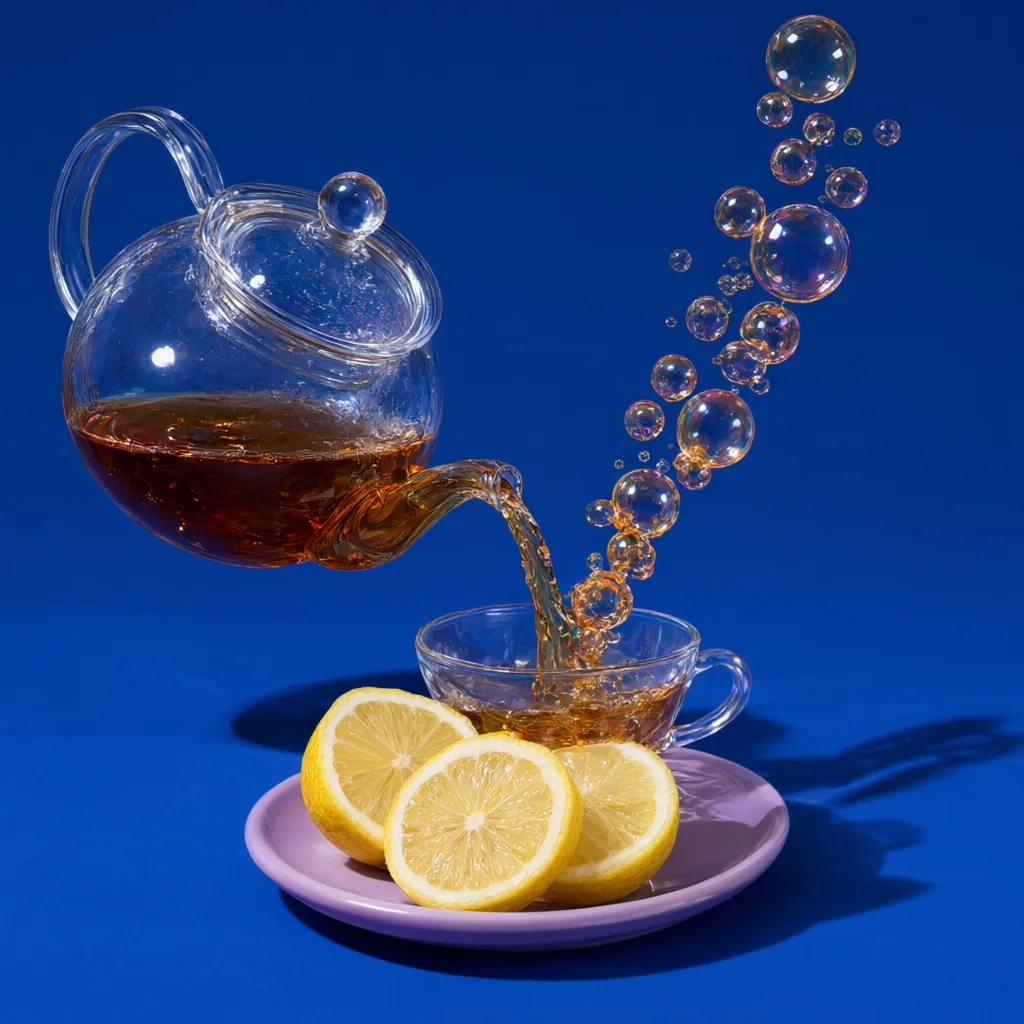
Studio product photograph: a clear glass teapot pours tea into a cup, but the stream of tea turns into a rising chain of amber soap bubbles that float up and away; solid cobalt-blue backdrop, hard flash with a crisp shadow, a few lemon slices on a lilac saucer, ultra-detailed glass reflections, photorealistic, no text, no logos.