


by AlibabaImage

Qwen Image 2512 LoRA
Qwen Image 2512 renders and edits with your own LoRAs
- Up to 3 reference images
- 9 aspect ratios
- Loads your own LoRA
From 5 credits per image≈ $0.05· Create Image
What it's like to use
Qwen Image 2512 LoRA runs Alibaba's open Qwen Image 2512 for text to image and Qwen Image Edit 2511 for edits, each with up to three LoRA files. The 20-billion-parameter base keeps faces, hands and small objects together even in heavy styles, and edit LoRAs can re-shoot a photo from a new angle.
Good for
- Storybook, watercolour and pixel-art styles with real detail
- The same person and room from a new camera angle
- Turning an illustration into a believable photo
Real results from Qwen Image 2512 LoRA
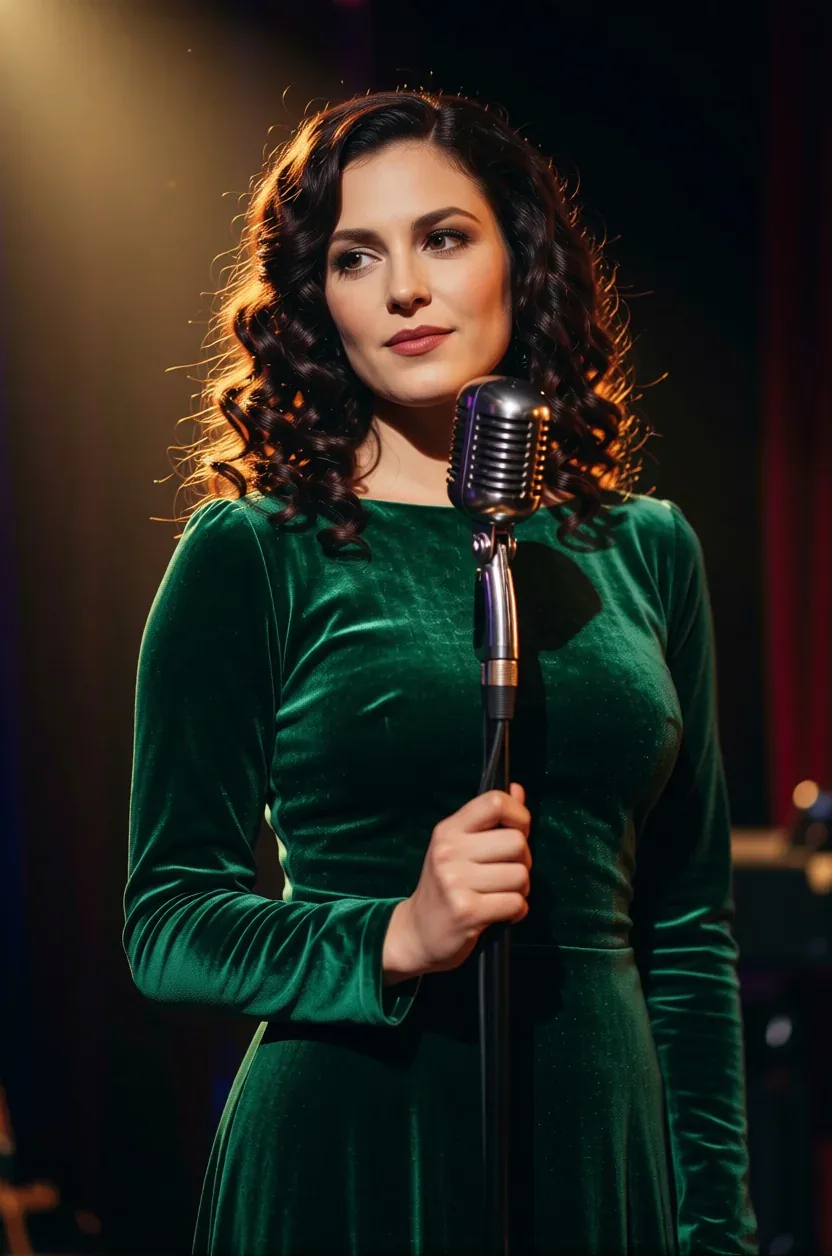
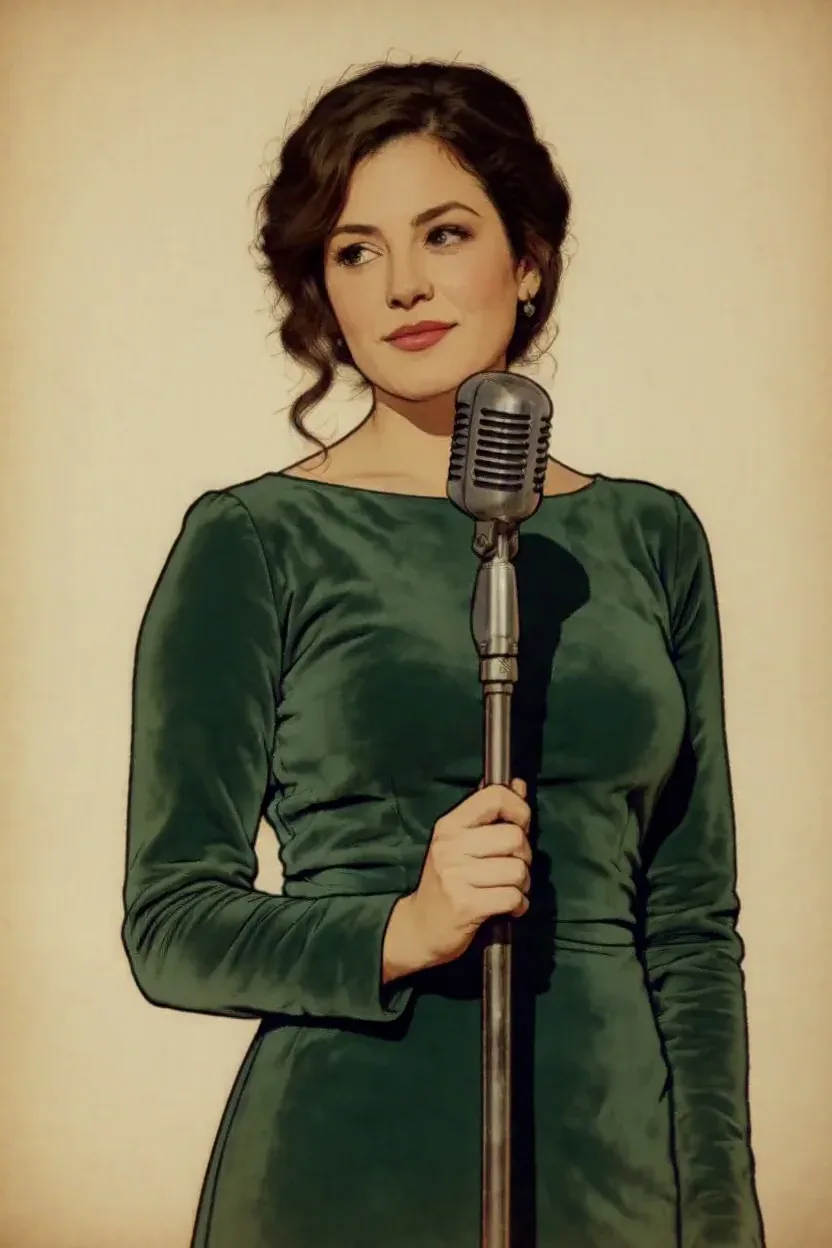
Every image and clip here was generated with Qwen Image 2512 LoRA. Hit Recreate to open it in the studio with the same prompt and settings.
 Input
InputBring your own image
What Qwen Image 2512 LoRA can do
Each mode opens in the studio with Qwen Image 2512 LoRA already picked. The price shows before you generate.

How to prompt Qwen Image 2512 LoRA
- Match the LoRA to the mode: text-to-image LoRAs are trained for Qwen Image 2512, edit LoRAs for Qwen Image Edit 2511.
- Keep edit LoRAs at strength 2 or below; most are made for 1.
- Use the LoRA's own prompt format. The multiple-angles LoRA wants "<sks>" followed by the view, like "front-left quarter view eye-level shot".
Settings worth knowing
Everything else has a sensible default, so you can type a prompt and go.
aspect_ratio1:1 · 16:9 · 9:16 · 4:3 +5- The shape of the frame: wide, square or tall.
image_urls≤ 3- Photos to edit or combine. Say in the prompt what each one adds.
seed0–2147483647- Reuse the same number to get a repeatable result.
loras≤ 3- Load your own LoRA files to lock in a style or character.
output_formatjpeg · png · webp- File type of the result.
How it compares
Same kind of job, different strengths and prices.
Qwen Image 2.1 LoRA is a different base model; weights don't transfer, so pick the one your LoRA was trained on.



Questions about Qwen Image 2512 LoRA
How much does Qwen Image 2512 LoRA cost?
On PopNow, the cheapest run of Qwen Image 2512 LoRA costs 5 credits ($0.05) per image. You pay with credits (1 credit = $0.01), the exact cost shows on the Generate button before you start, and failed generations are refunded automatically.
What can Qwen Image 2512 LoRA do?
On PopNow, Qwen Image 2512 LoRA works in these modes: Create Image and Edit Image. Pick one in the studio and add a prompt or an upload.
How should I write prompts for Qwen Image 2512 LoRA?
Match the LoRA to the mode: text-to-image LoRAs are trained for Qwen Image 2512, edit LoRAs for Qwen Image Edit 2511. Keep edit LoRAs at strength 2 or below; most are made for 1. Use the LoRA's own prompt format. The multiple-angles LoRA wants "<sks>" followed by the view, like "front-left quarter view eye-level shot".
Qwen Image 2512 LoRA or Qwen Image 2.1 LoRA?
Qwen Image 2.1 LoRA is a different base model; weights don't transfer, so pick the one your LoRA was trained on.
Do I need to install anything to use Qwen Image 2512 LoRA?
No. Qwen Image 2512 LoRA runs in your browser on PopNow: write a prompt or add a file, choose the settings and download the result. Sign up and you can generate straight away.
Make something with Qwen Image 2512 LoRA
Type an idea, pick your settings and see the price before you hit Generate.