


by Pruna AIImage

P-Image LoRA
Fast P-Image renders and edits with one LoRA of your own
- Up to 5 reference images
- 8 aspect ratios
- Loads your own LoRA
From 1 credit per image≈ $0.01· Create Image
What it's like to use
P-Image LoRA runs Pruna AI's speed-focused image models with one LoRA file of your choice: text to image in seven shapes or a custom size up to 1440 pixels a side, and instruction editing with up to five source images. Images come back in a few seconds.
Good for
- Fast drafts in a house style
- Trying a public LoRA on a real prompt
- Restyling a photo or combining people from two photos
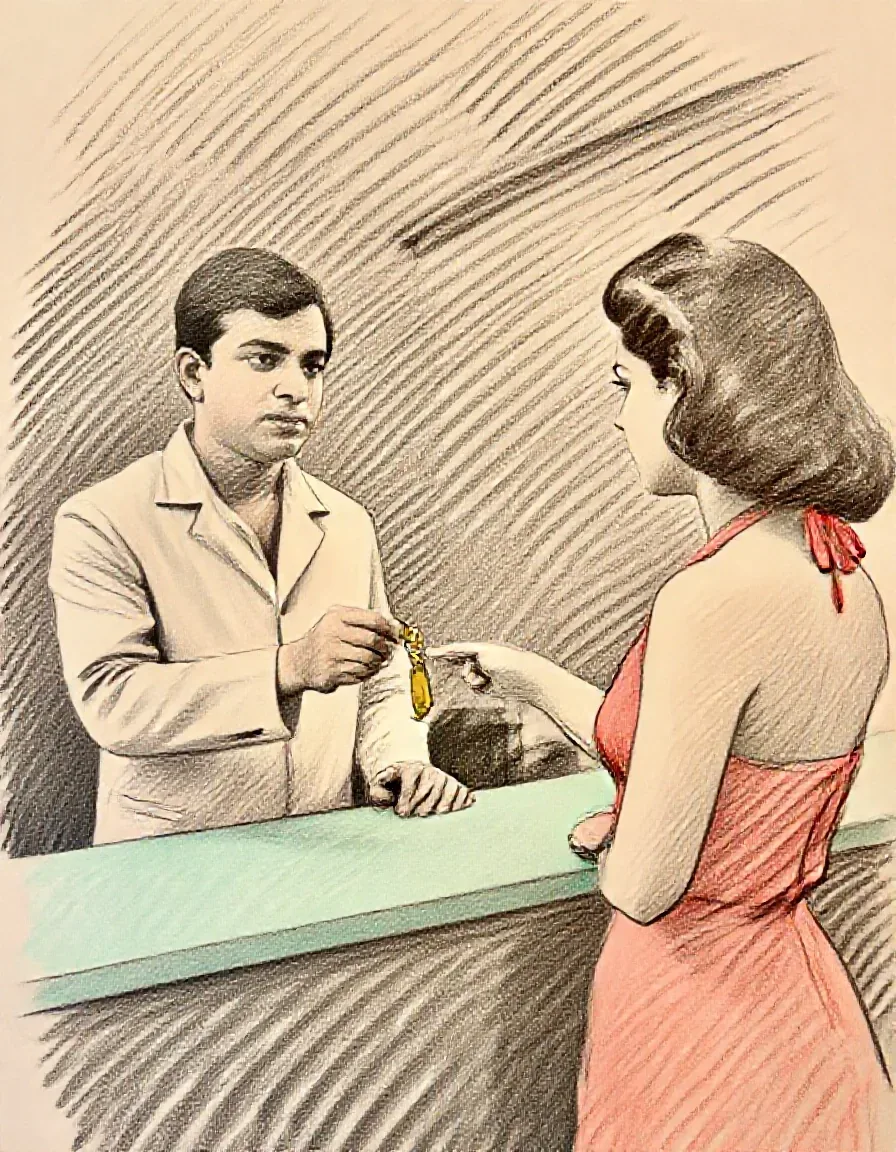
Real results from P-Image LoRA
Every image and clip here was generated with P-Image LoRA. Hit Recreate to open it in the studio with the same prompt and settings.
What P-Image LoRA can do
Each mode opens in the studio with P-Image LoRA already picked. The price shows before you generate.

How to prompt P-Image LoRA
- Text to image loads LoRAs made for P-Image, and Z-Image Turbo LoRAs worked in testing; editing loads LoRAs made for Qwen Image Edit.
- Paste the link that downloads the .safetensors file itself, such as a Hugging Face resolve/main link.
- Start the prompt with the LoRA's trigger words, then describe subject, clothing, place and light in sentences.
Settings worth knowing
Everything else has a sensible default, so you can type a prompt and go.
aspect_ratio1:1 · 16:9 · 9:16 · 4:3 +4- The shape of the frame: wide, square or tall.
image_urls≤ 5- Photos to edit or combine. Say in the prompt what each one adds.
seed0–2147483647- Reuse the same number to get a repeatable result.
loras≤ 1- Load your own LoRA files to lock in a style or character.
output_formatjpeg · png · webp- File type of the result.
How it compares
Same kind of job, different strengths and prices.
Z-Image Turbo LoRA stacks up to three LoRAs at once; P-Image takes one, but returns faster.


Good to know
One LoRA per run. Custom sizes must be multiples of 16.
Questions about P-Image LoRA
How much does P-Image LoRA cost?
On PopNow, the cheapest run of P-Image LoRA costs 1 credit ($0.01) per image. You pay with credits (1 credit = $0.01), the exact cost shows on the Generate button before you start, and failed generations are refunded automatically.
What can P-Image LoRA do?
On PopNow, P-Image LoRA works in these modes: Create Image and Edit Image. Pick one in the studio and add a prompt or an upload.
How should I write prompts for P-Image LoRA?
Text to image loads LoRAs made for P-Image, and Z-Image Turbo LoRAs worked in testing; editing loads LoRAs made for Qwen Image Edit. Paste the link that downloads the .safetensors file itself, such as a Hugging Face resolve/main link. Start the prompt with the LoRA's trigger words, then describe subject, clothing, place and light in sentences.
P-Image LoRA or Z-Image Turbo LoRA?
Z-Image Turbo LoRA stacks up to three LoRAs at once; P-Image takes one, but returns faster.
Do I need to install anything to use P-Image LoRA?
No. P-Image LoRA runs in your browser on PopNow: write a prompt or add a file, choose the settings and download the result. Sign up and you can generate straight away.
Make something with P-Image LoRA
Type an idea, pick your settings and see the price before you hit Generate.