Does it keep my original movement?
Yes. The edit follows the motion and timing of your clip and changes how things look.


Upload a clip and write the change, like “make it snow” or “turn it into claymation”. The model follows the movement of your original and redraws how it looks.
 From 36 credits per clip
 A run that fails is refunded automatically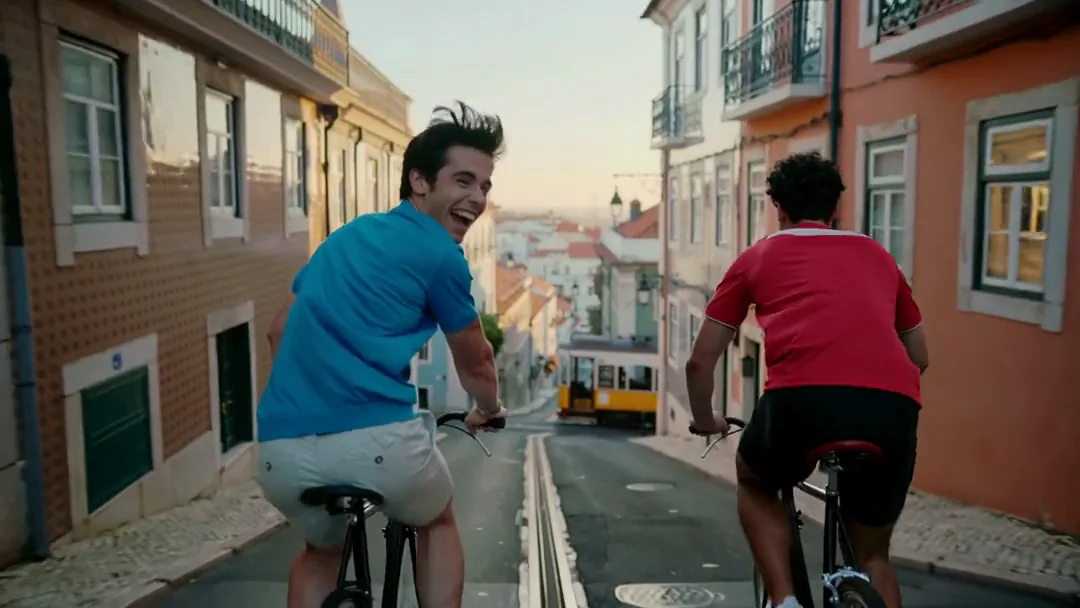
 You add
 You getStarts at
Upload a short clip.
Write what should change, and what should stay.
Generate and compare it with the original.
PopNow starts you on Kling O3. Switch to another model in the generator any time; each one shows its price before you run it.
Yes. The edit follows the motion and timing of your clip and changes how things look.
It depends on the model and is shown in the generator before you upload; Kling O3, for example, takes clips of 3 to 10 seconds. Short clips work best.
Use Video Face Swap for that. It’s built to carry one face through every frame of a clip.
Edit Video starts at 36 credits per clip. The generator shows the exact price before you run it, and a run that fails is refunded automatically. New accounts get 30 free credits to start.
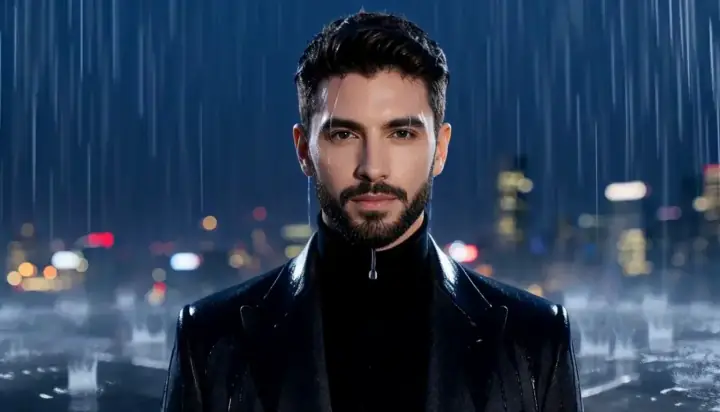
 Made with MiniMax H3
Bring a still photo to life as a short video clip.
From 9 creditsper 5 secHow it works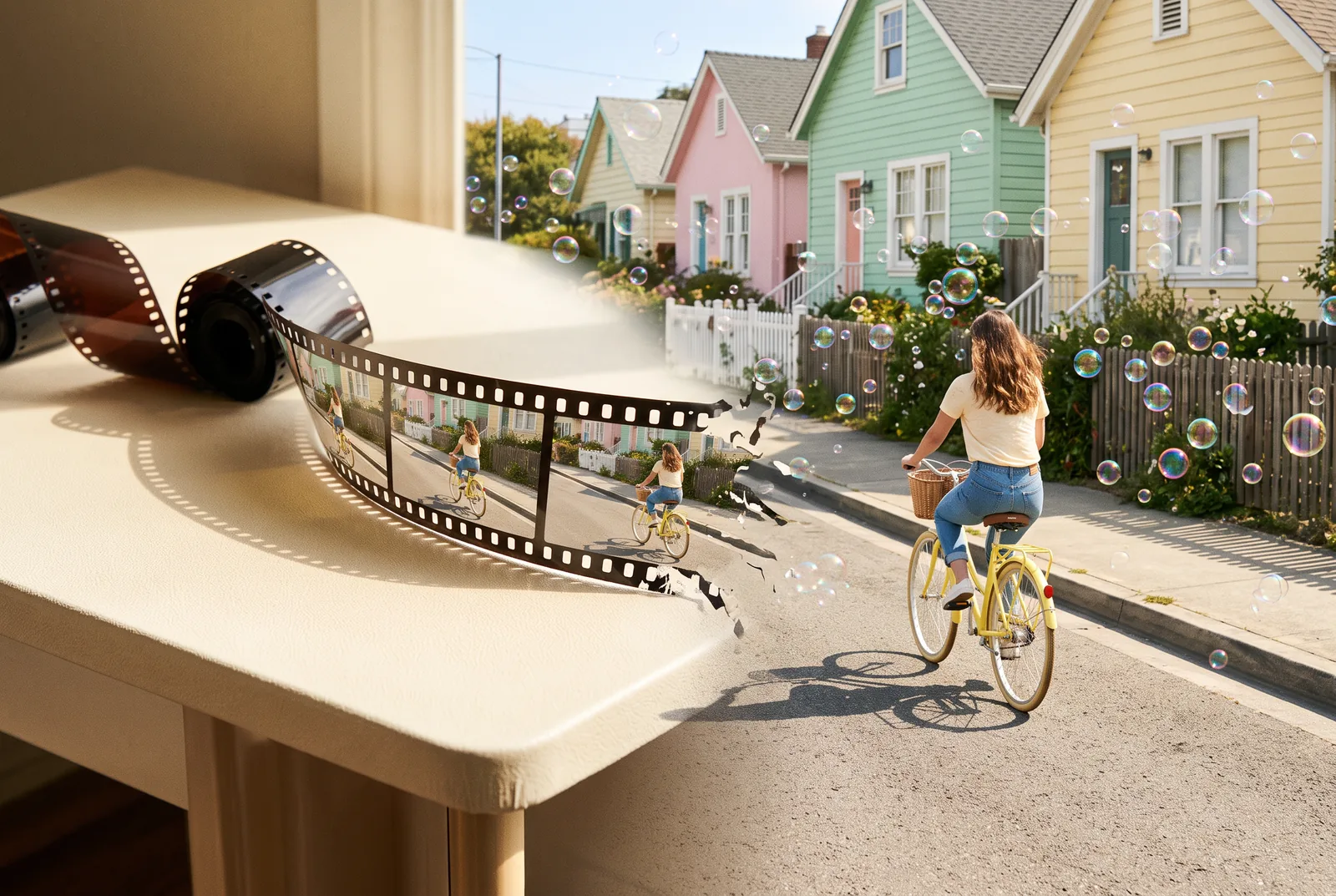 Illustration
Keep a clip going from its last frame for a longer shot.
From 9 creditsper 5 secHow it worksSharpen a clip to 1080p, 2K or 4K and keep the sound.
From 5 creditsper 5 secHow it works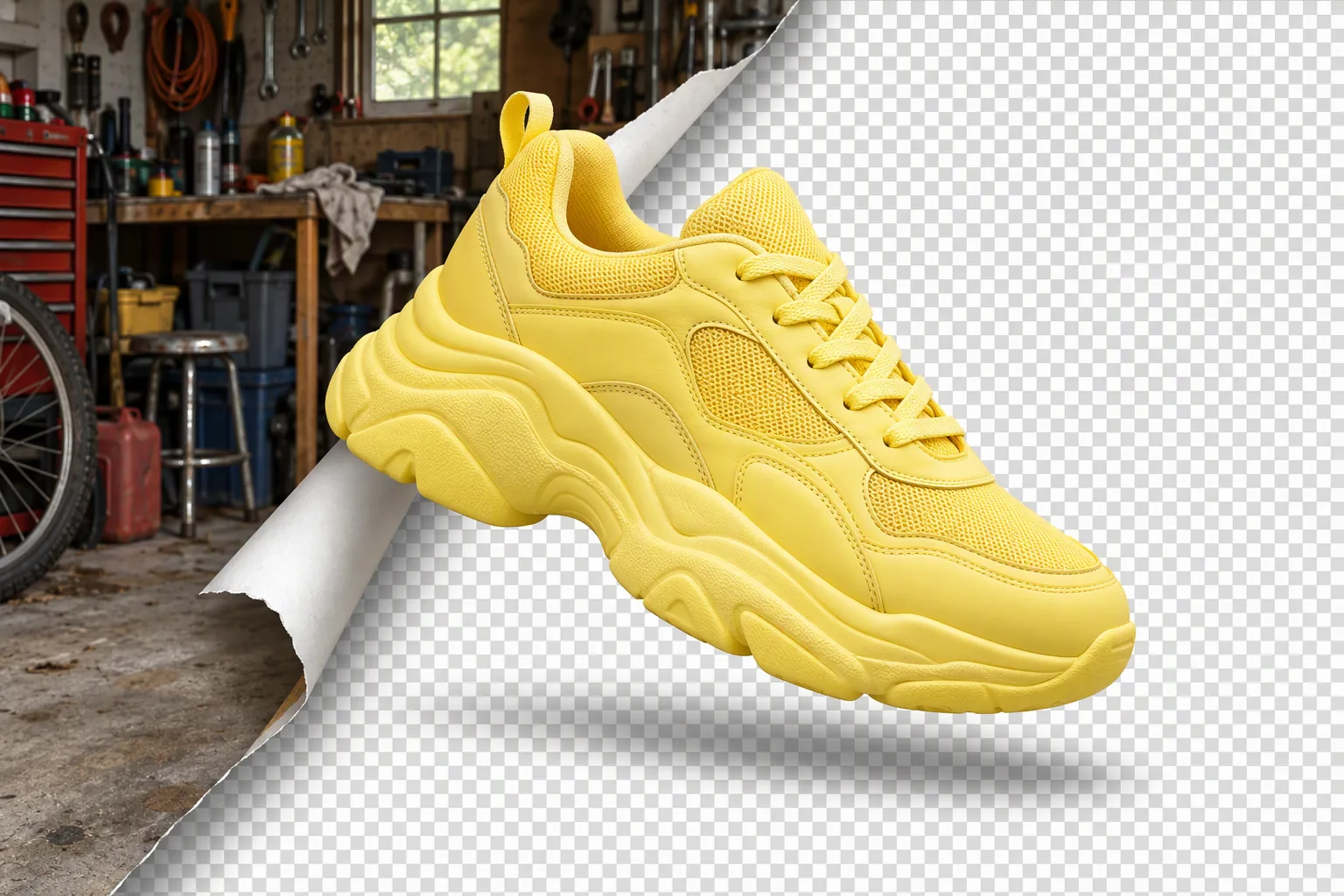 Illustration
Cut out the subject onto a clean, transparent background.
From 1 creditper imageHow it worksDrop it in, press Generate and keep the result. You only pay for what you make.