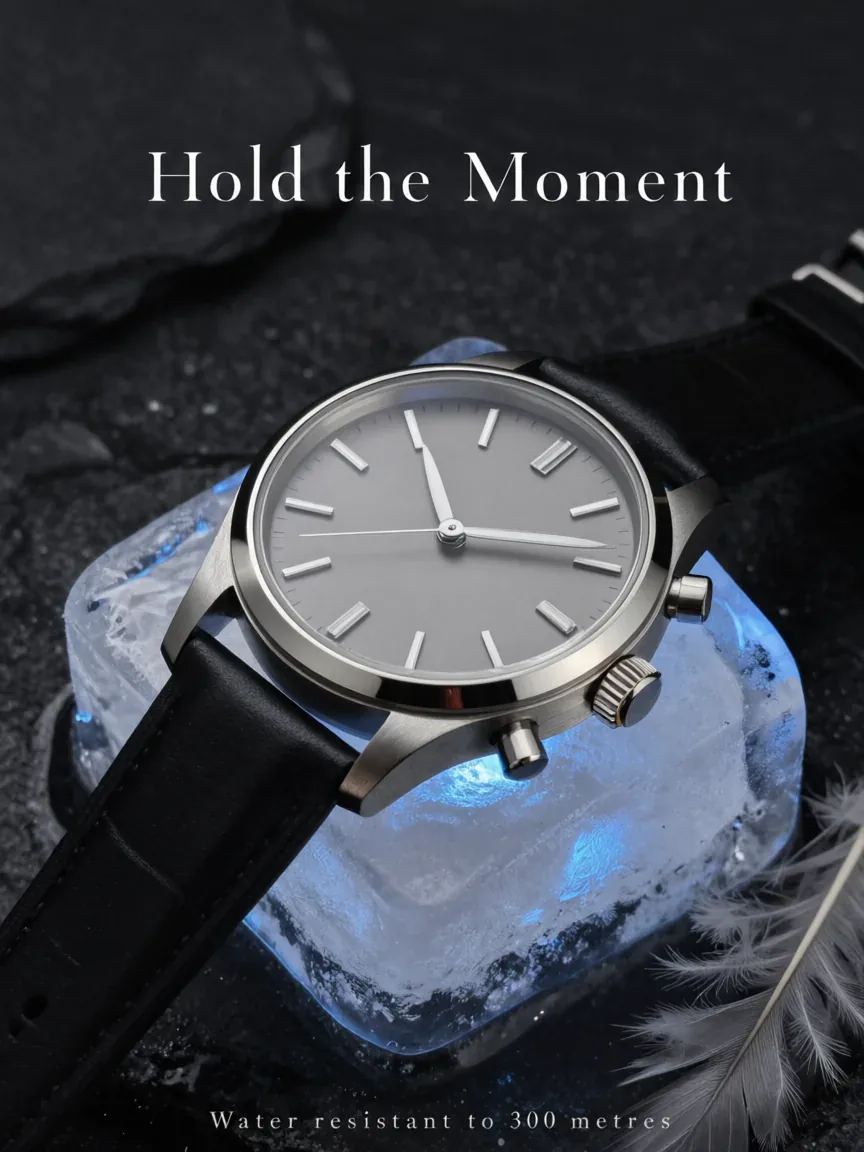
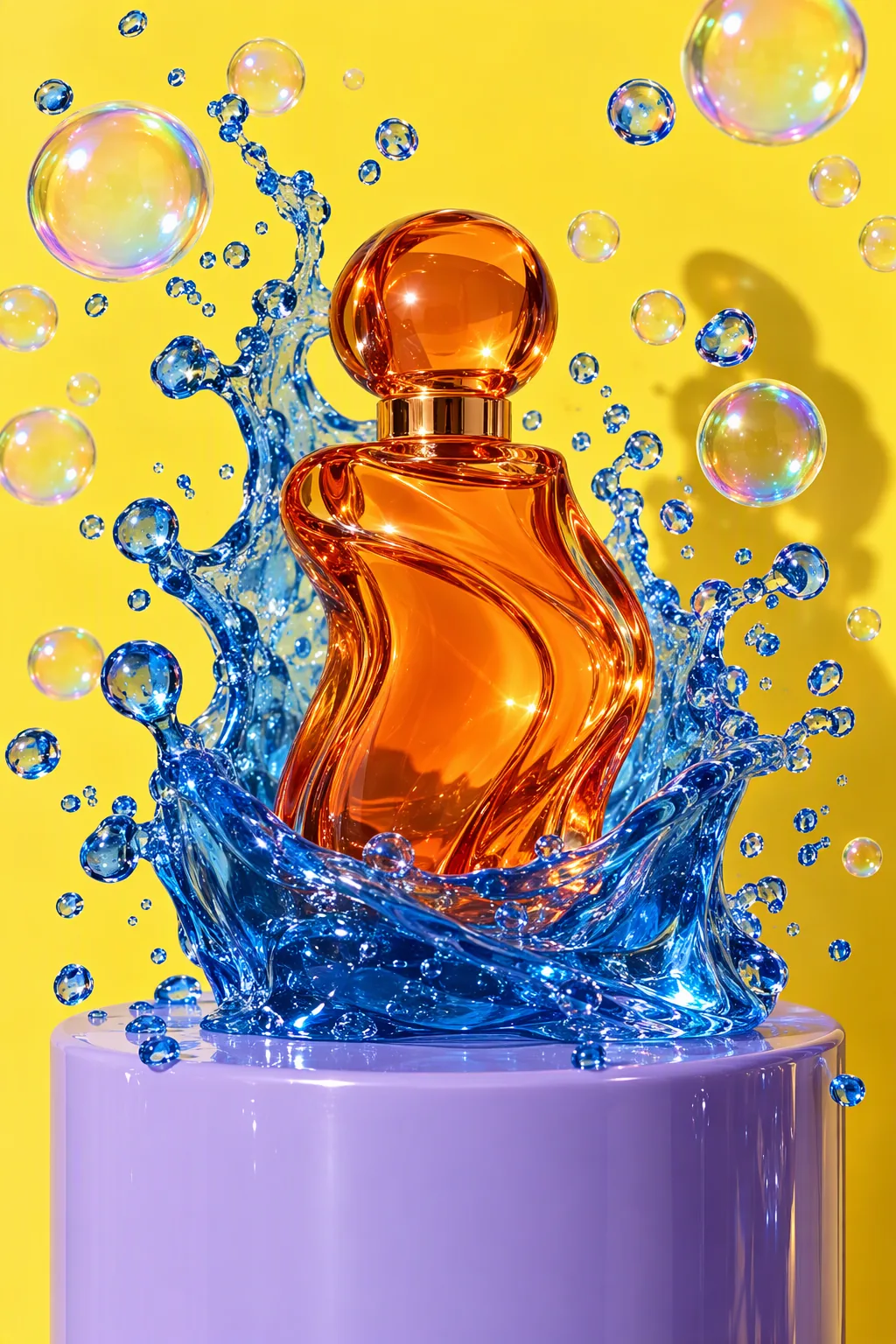
Turn a frozen watch shot into a magazine ad, made with Qwen Image 3.0 Pro
Example made with Qwen Image 3.0 Pro

Image editProducts & food

Qwen Image 3.0 Pro image edit promptTurn a frozen watch shot into a magazine ad

An image-edit prompt for Qwen Image 3.0 Pro: you upload a picture and this text says what to change.

Prompt

Keep the watch, the ice block, the stone and the lighting exactly as they are. Turn the frame into a print advertisement: add the headline 'Hold the Moment' in a refined serif across the empty space above, and a small caps line 'Water resistant to 300 metres' along the bottom edge. Change nothing else.

Prompts stay in English, the language these models follow best. Copy it as it is, or change a few words.

Opens Qwen Image 3.0 Pro with this prompt and the settings below filled in. Add your own pictures and you are ready.

Settings

Mode
Image edit
Aspect ratio
3:4
Resolution
1k
Input pictures
Your own pictures
Price
From 6 credits

The exact price shows before you generate.

Make your own version

  1. This prompt edits a picture you upload. Describe only what should change, and say what must stay the same.
  2. For a different mood, rewrite only the light: the stone and the lighting exactly as they are.