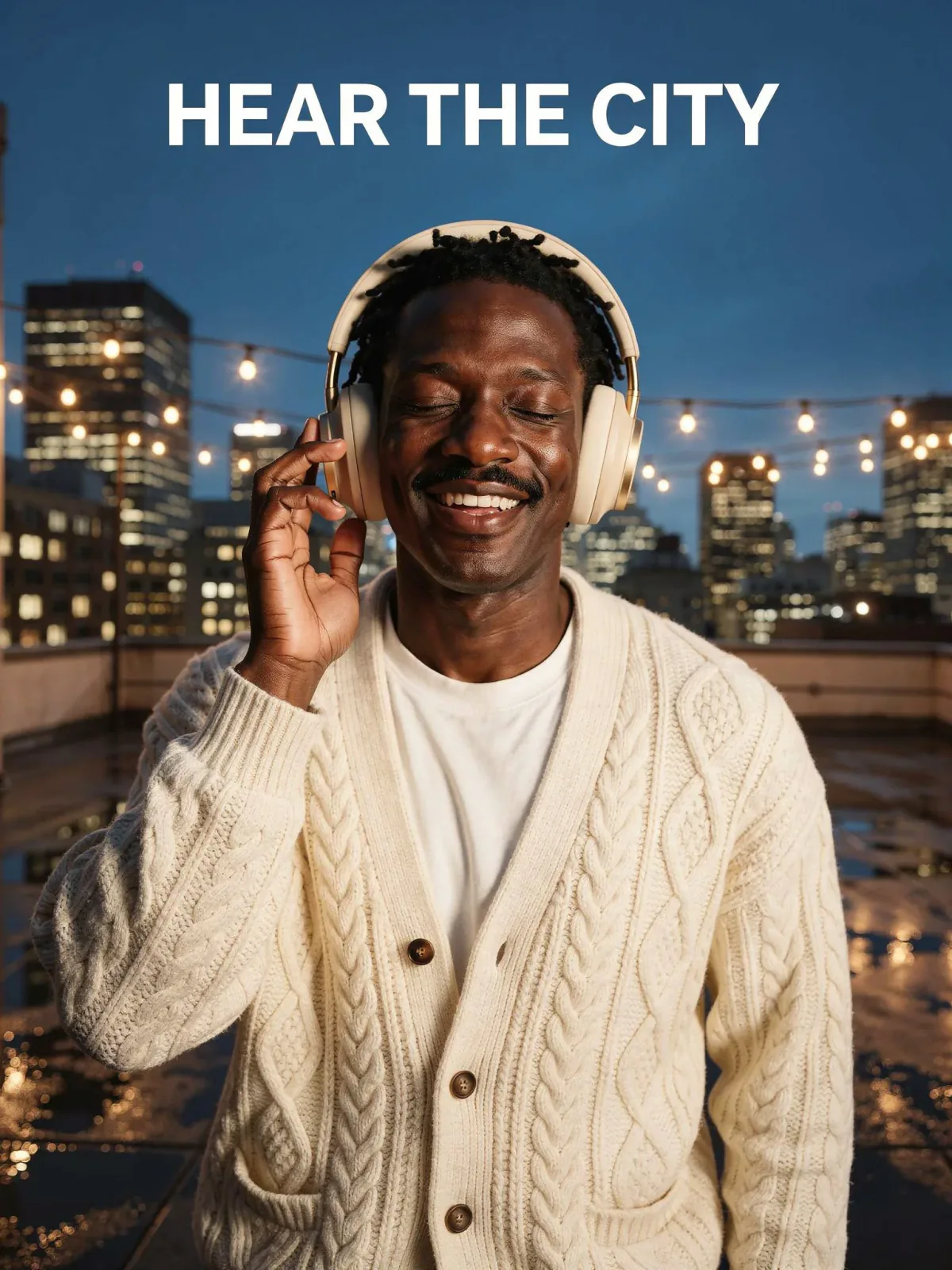

Rooftop headphones ad, made with FLUX.2 Pro
Example made with FLUX.2 Pro

Image editProducts & food

FLUX.2 Pro image edit promptRooftop headphones ad

An image-edit prompt for FLUX.2 Pro: you upload a picture and this text says what to change.

Prompt

Create a headphone advertisement. The man from image 1 wears the headphones from image 2 over his ears and stands on the wet rooftop from image 3 at night, eyes closed and smiling, one hand touching an ear cup. Keep his face, hair and cream cardigan exactly as in image 1, and keep the sand-beige and gold design of the headphones exactly as in image 2. The string lights and city skyline glow behind him, reflected in the wet floor. Add a clean white sans-serif headline at the top that reads "HEAR THE CITY".

Prompts stay in English, the language these models follow best. Copy it as it is, or change a few words.

Opens FLUX.2 Pro with this prompt and the settings below filled in. Add your own pictures and you are ready.

Settings

Mode
Image edit
Aspect ratio
3:4
Resolution
2k
Input pictures
Your own pictures
Price
From 5 credits

The exact price shows before you generate.

Make your own version

  1. This prompt edits a picture you upload. Describe only what should change, and say what must stay the same.
  2. image 1 points at the pictures you upload, in order. Keep those labels and swap in your own pictures.
  3. The words in quotes, "HEAR THE CITY", are printed in the picture. Keep them short and change them to your own.