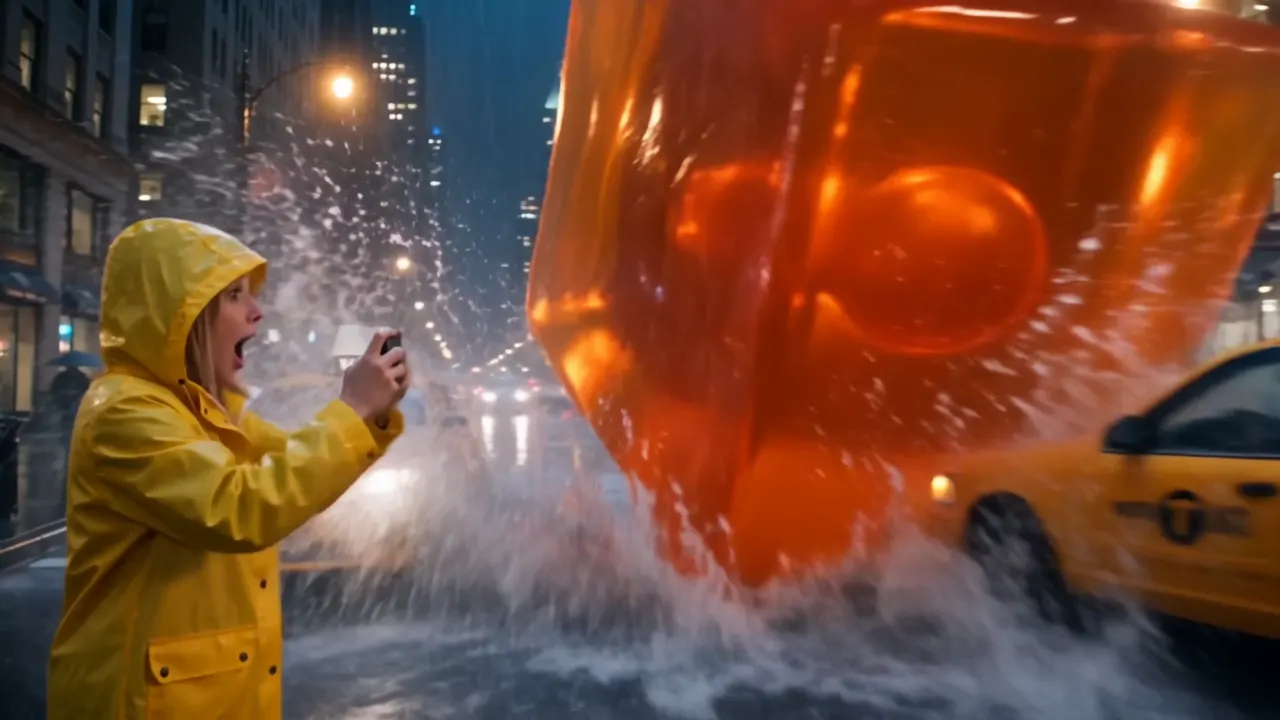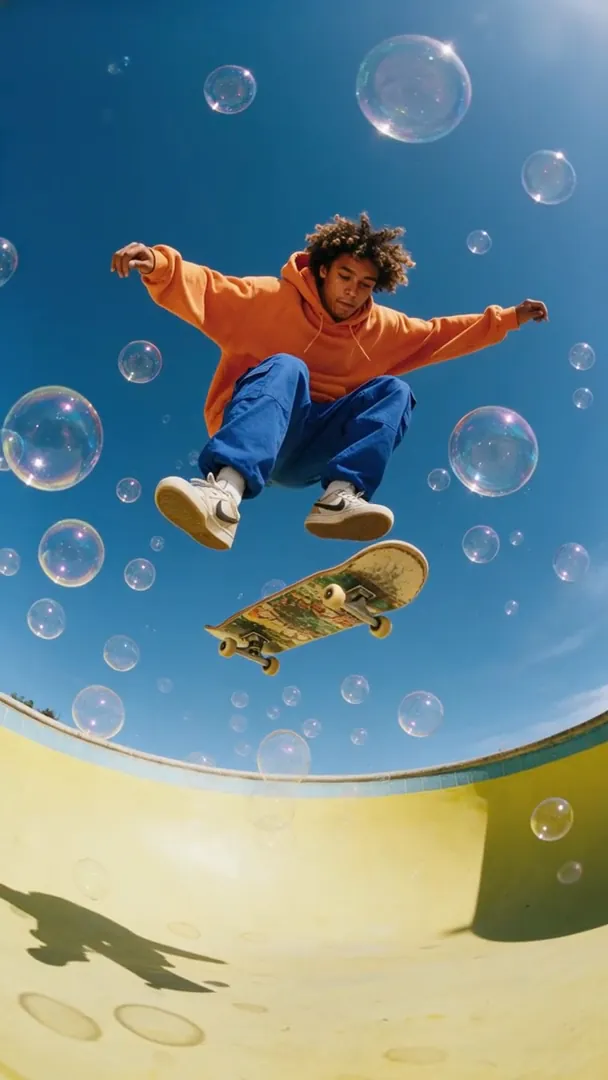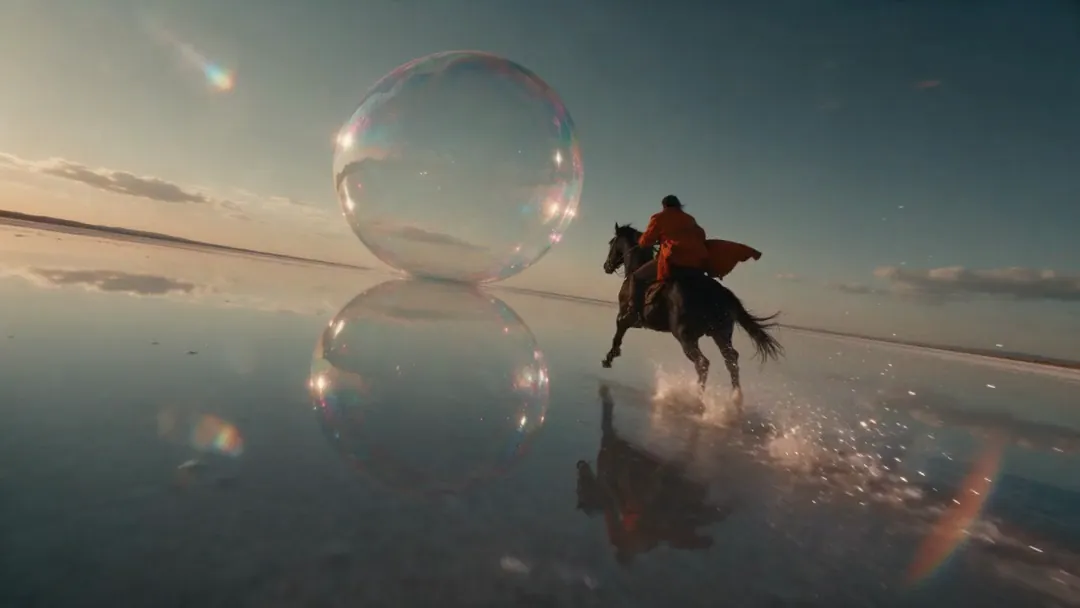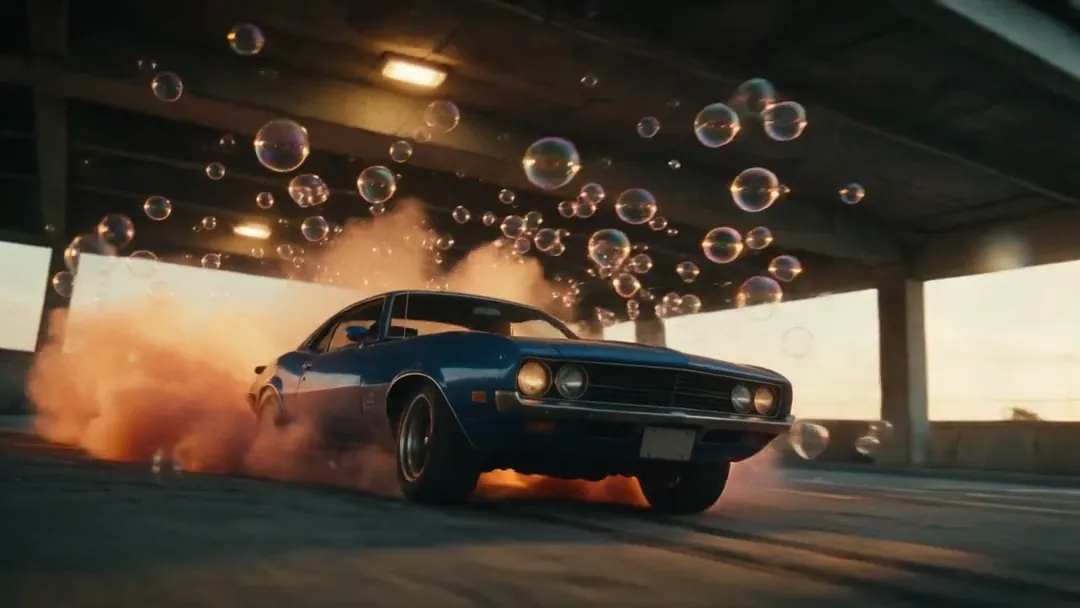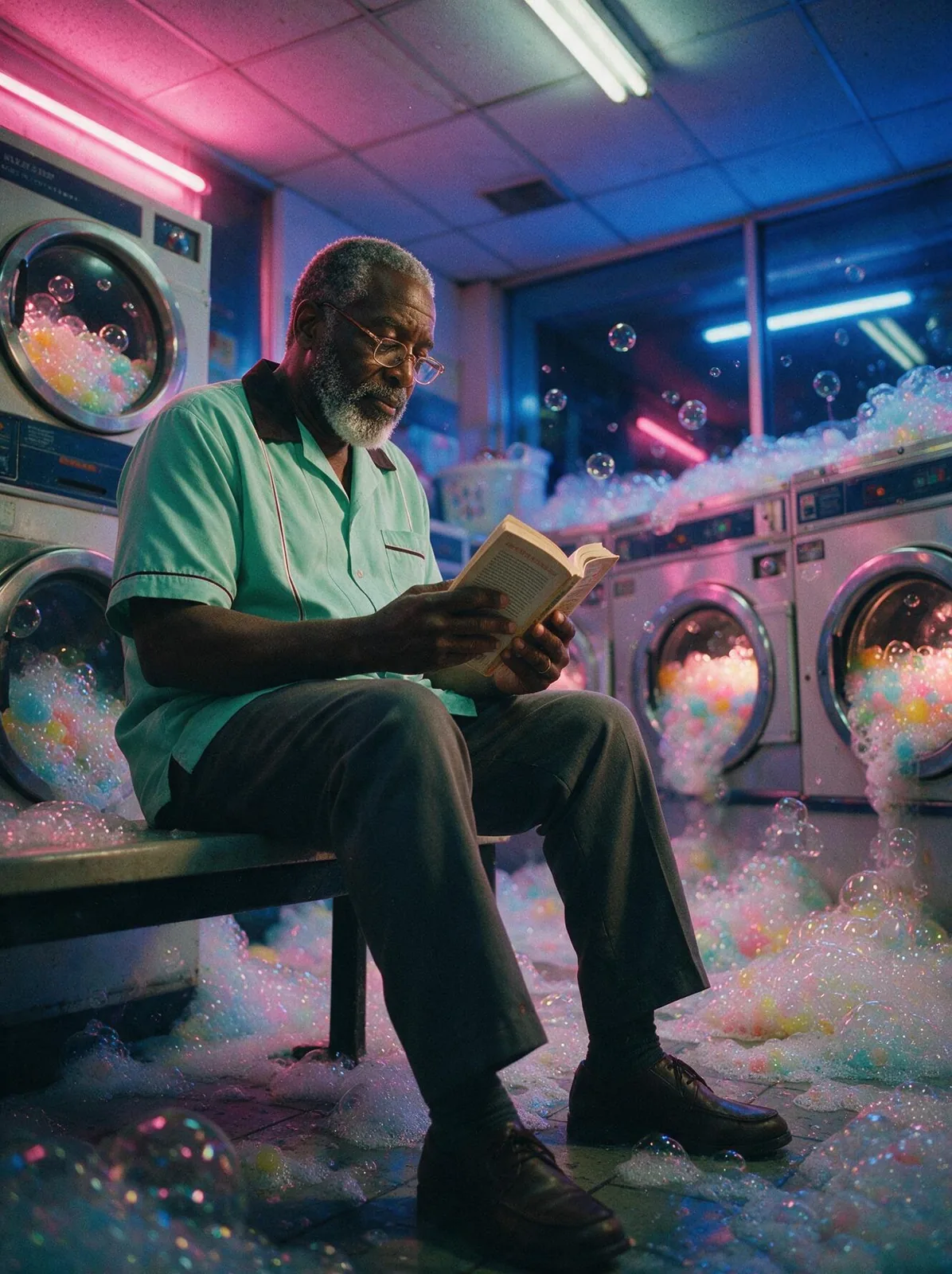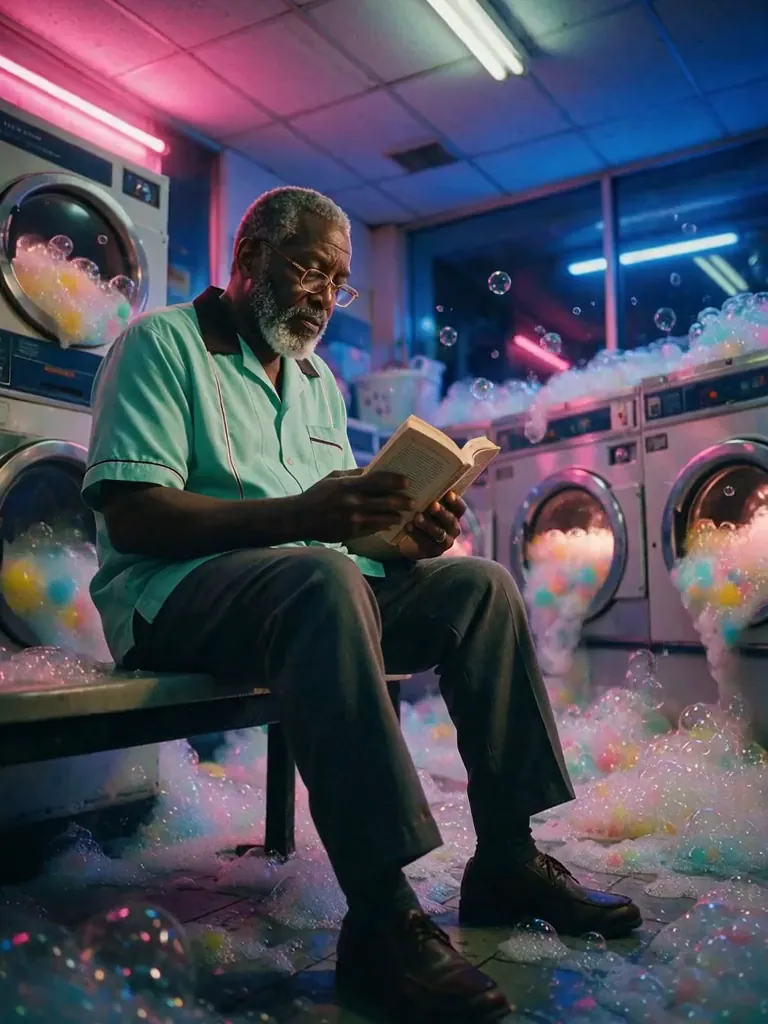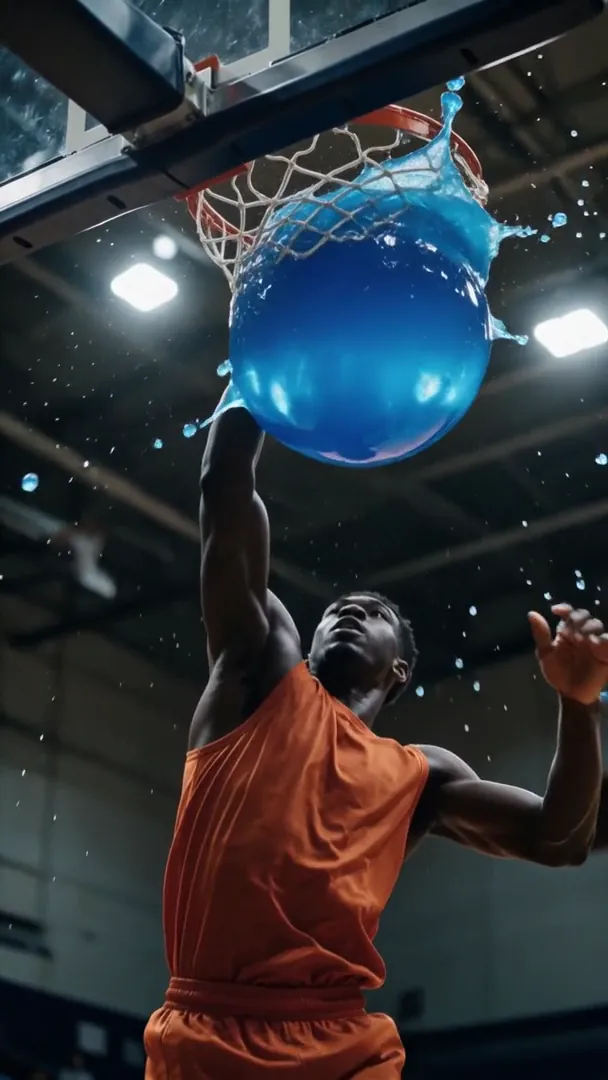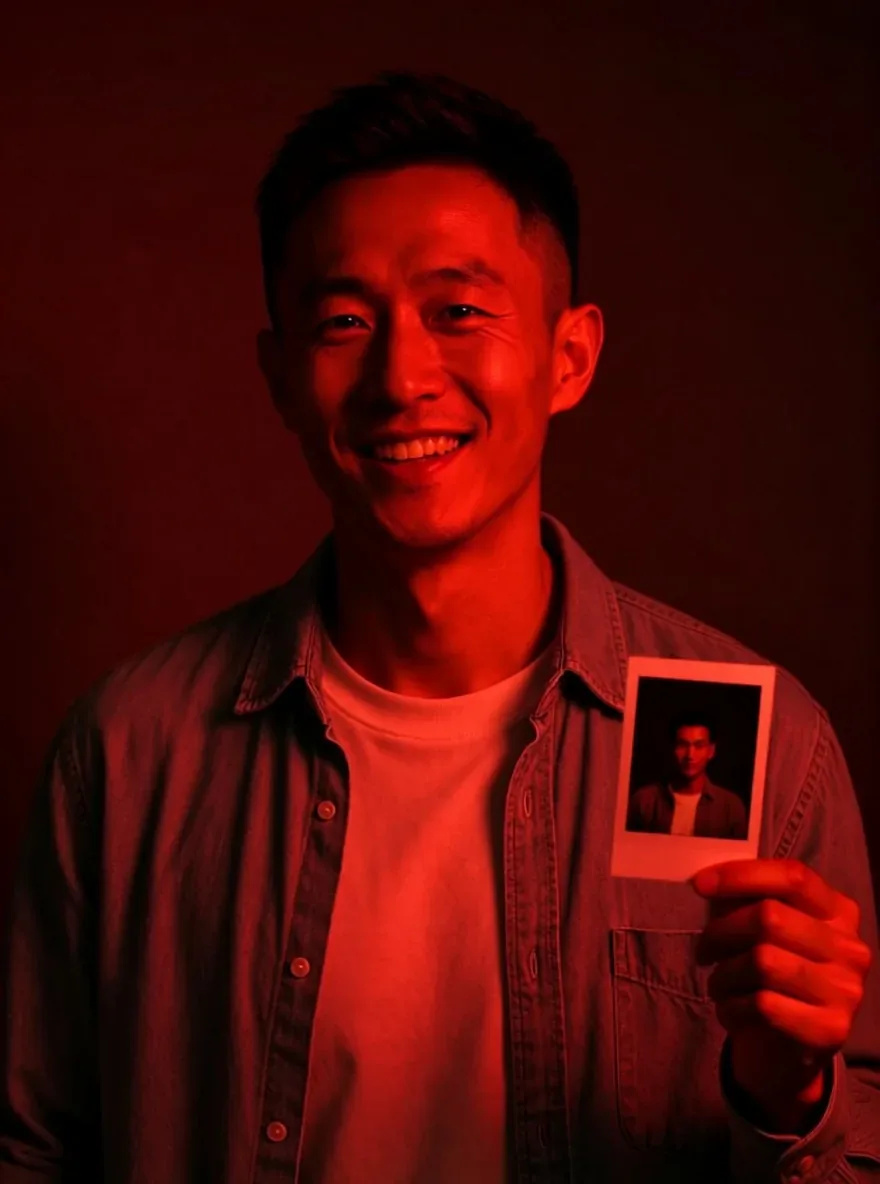
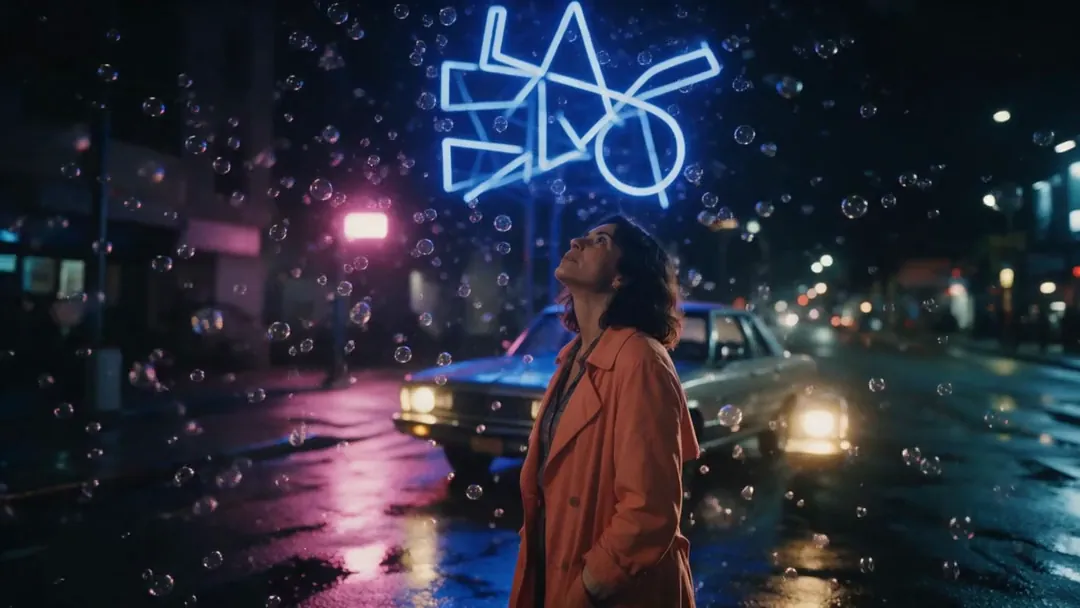
Darkroom relight, made with Qwen Image Edit 2509 LoRA
Example made with Qwen Image Edit 2509 LoRA

Image editCinematic

Qwen Image Edit 2509 LoRA image edit promptDarkroom relight

An image-edit prompt for Qwen Image Edit 2509 LoRA: you upload a picture and this text says what to change.

Prompt

Relight him in the deep red safelight of a darkroom and put a freshly developed instant photo in his raised hand; keep his face, grin and denim shirt.

Prompts stay in English, the language these models follow best. Copy it as it is, or change a few words.

Opens Qwen Image Edit 2509 LoRA with this prompt and the settings below filled in. Add your own pictures and you are ready.

Settings

Mode
Image edit
Aspect ratio
3:4
Input pictures
Your own pictures
Price
From 5 credits

The exact price shows before you generate.

Make your own version

  1. This look comes from a LoRA (listed under Settings). Add the same LoRA in the generator, or the result will not match.
  2. This prompt edits a picture you upload. Describe only what should change, and say what must stay the same.