


by KreaImage
Krea 2 Large
Krea's most detailed tier for cinematic key frames
- Up to 10 reference images
- 8 aspect ratios
From 9 credits per image≈ $0.09
What it's like to use
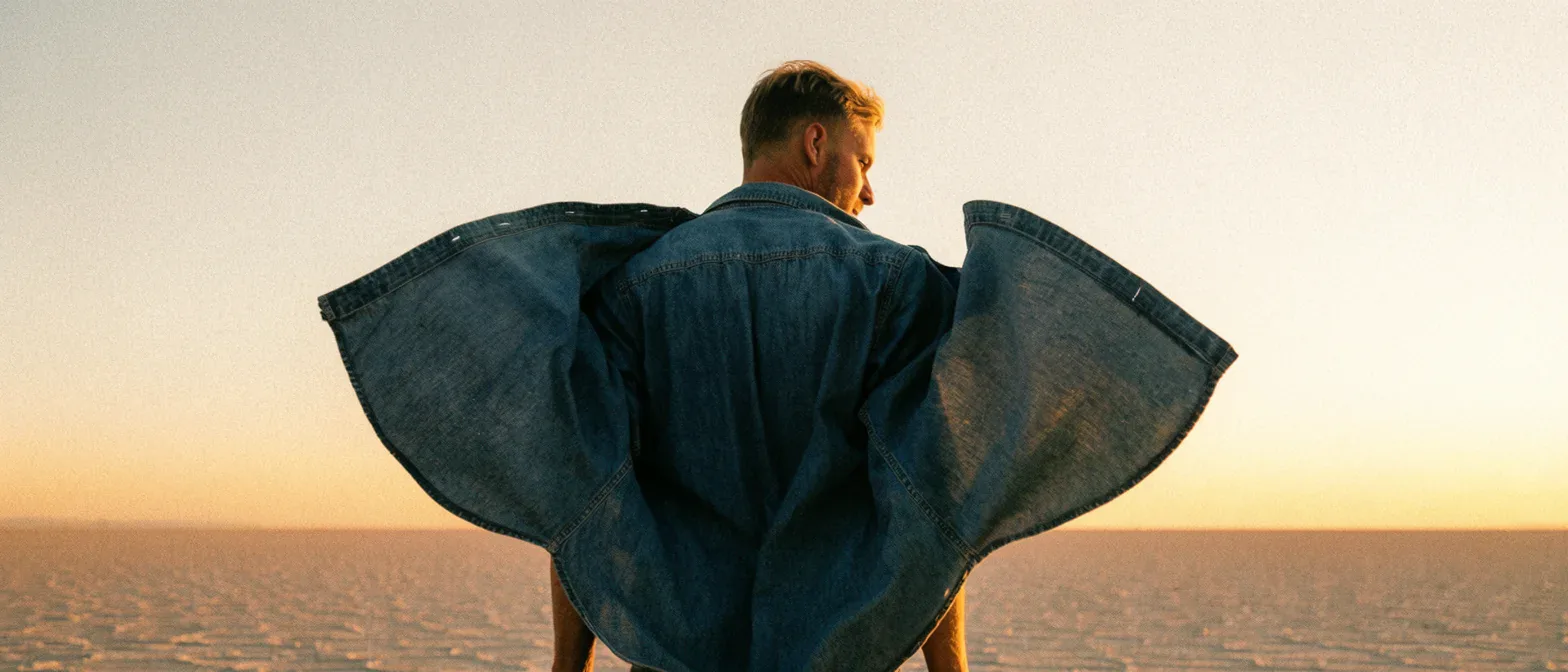
Krea 2 Large is the highest-detail tier of Krea's image line, built for the frame that ships. At full size, skin keeps its pores and fabric keeps its weave, and its 2.35:1 anamorphic shape makes a storyboard frame read like a real shot. You can steer the look with up to ten reference images.
Good for
- Editorial portraits viewed at full size
- Storyboard and key frames in cinematic 2.35:1
- Still life with glass, brushed metal, leather and wet stone
Real results from Krea 2 Large
Every image and clip here was generated with Krea 2 Large. Hit Recreate to open it in the studio with the same prompt and settings.
What Krea 2 Large can do
Each mode opens in the studio with Krea 2 Large already picked. The price shows before you generate.

How to prompt Krea 2 Large
- Use photographic language rather than quality adjectives: film stock, lens, light source and direction, mood.
- Pick the shape before the words; a 2.35:1 frame is composed differently from a cropped 16:9.
- There's no seed, so treat a miss as a wording problem: change one clause and run it again, and save every prompt that lands.
Settings worth knowing
Everything else has a sensible default, so you can type a prompt and go.
aspect_ratio1:1 · 4:3 · 3:2 · 16:9 +4- The shape of the frame: wide, square or tall.
reference_image_urls≤ 10- Pictures of the people, outfits or places the result should keep.
How it compares
Same kind of job, different strengths and prices.
Krea 2 Medium Turbo takes the same prompts and references much faster and cheaper, which makes it the place to explore. Large is for the final frame.


Questions about Krea 2 Large
How much does Krea 2 Large cost?
On PopNow, the cheapest run of Krea 2 Large costs 9 credits ($0.09) per image. You pay with credits (1 credit = $0.01), the exact cost shows on the Generate button before you start, and failed generations are refunded automatically.
What can Krea 2 Large do?
On PopNow, Krea 2 Large works in these modes: Create Image. Pick one in the studio and add a prompt or an upload.
How should I write prompts for Krea 2 Large?
Use photographic language rather than quality adjectives: film stock, lens, light source and direction, mood. Pick the shape before the words; a 2.35:1 frame is composed differently from a cropped 16:9. There's no seed, so treat a miss as a wording problem: change one clause and run it again, and save every prompt that lands.
Krea 2 Large or Krea 2 Medium Turbo?
Krea 2 Medium Turbo takes the same prompts and references much faster and cheaper, which makes it the place to explore. Large is for the final frame.
Do I need to install anything to use Krea 2 Large?
No. Krea 2 Large runs in your browser on PopNow: write a prompt or add a file, choose the settings and download the result. Sign up and you can generate straight away.
Make something with Krea 2 Large
Type an idea, pick your settings and see the price before you hit Generate.