


by Black Forest LabsImage
FLUX.1 Dev ControlNet LoRA
Pose, depth or edge control on FLUX.1 with your LoRAs
- Up to 1.5K
- Up to 4 per run
- Loads your own LoRA
From 6 credits per image≈ $0.06
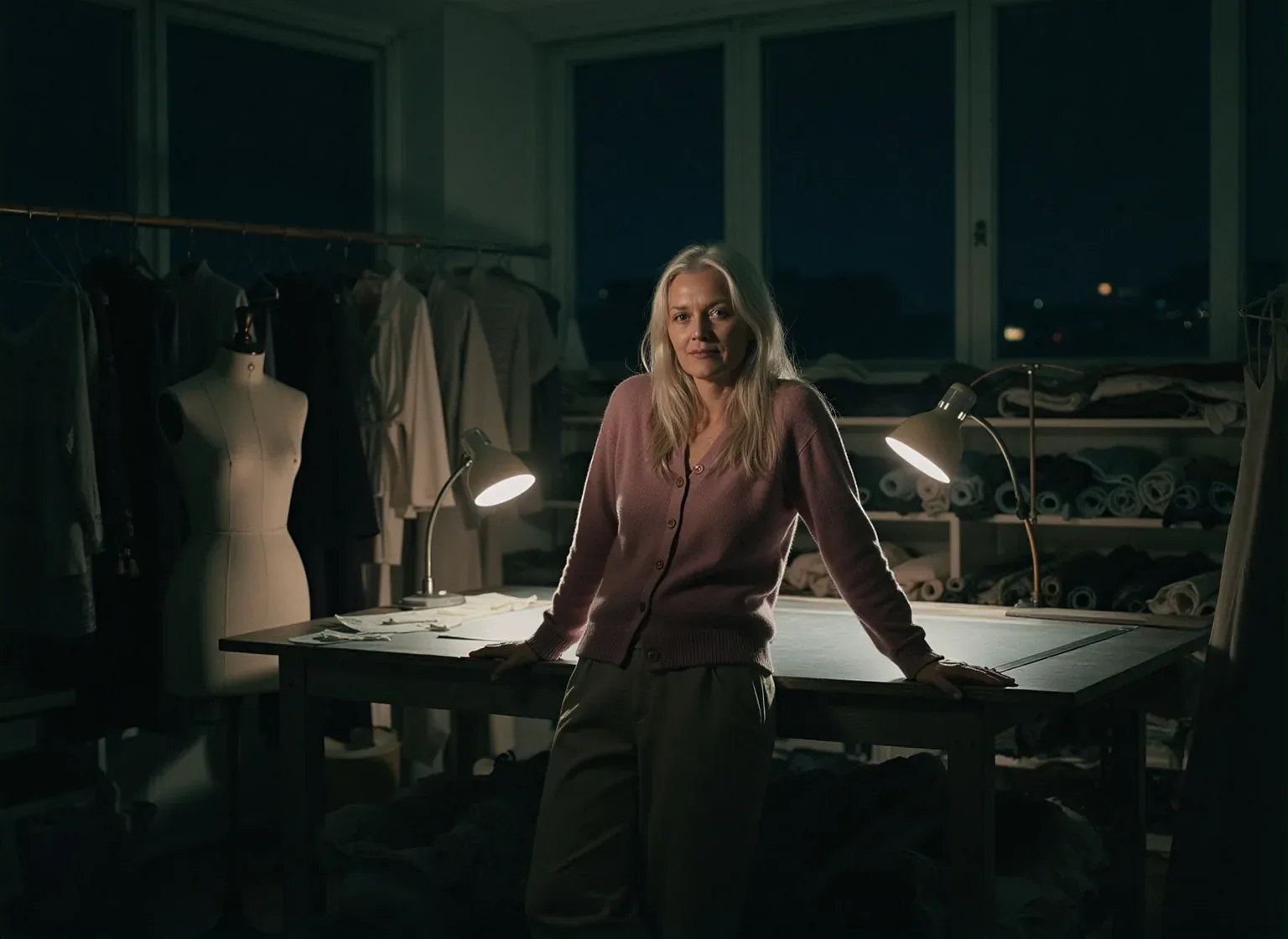
What it's like to use
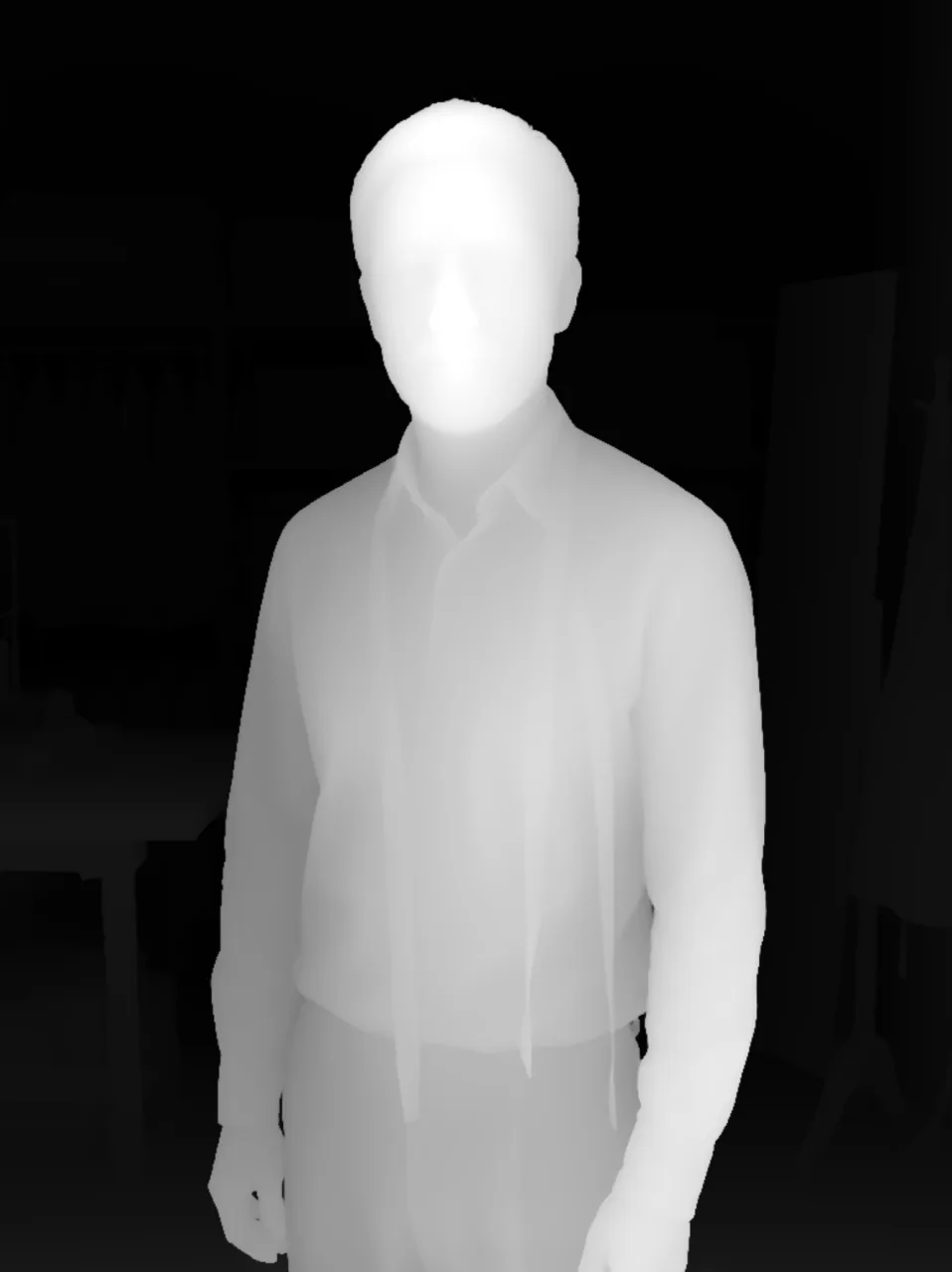
FLUX.1 Dev ControlNet LoRA generates with Black Forest Labs' FLUX.1 Dev guided by a control image: a pose skeleton, a depth map, edge lines or a grayscale photo fixes the layout, and your prompt decides everything else. Up to three FLUX.1 Dev LoRAs can set the style.
Good for
- The exact pose you choose, with any person, outfit and setting
- Restaging a photo's composition with a new cast and light
- A series that shares one framing and silhouette
Real results from FLUX.1 Dev ControlNet LoRA
Every image and clip here was generated with FLUX.1 Dev ControlNet LoRA. Hit Recreate to open it in the studio with the same prompt and settings.
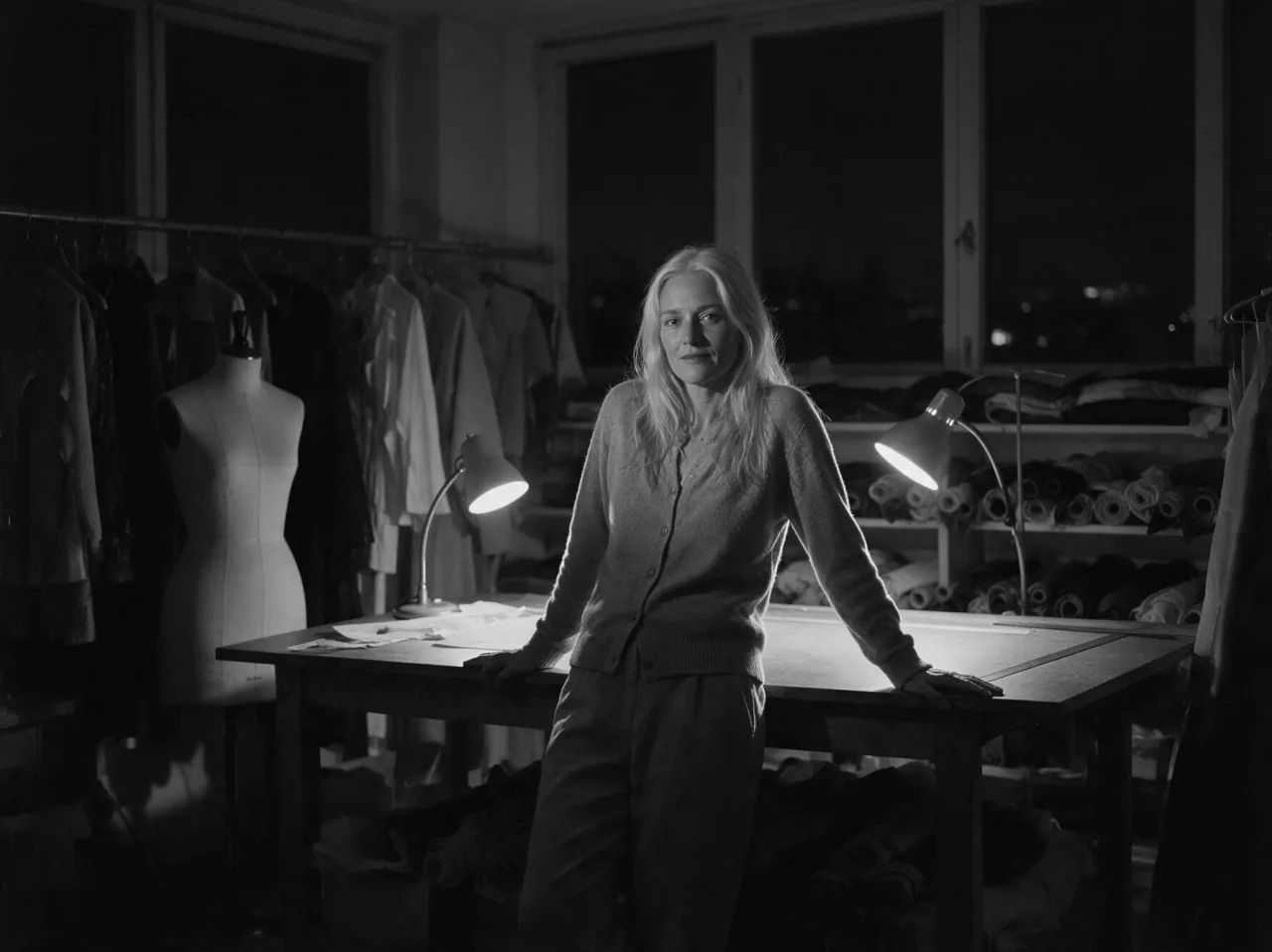 Input
InputBring your own image
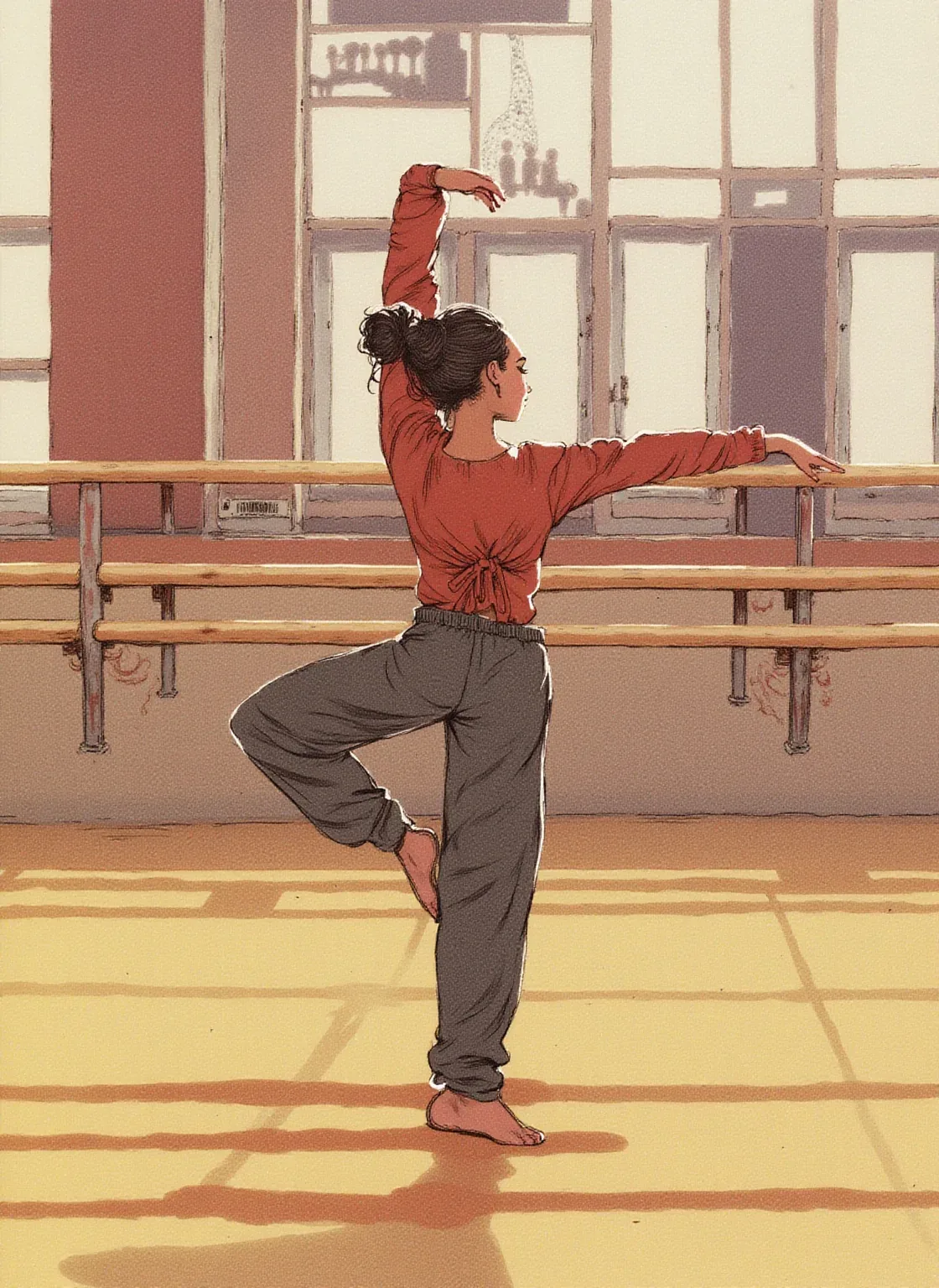
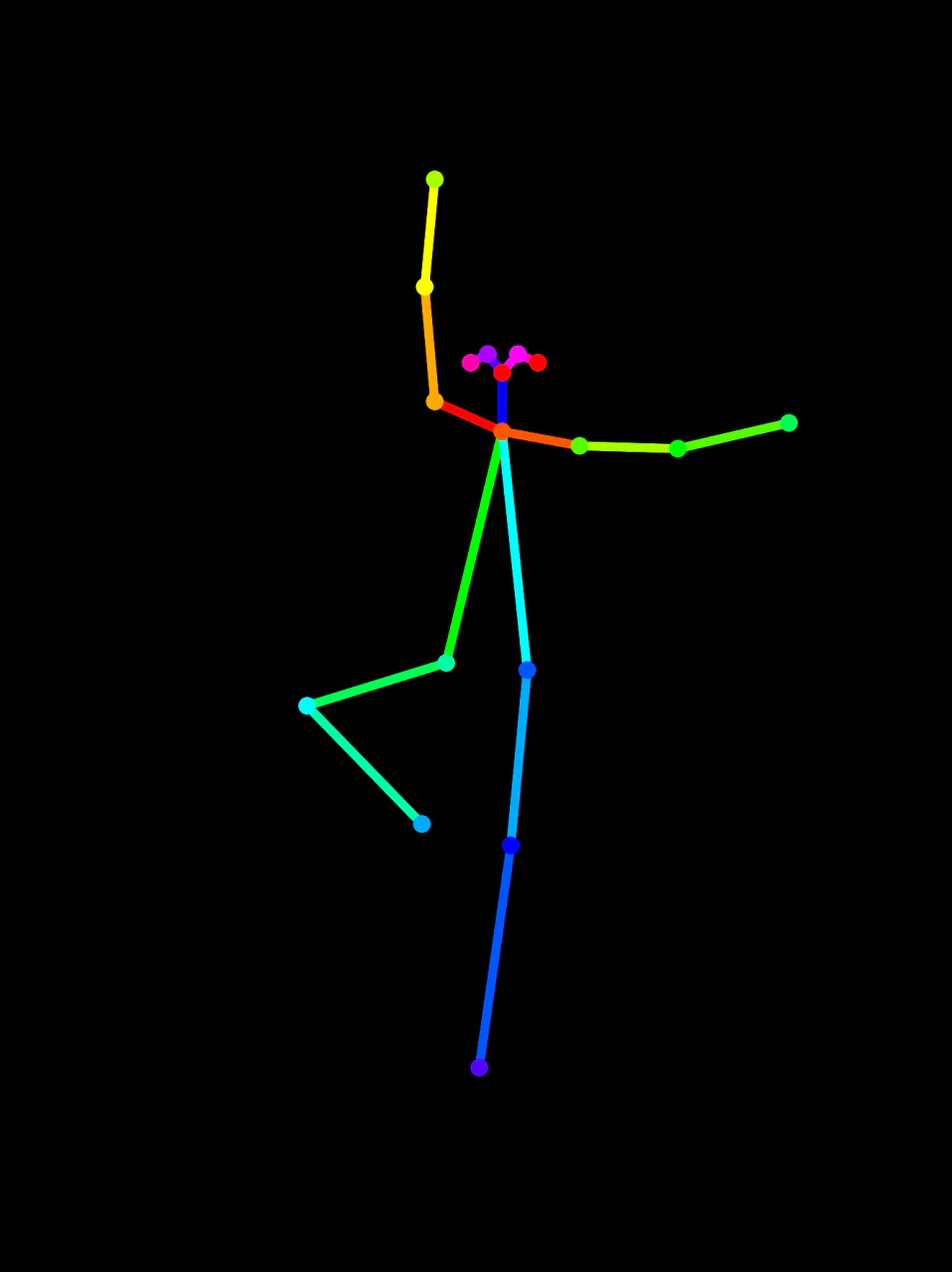 Input
InputBring your own image

 Input
InputBring your own image
What FLUX.1 Dev ControlNet LoRA can do
Each mode opens in the studio with FLUX.1 Dev ControlNet LoRA already picked. The price shows before you generate.

How to prompt FLUX.1 Dev ControlNet LoRA
- Bring a ready-made control map; the model reads whatever you send and doesn't extract poses for you.
- Pick the map by what should stay: a pose skeleton fixes only the body, depth and line maps keep the outlines too.
- Start at strength 0.7; around 0.9 for pose maps and 0.8 for depth. Lower values free the prompt.
Settings worth knowing
Everything else has a sensible default, so you can type a prompt and go.
resolution1K · 1.5K- Output size. Bigger sizes look sharper and cost more.
num_outputs1–4- How many results to make in one go.
seed0–2147483647- Reuse the same number to get a repeatable result.
loras≤ 3- Load your own LoRA files to lock in a style or character.
guidance_scale0–20- How strictly the model follows the prompt.
steps1–50- More steps add detail but take longer.
output_formatjpeg · png · webp- File type of the result.
How it compares
Same kind of job, different strengths and prices.
FLUX.1 Dev LoRA has no control image and suits free composition.


Questions about FLUX.1 Dev ControlNet LoRA
How much does FLUX.1 Dev ControlNet LoRA cost?
On PopNow, the cheapest run of FLUX.1 Dev ControlNet LoRA costs 6 credits ($0.06) per image. You pay with credits (1 credit = $0.01), the exact cost shows on the Generate button before you start, and failed generations are refunded automatically.
What can FLUX.1 Dev ControlNet LoRA do?
On PopNow, FLUX.1 Dev ControlNet LoRA works in these modes: Create Image. Pick one in the studio and add a prompt or an upload.
What sizes can FLUX.1 Dev ControlNet LoRA make?
FLUX.1 Dev ControlNet LoRA renders up to 1.5K.
How should I write prompts for FLUX.1 Dev ControlNet LoRA?
Bring a ready-made control map; the model reads whatever you send and doesn't extract poses for you. Pick the map by what should stay: a pose skeleton fixes only the body, depth and line maps keep the outlines too. Start at strength 0.7; around 0.9 for pose maps and 0.8 for depth. Lower values free the prompt.
FLUX.1 Dev ControlNet LoRA or FLUX.1 Dev LoRA?
FLUX.1 Dev LoRA has no control image and suits free composition.
Do I need to install anything to use FLUX.1 Dev ControlNet LoRA?
No. FLUX.1 Dev ControlNet LoRA runs in your browser on PopNow: write a prompt or add a file, choose the settings and download the result. Sign up and you can generate straight away.
Make something with FLUX.1 Dev ControlNet LoRA
Type an idea, pick your settings and see the price before you hit Generate.