「クローム化 + アイイン」でできること
「クローム化 + アイイン」は、写真 1 枚を短い AI 動画に変えます。クロームが全身を覆い、カメラが金属の瞳に飛び込む。
クローム化 + アイイン の使い方
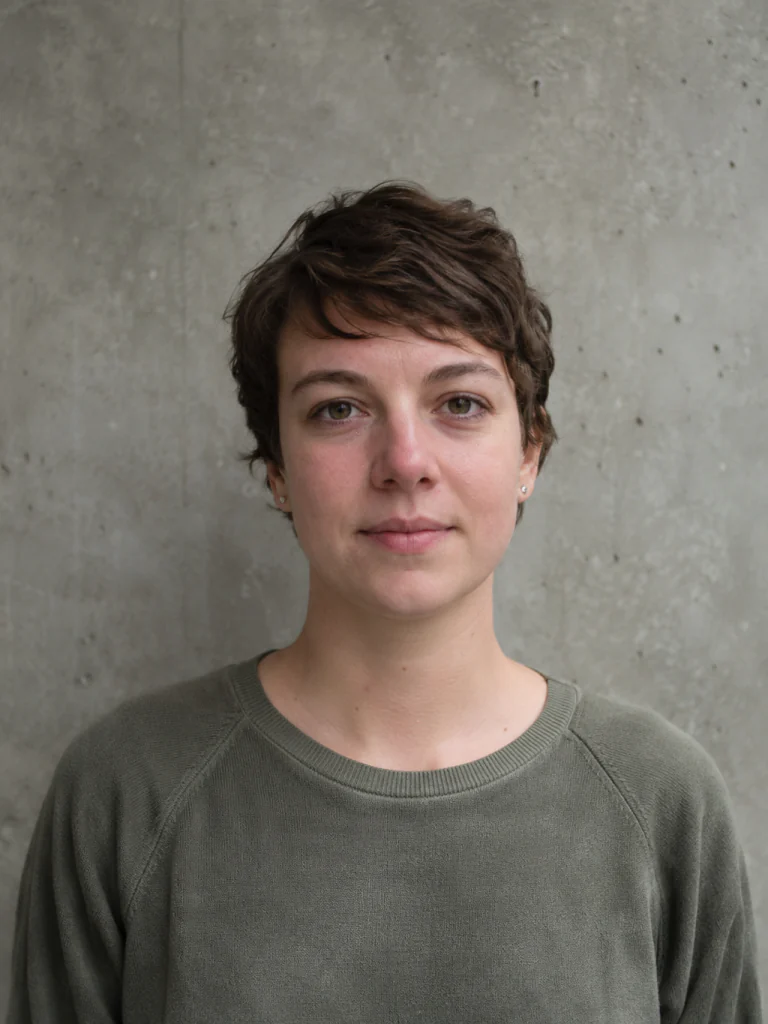
- 写真を 1 枚追加 「クローム化 + アイイン」の動画にしたい人物やペット、物がはっきり写った写真をアップロードします。
- 初期設定のモデルを使うか、別のモデルを選ぶ 初期設定では MiniMax H3 が選ばれています。他のモデルも料金と一緒に一覧に表示されるので、生成前に確認できます。
- 「生成」を押す 通常 約 60 秒 ほどで完成します。ダウンロードするか、別のツールへ送って使えます。
「クローム化 + アイイン」に向いている写真
避けたい写真
- 強いぼけや濃い影で顔が隠れている写真
- エフェクトをかける余白がない、寄りすぎた構図
クローム化 + アイイン を実際に試してわかったこと
クローム化 + アイイン のモデル別の仕上がり
- MiniMax H3 (210クレジット · 約 60 秒)$0.21 対 Runway $0.50 · 768p · 5秒−58% 対 Runway
- Seedance 2.0 Mini · 480p (125クレジット · 約 3 分)$0.13 対 fal $0.36 · 480p · 5秒−65% 対 fal
「クローム化 + アイイン」のプロンプト
Within the first second a mirror-bright chrome finish flows over the person's face, hair and clothes until they gleam like a polished metal sculpture. Then the camera pushes in fast and continuously toward one eye until the chrome eye fills the frame, reflections of the room sliding across its curved surface. One continuous move. Same face and outline in chrome.
「クローム化 + アイイン」のよくある質問
「クローム化 + アイイン」は何クレジットですか?
MiniMax H3 で 210 クレジット。「クローム化 + アイイン」の最安料金は 125 クレジットです。サブスクリプションは不要で、生成に失敗した場合はクレジットが自動で戻ります。
「クローム化 + アイイン」は写真の何を変えますか?
Within the first second a mirror-bright chrome finish flows over the person's face, hair and clothes until they gleam like a polished metal sculpture.

 あなたの写真

