


AI 動画エフェクト · 影分身
影分身:写真 1 枚から動画を作る AI エフェクト
煙の尾を引いて分身が次々と現れ、全員で同じポーズを決める。
1写真を追加
- 被写体を一つ、腰から上か全身をはっきり写し、周囲に余白を残す
- 翼や炎、ポータル、分身が現れるように、画面内に余白を残す
- ピントが合った明るい写真なら、エフェクト中も顔や毛並みが変わりにくくなります
その他の設定MiniMax H3 Max
その他のオプション6秒
約 1 分
ほかにも試す
すべてのエフェクト
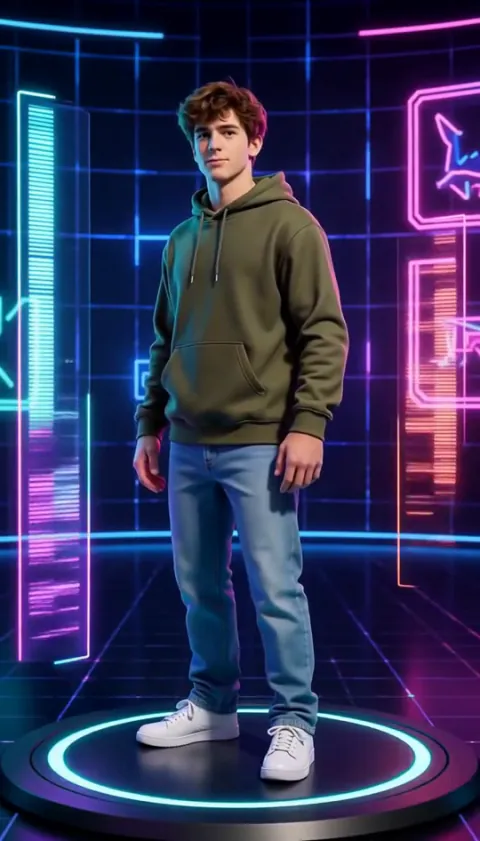

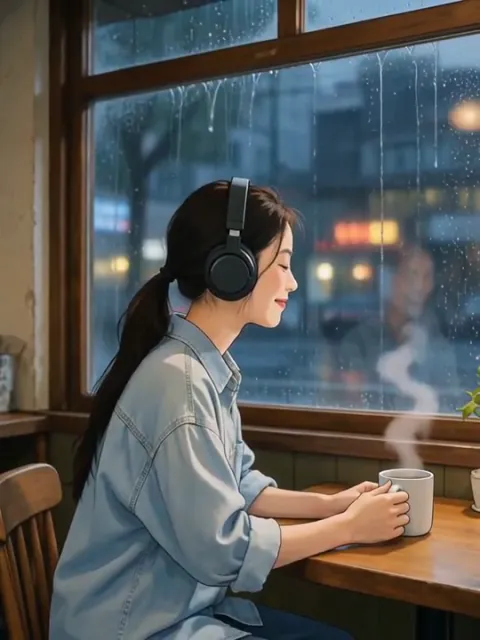
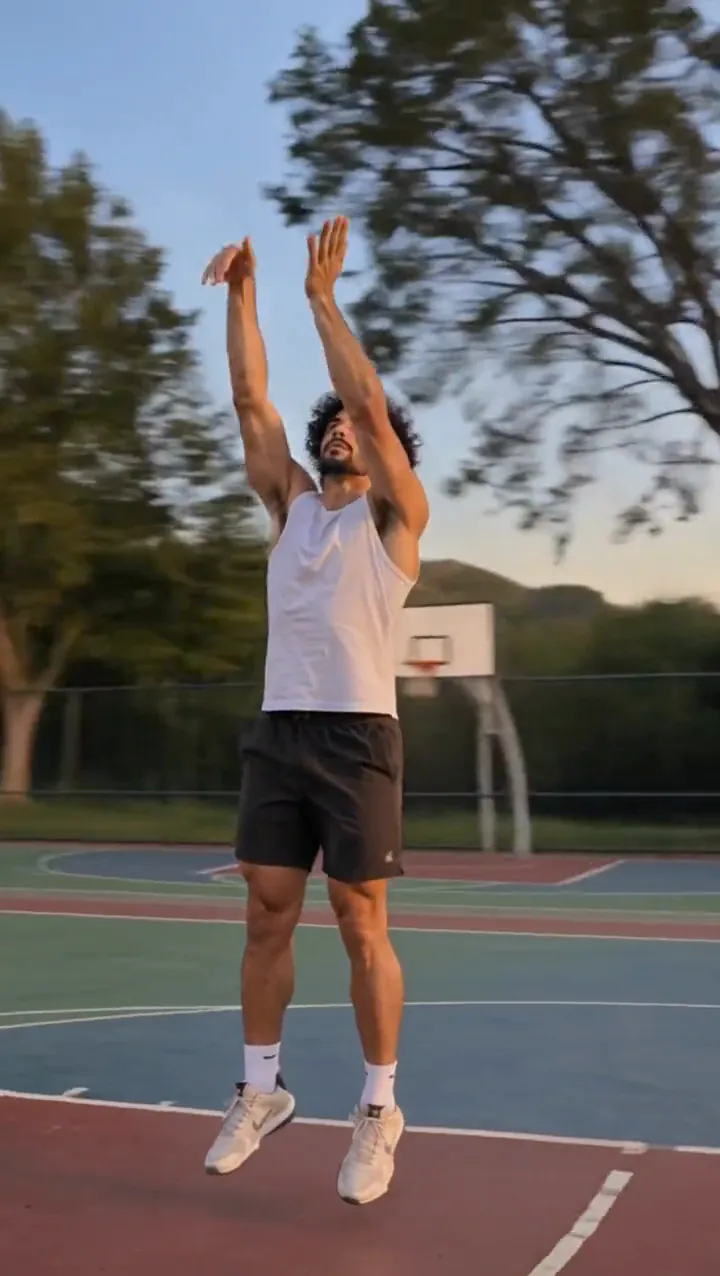
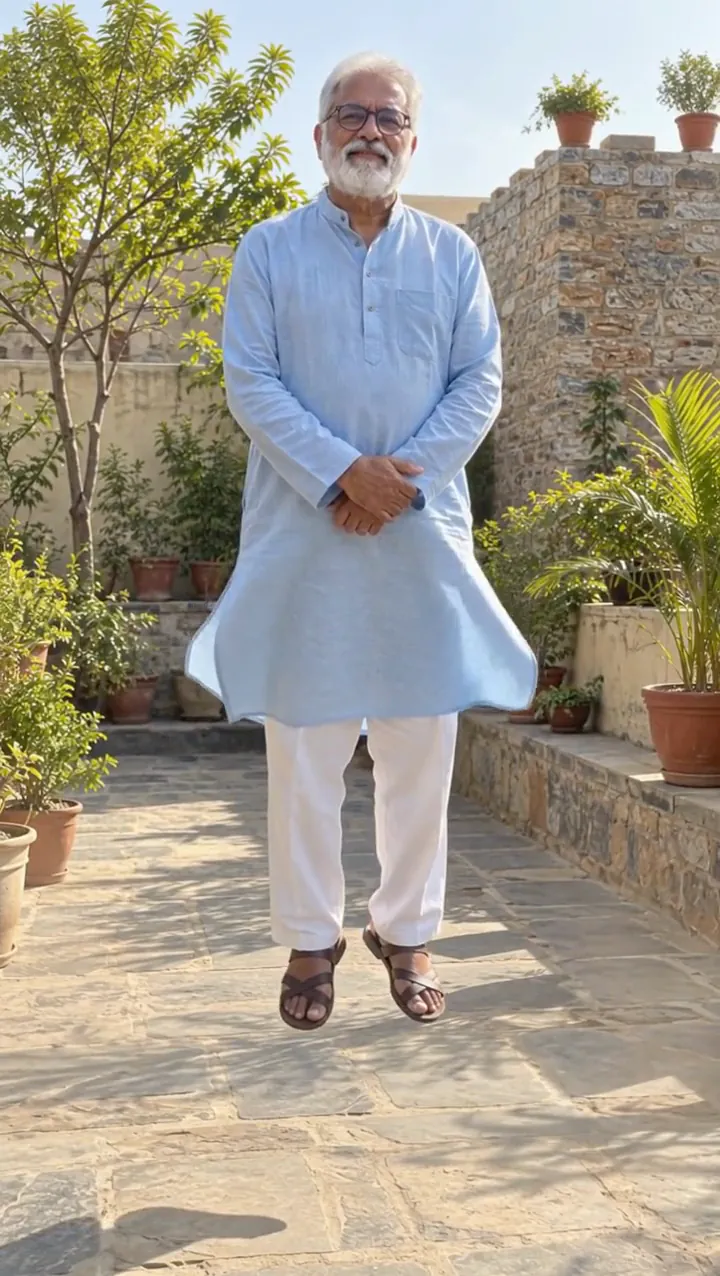
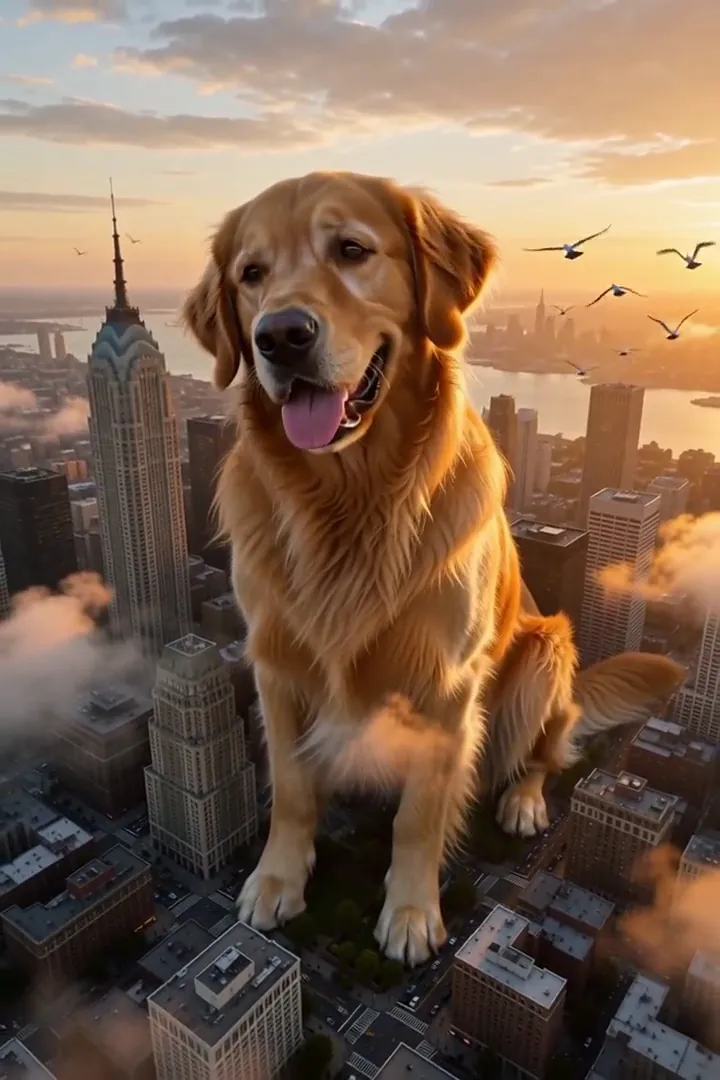
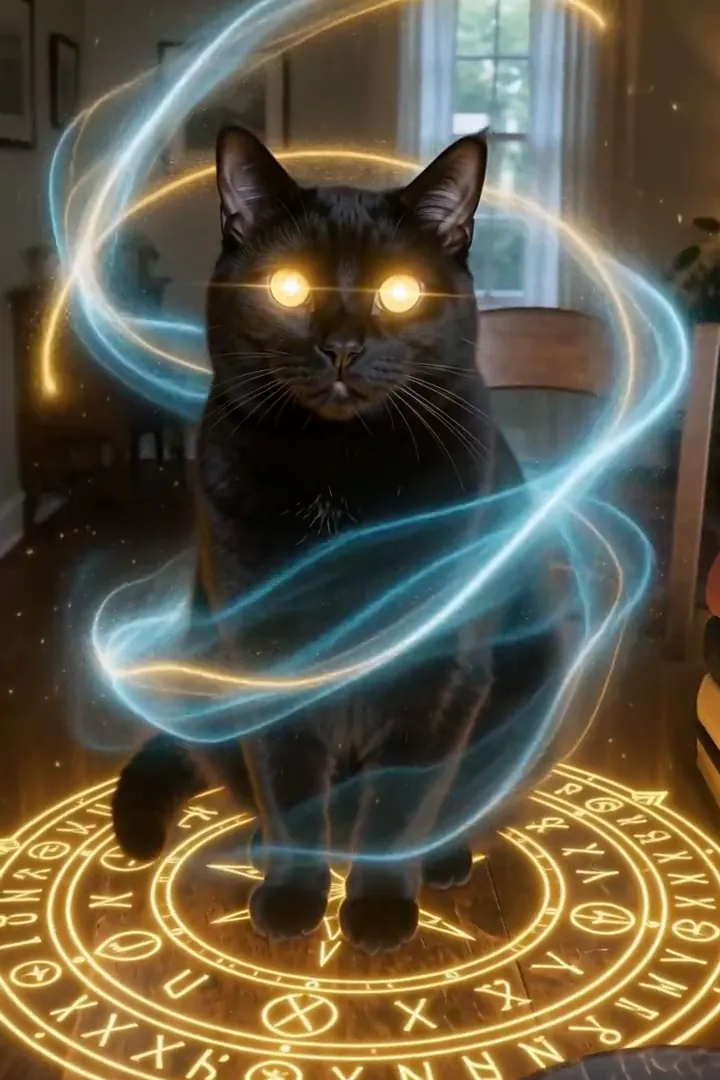

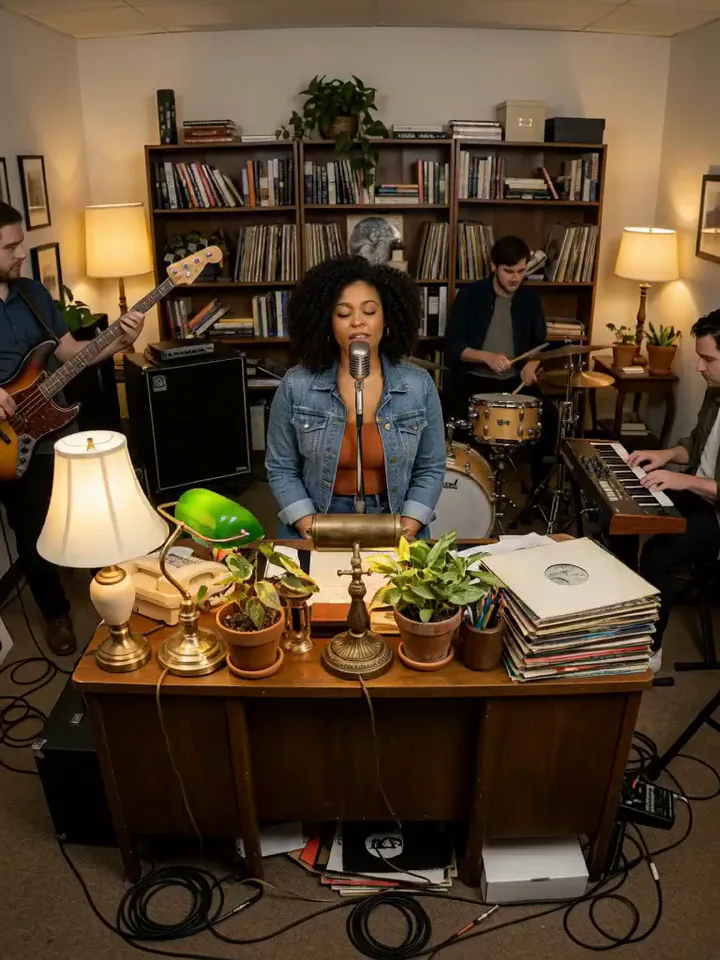


「影分身」でできること
Shadow Clone turns a step forward into a spreading formation of copies. Smoky afterimages connect the first figure to the trailing doubles before the group holds a shared pose. The camera opens up to show the arrangement, so empty space on both sides becomes part of the effect.
Choose an individual whose full outfit and stance are easy to identify. The pleasure is seeing the same person repeated across the scene, with a staggered trail becoming an organized group rather than a crowd of different characters. This is the cinematic edition of Clone Split, using six-second H3 Max copies with smoky trails and a shared formation.
影分身 の使い方
- Leave room for a formation Add a full-length portrait with open ground on either side.
- Build the shadow trail Keep MiniMax H3 Max for the repeated-person sample setup.
- Compare the doubles Watch the smoky separation resolve, then inspect the shared face, outfit and final pose across the group.
「影分身」に向いている写真
おすすめ
- Full-body portrait with clear clothing
- Wide empty space on both sides
避けたい写真
- A group already filling the background
- A crop cutting off legs and shoulders
「影分身」の作例
影分身 を実際に試してわかったこと
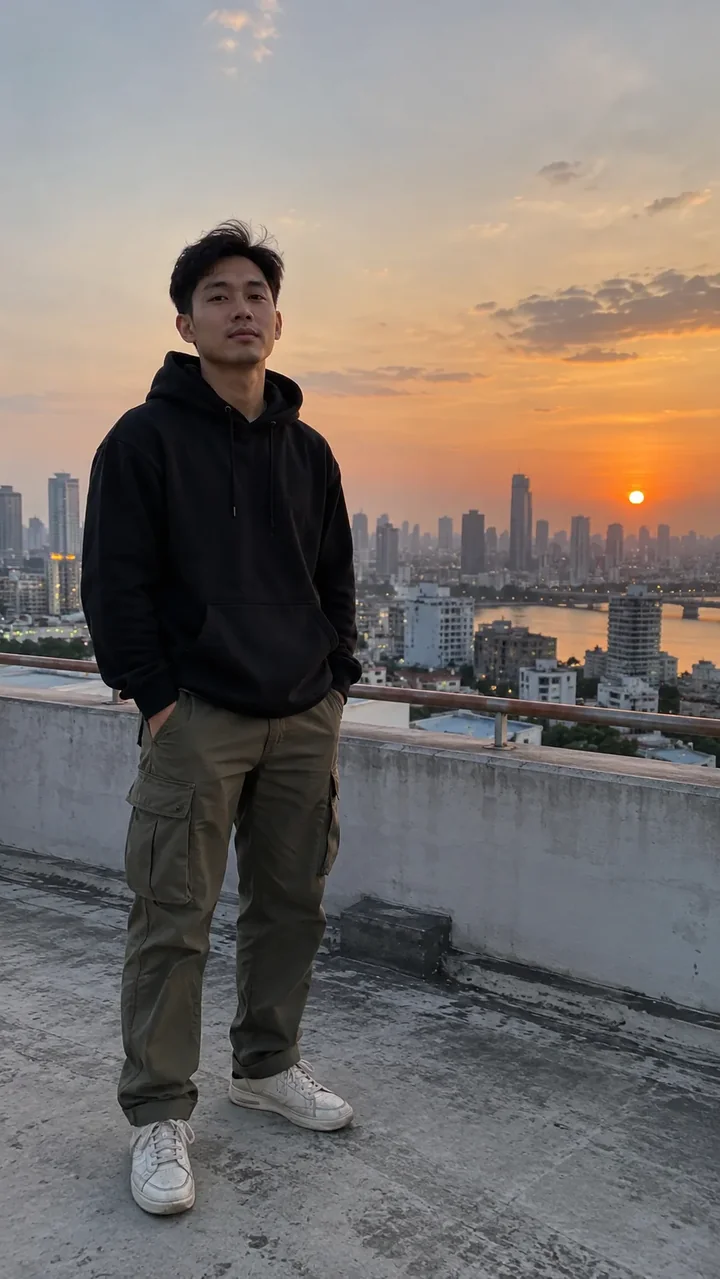
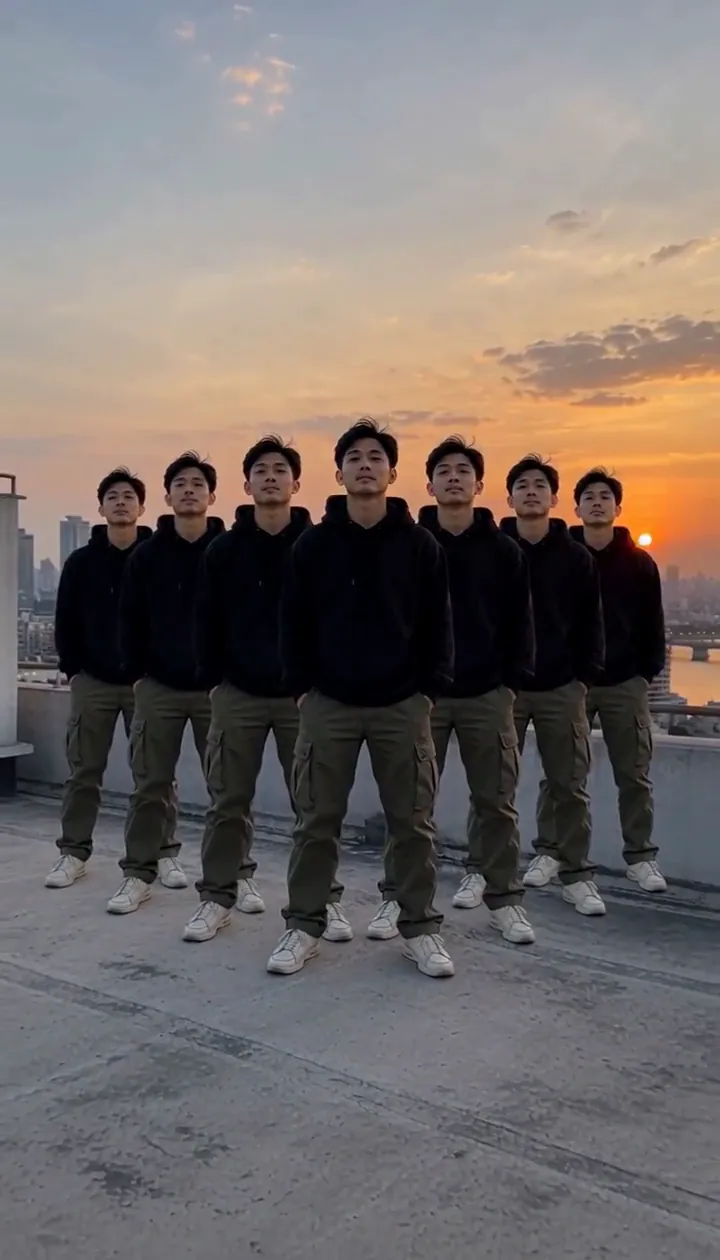
In our test runs, a man in his late 20s in a black hoodie and cargo pants on a rooftop at dusk. Full body with open space on both sides; tight crops leave no room for the copies.
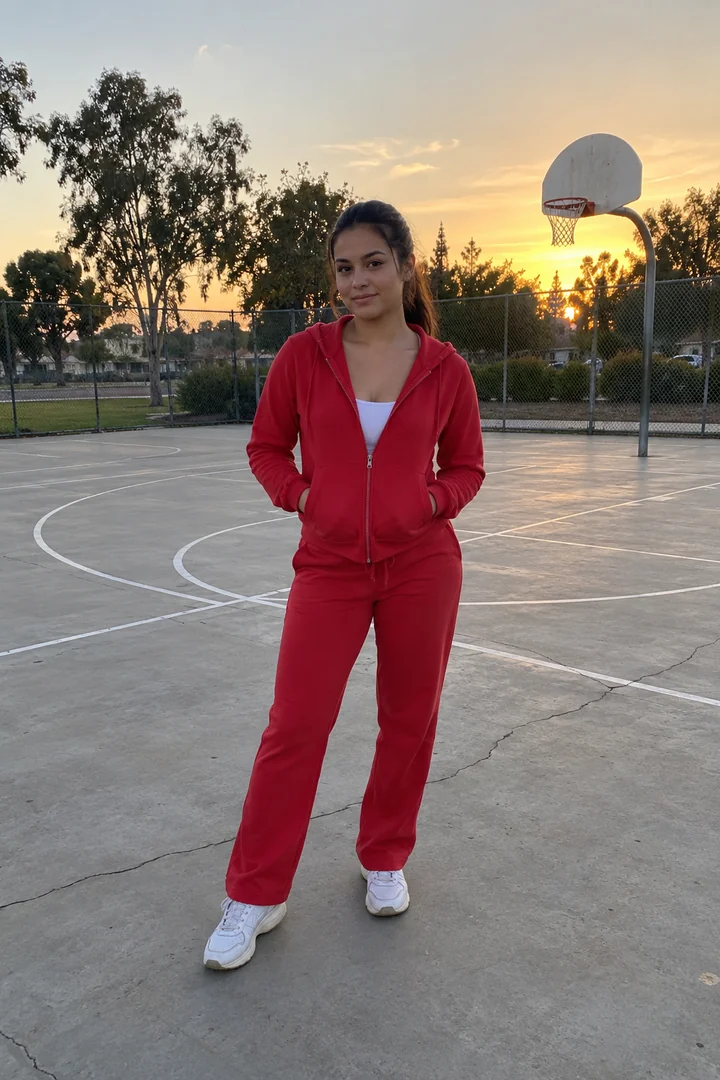
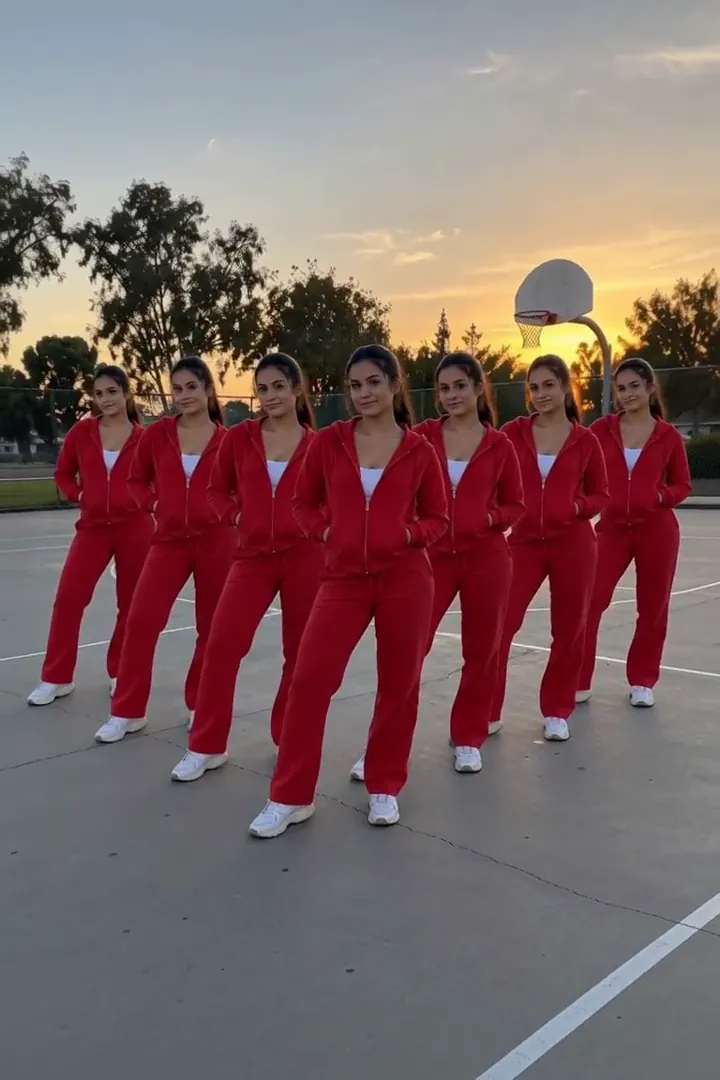
The comparison run shows a woman in her mid-20s in a red tracksuit on an empty basketball court. Copies peel off behind her and fan out into a V formation, all in the same pose. Every copy keeps the same face and outfit.
影分身 のモデル別の仕上がり
- MiniMax H3 Max (480クレジット · 約 30 秒) Default; MiniMax H3 Max made the samples. 480 credits, with a typical render time of 31 seconds. The Shadow Clone render includes generated sound; its page samples play muted.
- MiniMax H3 (185クレジット · 約 55 秒) MiniMax H3 is cheaper at 185 credits and untested with this prompt; the sample behavior does not establish this tier’s result.
- Seedance 2.0 Mini · 480p (124クレジット · 約 2 分)
「影分身」のプロンプト
The person steps forward and identical copies of them peel away from their body in a staggered trail, each clone a step behind the last, fanning out to both sides with a smoky shadow afterimage, then they all strike the same pose in unison. Camera slowly pulls back to fit them all. Same face and clothes on every copy, cinematic VFX.影分身 をきれいに仕上げるコツ
- Avoid overlapping furniture around the legs, where separate copies need readable outlines.
- Keep the original person away from either edge so the formation can spread in both directions.
「影分身」のよくある質問
Do the smoky doubles get different outfits?
The supplied observations say every copy retains the same face and outfit, keeping the formation visibly tied to the original person.
Why leave space on both sides for the clones?
The copies fan outward as the camera pulls back, and a tight crop leaves little room for that spreading arrangement.
What formation appeared on the basketball court?
The woman in the red tracksuit produced copies behind her in a V formation, all holding the same pose.
Is the shadow trail itself the final result?
The trail leads into distinct copies and a shared pose, so allow the shot to continue beyond the first smoky afterimage.
Would a plain outfit make repeated figures easier to compare?
A clearly defined clothing silhouette gives you a straightforward reference for checking the faces, sleeves and stance across the doubles.
関連エフェクトとツール
- 分身の術 · 4人に分身して歩き出し、最後に一列に並ぶ。
- 鏡の中の双子 · 鏡の中のあなたが一拍遅れて動き、振り向いてカメラにウインク。
- ピクセル崩壊 · 光るピクセルに分解され、デジタルの風に飛ばされる。
- Trim and arrange the Shadow Clone scene