파파라치 효과로 할 수 있는 것
파파라치 효과는 사진 한 장을 짧은 AI 영상으로 바꿉니다. 빽빽한 렌즈와 플래시, 모든 시선의 주인공은 나.
파파라치 사용법
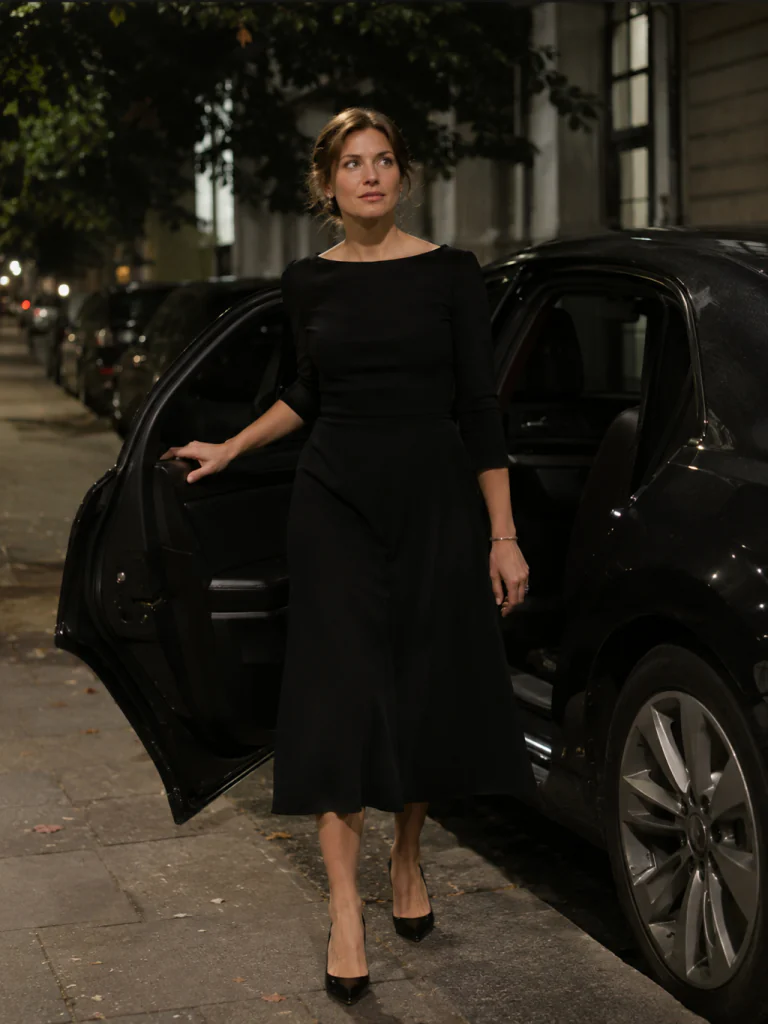
- 사진 한 장 올리기 파파라치 영상에 담을 사람, 반려동물, 물건이 선명하게 나온 사진을 업로드합니다.
- 기본 모델을 사용하거나 다른 모델 선택하기 기본으로 MiniMax H3이 선택되어 있습니다. 다른 모델도 가격과 함께 목록에 표시되어, 생성 전에 확인할 수 있습니다.
- ‘생성’ 누르기 보통 약 60초 정도 걸립니다. 영상을 다운로드하거나 다른 도구로 보내 사용할 수 있습니다.
파파라치에 잘 맞는 사진
피해 주세요
- 여러 얼굴이 나온 단체 사진
- 선글라스, 마스크, 손으로 얼굴을 가린 사진
파파라치 직접 테스트한 결과
모델별 파파라치 결과
- MiniMax H3 (210 크레딧 · 약 60초)US$0.21 vs Runway US$0.50 · 768p · 5초−58% vs Runway
- Seedance 2.0 Mini · 480p (125 크레딧 · 약 3분)US$0.13 vs fal US$0.36 · 480p · 5초−65% vs fal
파파라치의 프롬프트
Within the first second bright white camera flashes start popping from both sides of the frame in rapid bursts, lighting the person in hard flickering strobes, and a crowd of camera lenses and hands holding cameras pushes in from the edges of the frame. The person pauses, turns toward the flashes and strikes a confident pose with a small smile. Flashes keep firing nonstop. Quick handheld push-in. No other faces, no logos. The person stays exactly as they appear in the photo.
파파라치 자주 묻는 질문
파파라치 효과는 몇 크레딧인가요?
MiniMax H3을 사용하면 210크레딧이며, ‘파파라치’의 최저 비용은 125크레딧입니다. 구독은 필요하지 않으며 생성에 실패하면 크레딧이 자동으로 반환됩니다.
파파라치 효과는 사진의 무엇을 바꾸나요?
Within the first second bright white camera flashes start popping from both sides of the frame in rapid bursts, lighting the person in hard flickering strobes, and a crowd of camera lenses and hands holding cameras pushes in from the edges of the frame. The person stays exactly as they appear in the photo.

 내 사진

