Was der Effekt Jo-Jo-Zoom macht
Jo-Jo-Zoom macht aus einem Foto ein kurzes KI-Video. Reinzoomen, ruckartig raus und wieder rein, genau im Takt.
So nutzt du Jo-Jo-Zoom
- Ein Foto hinzufügen Lade ein klares Foto der Person, des Haustiers oder des Objekts hoch, das im Jo-Jo-Zoom-Clip vorkommen soll.
- Standardmodell behalten oder wechseln MiniMax H3 ist voreingestellt. In der Liste siehst du die anderen Modelle samt Preis, bevor du die Generierung startest.
- Auf „Generieren“ tippen Der Clip ist meist in etwa 60 Sek. fertig. Lade ihn herunter oder schick ihn an ein anderes Tool.
Welche Fotos sich für Jo-Jo-Zoom eignen
Lieber nicht
- Enge Ausschnitte, bei denen der Kopf den Rand berührt
- Unscharfe oder sehr dunkle Fotos
Was wir beim Testen von Jo-Jo-Zoom gesehen haben
So wirkt Jo-Jo-Zoom auf den einzelnen Modellen
- MiniMax H3 (210 Credits · etwa 60 Sek.)0,21 $ vs. Runway 0,50 $ · 768p · 5 Sek.−58% vs. Runway
- Seedance 2.0 Mini · 480p (125 Credits · etwa 3 Min.)0,13 $ vs. fal 0,36 $ · 480p · 5 Sek.−65% vs. fal
Der Prompt hinter Jo-Jo-Zoom
Within the first second the camera zooms in fast on the person, snaps back out, then zooms in again, a rhythmic yo-yo zoom in and out three times on the beat before settling on a close shot. The person stays exactly as they appear in the photo.
Jo-Jo-Zoom: Fragen und Antworten
Wie viele Credits kostet Jo-Jo-Zoom?
210 Credits mit MiniMax H3; die günstigste Option für Jo-Jo-Zoom kostet 125 Credits. Es gibt kein Abo. Schlägt eine Generierung fehl, bekommst du die Credits automatisch zurück.
Was verändert Jo-Jo-Zoom an meinem Foto?
The person stays exactly as they appear in the photo.

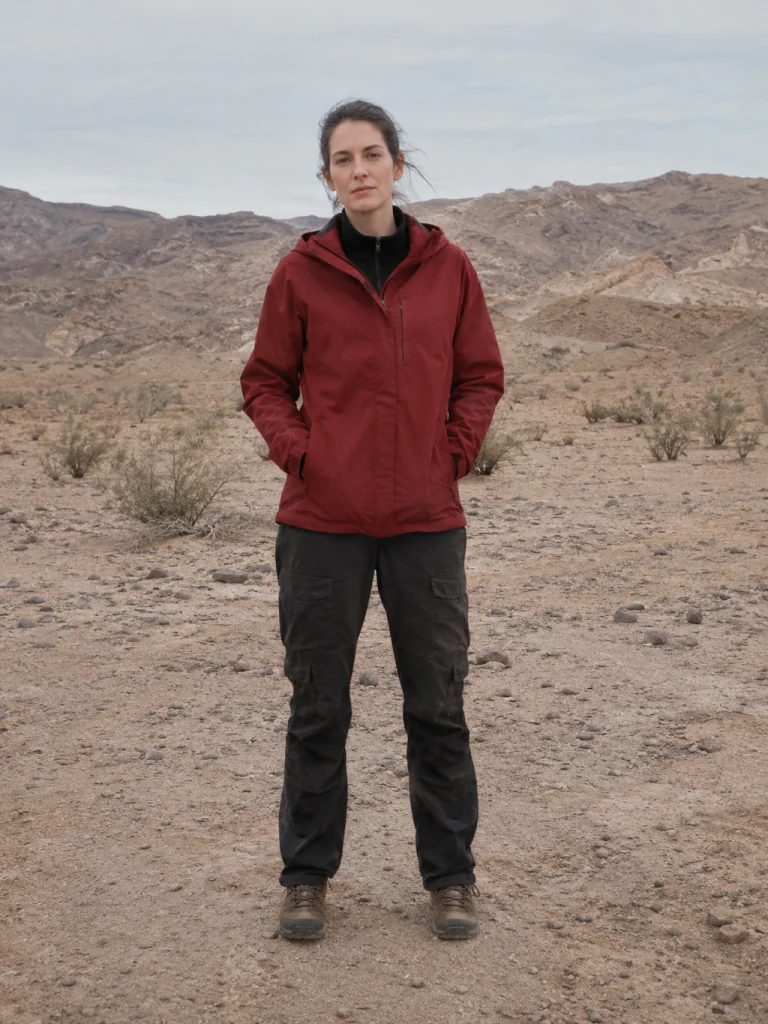 Dein Foto

