



KI-Videoeffekt · Goldenes Auflösen
Goldenes Auflösen: KI-Video aus einem Foto erstellen
Du zerfällst in Millionen leuchtender Goldpartikel, die der Wind davonträgt.
1Foto hinzufügen
- Ein klares Motiv, von der Taille aufwärts oder als Ganzkörperaufnahme, mit etwas Platz drumherum
- Lass Platz im Bild: Flügel, Feuer, Portale und Klone brauchen Raum, um zu erscheinen
- Scharfe, gut belichtete Fotos sorgen dafür, dass Gesicht und Fell während des Effekts gleich bleiben
Mehr OptionenMiniMax H3 Max
Weitere Optionen6 s
ca. 1 Min.
Mehr zum Ausprobieren
Alle Effekte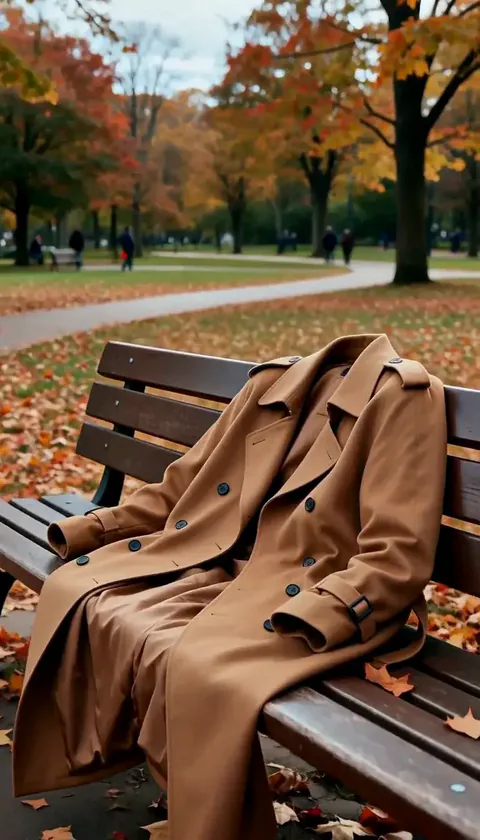 Geister-AbgangDu verschwindest im Nu, dein Mantel behält kurz die Form und fällt dann leer zusammen.AusprobierenNeuNachmachen
 ZimmerflutIn Sekunden steht das Zimmer unter Wasser und du schwebst ruhig in tiefblauem Licht.AusprobierenNeuNachmachen
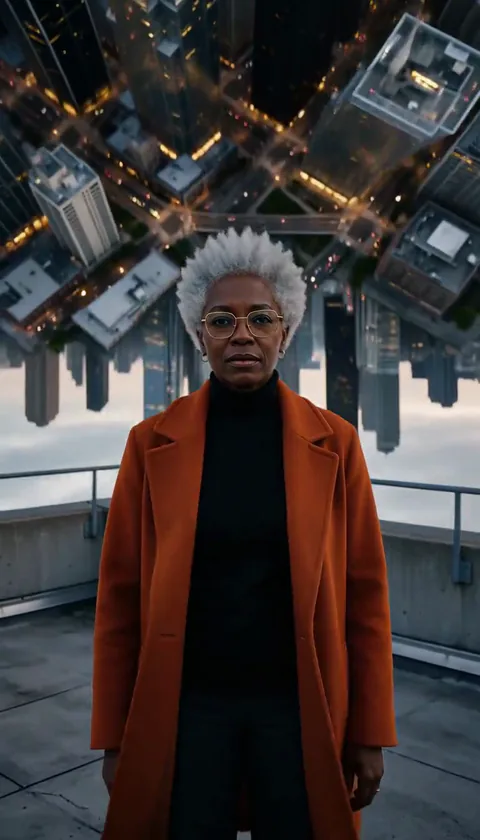 StadtfaltungDie Stadt hinter dir biegt sich nach oben und klappt wie eine Buchseite über deinen Kopf.AusprobierenNeuNachmachen
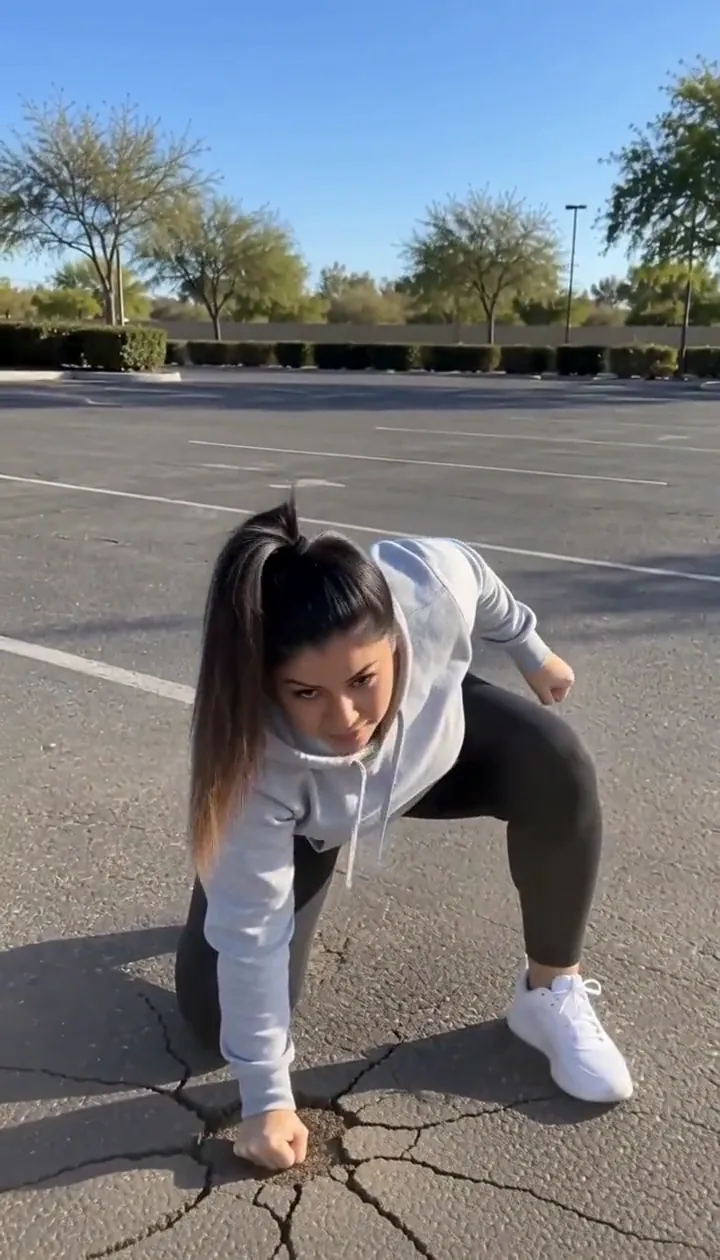 HeldenlandungSpring aus dem Bild und lande mit drei Aufsetzpunkten so hart, dass der Boden reißt.AusprobierenNeuNachmachen
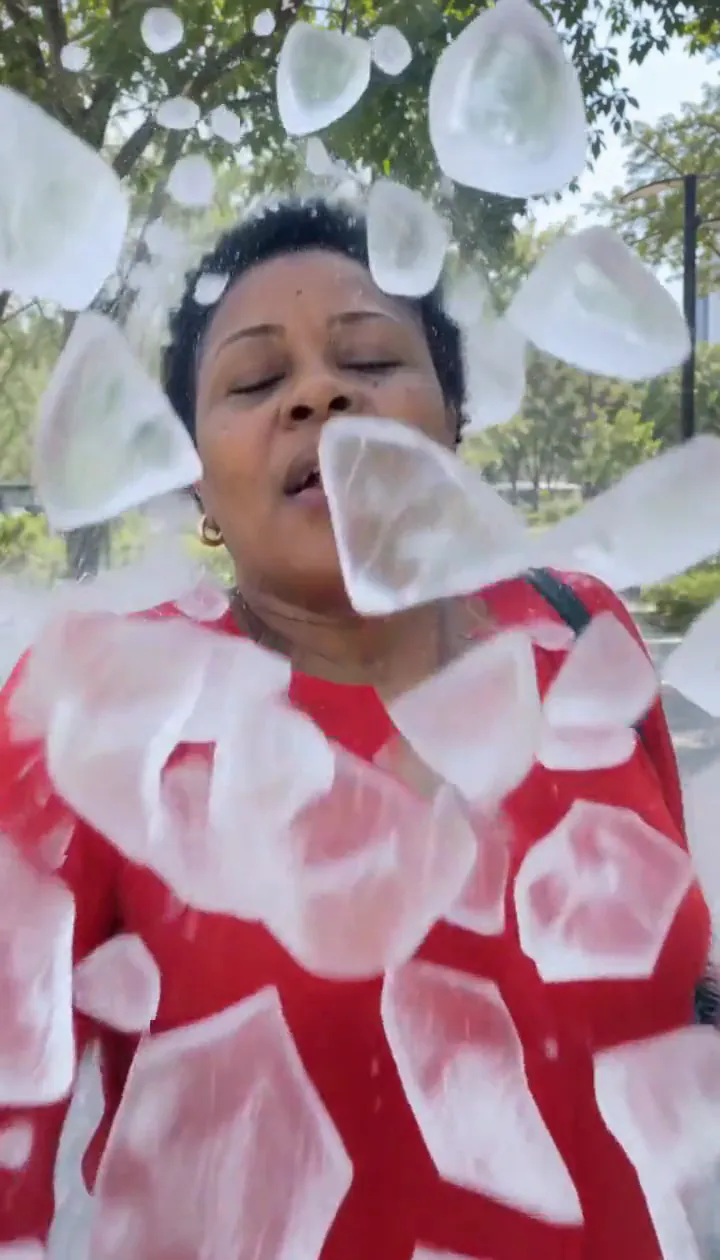 EissplitterEine Eishülle umschließt dich, zerplatzt in fliegende Splitter und du trittst lächelnd heraus.AusprobierenNeuNachmachen
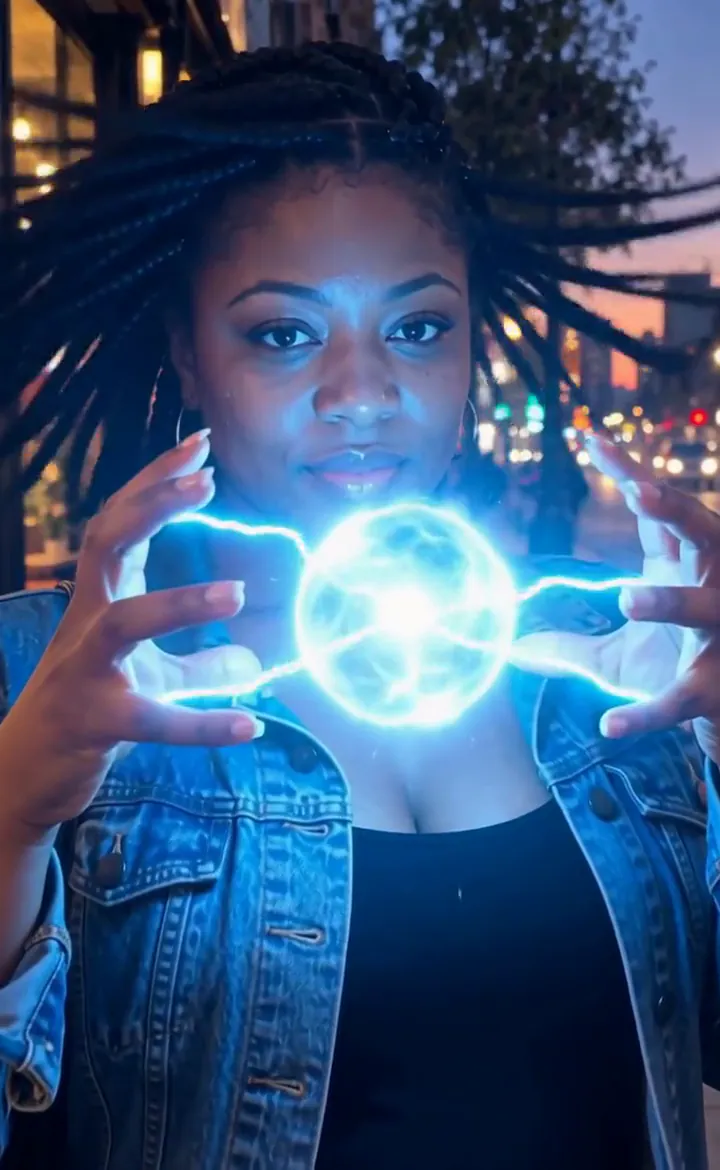 BlitzhändeBlitze knistern zwischen deinen Fingern und wachsen zu einer leuchtenden Plasmakugel.AusprobierenNeuNachmachen
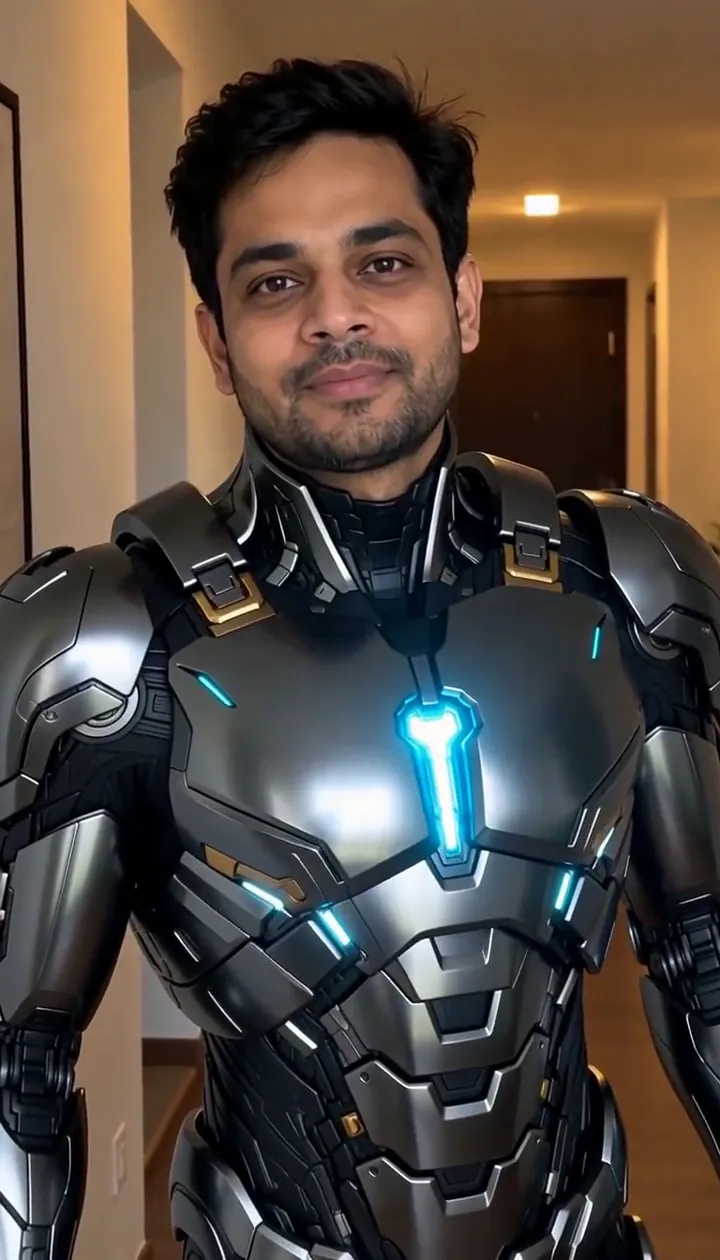 Rüstung anlegenGlatte Panzerplatten klappen aus und rasten Stück für Stück an dir ein. Dein Gesicht bleibt deins.AusprobierenNeuNachmachen
 Flügel entfaltenRiesige gefiederte Flügel öffnen sich hinter deinen Schultern.AusprobierenNachmachen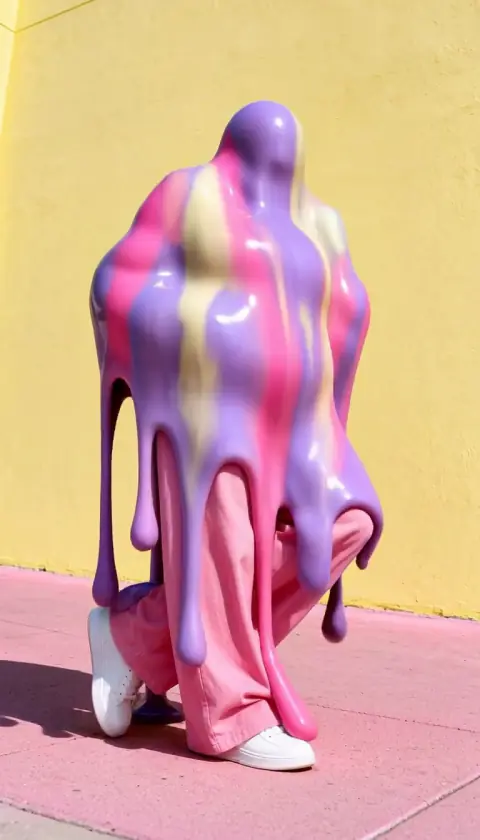
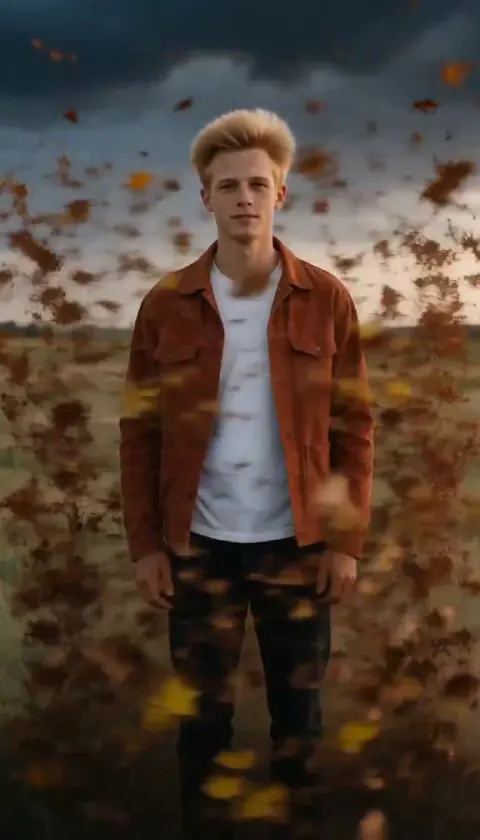
Was der Effekt Goldenes Auflösen macht
Golden Dissolve turns a portrait into a quiet departure. Gold light breaks away from the fingertips and shoulders, travels across the figure, and streams into the space beside them. The empty background becomes the final image, so choose a place you would still enjoy looking at after the person has gone.
Think of the movement as an ending for a travel diary, a fantasy farewell, or a transition into the next scene. The drifting particles carry the action; a busy camera move would compete with that small, gradual change. This is the cinematic edition of Turn to Dust, using a six-second H3 Max render with streaming gold light instead of a plain dust breakup.
So nutzt du Goldenes Auflösen
- Frame the departure Upload a portrait with an uncluttered area beside the person and enough background to remain interesting afterward.
- Choose the particle render Keep MiniMax H3 Max selected to match the flowing gold samples rather than assuming a budget option produces identical detail.
- Watch the last outline Review the fingertips, shoulders and final empty setting before choosing the cut point for your next scene.
Welche Fotos sich für Goldenes Auflösen eignen
Gut geeignet
- One person with a clear outline
- A park or promenade with empty space to one side
Lieber nicht
- People overlapping each other
- A face filling nearly the entire picture
Beispiele für Goldenes Auflösen
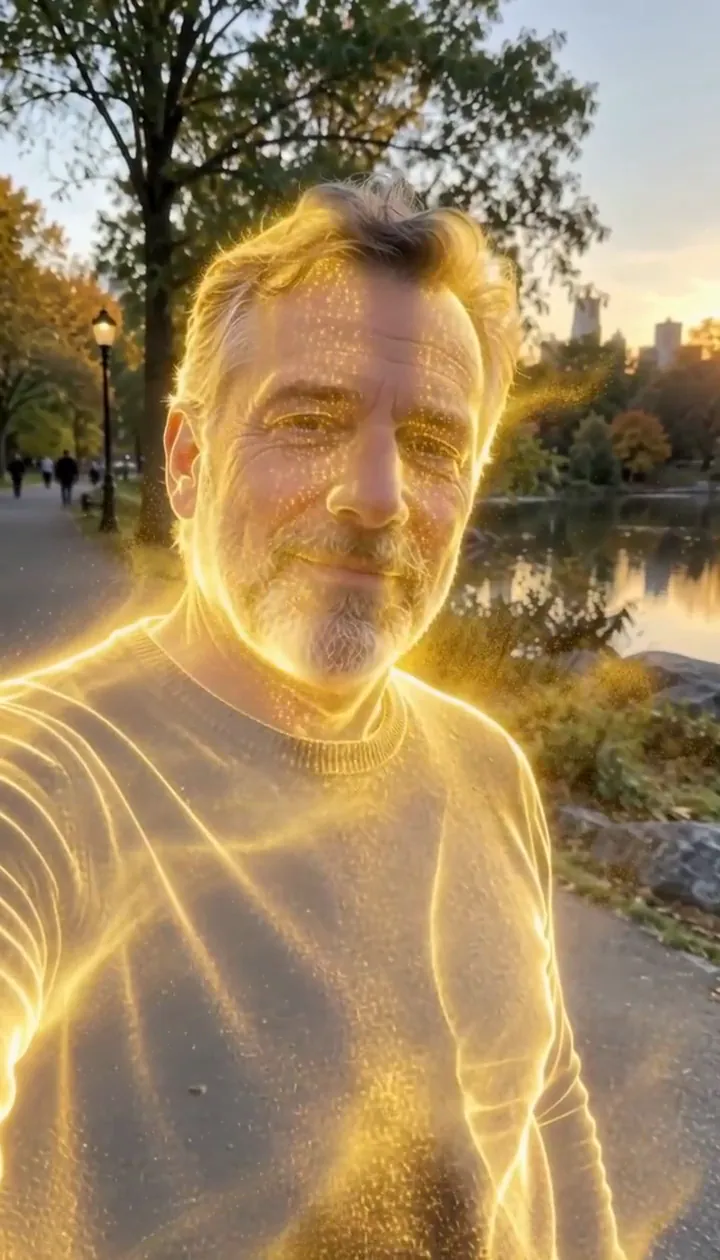

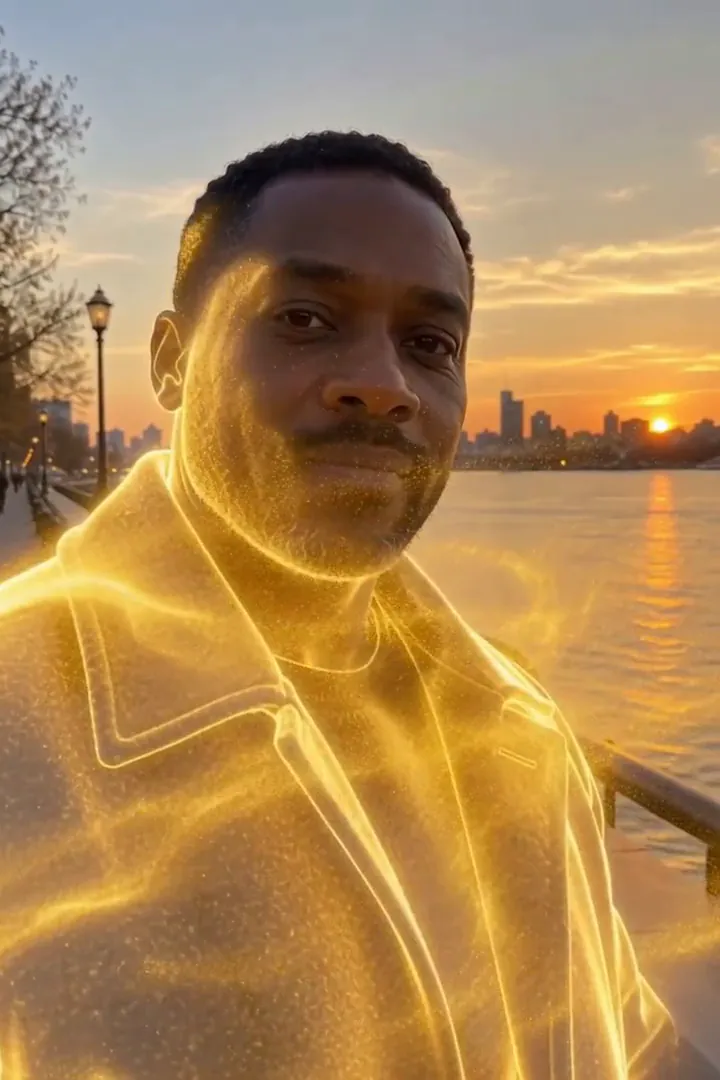
Was wir beim Testen von Goldenes Auflösen gesehen haben
In our test runs, a man in his 50s with a trimmed grey beard and a navy sweater in a park in late-afternoon light. He dissolves into glowing gold particles until he is gone. Leave some open background on one side: the particles stream that way.
In the second run, a man in his 40s in a charcoal wool coat on a riverside promenade at golden hour. Gold sparks start at the shoulders, his whole figure turns to light, a golden outline lingers, then only the empty promenade is left. The person fully disappears by the end, so it works as an exit or a reveal shot.
So wirkt Goldenes Auflösen auf den einzelnen Modellen
- MiniMax H3 Max (480 Credits · etwa 30 Sek.) Default; MiniMax H3 Max made the samples. 480 credits, with a typical render time of 31 seconds. The Golden Dissolve render includes generated sound; its page samples play muted.
- MiniMax H3 (185 Credits · etwa 55 Sek.) MiniMax H3 costs 185 credits; cheaper and untested with this prompt, so the published effect is not a tested promise for this option.
- Seedance 2.0 Mini · 480p (124 Credits · etwa 2 Min.)
Der Prompt hinter Goldenes Auflösen
Starting at the person's fingertips and shoulders, their body slowly dissolves into millions of glowing golden particles that peel away and stream sideways on a gentle wind, swirling through the air and catching the light, until only a shimmering golden outline remains. The background stays still. Camera holds steady with a slow push-in. Ethereal, elegant, cinematic VFX.Tipps für ein besseres Goldenes Auflösen-Ergebnis
- Keep the original location visible around the whole torso; the scenery gives the disappearing figure a stable reference.
- Avoid a crop that clips the shoulders, where the golden breakup begins.
Goldenes Auflösen: Fragen und Antworten
Does the gold leave a person standing at the finish?
In our test runs the figure disappeared completely, with a brief luminous outline before the background was empty.
Where should I leave room for the departing sparks?
Keep an open strip beside the shoulders and torso so the sideways stream can separate visibly from the body.
Would a crowded party picture suit this golden exit?
A solitary figure is the clearer starting point because neighboring bodies can interrupt the silhouette you want to dissolve.
Is this a solid gold statue transformation?
The intended finish is an absence made from drifting light; choose Molten Gold when you want a solid gilded figure instead.
How can I use the empty promenade ending?
Place your next shot after the last particles fade to make the disappearance serve as a gentle visual handoff.
Passende Effekte und Tools
- Zu Staub · In leuchtenden Staub zerfallen, der davontreibt.
- Blütenzauber · In einen Wirbel aus Rosenblättern zerfallen.
- Goldstaub · Ein Goldglitzer-Regen in Zeitlupe ergießt sich über dich.
- Trim the Golden Dissolve sequence in the editor