「籃球灌籃」特效能做什麼
「籃球灌籃」把一張靜態照片變成一段 AI 短影片。切入、起跳,再來一記強力灌籃。
如何使用「籃球灌籃」
- 上傳一張照片 上傳人物、寵物或物品的清楚照片,作為「籃球灌籃」影片的參考。
- 保留預設模型,或選擇其他模型 目前已選擇 MiniMax H3,清單中會顯示其他模型的價格,確認後再開始生成。
- 點選「生成」 影片通常 約 60 秒完成,可以下載,也可以傳送至其他工具繼續創作。
什麼樣的照片適合「籃球灌籃」
「籃球灌籃」實測觀察
「籃球灌籃」在不同模型中的表現
- MiniMax H3 (210 點數 · 約 60 秒)US$0.21 對比 Runway US$0.50 · 768p · 5 秒−58% 對比 Runway
- Seedance 2.0 Mini · 480p (125 點數 · 約 3 分鐘)US$0.13 對比 fal US$0.36 · 480p · 5 秒−65% 對比 fal
「籃球灌籃」背後的提示詞
Within the first second the player drives toward the hoop, takes off and soars up for a powerful dunk, hanging on the rim for a moment before dropping back down. The camera tilts up with the jump. The person stays exactly as they appear in the photo.
「籃球灌籃」常見問題
「籃球灌籃」要多少點數?
使用 MiniMax H3 製作「籃球灌籃」需要 210 點數,最低可選 125 點數的方案。無需訂閱,生成失敗時點數會自動退回。
「籃球灌籃」會改變照片裡的什麼?
Within the first second the player drives toward the hoop, takes off and soars up for a powerful dunk, hanging on the rim for a moment before dropping back down. The person stays exactly as they appear in the photo.

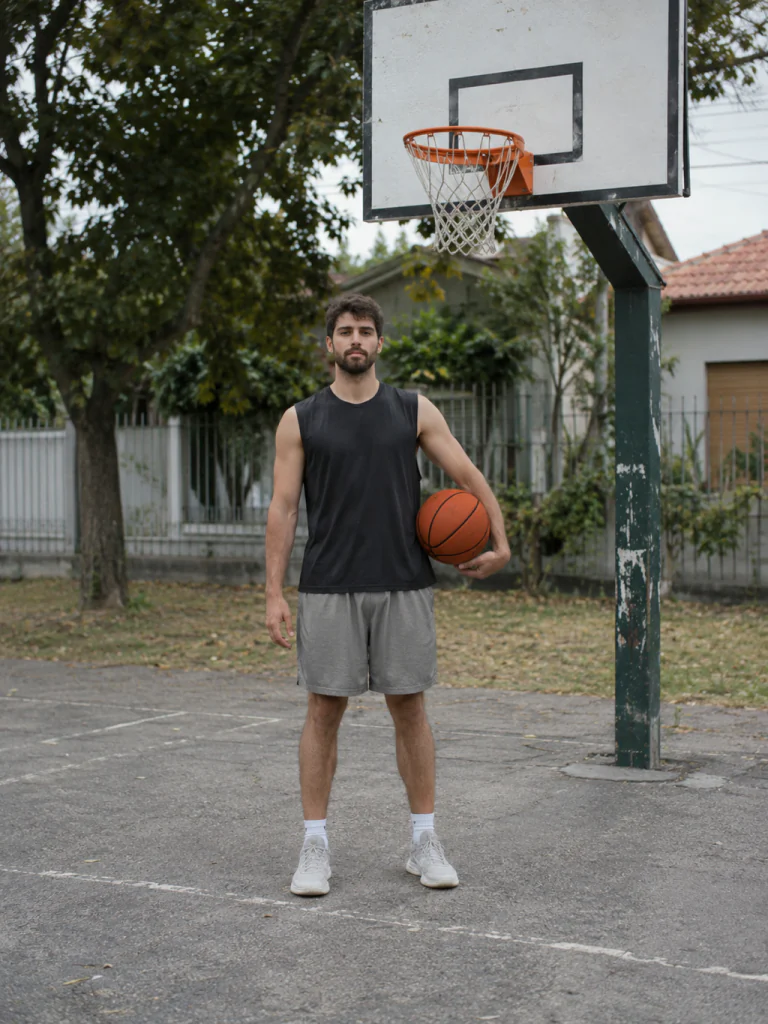 你的照片

