


Where the tungsten night look comes from
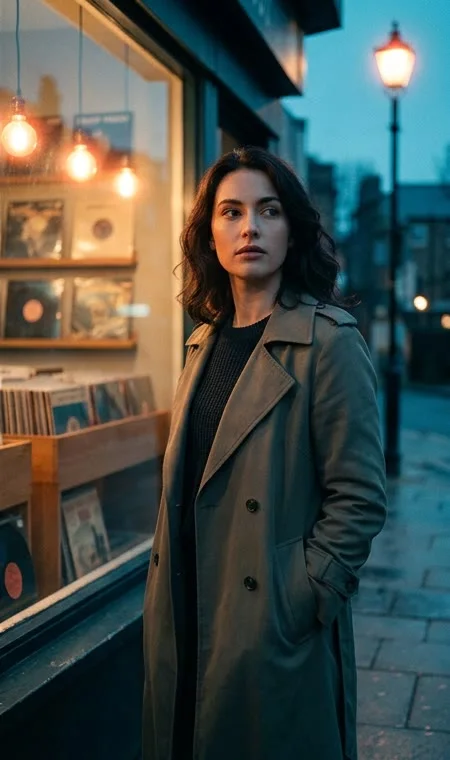
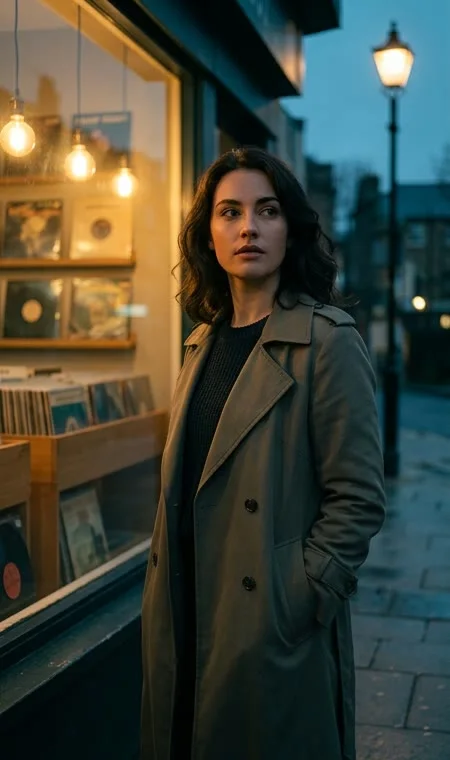
Film made for tungsten light is balanced for warm indoor bulbs at around 3200K. Shoot it outdoors after sunset and everything lit by the sky turns blue, while streetlights, shop windows and car lamps stay warm. That split between cold ambient light and warm practical lights is the heart of the night look photographers chase on tungsten stock.
Some motion picture films used in still cameras also lack the dark backing layer that normally stops light from bouncing around inside the film. Without it, very bright points such as lamps and neon pick up a red-orange halo called halation. The halo is part of why the look is so recognizable, and it is also the part a color LUT can't reproduce.
What the LUT does and what it doesn't
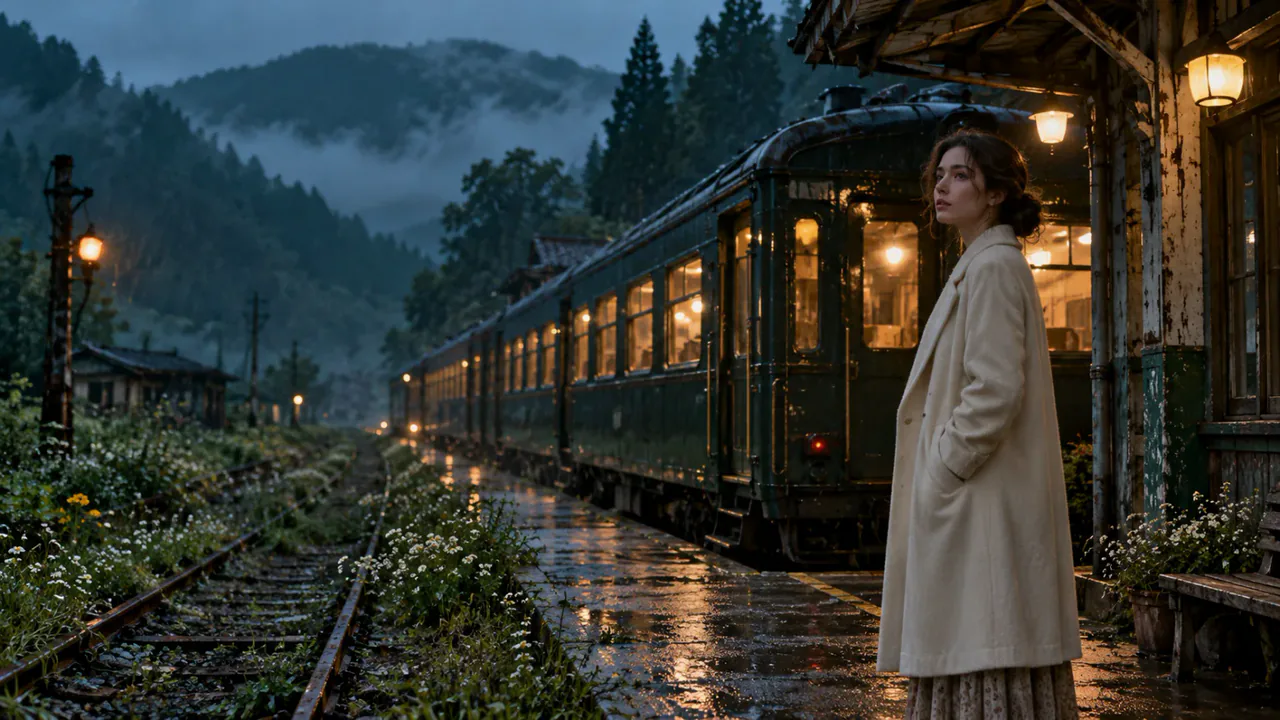
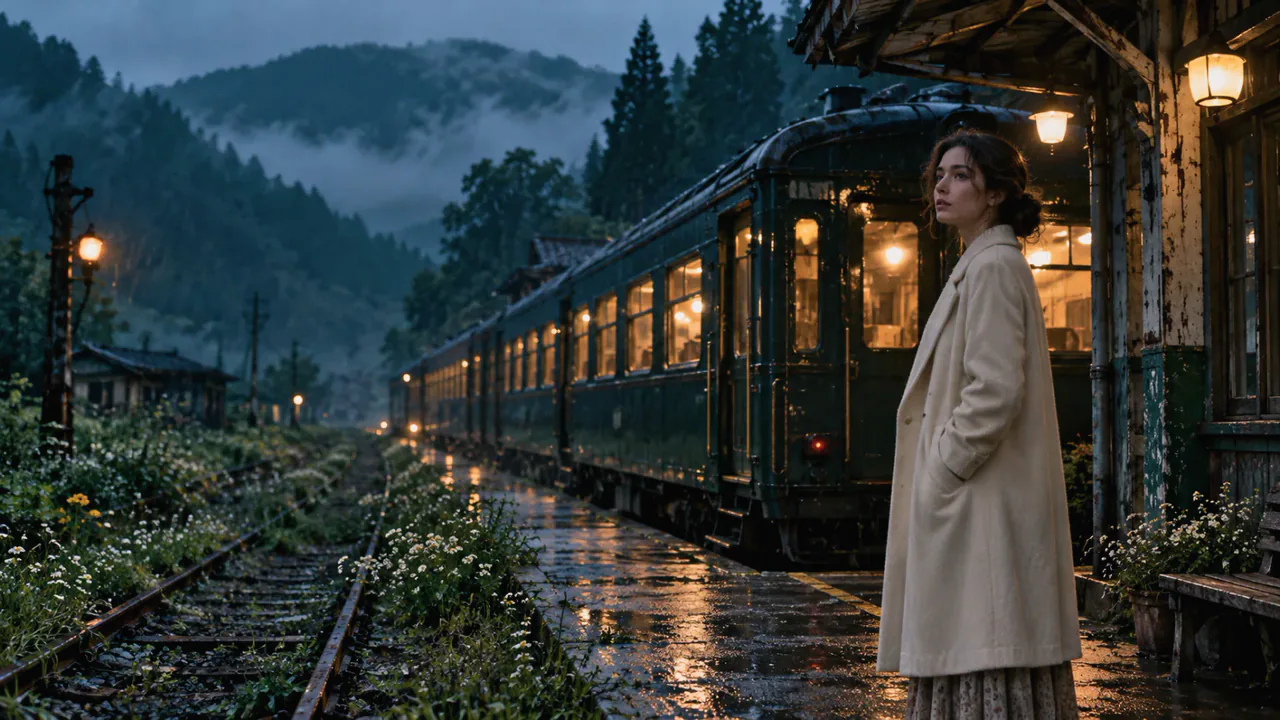
Rain noir in Cinematography Studio is built on our Tungsten 800 Night emulation—an original grade, not a copy of any company's film. As a .cube LUT it cools the shadows and midtones, keeps warm highlights warm, lifts the blacks a little and adds moderate contrast. The station frames above were rendered with the downloadable file and nothing else.
Halation and grain are spatial effects: they depend on how bright the surrounding pixels are, while a LUT only ever sees one color at a time. In Cinematography Studio you can add Halation or Soft bloom instantly from the Lens dial's Glass wheel, and 35mm or 16mm grain from the Body wheel—with no credits—then Export the finished image or clip, or add halation in your editor after applying the .cube LUT.
Lighting that makes the look work
The look needs both kinds of light in the frame. Shoot or describe the short window after sunset when the sky still holds some blue and the street lamps are already on. In complete darkness there is nothing for the cool side to work with and the image falls into silhouettes.
In the Light dial, Neon spill, Backlight and Hard split pair well with Rain noir on a still frame. Keep practical lights off-center and in the background so they read as points of warm light. For AI images, avoid asking for readable signs: lettering often comes out garbled, while colored light spilling across wet surfaces carries the same mood.
Keeping a night scene consistent
Night scenes drift easily from shot to shot. Once your Look and Adjust sliders feel right, click Save the current look to store it in Mine so every new take starts from the same grade, then use Send to and pick Film Maker to build a full sequence from your graded frame. If you mix in footage from a real camera, download the same .cube LUT and apply it in your editor so every shot shares the same color.
Soft bloom and Halation in the Lens dial's Glass wheel add highlight glow instantly in the monitor—try them on a still first, and pull them back if a close-up with many bright lamps gets too hazy.