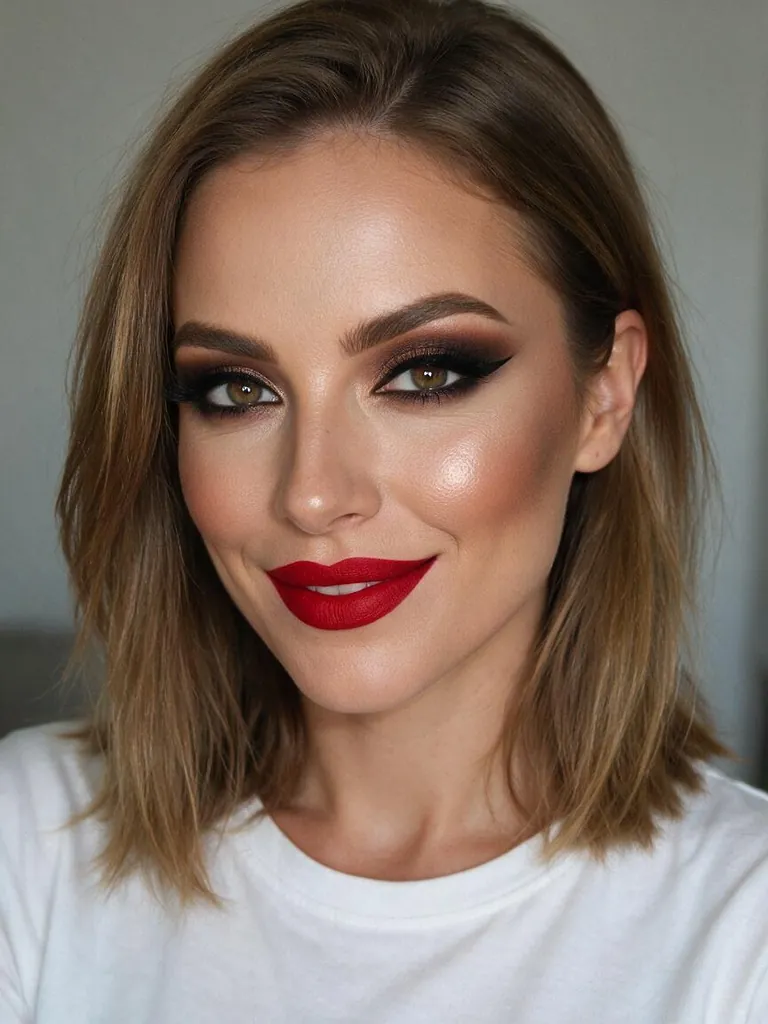
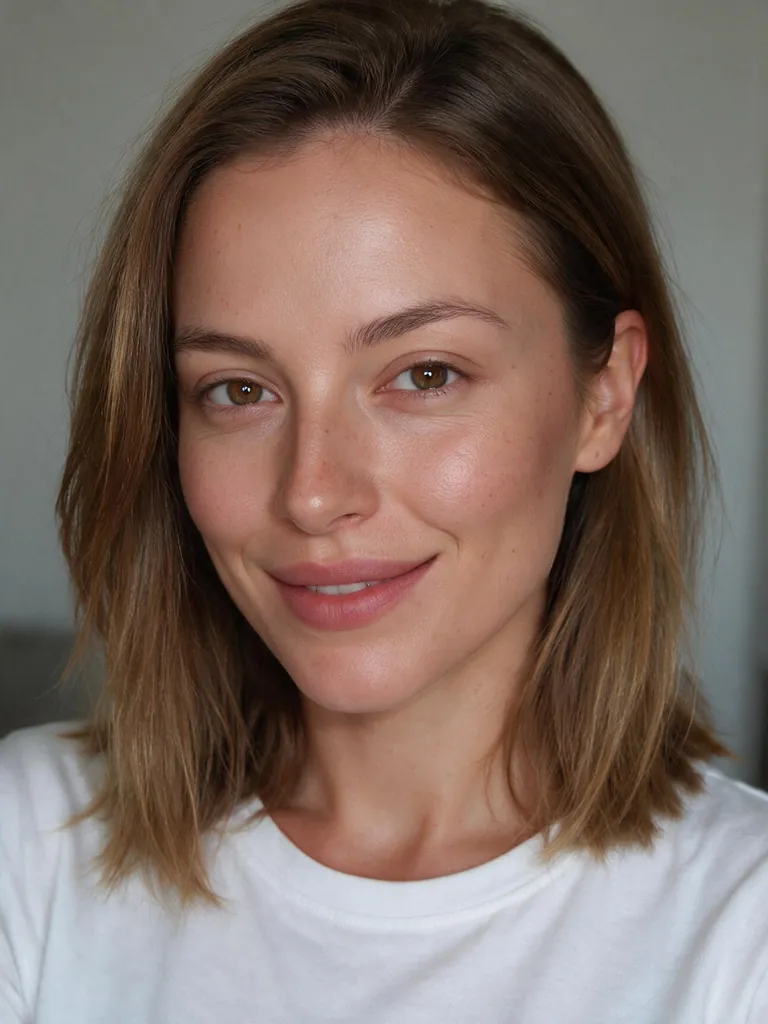
What Makeup Try-On does
Makeup Try-On puts a makeup look on your own photo, or takes all the makeup off with the No makeup filter. Only the makeup changes: your face shape, eyes, nose, lips, skin tone, freckles, hair and background stay exactly as they are. Try up to six looks at once and compare them side by side or with a before and after slider. There are 10 ready-made looks, and you can set your own lipstick and eyeshadow color.
How to try on makeup
- Add a photoA clear, front-facing photo with your face well lit works best.
- Pick looksChoose up to six looks, or No makeup. Change the lipstick or eyeshadow color if you like.
- CompareSee them side by side, drag the slider against your original and download the ones you like. Three looks cost 108 credits.
Looks
- Natural · Tint, mascara, lip balm
- Soft glam · Warm shimmer, satin nude lip
- K-beauty · Glass skin, gradient lip
- Full glam · Cut crease, wing, contour
- Classic red lip · Cat-eye and matte red
- Smoky eye · Charcoal smoky eyes
- Bridal · Rose-gold glow
- Party glitter · Gold glitter, berry lip
- Sun-kissed · Bronzer and freckles
- Graphic liner · Bold blue liner
- No makeup · Remove all makeup
The no-makeup filter
No makeup removes foundation, concealer, contour, blush, eyeshadow, eyeliner, lashes and lipstick and shows natural skin with its real texture, pores and freckles. It doesn't smooth or beautify the skin, so it looks like a real bare-faced photo, not a filter.
Your own lip and eye colors
Every look has its own lipstick and eyeshadow, and you can swap either one: pick from eight shades each or choose any color with the color picker. Intensity sets how strong the whole look is, from a light everyday version to fully camera-ready, and Lip finish switches between matte, satin and gloss.
Which photos work best
✓ Works well
- Front-facing, eyes open
- Face well lit, no heavy shadows
- Face fills a good part of the photo
- Glasses are fine
✕ Harder
- Face turned far to the side
- Sunglasses or hands covering the face
- Very small faces in group photos
- Heavy filters already on the photo
Tips
- Start with two very different looks, like Natural and Classic red lip, then fine-tune the one you like.
- Use Light intensity to see an everyday version of a bold look.
- Bring a lipstick color from a product photo with the color picker.
- Try No makeup on a photo where you are wearing makeup to see the difference.
Your face stays yours
Makeup Try-On is told never to slim the face, enlarge the eyes, change the nose or lips, lighten the skin or smooth it into plastic. Use photos of yourself or of people who agreed.
How many credits it takes
- Standard · per look
- 36 credits
- HD 2K · per look
- 72 credits
- Other model · per look
- 51 credits
Each look is one image. The button shows the total before you start, and failed runs are refunded.
FAQ
How can I try on makeup on my own photo?+
Add a front-facing photo, pick one or more looks and press Try. Each look takes about half a minute and costs 36 credits at Standard quality. You can compare them side by side or against your original.
Is there a no-makeup filter?+
Yes. Choose No makeup and it removes all makeup and shows your natural skin texture, pores and freckles, without smoothing or beautifying.
Will it change my face?+
No. Only the makeup changes. Face shape, eyes, nose, lips, skin tone, hair, clothing and background are kept, and the model is told not to slim, enlarge or lighten anything.
Can I choose my own lipstick and eyeshadow color?+
Yes. Pick one of eight shades for each or any color with the color picker. It replaces the color in the look you chose, and you can also switch the lip finish to matte, satin or gloss.
What makeup looks are there?+
There are 10 looks: Natural, Soft glam, K-beauty, Full glam, Classic red lip, Smoky eye, Bridal, Party glitter, Sun-kissed and Graphic liner, plus No makeup. You can also describe your own.
How much does it cost?+
Each look is one image: 36 credits at Standard, 72 credits in HD 2K and 51 credits with the other model. Three looks at Standard are 108 credits.
Does it work for men and every skin tone?+
Yes. The looks follow your own skin tone, and Natural or a custom description works well for a subtle, groomed look on anyone.
Can I try a bridal or party look before the day?+
Yes. Try Bridal or Party glitter on a recent photo, change the lipstick to the shade you plan to wear and show the result to your makeup artist.

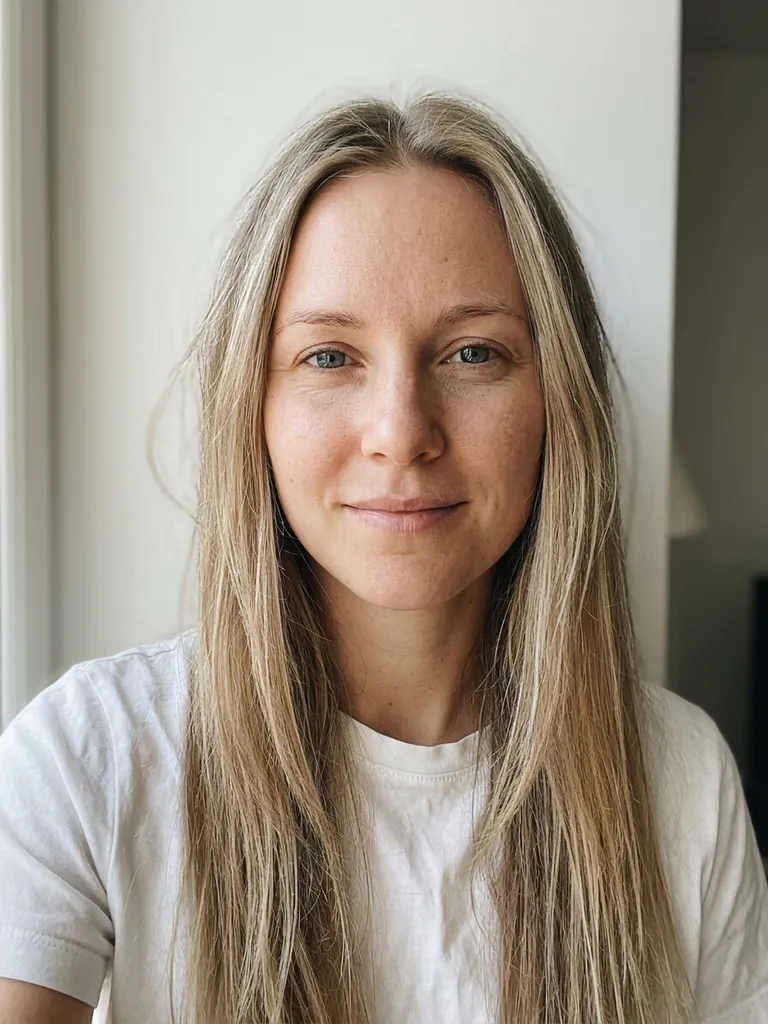 Example