
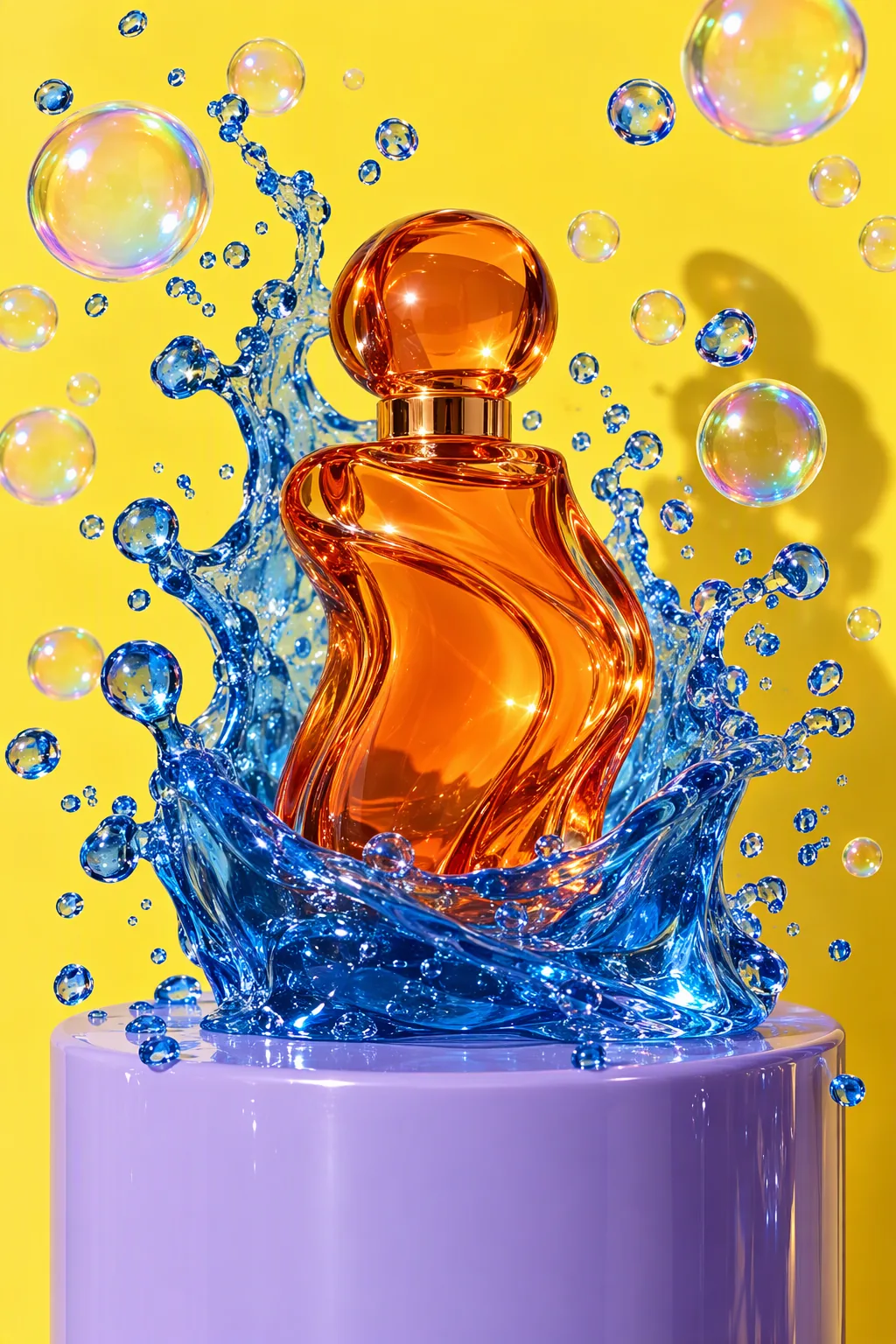
Studio product advertisement photograph: a sculptural perfume bottle made of tangerine-orange glass stands on a glossy lilac plinth; a wave of clear cobalt-blue jelly erupts around it, frozen mid-splash, with dozens of perfect iridescent soap bubbles suspended in the air. Solid lemon-yellow seamless backdrop, hard flash key light with a crisp shadow, glossy specular highlights, macro detail on the jelly droplets, luxury beauty campaign look. No text, no logos, no brand names.
Jelly Splash PerfumeGPT Image 2.5 Sunburstこれをつくる