
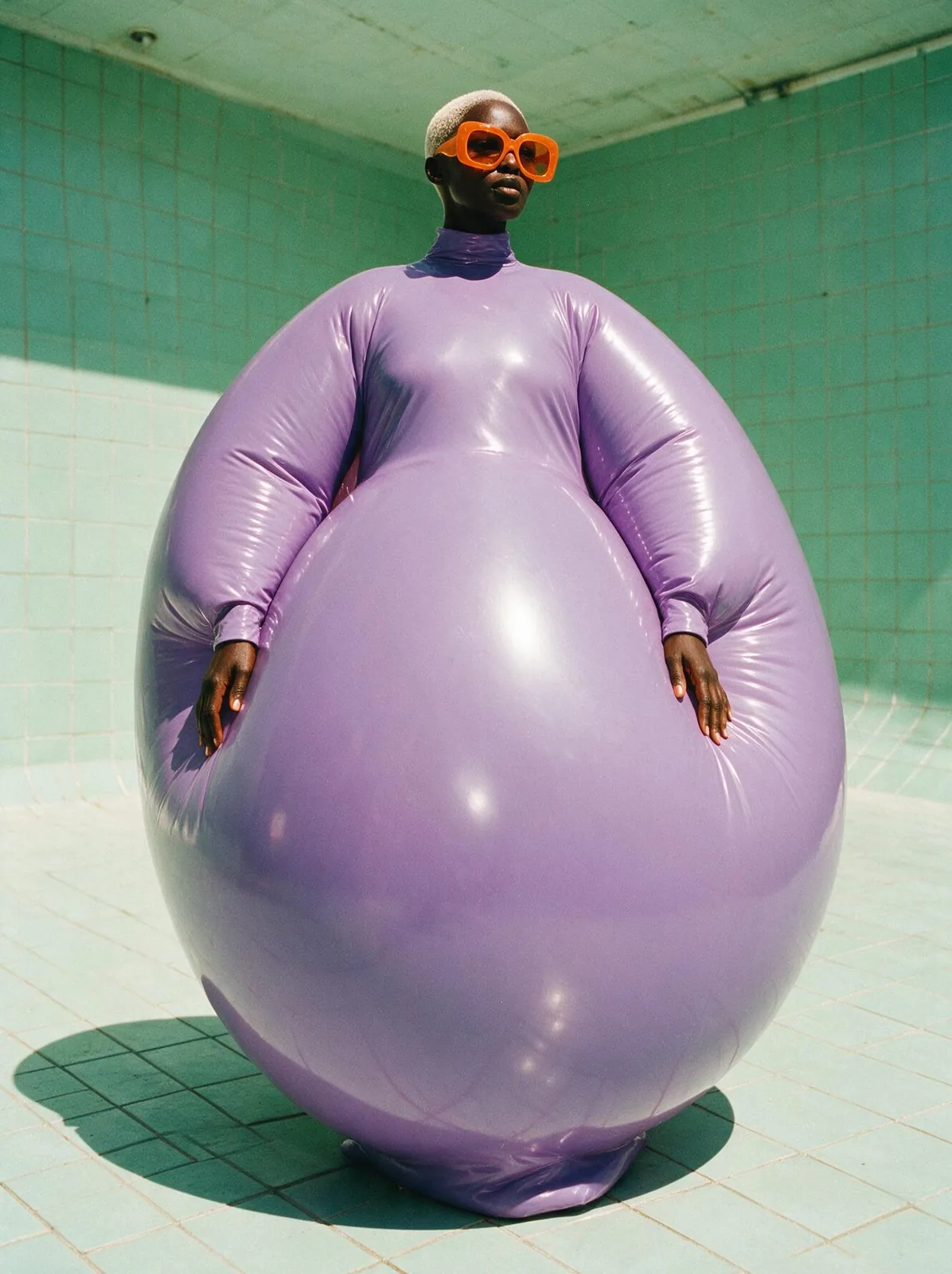
Vertical fashion editorial photograph shot with direct flash inside an empty mint-tiled swimming pool: a tall Black woman in her thirties with a platinum buzz cut wears a huge sculptural inflatable couture gown of glossy lilac vinyl — a voluminous round balloon silhouette from shoulders to floor, high neck, long sleeves, nothing form-fitting — with oversized tangerine sunglasses. Low camera angle, harsh noon sun, hard shadows on the tiles, saturated colors, 35mm film grain, photorealistic, no text.
Inflatable Couture Seedream 5.0 Proこれをつくる