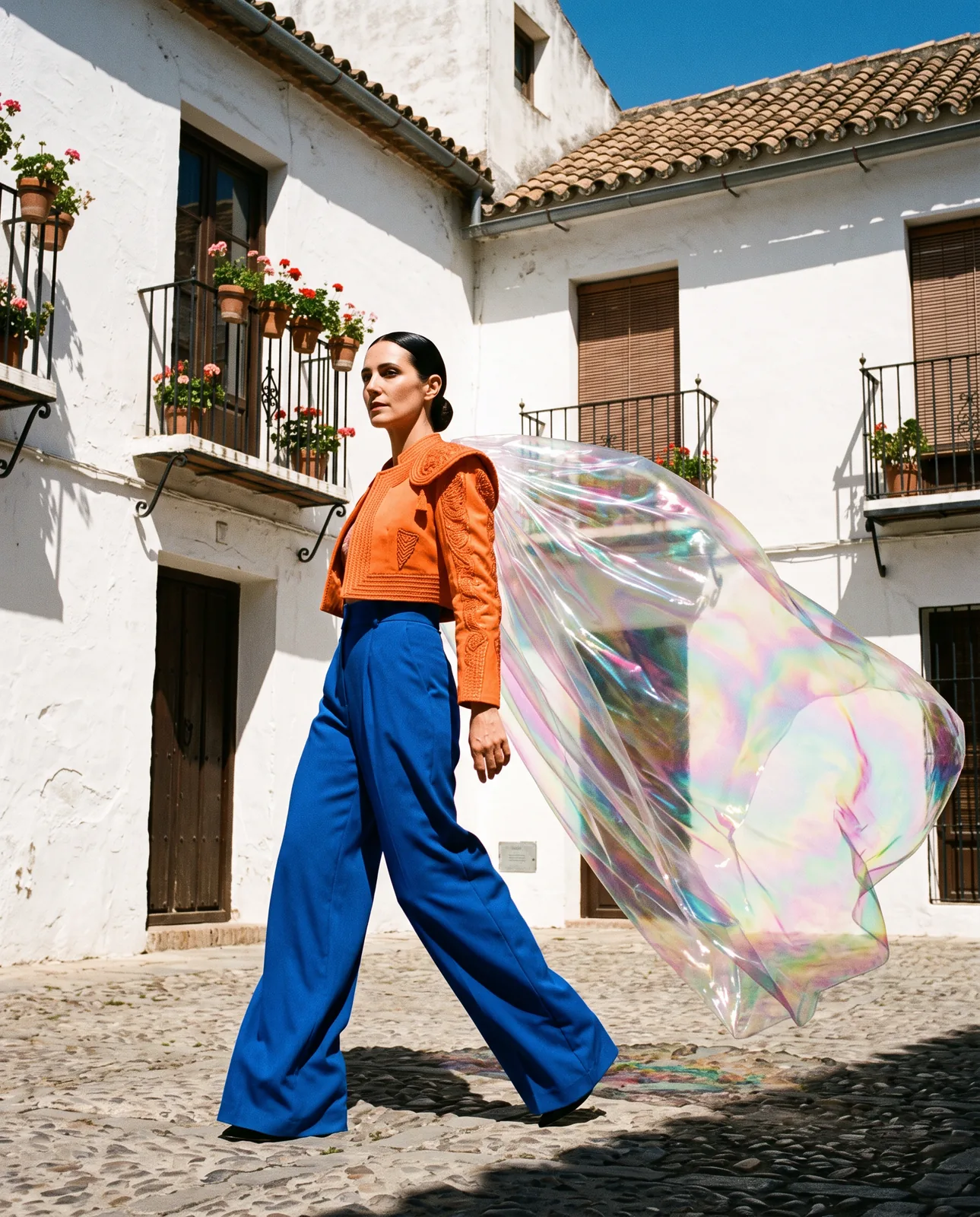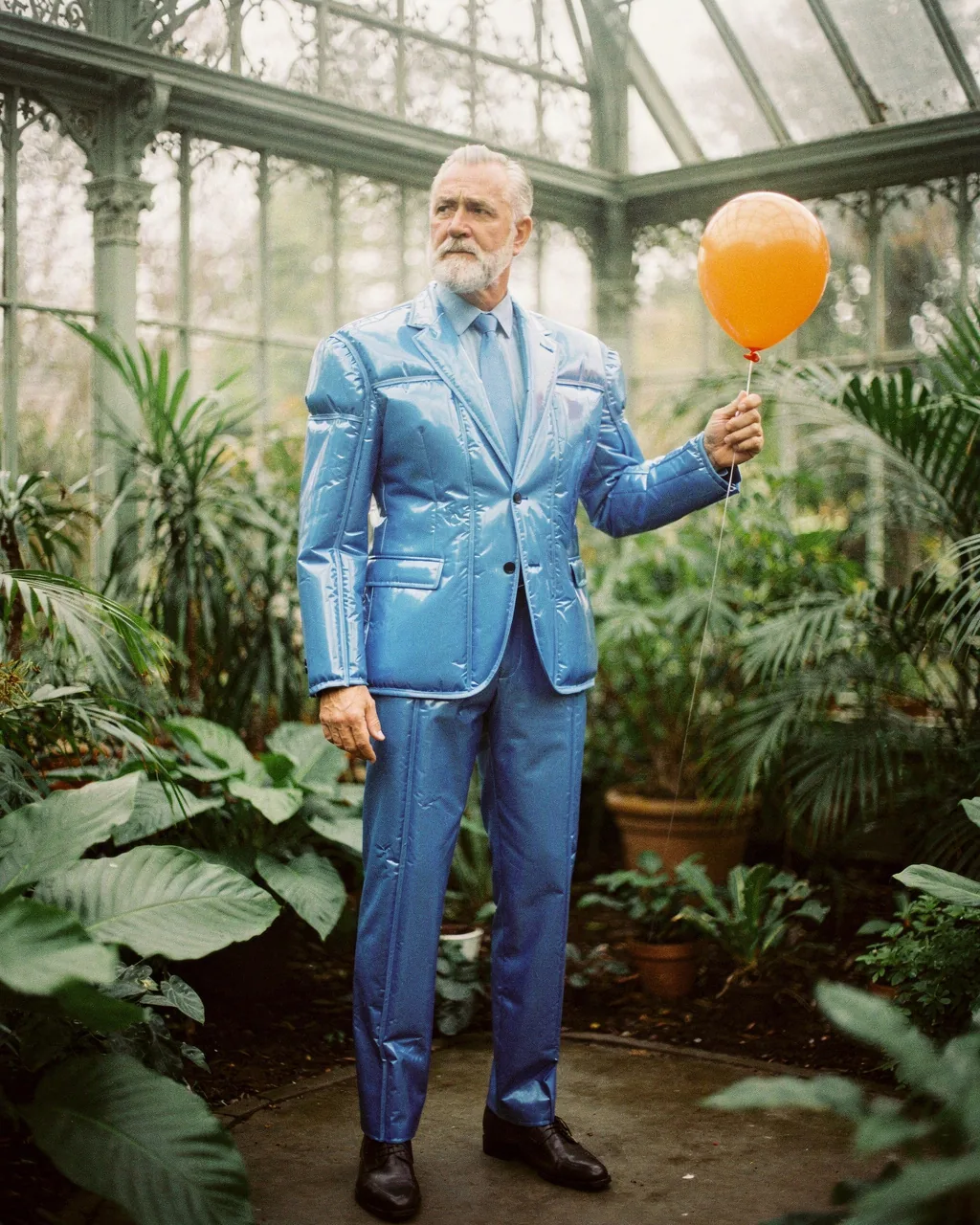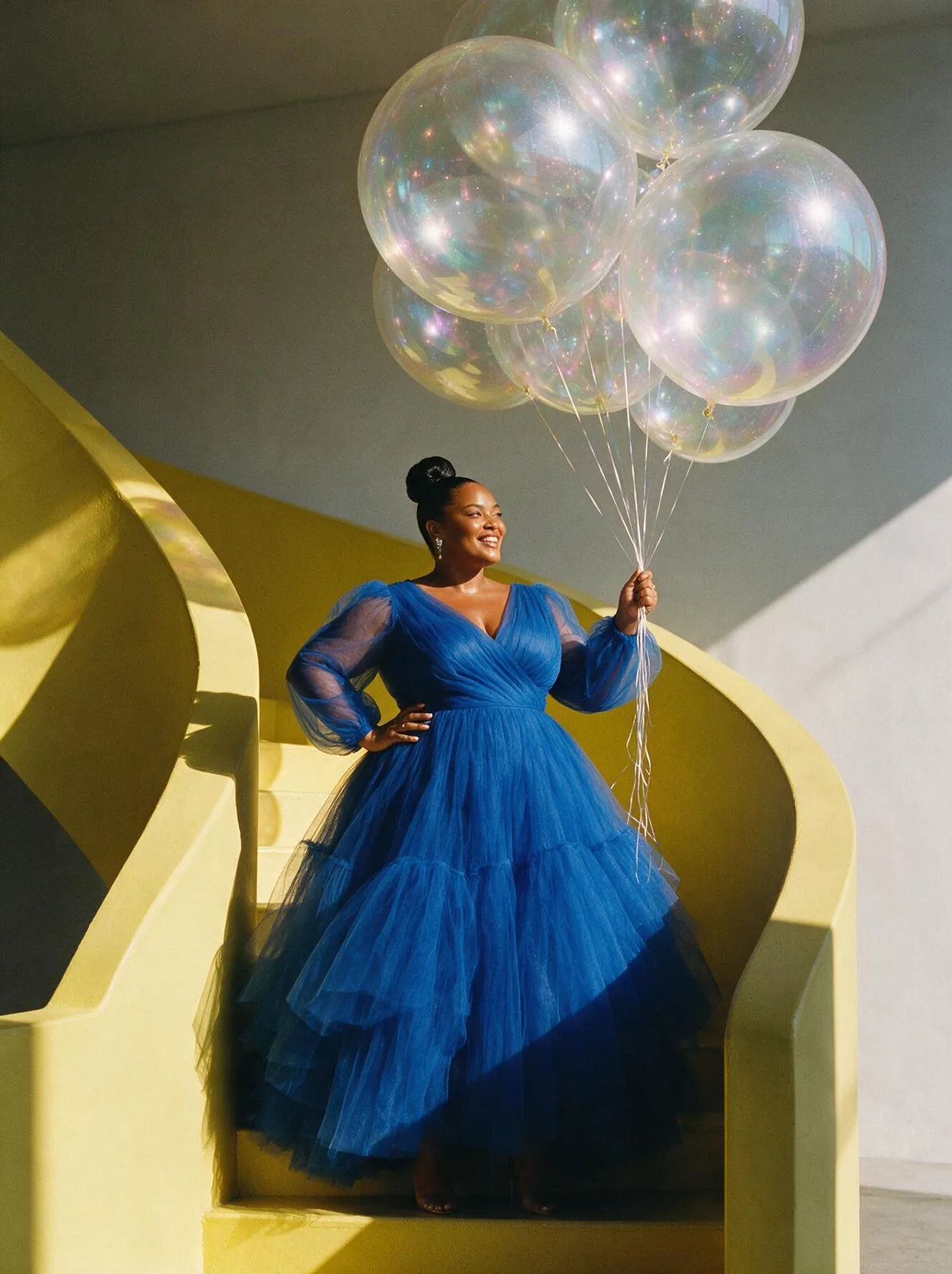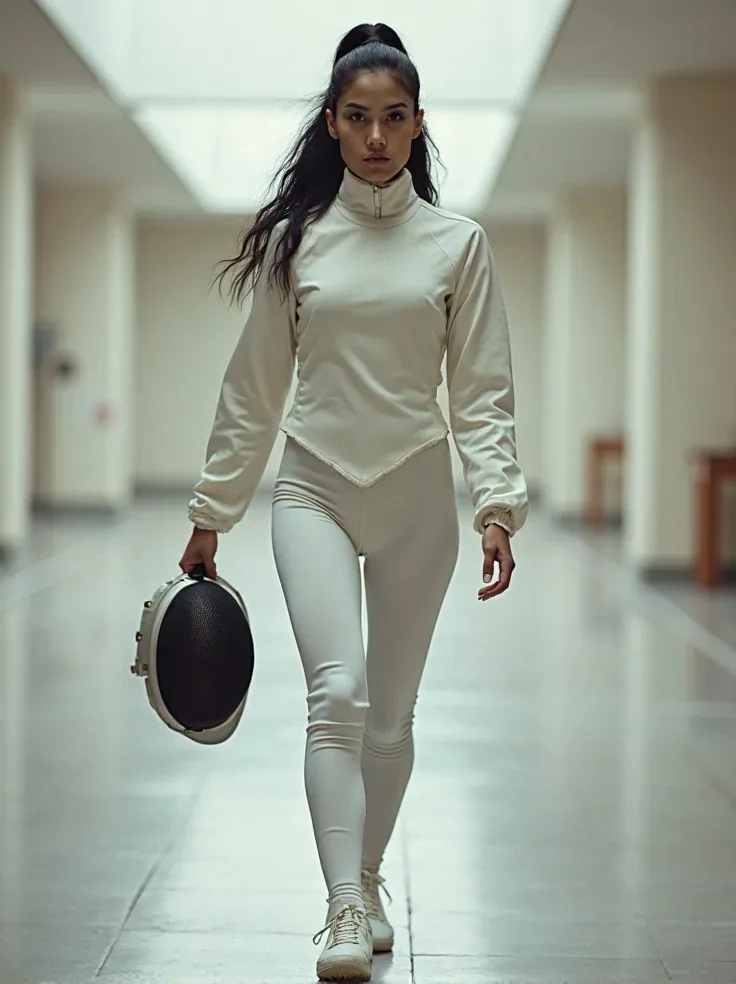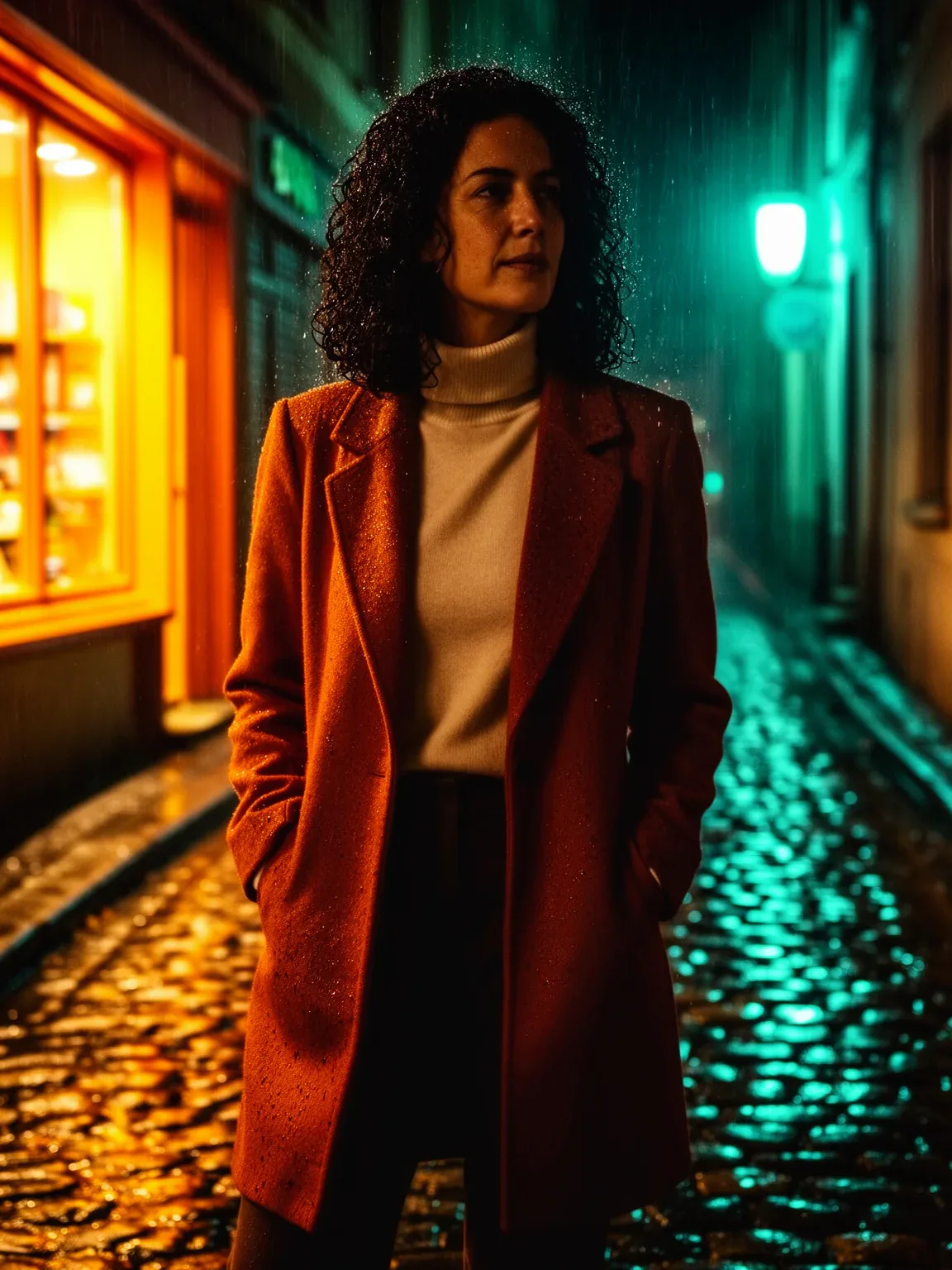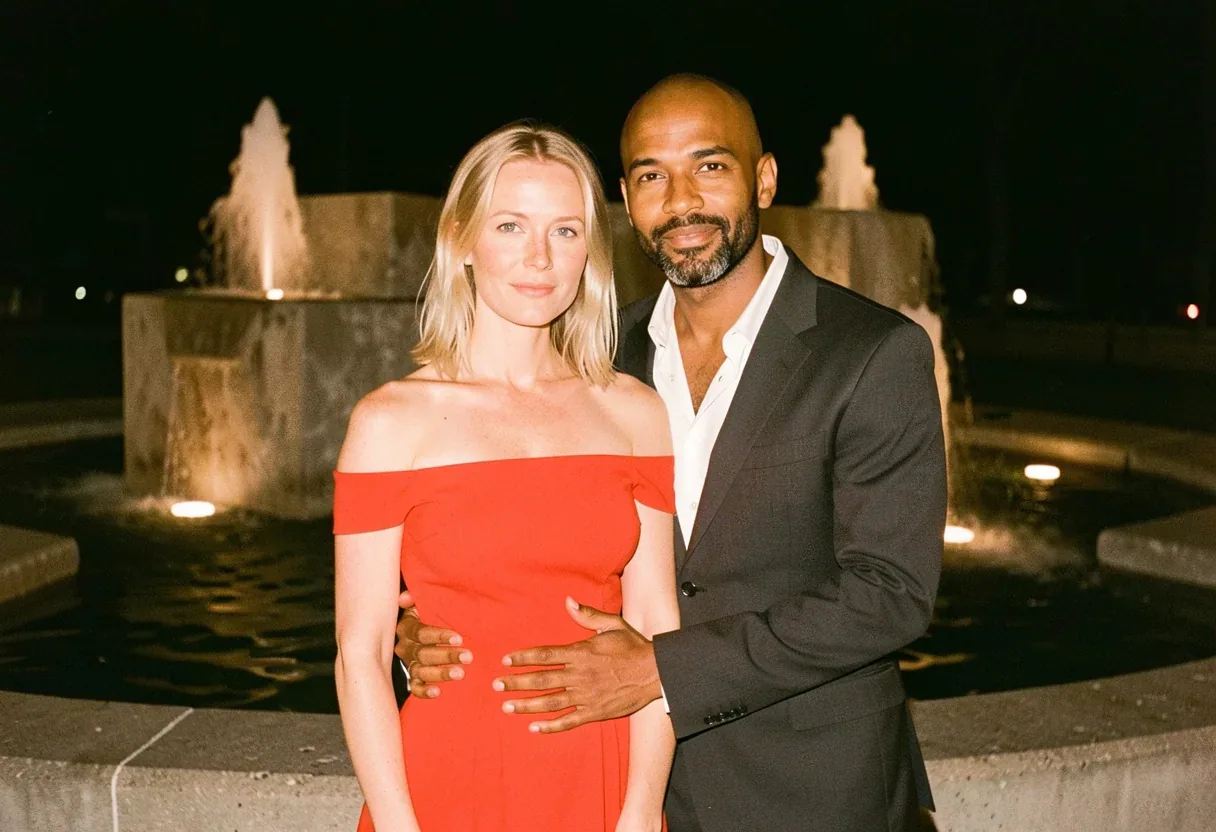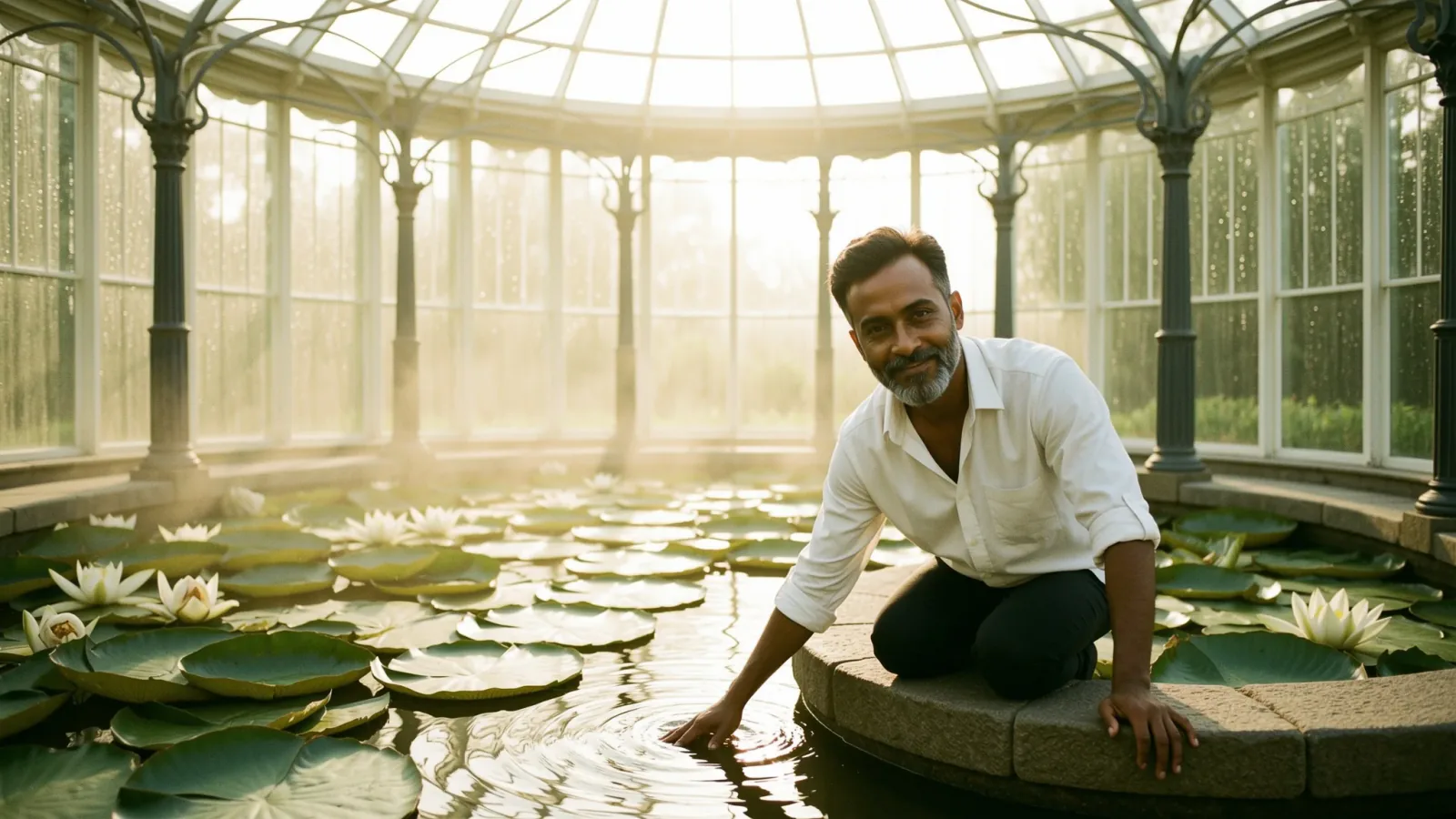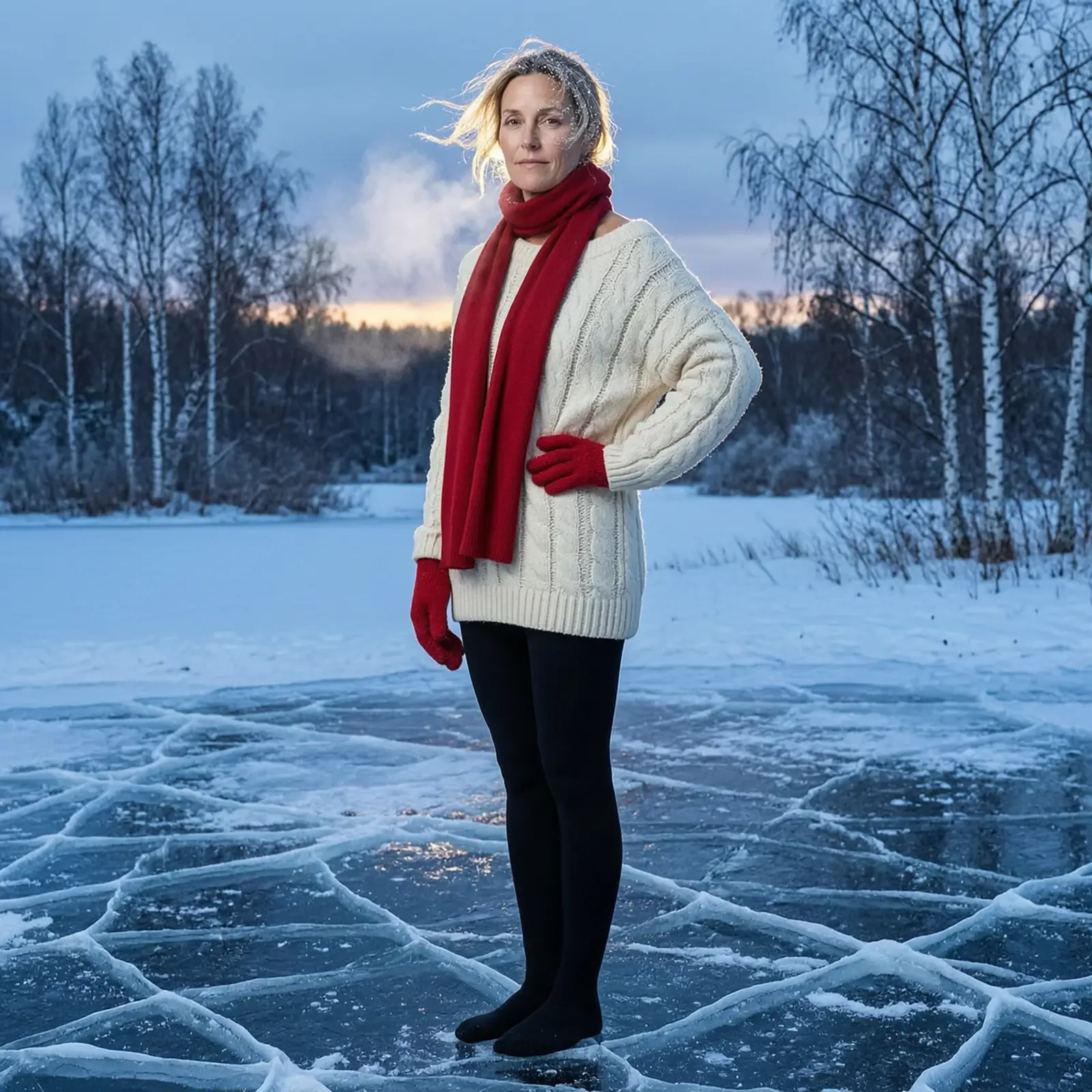
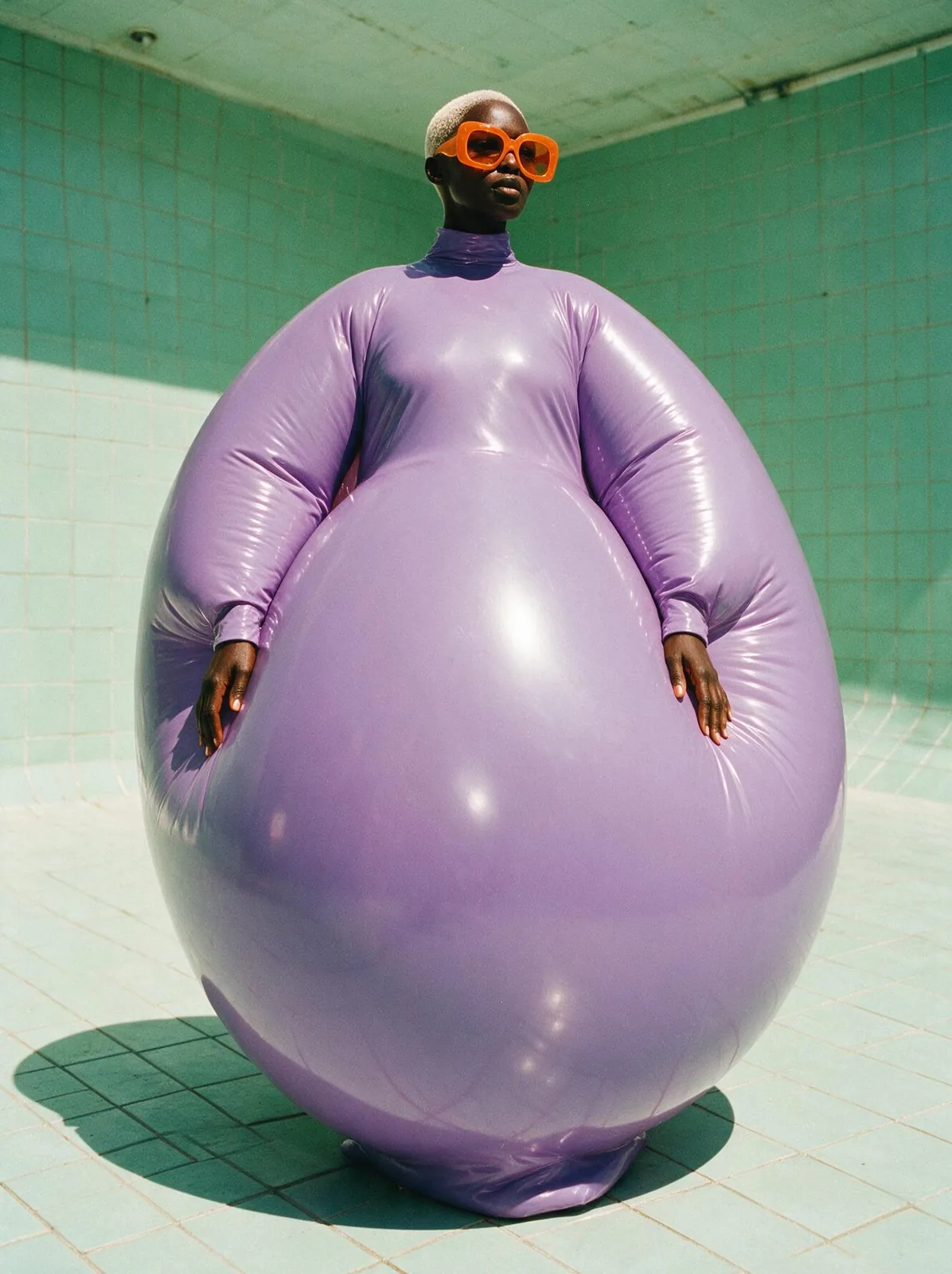
Move a studio portrait onto a frozen lake at blue hour(Wan 2.7で作成)
作例:Wan 2.7で作成

画像編集ファッション

Wan 2.7の画像編集用プロンプトMove a studio portrait onto a frozen lake at blue hour

Wan 2.7用の画像編集プロンプト。画像をアップロードすると、この文章が何を変えるかを指示します。

プロンプト

Keep the woman's face, body proportions and exact pose unchanged. Replace the white studio with a frozen lake at blue hour: cracked black ice underfoot, bare birch trees and a low band of pale winter light on the horizon, snow drifting sideways. Change her clothing to a heavy cream cable-knit sweater slipping off one shoulder over black opaque tights, with a scarlet wool scarf loose around her neck and scarlet mittens in one hand. Add wind-blown hair, frost on her eyelashes and faint breath vapour. Relight the whole image with cold pale blue ambient light and a weak amber sun grazing her shoulder from behind. Everything desaturated except the scarlet scarf. No text, no logos.

プロンプトは英語のまま載せています。これらのモデルは英語をいちばん正確に理解します。そのままコピーしても、少し書き換えてもOK。

このプロンプトと下の設定を入れた状態でWan 2.7を開きます。自分の画像を追加すれば準備完了です。

設定

モデル
Wan 2.7
モード
画像編集
アスペクト比
1:1
入力画像
自分の画像
料金
5クレジットから

正確な料金は生成前に表示されます。

自分のバージョンにするコツ

  1. このプロンプトはアップロードした画像を編集するためのもの。変えたいところだけを書き、変えてはいけないところもはっきり伝えましょう。
  2. ムードを変えたいなら、光の一文だけを書き換えましょう:bare birch trees and a low band of pale winter light on the horizon。
  3. プロンプトの最後はNo text, no logos。消さずに残さないと、意味のない文字が入ることがあります。