「往返变焦」特效能做什么
「往返变焦」把一张静态照片变成一段 AI 短视频。镜头卡着节拍,推近、猛拉远,再次推近。
如何使用「往返变焦」
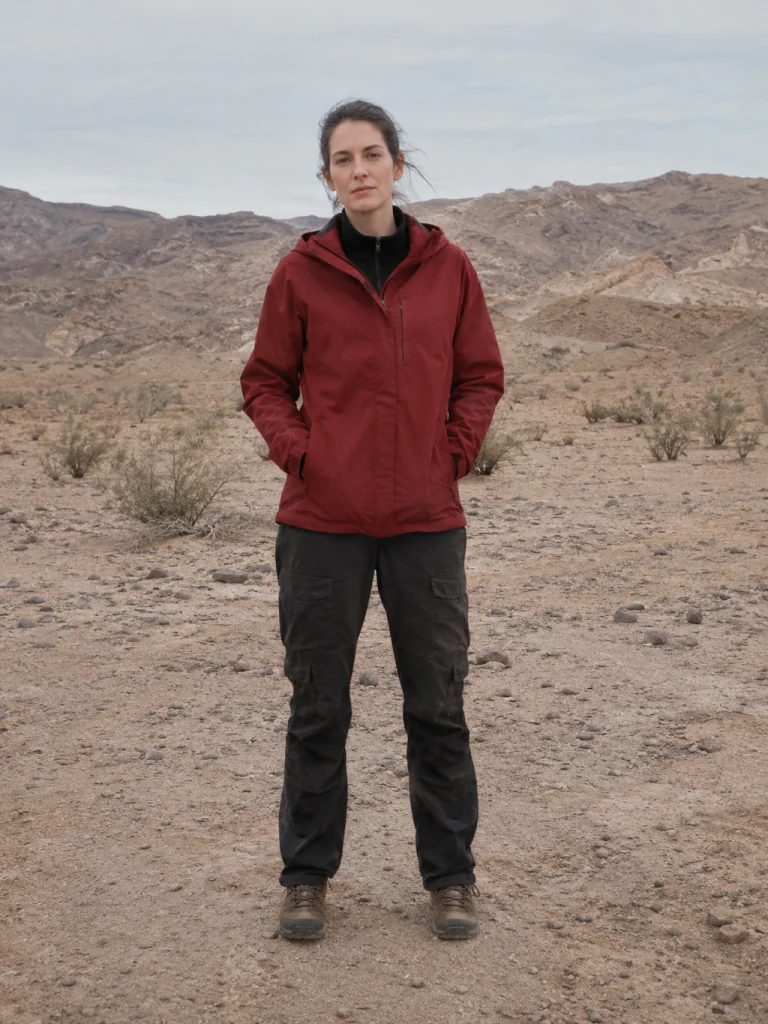
- 上传一张照片 上传人物、宠物或物品的清楚照片,作为「往返变焦」视频的参考。
- 保留默认模型,或选择其他模型 当前已选择 MiniMax H3,列表中会显示其他模型的价格,确认后再开始生成。
- 点击「生成」 视频通常 约 60 秒完成,可以下载,也可以发送至其他工具继续创作。
什么样的照片适合「往返变焦」
尽量避免
- 取景过近,头顶紧贴画面边缘的照片
- 模糊或光线过暗的照片
「往返变焦」实测观察
「往返变焦」在不同模型中的表现
- MiniMax H3 (210 积分 · 约 60 秒)US$0.21 对比 Runway US$0.50 · 768p · 5 秒−58% 对比 Runway
- Seedance 2.0 Mini · 480p (125 积分 · 约 3 分钟)US$0.13 对比 fal US$0.36 · 480p · 5 秒−65% 对比 fal
「往返变焦」背后的提示词
Within the first second the camera zooms in fast on the person, snaps back out, then zooms in again, a rhythmic yo-yo zoom in and out three times on the beat before settling on a close shot. The person stays exactly as they appear in the photo.
「往返变焦」常见问题
「往返变焦」要多少积分?
使用 MiniMax H3 制作「往返变焦」需要 210 积分,最低可选 125 积分的方案。无需订阅,生成失败时积分会自动退回。
「往返变焦」会改变照片里的什么?
The person stays exactly as they appear in the photo.

 你的照片

