「移动延时」特效能做什么
「移动延时」把一张静态照片变成一段 AI 短视频。沿街道飞驰而过,时间也在加速流转。
如何使用「移动延时」
- 上传一张照片 上传人物、宠物或物品的清楚照片,作为「移动延时」视频的参考。
- 保留默认模型,或选择其他模型 当前已选择 MiniMax H3,列表中会显示其他模型的价格,确认后再开始生成。
- 点击「生成」 视频通常 约 60 秒完成,可以下载,也可以发送至其他工具继续创作。
什么样的照片适合「移动延时」
尽量避免
- 取景过近,头顶紧贴画面边缘的照片
- 模糊或光线过暗的照片
「移动延时」实测观察
「移动延时」在不同模型中的表现
- MiniMax H3 (210 积分 · 约 60 秒)US$0.21 对比 Runway US$0.50 · 768p · 5 秒−58% 对比 Runway
- Seedance 2.0 Mini · 480p (125 积分 · 约 3 分钟)US$0.13 对比 fal US$0.36 · 480p · 5 秒−65% 对比 fal
「移动延时」背后的提示词
Hyperlapse: from the first second the camera moves forward down the street in fast, steady jumps of time, buildings gliding past, traffic and people streaking in fast-forward, clouds racing overhead. Smooth forward motion, time sped up. Same place.
「移动延时」常见问题
「移动延时」要多少积分?
使用 MiniMax H3 制作「移动延时」需要 210 积分,最低可选 125 积分的方案。无需订阅,生成失败时积分会自动退回。
「移动延时」会改变照片里的什么?
Smooth forward motion, time sped up.

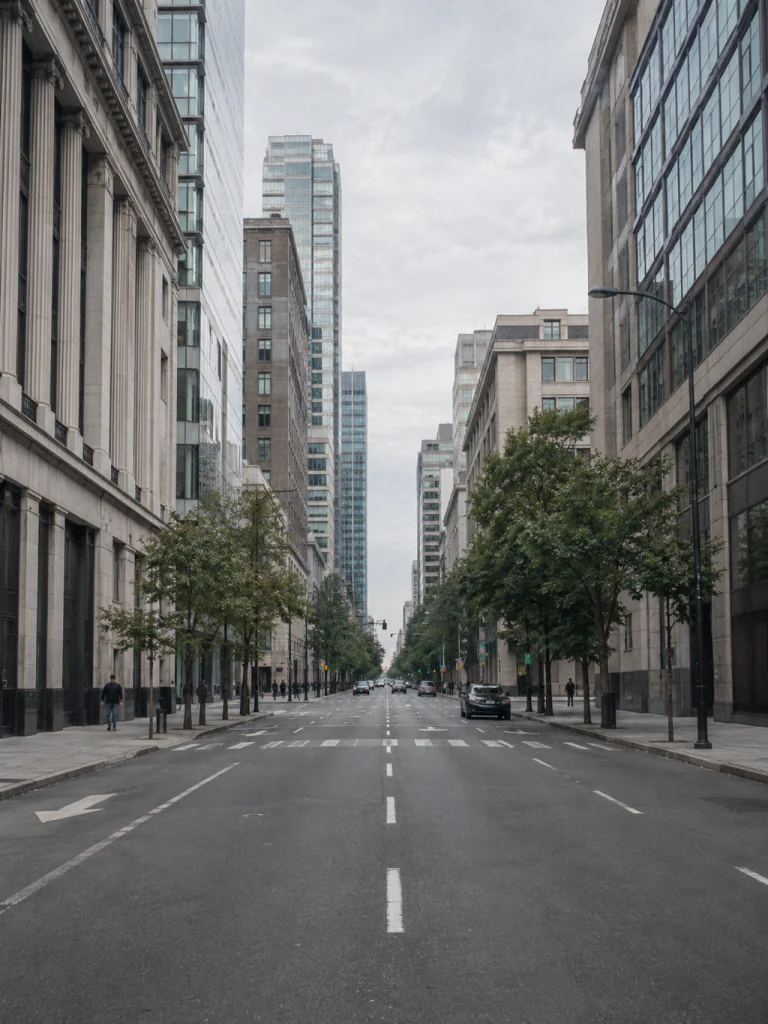 你的照片

