


What makes it Rembrandt lighting
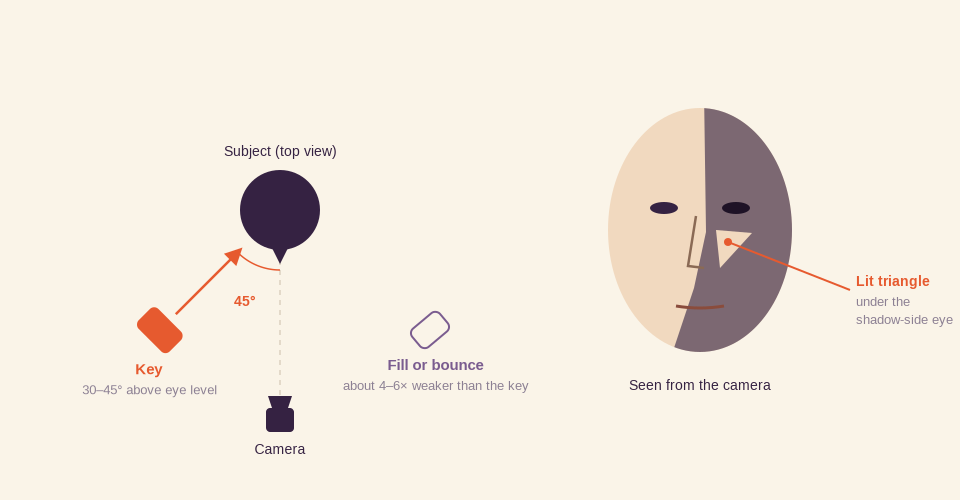
The setup takes its name from the painter's portraits. A single key light sits roughly 45 degrees to the side of the subject and somewhat above eye level. The shadow of the nose falls down and across the face and meets the shadow of the far cheek. Where the two don't quite close, a small triangle of light is left under the eye on the shadow side. That triangle is the test: no triangle, no Rembrandt.
Compared with flat frontal light, it gives a face shape and depth. The ratio between the lit side and the shadow side, usually somewhere between 4:1 and 6:1 for drama, decides how heavy the mood feels. Lower ratios read as gentle and open; higher ones feel tense and private.
Getting the triangle in AI images
Image models respond to what light does on a face, not to equipment names. Writing softbox, C-stand or ring light into a prompt can put that hardware in the shot. The lighting presets in Cinematography Studio describe the result instead: where the light lands, how hard the shadow edge is, the contrast ratio and the color temperature. They keep fixtures out of frame unless you pick Practicals Only.
Check every result for the triangle. Models often drift toward a frontal key that lights both cheeks, which reads as loop or flat lighting. If that happens, move the key further to the side, raise it a little or increase the ratio, and try again. A still is the cheapest place to get it right before you animate.
Short side, broad side and tuning light in the studio
Whether the setup reads as short or broad lighting depends on which way the face is turned, not on the angle number alone. Short lighting puts the key on the side of the face turned away from the camera, so the side facing the lens falls into shadow and the face looks narrower. Broad lighting lights the side turned toward the camera and opens the face up.
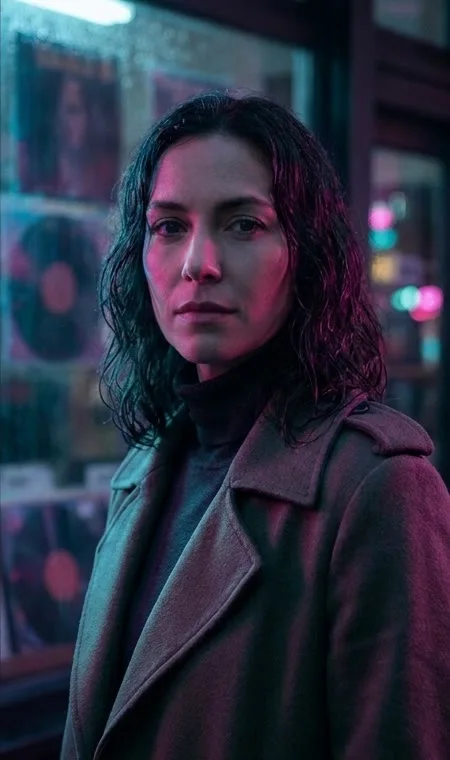
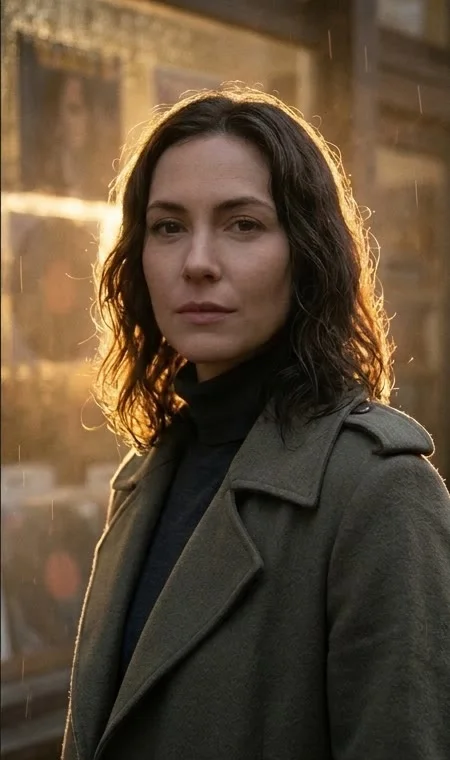
In Cinematography Studio, drop in a portrait still or start from a shot you generated, then open the Light dial. Pick a directional setup—Hard split for strong side contrast, Backlight for rim separation, Golden hour for low warm sun, or Neon spill for dual-color night light—and fine-tune Color temperature (2800K–7000K), Brightness contrast ratio (2:1 to 8:1) and Softness before pressing Relight.
From a relit still to video
Directional light is easier to control on a single frame than across a moving shot. Relight a still frame first until the shadow falloff and cheek highlight read cleanly, then open the Move dial and press Shoot this move so the video motion begins from light you have already approved.
For soft drama, pair directional lighting with Faded 16mm or Golden hour in the Look dial. For a harder edge, pair it with Teal & orange or Classic noir, which deepen the shadow side.