


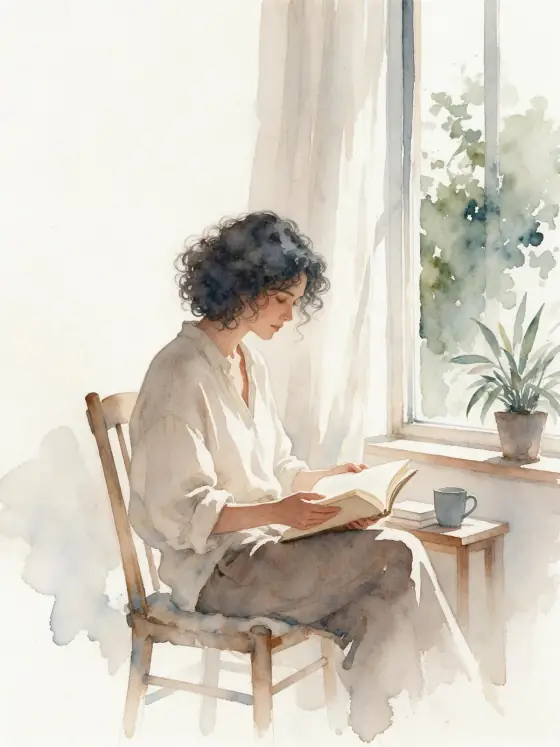

수채화
질감 있는 종이 위로 자유롭게 번지는 색.
- 내 사진에도 사용 가능
- 추천 비율: 3:4
지원 모델
- Seedream 5.0 Pro
- Qwen Image 3.0
- Nano Banana 2.1
- Seedream 5.0 Flash
‘수채화’ 소개
Watercolor paints your subject the way a good illustrator does in a sketchbook: loose washes that bloom into each other, pigment gathering at soft edges, the grain of cold-press paper showing through, and plenty of white left untouched. A limited palette keeps it calm and elegant.
It is forgiving and flattering. Portraits, pets, flowers, buildings, food and landscapes all look good in it. Write a simple subject — a woman in a sun hat with a bicycle, a man reading on a park bench, a cat in a basket, a lighthouse on a cliff, a bowl of lemons — and the style handles the painting.
Use it for greeting cards, wedding stationery, children’s book mockups, travel journals, menus and gentle branding. The white space makes the images easy to combine with text.
It is also one of the most forgiving styles for first-time users: even a short subject comes back looking finished and hand-made. Portraits keep a light, sketchbook feel rather than turning into heavy paintings, which suits invitations and personal gifts.
Subjects to paste as they are: “a woman in a sun hat walking a bicycle down a country lane”, “a man reading on a park bench under blossoming trees”, “a small white lighthouse on a green cliff”. Light, open scenes leave the paper room to breathe.
Finishes that work on top: Golden hour for warm washes, Soft glow for a dreamier, more diffused painting. Black & white works too, for a quiet grey wash study.
팁
- Mention a season or weather — spring blossom, autumn leaves, light rain. Watercolor loves atmosphere.
- If you want a particular palette, name two or three colors; otherwise the style keeps it limited.
- For photo-to-watercolor, pick an image that is not too busy. Clutter turns into muddy washes.
- Flowers, fruit and simple architecture are the easiest subjects for a first try; they look good in almost any palette.
스타일이 더해 주는 것
입력한 내용은 ‘내 주제’ 자리에 들어가고, 나머지는 스타일이 채워 줍니다.
내 주제, loose watercolor illustration, wet-on-wet color blooms, visible cold-press paper texture, soft pigment edges, limited palette, generous white space
사용 가능한 모델과 가격
- Seedream 5.0 Pro36 크레딧
- Qwen Image 3.030 크레딧
- Nano Banana 2.148 크레딧
- Seedream 5.0 Flash29 크레딧
설명으로 1K 이미지 한 장을 만들 때 기준입니다. 버튼에는 항상 정확한 가격이 먼저 표시됩니다.
‘수채화’ 사용법
- 설명 쓰기사진 속 인물이나 사물을 적어 주세요. 작은 동작과 분명한 장소가 있으면 가장 잘 나옵니다. ‘내 사진’(으)로 바꿔 사용할 권리가 있는 사진을 넣을 수도 있습니다.
- 비율 고르기추천 비율과 모델을 그대로 쓰거나 아래 바에서 바꾸세요.
- 그리기‘그리기’ 버튼을 누르세요. 크레딧을 쓰기 전에 가격이 버튼에 표시됩니다.
‘수채화’ 자주 묻는 질문
‘수채화’을 내 사진에 쓸 수 있나요?
네. 아래에서 ‘내 사진’(으)로 바꾸고 사용할 권리가 있는 사진을 넣으면, 구도와 포즈는 그대로 두고 스타일로 다시 그립니다.
‘수채화’ 이미지 한 장은 얼마인가요?
Seedream 5.0 Flash에서 1K 이미지 한 장에 29 크레딧입니다. 2K는 조금 더 비싸고, 생성 전에 버튼에 정확한 가격이 표시됩니다.
Why is there so much white space?
Untouched paper is part of watercolor. If you want a fuller image, add a background to your subject.
Can I get a stronger, more saturated watercolor?
Name the colors you want in your subject, for example “in deep blues and warm ochre”. The style keeps the loose washes but follows your palette.
비슷한 스타일
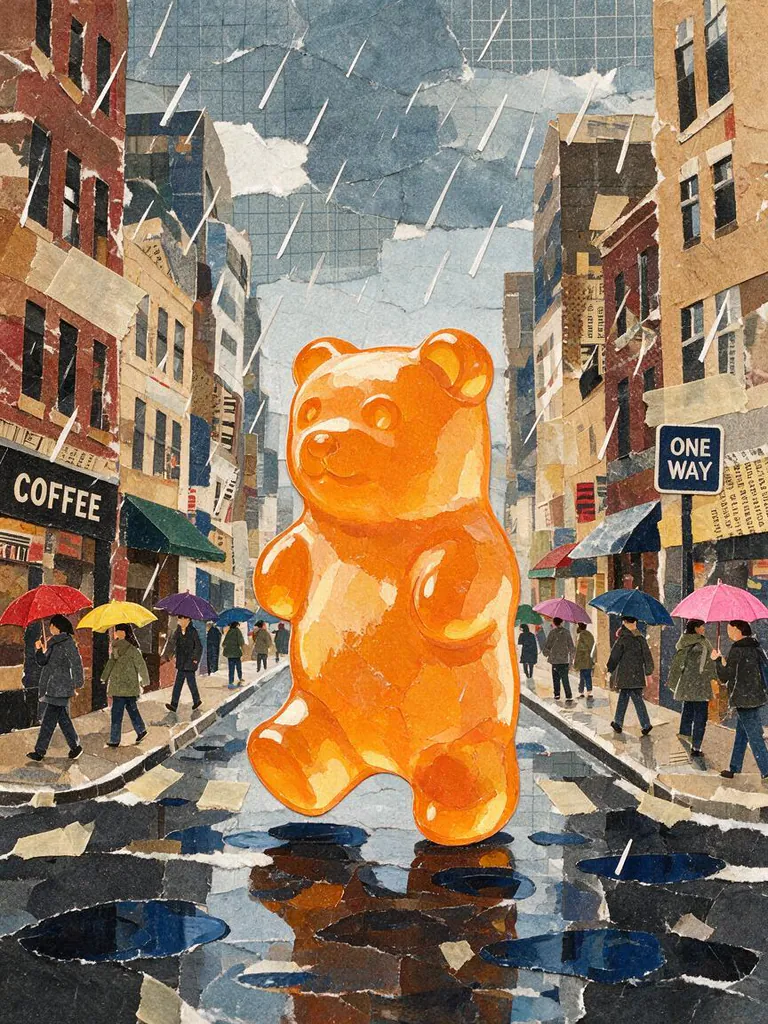 종이 콜라주
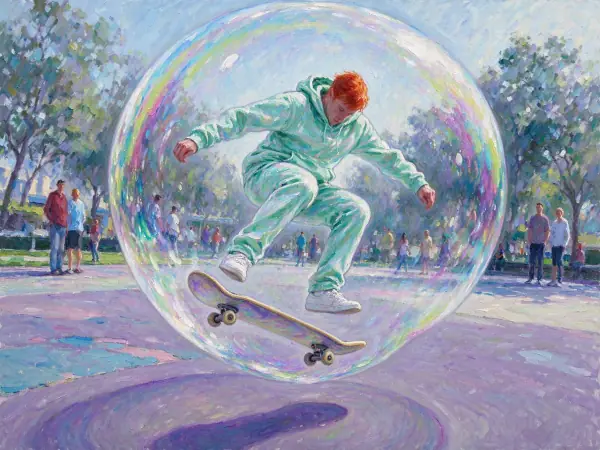 인상주의
인상주의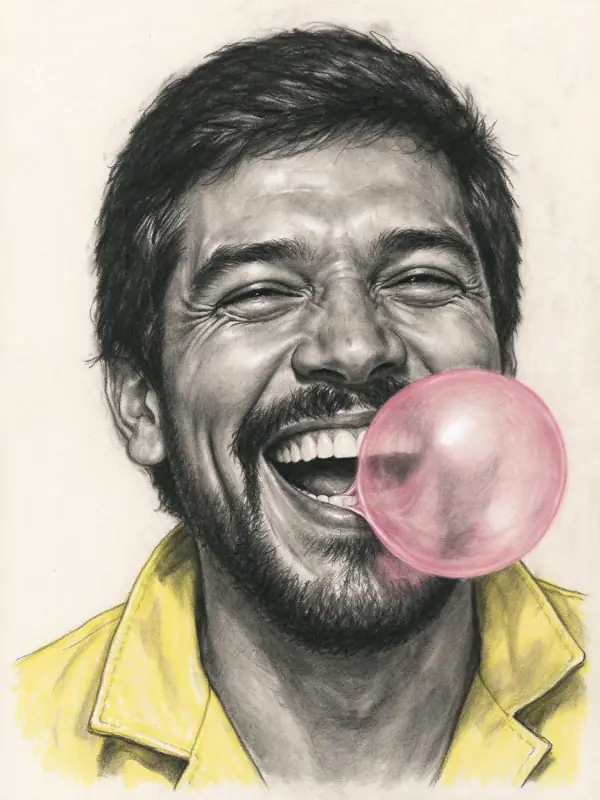 목탄
목탄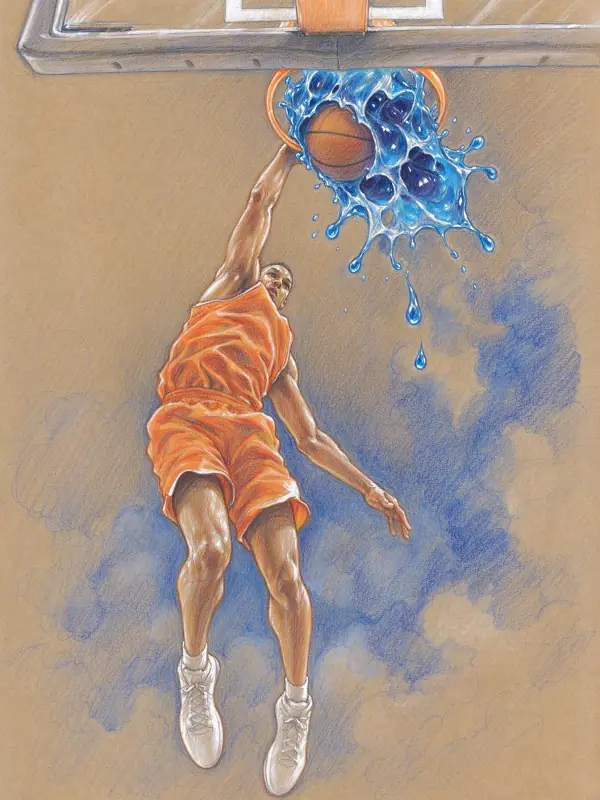 색연필
색연필움직여 보기
이 스타일의 이미지를 짧은 영상으로 바꾸는 효과.
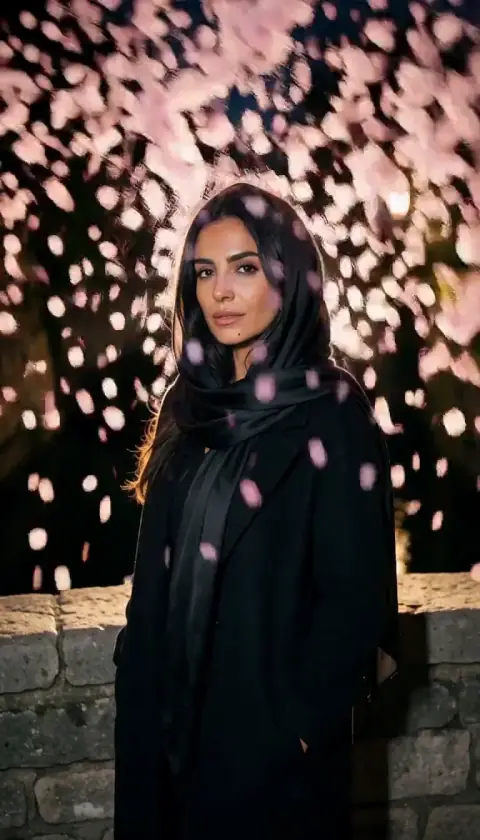 꽃잎 폭풍
꽃잎 폭풍 슬로 푸시인