


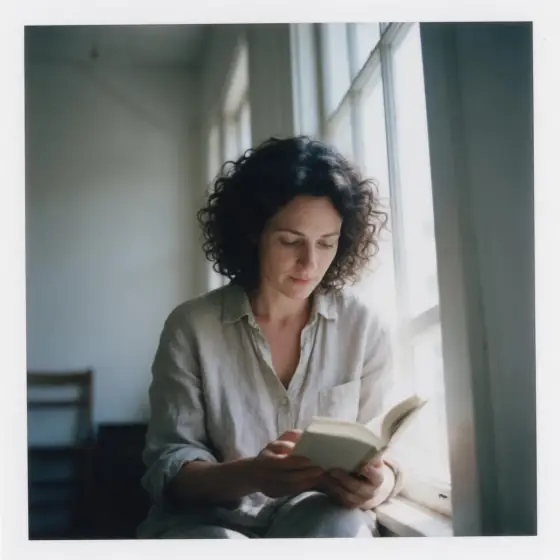

즉석 필름
두꺼운 흰 테두리 안의 바랜 색감.
- 내 사진에도 사용 가능
- 추천 비율: 1:1
지원 모델
- Seedream 5.0 Pro
- Qwen Image 3.0
- Nano Banana 2.1
- Seedream 5.0 Flash
‘즉석 필름’ 소개
Instant Film recreates the square snapshot that came out of the camera and developed in your hand: soft focus, colors washed toward cream and teal, a gentle vignette, the quick falloff of a small built-in flash, and a thick white border around the frame. It is casual, warm and instantly nostalgic.
It works best on small, human moments: friends at a kitchen party, a man with a birthday cake, a dog at the beach, a plate of fries on a diner counter, a lighthouse on a grey afternoon. The imperfections are the point — nothing looks too sharp or too staged.
Use it for invitations, memory walls, playlist covers, social carousels and anything that should feel personal. The white border also makes the images easy to lay out in a grid or print as keepsakes.
Subjects to paste as they are: “a man blowing out candles on a birthday cake”, “a woman laughing in the passenger seat of a car at night”, “a dog with a tennis ball on a pebble beach”. Anything that looks like a real moment between friends suits this style best.
Finishes that work on top: Soft glow for a dreamier print, Golden hour for a warm summer evening. Film grain is disabled because instant film already has its own texture.
팁
- Describe candid moments — laughing, mid-bite, turning to the camera. Instant photos are about the moment, not the pose.
- Indoor scenes with a flash look most authentic: kitchens, parties, cars at night.
- Keep your subject close; the built-in flash falls off quickly and the background goes dark.
- Skip the Film grain finish here. Instant film already has its own texture and the combination is disabled.
- Add a small detail that dates the moment — a paper party hat, a cassette, a disposable cup — and the nostalgia gets stronger.
스타일이 더해 주는 것
입력한 내용은 ‘내 주제’ 자리에 들어가고, 나머지는 스타일이 채워 줍니다.
내 주제, instant-film snapshot, soft focus, washed-out colors, gentle vignette, on-camera flash falloff, thick white border, nostalgic mood
사용 가능한 모델과 가격
- Seedream 5.0 Pro36 크레딧
- Qwen Image 3.030 크레딧
- Nano Banana 2.148 크레딧
- Seedream 5.0 Flash29 크레딧
설명으로 1K 이미지 한 장을 만들 때 기준입니다. 버튼에는 항상 정확한 가격이 먼저 표시됩니다.
‘즉석 필름’ 사용법
- 설명 쓰기사진 속 인물이나 사물을 적어 주세요. 작은 동작과 분명한 장소가 있으면 가장 잘 나옵니다. ‘내 사진’(으)로 바꿔 사용할 권리가 있는 사진을 넣을 수도 있습니다.
- 비율 고르기추천 비율과 모델을 그대로 쓰거나 아래 바에서 바꾸세요.
- 그리기‘그리기’ 버튼을 누르세요. 크레딧을 쓰기 전에 가격이 버튼에 표시됩니다.
‘즉석 필름’ 자주 묻는 질문
‘즉석 필름’을 내 사진에 쓸 수 있나요?
네. 아래에서 ‘내 사진’(으)로 바꾸고 사용할 권리가 있는 사진을 넣으면, 구도와 포즈는 그대로 두고 스타일로 다시 그립니다.
‘즉석 필름’ 이미지 한 장은 얼마인가요?
Seedream 5.0 Flash에서 1K 이미지 한 장에 29 크레딧입니다. 2K는 조금 더 비싸고, 생성 전에 버튼에 정확한 가격이 표시됩니다.
Does it change how people look?
No. It changes focus, color, vignette and border. People keep whatever you describe.
Why choose a square frame?
Classic instant prints are square, and the thick border is designed around it. Choose 1:1 before generating to use this framing.
비슷한 스타일
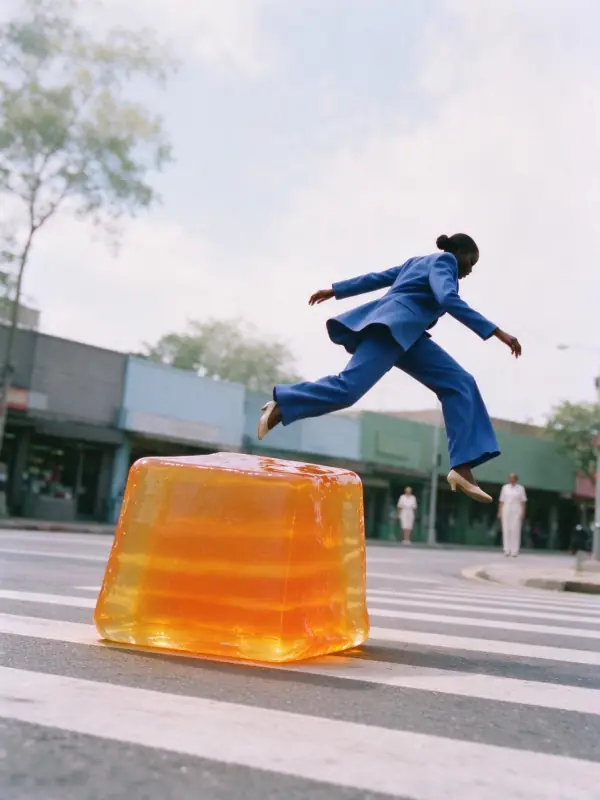 에어리 필름
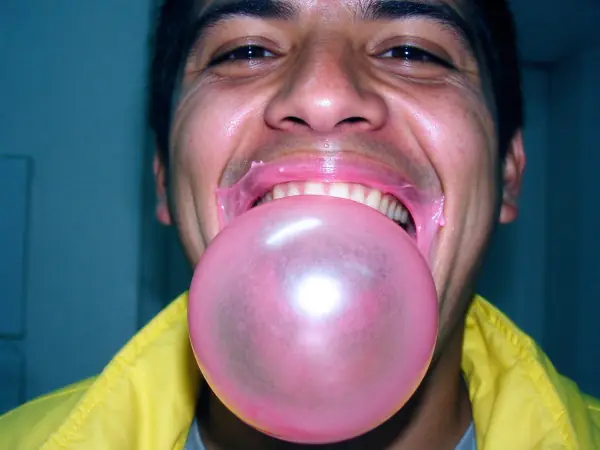 2000년대 디카
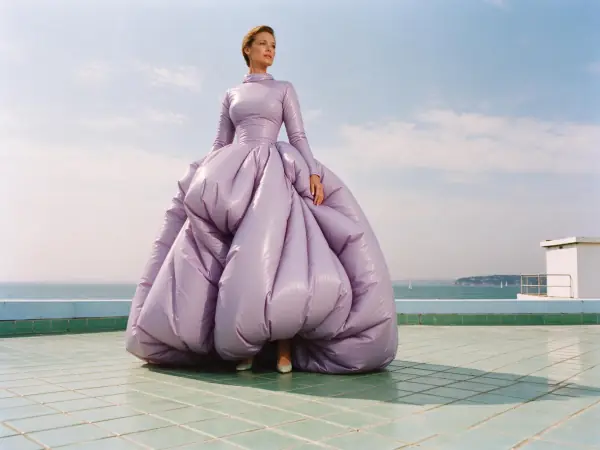 리비에라 필름
 90년대 드라마
움직여 보기
이 스타일의 이미지를 짧은 영상으로 바꾸는 효과.
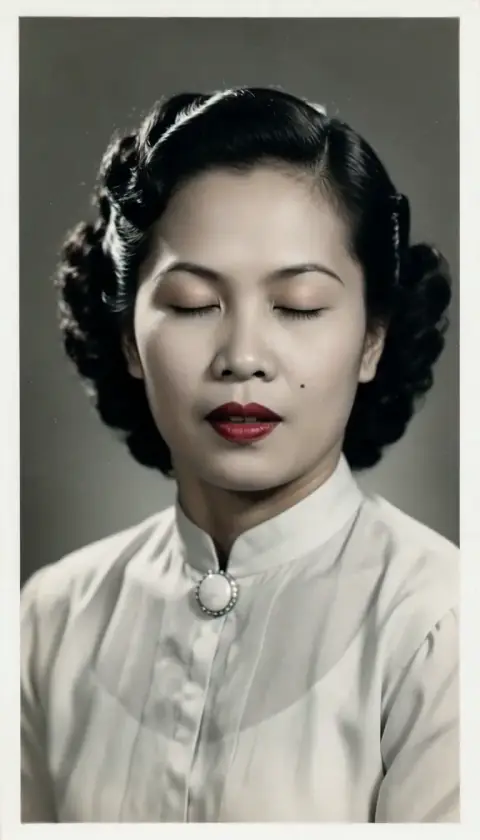 살아 있는 초상
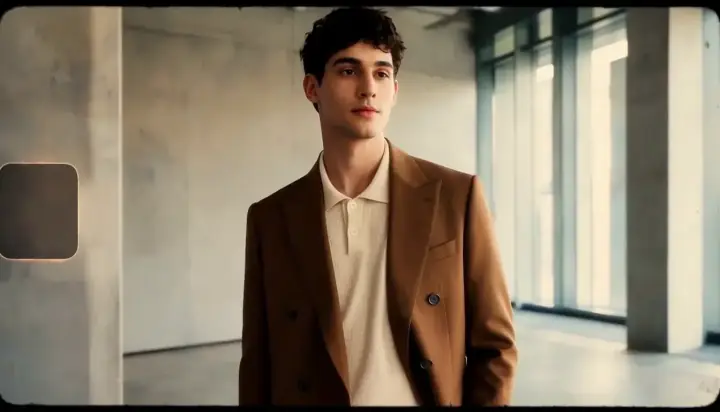 16mm 필름