Ce que fait l’effet Ski carving
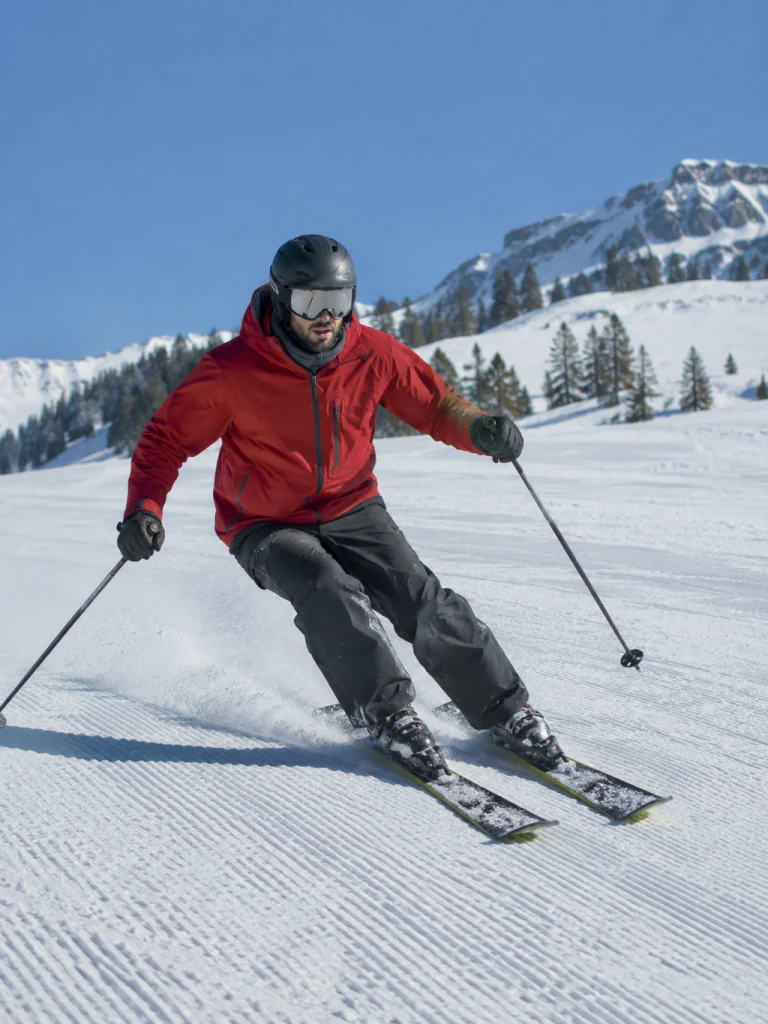
Ski carving transforme une photo fixe en courte vidéo IA. Vous enchaînez des virages appuyés et rapides sur une piste damée.
Comment utiliser Ski carving
- Ajoutez une photo Importez une photo nette de la personne, de l’animal ou de l’objet à mettre dans le clip Ski carving.
- Conservez le modèle par défaut ou choisissez-en un autre MiniMax H3 est présélectionné. La liste indique le prix de chaque autre modèle avant le lancement de la génération.
- Appuyez sur « Générer » Le clip est généralement prêt en environ 60 s. Téléchargez-le ou envoyez-le vers un autre outil.
Quelles photos conviennent à Ski carving
À éviter
- Visages de profil ou détournés de l’objectif
- Lunettes de soleil ou mains devant le visage
Ce que nous avons constaté en testant Ski carving
Le rendu de Ski carving selon le modèle
- MiniMax H3 (210 crédits · environ 60 s)0,21 $US vs Runway 0,50 $US · 768p · 5 s−58% vs Runway
- Seedance 2.0 Mini · 480p (125 crédits · environ 3 min)0,13 $US vs fal 0,36 $US · 480p · 5 s−65% vs fal
Le prompt derrière Ski carving
Within the first second the skier carves a deep, fast turn on the groomed slope, edges biting, body angled low into the snow and a fan of ice crystals spraying out, then swings into the next turn. The camera tracks alongside. The person stays exactly as they appear in the photo.
Ski carving : questions et réponses
Combien de crédits coûte Ski carving ?
210 crédits avec MiniMax H3 ; l’option la moins chère pour Ski carving coûte 125 crédits. Il n’y a pas d’abonnement. Les crédits des générations qui échouent sont remboursés automatiquement.
Que change Ski carving sur ma photo ?
Within the first second the skier carves a deep, fast turn on the groomed slope, edges biting, body angled low into the snow and a fan of ice crystals spraying out, then swings into the next turn. The person stays exactly as they appear in the photo.

 Votre photo

