Ce que fait l’effet Carving en snowboard
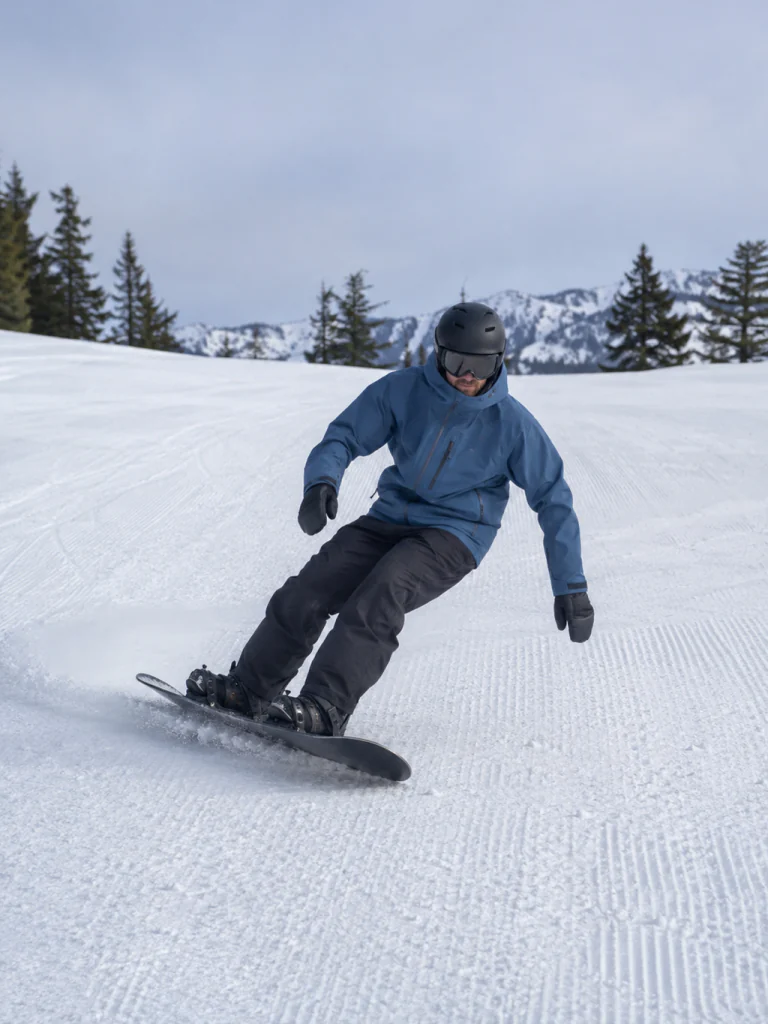
Carving en snowboard transforme une photo fixe en courte vidéo IA. Un virage profond, au ras du sol, une main effleurant la neige.
Comment utiliser Carving en snowboard
- Ajoutez une photo Importez une photo nette de la personne, de l’animal ou de l’objet à mettre dans le clip Carving en snowboard.
- Conservez le modèle par défaut ou choisissez-en un autre MiniMax H3 est présélectionné. La liste indique le prix de chaque autre modèle avant le lancement de la génération.
- Appuyez sur « Générer » Le clip est généralement prêt en environ 60 s. Téléchargez-le ou envoyez-le vers un autre outil.
Quelles photos conviennent à Carving en snowboard
À éviter
- Visages de profil ou détournés de l’objectif
- Lunettes de soleil ou mains devant le visage
Ce que nous avons constaté en testant Carving en snowboard
Le rendu de Carving en snowboard selon le modèle
- MiniMax H3 (210 crédits · environ 60 s)0,21 $US vs Runway 0,50 $US · 768p · 5 s−58% vs Runway
- Seedance 2.0 Mini · 480p (125 crédits · environ 3 min)0,13 $US vs fal 0,36 $US · 480p · 5 s−65% vs fal
Le prompt derrière Carving en snowboard
Within the first second the snowboarder leans into a deep heel-side carve, hand trailing the snow, the board slicing a clean line and spraying snow, then rolls into a toe-side turn. The camera tracks low beside them. The person stays exactly as they appear in the photo.
Carving en snowboard : questions et réponses
Combien de crédits coûte Carving en snowboard ?
210 crédits avec MiniMax H3 ; l’option la moins chère pour Carving en snowboard coûte 125 crédits. Il n’y a pas d’abonnement. Les crédits des générations qui échouent sont remboursés automatiquement.
Que change Carving en snowboard sur ma photo ?
Within the first second the snowboarder leans into a deep heel-side carve, hand trailing the snow, the board slicing a clean line and spraying snow, then rolls into a toe-side turn. The person stays exactly as they appear in the photo.

 Votre photo

