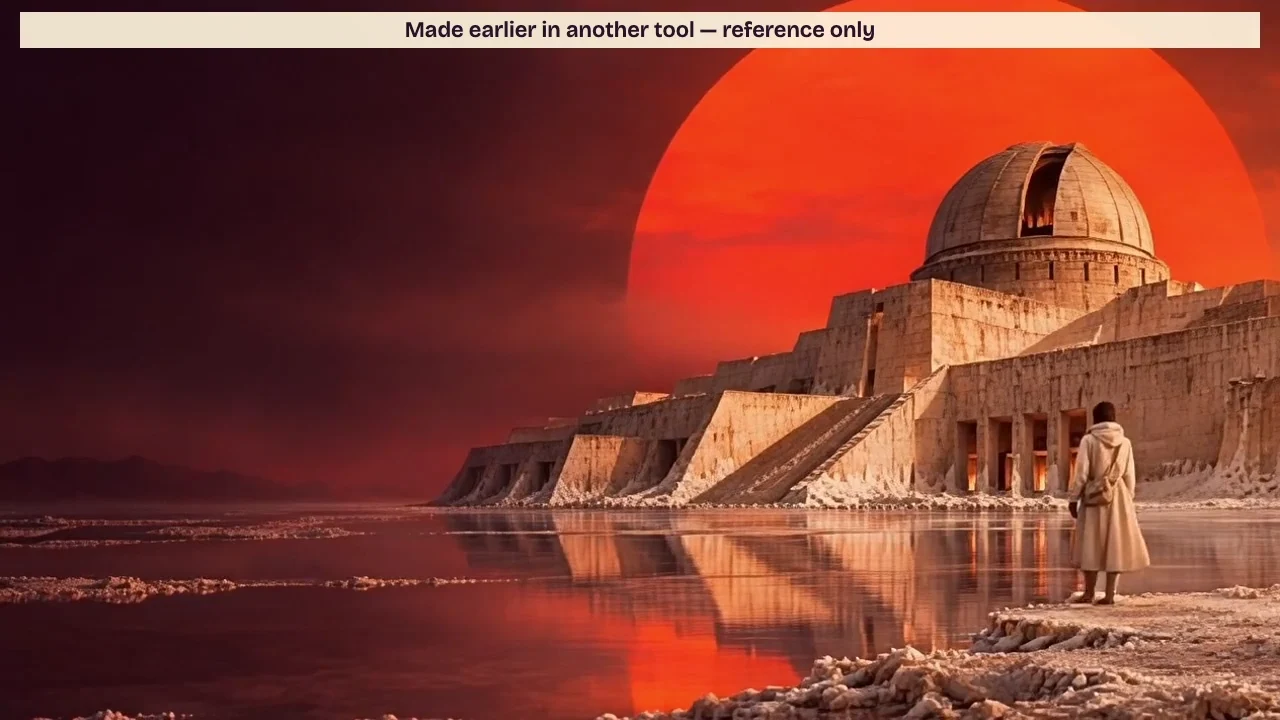
Use an existing image and reference take to prepare one shot in PopNow. Match the framing, check the camera move and revise your prompt before spending credits.
When you bring a shot over from another tool, save the starting image, a playable reference take and one sentence about what the shot should do. In Salt Observatory, the camera should travel straight toward the dome. The existing five-second take gives you something concrete to judge before spending credits on a new one.
Step 1: Write down what should stay and what should move
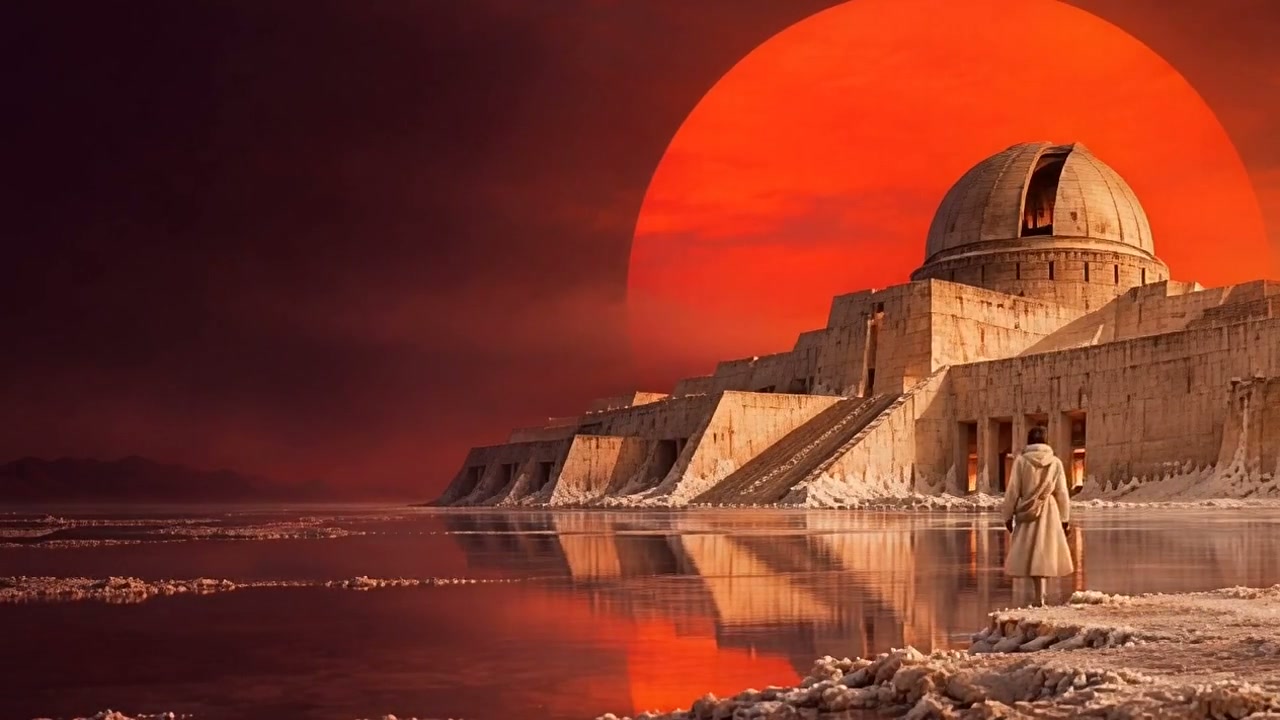
Keep an untouched copy of the image and reference take you have permission to use. Record where each came from. For Salt Observatory, check three details: the dome connects to the stairs, the ivory-coated explorer stays on the right and the red sun has a reflection on the water. Then give the camera one job: move closer to the dome in a single take.
Step 2: Watch once, then compare three frames
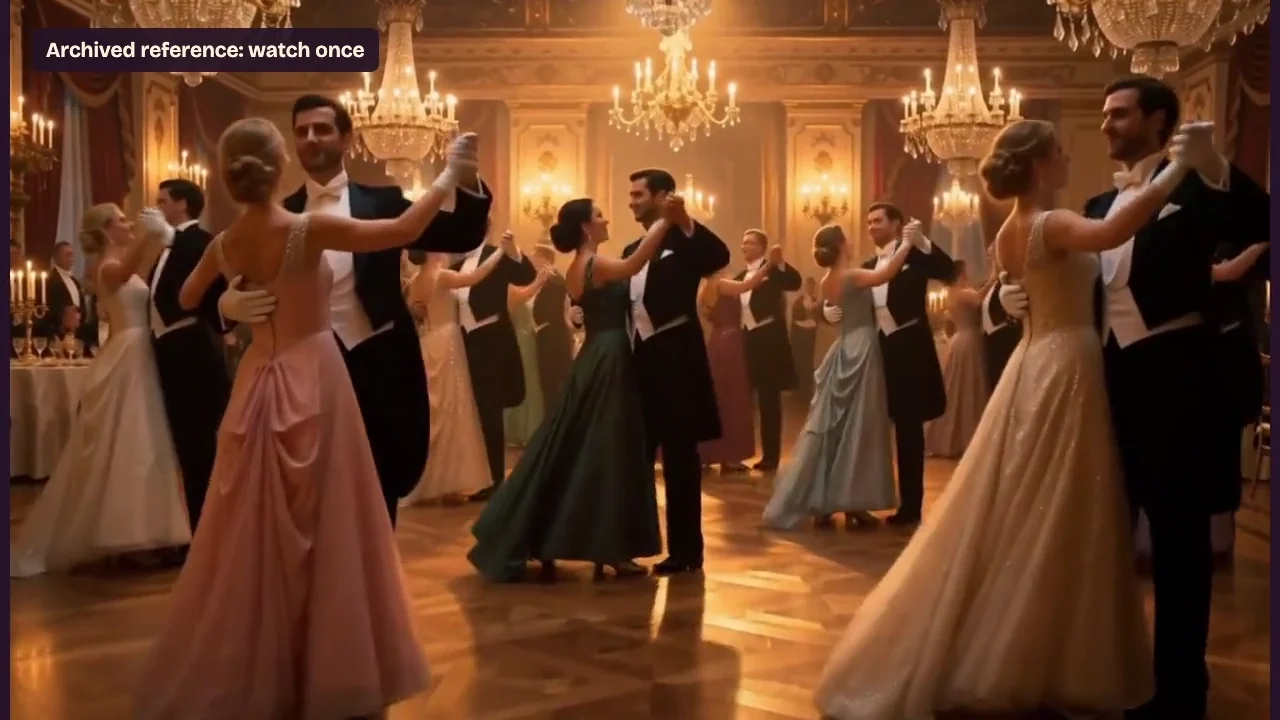
Play the reference at normal speed. Compare the opening, midpoint and final frames at the same size. The dome takes up almost the same space at 0 and 4.9 seconds, while the explorer shifts left within the frame. The main staircase still connects to the building. Those observations support keeping the setting as a visual reference, but leave the intended forward move uncertain.
Step 3: Prepare one test in PopNow
Open Image to Video, choose From a photo and check the thumbnail after attaching your starting image. Select a supported model, duration and resolution. Read the quote on the generation button, then write it beside your own spending limit. A different tool may offer different settings under a similar name.
Give the revised direction an observable result: “Move straight toward the observatory dome so the building grows in frame. Keep the ivory-coated explorer on the right, with no sideways camera drift.” Include the details you want to preserve. Save the settings and prompt in your shot note and mark the proposed test Not run. You can finish this exercise without pressing Generate.
Preguntas frecuentes
What should I bring over from the other tool?
Bring media you can reuse, its source or permission note, and the creative decisions that matter for this shot. Keep the original timeline and project file in their original editor. A media handoff does not transfer a subscription or credit balance.
How do I decide whether to keep the take?
Choose Keep when the anchors hold and the intended motion reads clearly. Choose Revise when you can point to a broken anchor or a cut that interrupts the shot. Choose Uncertain when the frames do not establish the requested motion. Record the time and the visible evidence behind your decision.
Is the reference a new PopNow generation?
The reference was made earlier in another tool. The PopNow portion demonstrates attaching the starting image, revising the direction and reading the quote. Save that prepared test separately from any clip you later choose to generate.