A photo to coloring page maker that prints clean
Upload a photo of a person, a pet, your house or anything you love, or just type an idea like a dinosaur in a jungle. You get a black-and-white coloring page with smooth outlines on pure white paper, ready to print.
One page is 3 credits in Print HD (2 in Standard). Everything after that happens in your browser at no extra cost: thicker or thinner lines, removing specks, coloring it in on screen, A4 or Letter PDFs and whole coloring books.
Three steps from photo to printed page
- Add a photo or an ideaPick a clear photo, or switch to Idea and describe the picture in a sentence. Tap an idea chip if you need a starting point.
- Choose the levelEasy gives bold lines and big areas, Medium adds the key details, Detailed is for adults who like small spaces. Keep, simplify or drop the background.
- Make it, tweak it, print itPress Make coloring page (3 credits). Slide the line weight until it looks right, color a few areas to test, then download a PNG or a print-ready PDF.
Easy, medium or detailed?
- Easy: Thick outlines and large shapes. Small details and textures are left out, so the page is quick to finish with crayons or markers.
- Medium: Clean medium-weight lines with the details that make the subject recognizable: hair locks, folds in clothes, leaves, windows.
- Detailed: Fine lines and many small areas: patterns, foliage, bricks and ripples, the kind of page adults color with fine-tip pens or colored pencils.
Why these coloring pages print better
AI line art usually comes out with gray tones, tiny specks and small gaps. A gap means color leaks into the next area. After the picture is made, the page is cleaned in your browser:
- Every pixel becomes pure black or pure white, so nothing prints gray or blurry.
- Lonely dots and pinholes inside lines are removed.
- The line weight slider thickens every line evenly, which also closes small gaps so areas stay closed.
- The tap-to-fill preview shows you which areas are closed before you print.
Make a whole coloring book
Switch to Book. Either describe a main character and get a short picture story (waking up, meeting a friend, a picnic, a party, bedtime), or add 2 to 12 of your own photos, one page each. Add a cover title and a name, choose A4 or Letter, and download one PDF with a cover and every page.
A 6-page story book costs 18 credits in Print HD. The PDF itself is put together in your browser.
Print on A4 or Letter
- Print PDF places the page inside a white margin (narrow, normal or wide), centered on A4 or US Letter, at 200 dpi.
- Landscape pictures get a landscape page automatically.
- Print at 100% scale ("Actual size") so the margins stay even.
- Plain 80–100 gsm copy paper works for crayons and pencils; use thicker paper for markers.
Which photos work best
Work well
- One clear subject that fills a good part of the frame
- Even light, without deep shadows across the face
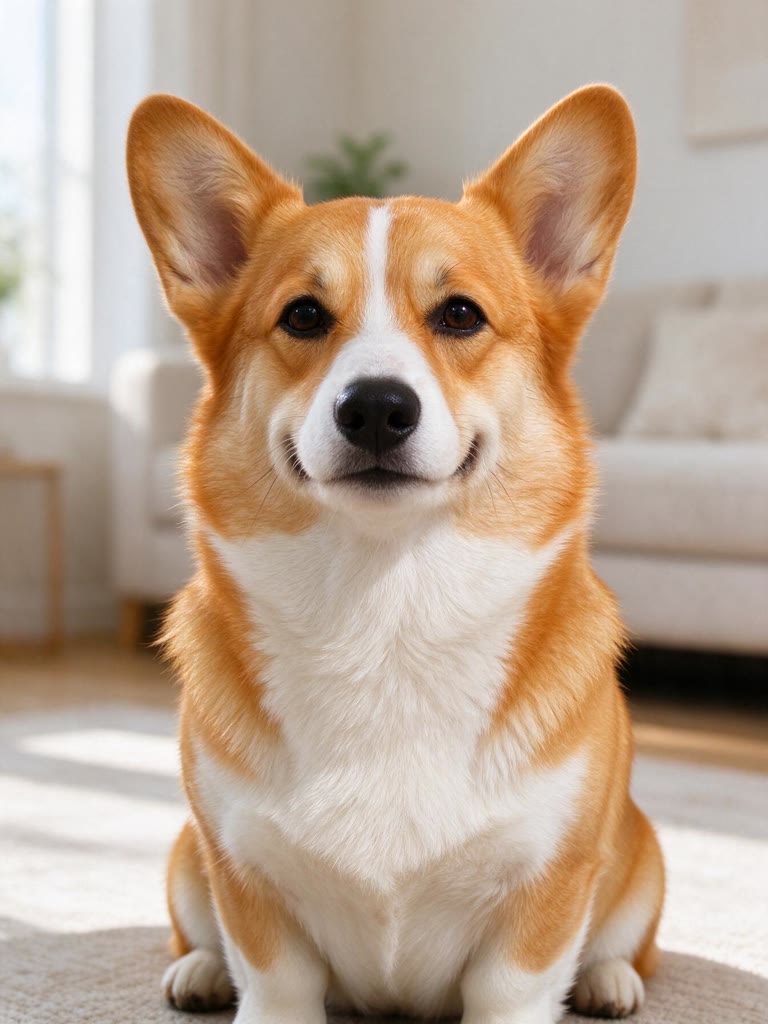
- Pets looking at the camera, houses shot straight on
- Simple backgrounds, or choose None to drop the background
Harder
- Large groups: faces get small, details merge
- Dark or blurry photos
- Strong backlight that hides the outline
- Busy crowds, text and signs (they're simplified away)
Which model draws the lines
GPT Image 2.5 Sunburst is the default: in our tests on portraits, a pet, a house, a lake and a bike it drew the blackest, cleanest outlines with the most closed areas, at 3 credits a page. Nano Banana 2.1 (11 credits) draws finer lines with more detail; the cleanup step turns its lighter gray lines black.
How many credits it takes
- One page, Print HD
- 3 credits
- One page, Standard
- 2 credits
- One page with Nano Banana 2.1
- 11 credits
- A 6-page story book
- 18 credits
- Fine-tuning, coloring on screen, PNG and PDF downloads
- No extra cost
No subscription: you pay per page. The button shows the exact total before you start, and failed runs refund their credits automatically.
Questions
How do I turn a picture into a coloring page?+
Upload the picture, pick a level and press Make coloring page. In about half a minute you get clean black outlines on white. Adjust the line weight if you like, then download a PNG or a Print PDF for A4 or Letter.
Can I make a coloring page without a photo?+
Yes. Switch to Idea and describe what you want, like a castle on a hill or ocean friends around a coral reef. The idea chips fill in a ready-made description.
Can I make a full coloring book?+
Yes. In Book mode, describe a main character for a short picture story, or add 2 to 12 photos. You get one PDF with a cover title, an optional name and every page on A4 or Letter.
Why do some areas leak when I fill them?+
A tiny gap in the outline lets the fill spill into the next area. Move the line weight slider up one step: thicker lines close most gaps. The same fix makes the printed page easier to color.
How much does a coloring page cost?+
3 credits a page in Print HD, 2 in Standard. Fine-tuning, coloring on screen and PDF downloads cost nothing extra. There's no subscription, and failed runs are refunded.
Can I sell or share the pages I make?+
You can print and share pages made from your own photos and ideas. Only upload photos you have the right to use, and don't upload pictures of other people without asking them.



 Example