Clean line art from any photo
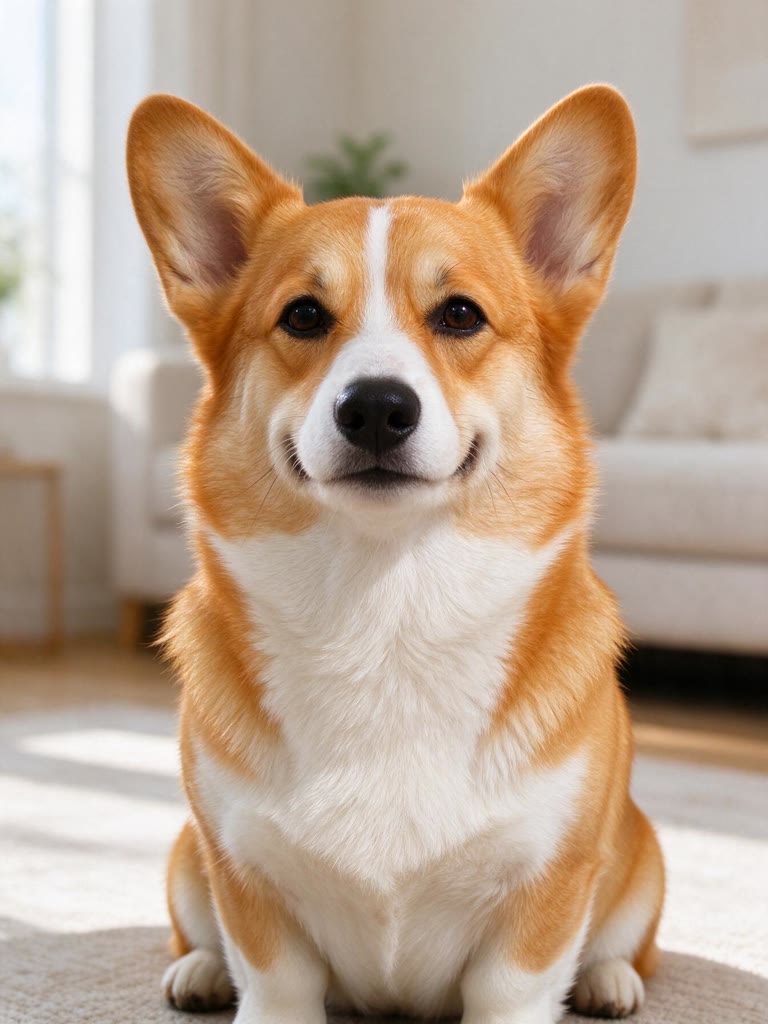
Upload a portrait, a pet, a building or an object and get a line drawing that follows the real shapes of the photo: black ink lines on pure white, no shading and no gray.
A drawing is 3 credits in Print HD (2 in Standard). Line weight, darkness, transparent PNG and print PDF are done in your browser at no extra cost.
Three steps to a line drawing
- Add a photoA clear photo with good light works best. You can also type an idea instead.
- Pick the amount of detailMinimal keeps only the defining contours, Balanced adds the key inner lines, Detailed draws hair, folds and textures.
- Make it and downloadPress Make line drawing (3 credits). Thin or thicken the lines, then download PNG, transparent PNG or a Print PDF.
Minimal, balanced or detailed
- Minimal: A few elegant contours: good for minimalist prints, cards and tattoo sketches.
- Balanced: Outer contours plus features, folds and edges: a classic illustration look.
- Detailed: Fine strands, fabric and background edges: closest to a pen-and-ink study.
What people use line drawings for
- Tracing and transferring onto canvas, wood or fabric
- Embroidery and craft patterns
- Minimal wall art, cards and invitations
- Sketches to take to a tattoo artist
- Overlays for photo edits, using the transparent PNG
Transparent background
Transparent PNG keeps only the lines, so you can place them over a color, a photo or a design without a white box around them.
Which photos work best
Work well
- Sharp photos with clear edges
- Side light that shows the shape of a face or object
- Buildings and objects shot straight on
- Plain backgrounds, or choose None
Harder
- Very dark, noisy or blurry photos
- Large groups with small faces
- Glare and strong backlight
- Fine text and logos (they're left out)
How many credits it takes
- One drawing, Print HD
- 3 credits
- One drawing, Standard
- 2 credits
- One drawing with Nano Banana 2.1
- 11 credits
- Line weight, transparent PNG and PDF downloads
- No extra cost
No subscription: you pay per drawing. The button shows the exact total before you start, and failed runs refund their credits automatically.
Questions
How do I turn a photo into a line drawing?+
Upload the photo, choose Minimal, Balanced or Detailed and press Make line drawing. You get black lines on white in about half a minute, then adjust the line weight and download.
Can I get the lines on a transparent background?+
Yes. Download Transparent PNG: only the lines are kept, so you can put them on any color or photo.
How is this different from the coloring page maker?+
It's the same engine with different defaults. Line drawings use thinner lines and follow the photo more closely; coloring pages use bolder lines and make sure every area is closed for coloring.
How much does a line drawing cost?+
3 credits in Print HD, 2 in Standard. Line weight, transparent PNG and PDF downloads cost nothing extra. There's no subscription, and failed runs are refunded.
Can I use it for a tattoo or a print I sell?+
You can use drawings made from your own photos however you like. Take the sketch to your tattoo artist as a starting point, and only upload photos you have the right to use.



 Example