



Efekt wideo AI · Złote rozproszenie
Złote rozproszenie: efekt AI, który zmienia zdjęcie w wideo
Rozpadasz się na miliony świetlistych złotych drobin, które odpływają z wiatrem.
1Dodaj zdjęcie
- Jeden wyraźny obiekt, od pasa w górę lub w całej postaci, z odrobiną miejsca wokół
- Zostaw miejsce w kadrze: skrzydła, ogień, portale i klony potrzebują przestrzeni, by się pojawić
- Ostre, dobrze oświetlone zdjęcia pomagają zachować ten sam wygląd twarzy i sierści przez cały efekt
Więcej opcjiMiniMax H3 Max
Więcej opcji6 s
ok. 1 min
Więcej do wypróbowania
Wszystkie efekty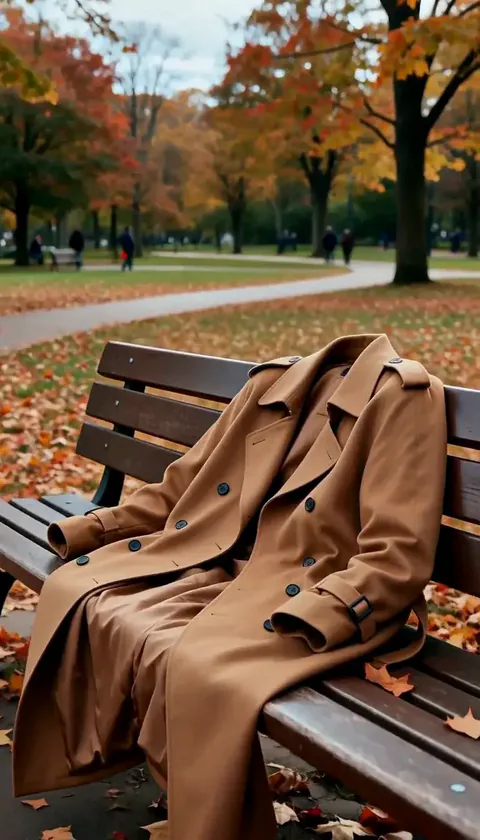 ZniknięcieZnikasz w mgnieniu oka, płaszcz przez chwilę trzyma twój kształt, a potem opada pusty.WypróbujNowośćOdtwórz
 Zalany pokójWoda w kilka sekund wypełnia pokój, a ty spokojnie unosisz się w głębokim niebieskim świetle.WypróbujNowośćOdtwórz
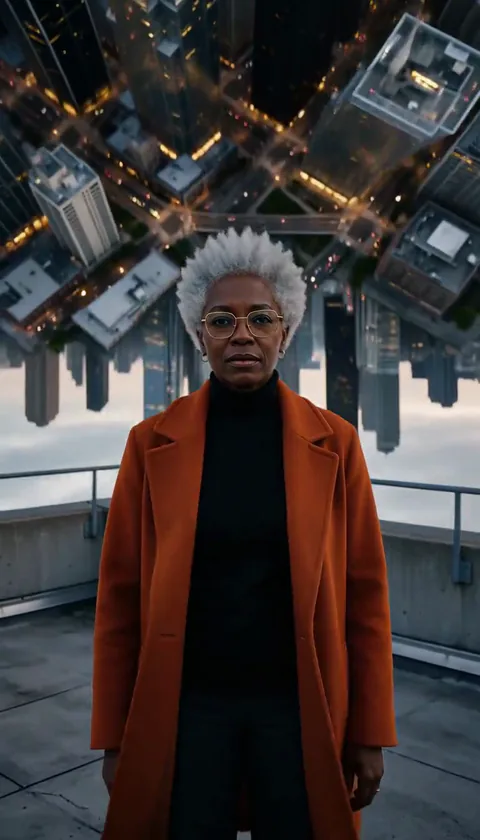 Składane miastoMiasto za tobą wygina się w górę i składa nad twoją głową jak strona książki.WypróbujNowośćOdtwórz
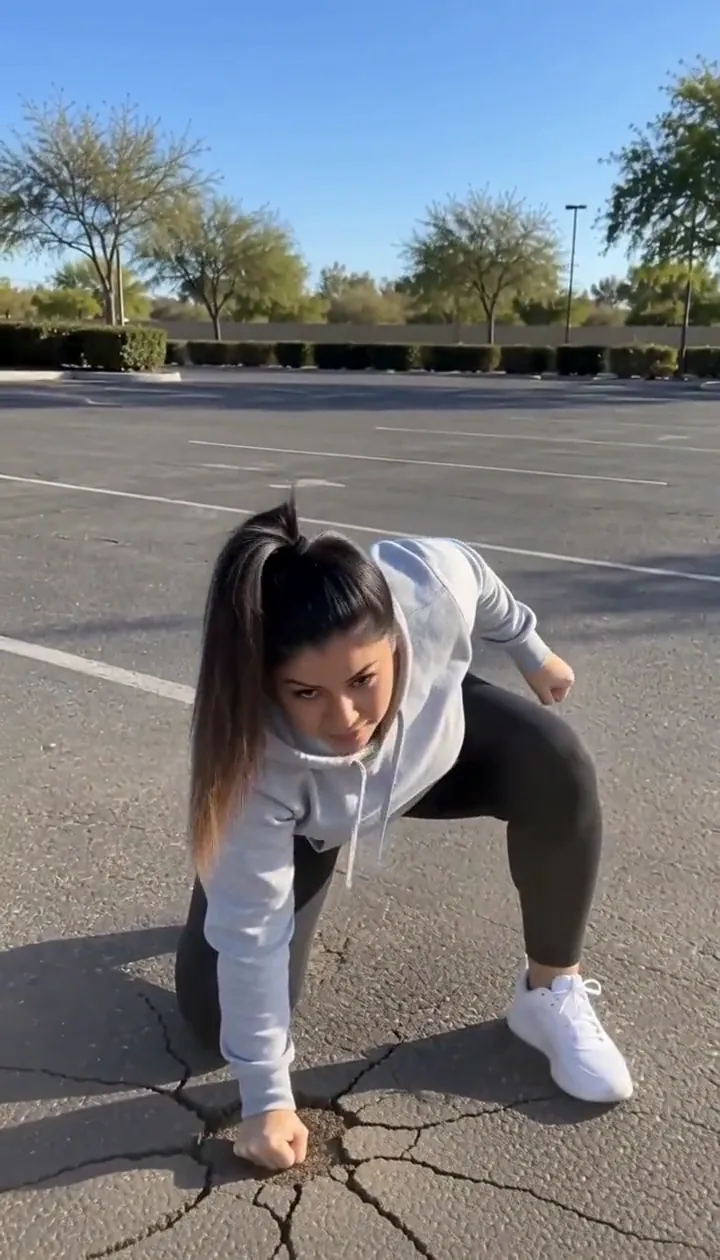 Lądowanie bohateraWyskakujesz z kadru i wracasz z lądowaniem na trzech punktach, od którego pęka ziemia.WypróbujNowośćOdtwórz
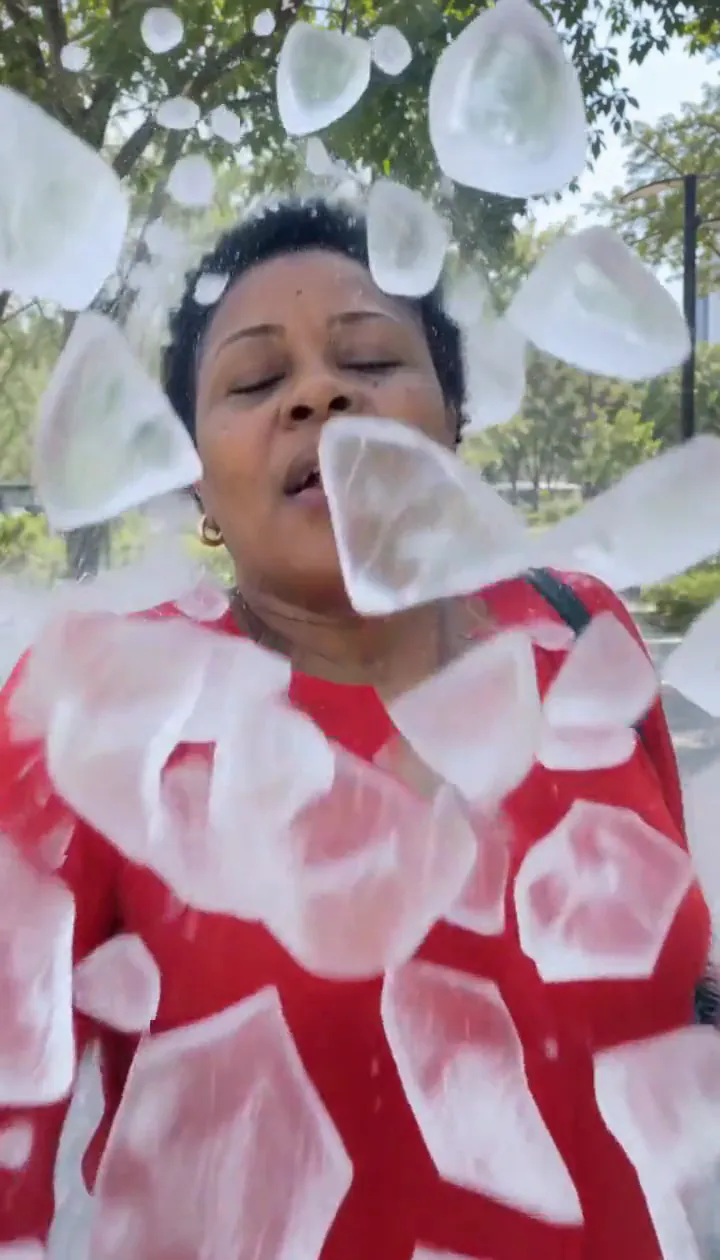 Lodowe odłamkiOtacza cię lodowa skorupa, która pęka na latające odłamki, a ty wychodzisz z uśmiechem.WypróbujNowośćOdtwórz
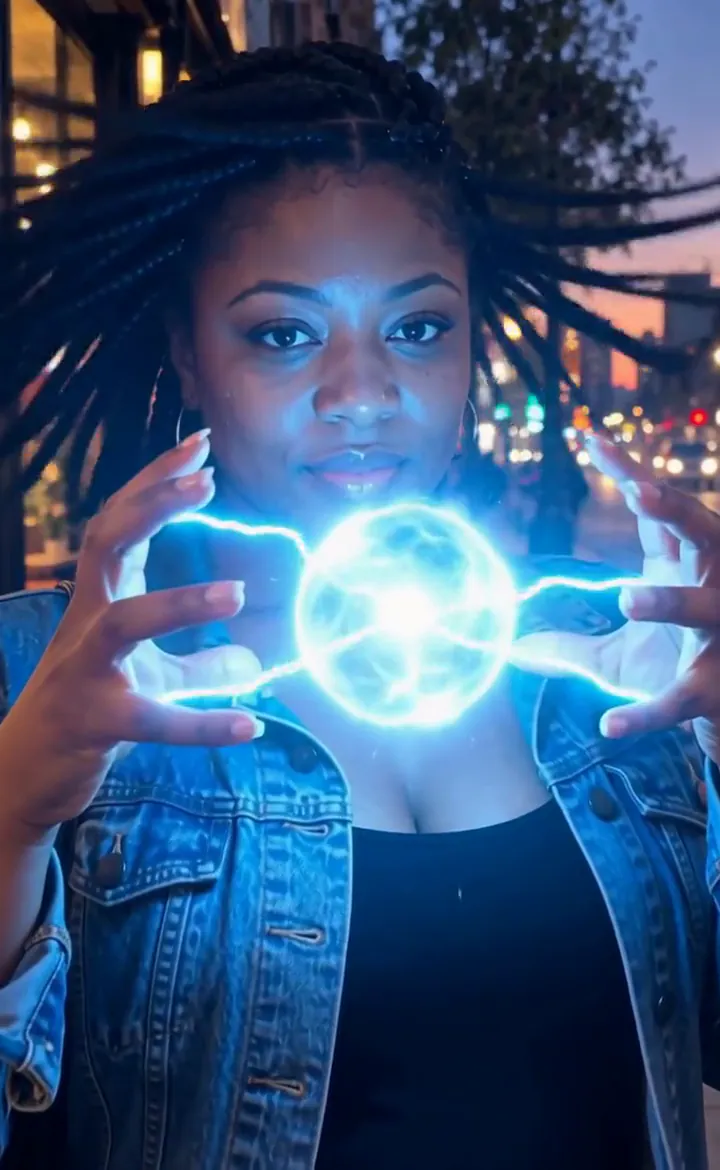 Dłonie z piorunamiMiędzy palcami trzaskają błyskawice i rosną w świetlistą kulę plazmy.WypróbujNowośćOdtwórz

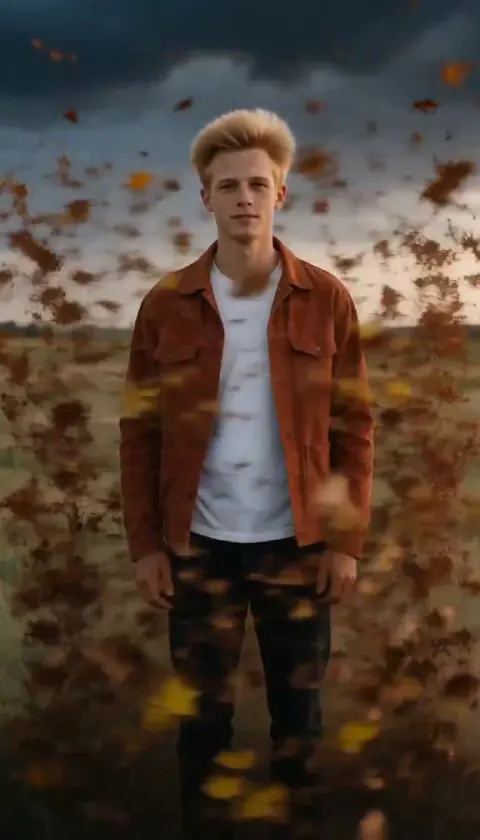
Co robi efekt Złote rozproszenie
Golden Dissolve turns a portrait into a quiet departure. Gold light breaks away from the fingertips and shoulders, travels across the figure, and streams into the space beside them. The empty background becomes the final image, so choose a place you would still enjoy looking at after the person has gone.
Think of the movement as an ending for a travel diary, a fantasy farewell, or a transition into the next scene. The drifting particles carry the action; a busy camera move would compete with that small, gradual change. This is the cinematic edition of Turn to Dust, using a six-second H3 Max render with streaming gold light instead of a plain dust breakup.
Jak użyć Złote rozproszenie
- Frame the departure Upload a portrait with an uncluttered area beside the person and enough background to remain interesting afterward.
- Choose the particle render Keep MiniMax H3 Max selected to match the flowing gold samples rather than assuming a budget option produces identical detail.
- Watch the last outline Review the fingertips, shoulders and final empty setting before choosing the cut point for your next scene.
Jakie zdjęcia pasują do efektu Złote rozproszenie
Sprawdza się
- One person with a clear outline
- A park or promenade with empty space to one side
Lepiej unikać
- People overlapping each other
- A face filling nearly the entire picture
Przykłady: Złote rozproszenie
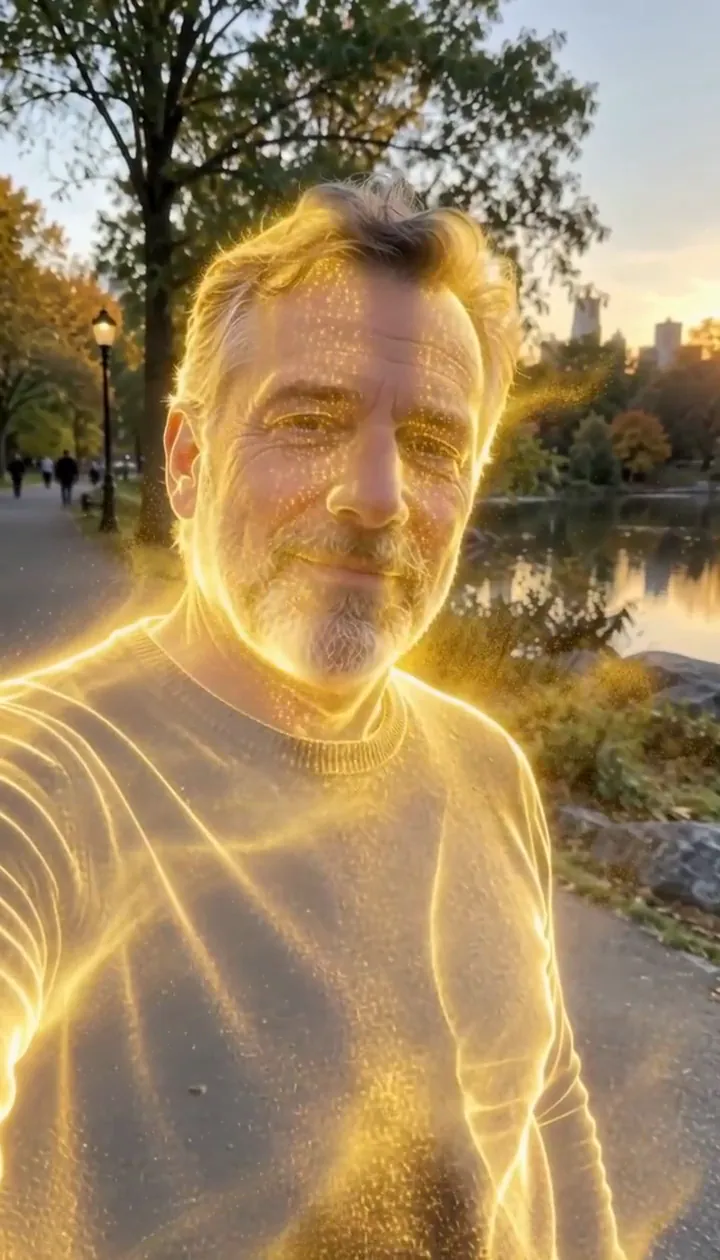

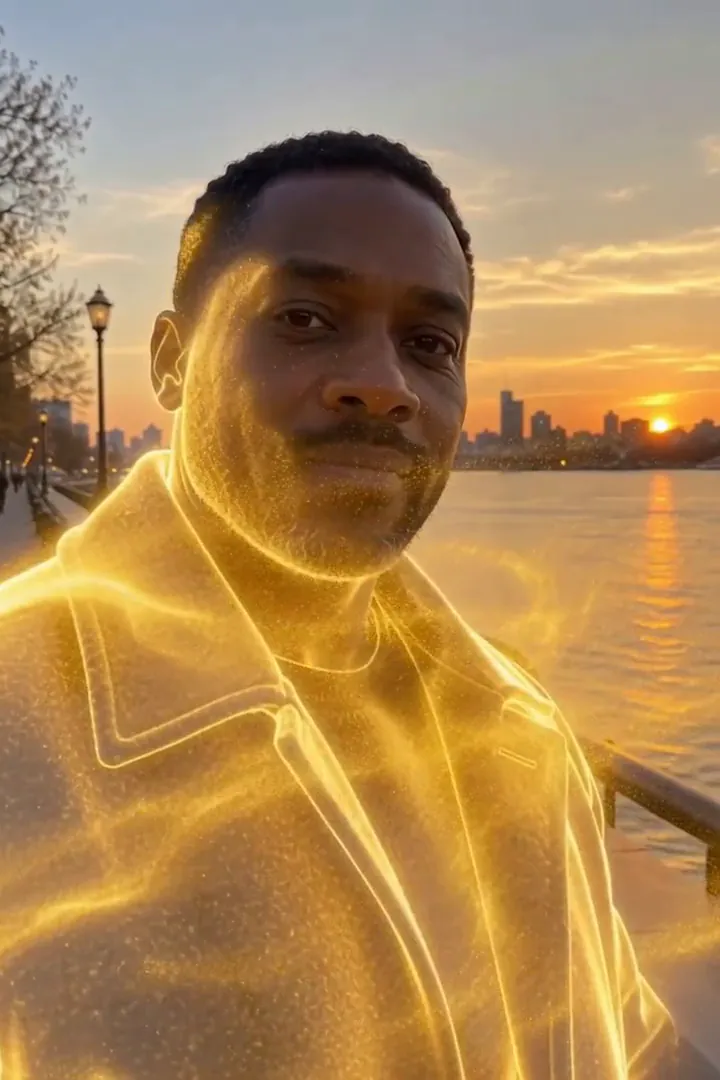
Co zobaczyliśmy, testując Złote rozproszenie
In our test runs, a man in his 50s with a trimmed grey beard and a navy sweater in a park in late-afternoon light. He dissolves into glowing gold particles until he is gone. Leave some open background on one side: the particles stream that way.
In the second run, a man in his 40s in a charcoal wool coat on a riverside promenade at golden hour. Gold sparks start at the shoulders, his whole figure turns to light, a golden outline lingers, then only the empty promenade is left. The person fully disappears by the end, so it works as an exit or a reveal shot.
Jak Złote rozproszenie wypada na poszczególnych modelach
- MiniMax H3 Max (480 kredytów · ok. 30 s) Default; MiniMax H3 Max made the samples. 480 credits, with a typical render time of 31 seconds. The Golden Dissolve render includes generated sound; its page samples play muted.
- MiniMax H3 (185 kredytów · ok. 55 s) MiniMax H3 costs 185 credits; cheaper and untested with this prompt, so the published effect is not a tested promise for this option.
- Seedance 2.0 Mini · 480p (124 kredyty · ok. 2 min)
Prompt efektu Złote rozproszenie
Starting at the person's fingertips and shoulders, their body slowly dissolves into millions of glowing golden particles that peel away and stream sideways on a gentle wind, swirling through the air and catching the light, until only a shimmering golden outline remains. The background stays still. Camera holds steady with a slow push-in. Ethereal, elegant, cinematic VFX.Jak uzyskać lepszy wynik z Złote rozproszenie
- Keep the original location visible around the whole torso; the scenery gives the disappearing figure a stable reference.
- Avoid a crop that clips the shoulders, where the golden breakup begins.
Złote rozproszenie: pytania i odpowiedzi
Does the gold leave a person standing at the finish?
In our test runs the figure disappeared completely, with a brief luminous outline before the background was empty.
Where should I leave room for the departing sparks?
Keep an open strip beside the shoulders and torso so the sideways stream can separate visibly from the body.
Would a crowded party picture suit this golden exit?
A solitary figure is the clearer starting point because neighboring bodies can interrupt the silhouette you want to dissolve.
Is this a solid gold statue transformation?
The intended finish is an absence made from drifting light; choose Molten Gold when you want a solid gilded figure instead.
How can I use the empty promenade ending?
Place your next shot after the last particles fade to make the disappearance serve as a gentle visual handoff.
Podobne efekty i narzędzia
- W proch · Rozsypujesz się w świecący pył, który odlatuje.
- Deszcz płatków · Rozpadasz się w wir płatków róż.
- Złoty pył · Deszcz złotego brokatu w zwolnionym tempie spada na ciebie.
- Trim the Golden Dissolve sequence in the editor