


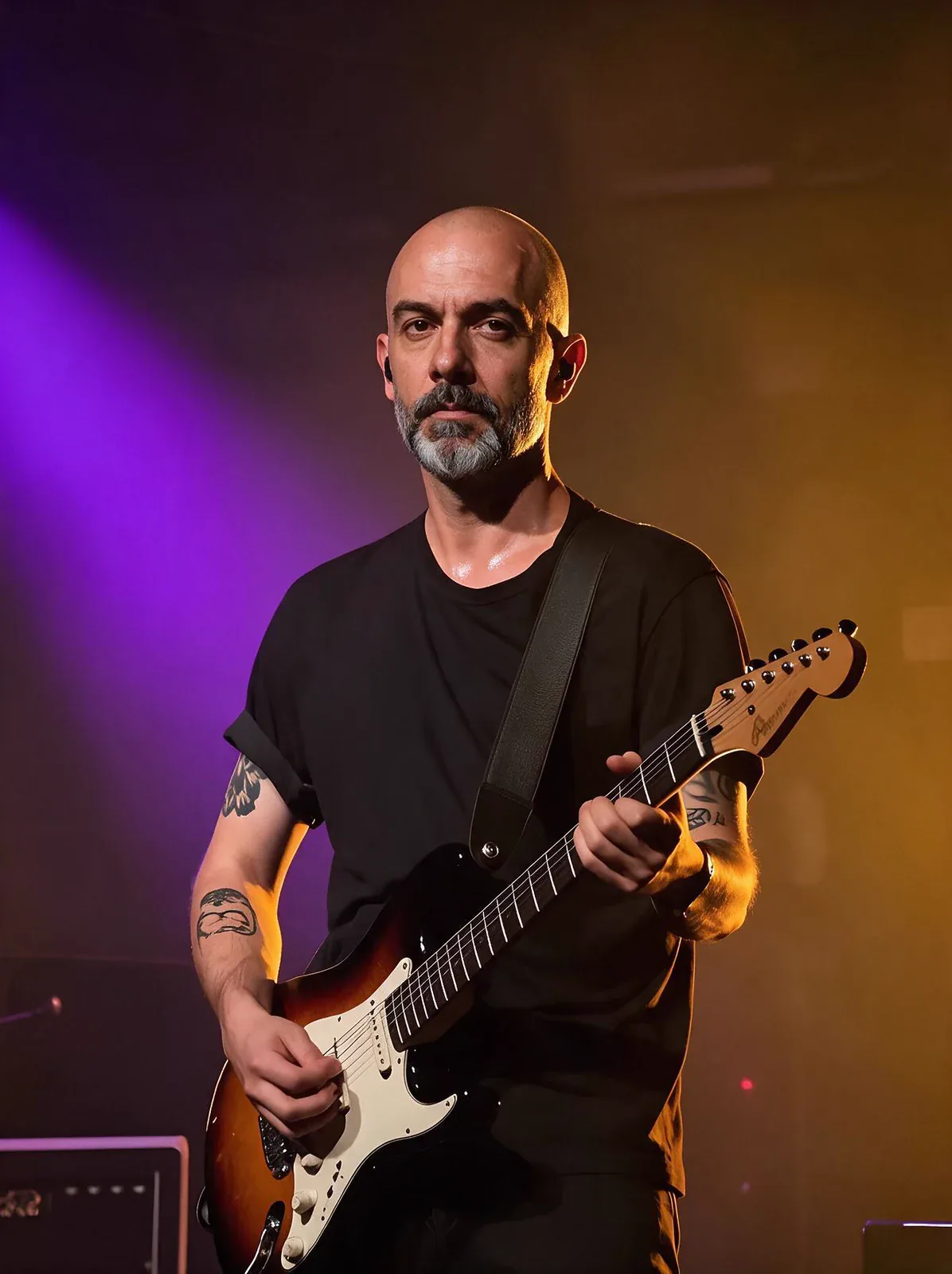
実際に使ってみると
Head Swap moves an entire head, face, hairstyle and hair colour included, from a reference photo onto the person in a target image, keeping their body, wardrobe, pose and background.
向いている用途
- Costume and cosplay frames with a character's own hairstyle
- One recognisable character across many scenes
- Recasting a body shot you already like
Head Swapの実際の作例
ここにある画像と動画はすべてHead Swapで生成したものです。「同じものを作る」を押すと、同じプロンプトと設定でスタジオが開きます。
 元画像
元画像プロンプト不要、設定のみ
自分の画像を用意してください
Head Swapでできること
どのモードもHead Swapを選んだ状態でスタジオが開きます。料金は生成前に表示されます。
Head Swapのプロンプトのコツ
- Match the head angle and the lighting between the two photos.
- Avoid targets whose neck is hidden by a high collar, scarf or hair; that's where a seam shows.
- Only use people you have permission to use.
知っておきたい設定
そのほかの設定は適切な初期値になっているので、プロンプトを書けばすぐ生成できます。
image_url- 出発点になる画像。
seed0–2147483647- 同じ数字を使えば、同じ結果を再現できます。
ほかのモデルとの比較
同じ用途でも、得意なことと料金が違います。
Face Swap moves only the facial features and keeps the target's own hair.
Head Swapについてよくある質問
Head Swapの料金は?
PopNowでは、Head Swapは最安で2クレジット(1枚あたり)、約$0.02です。支払いはクレジット(1クレジット=0.01ドル)で、正確な料金は生成ボタンに事前に表示されます。失敗した生成は自動で返却されます。
Head Swapで何ができる?
PopNowでは、Head Swapは次のモードで使えます:顔の入れ替え。スタジオでモードを選び、プロンプトかファイルを入れるだけです。
Head Swapのプロンプトはどう書く?
Match the head angle and the lighting between the two photos. Avoid targets whose neck is hidden by a high collar, scarf or hair; that's where a seam shows. Only use people you have permission to use.
Head SwapとFace Swap、どちらを選ぶ?
Face Swap moves only the facial features and keeps the target's own hair.
Head Swapを使うのに何かインストールが必要?
不要です。Head SwapはPopNowのブラウザ上で動きます。プロンプトを書くかファイルを追加し、設定を選んで結果をダウンロードするだけ。登録すればすぐに生成できます。